One image of one version
A photo of the product made in 3D, in a setting, from one angle. For the catalogue, the website and social media. Every version or every angle is another image. See product rendering.
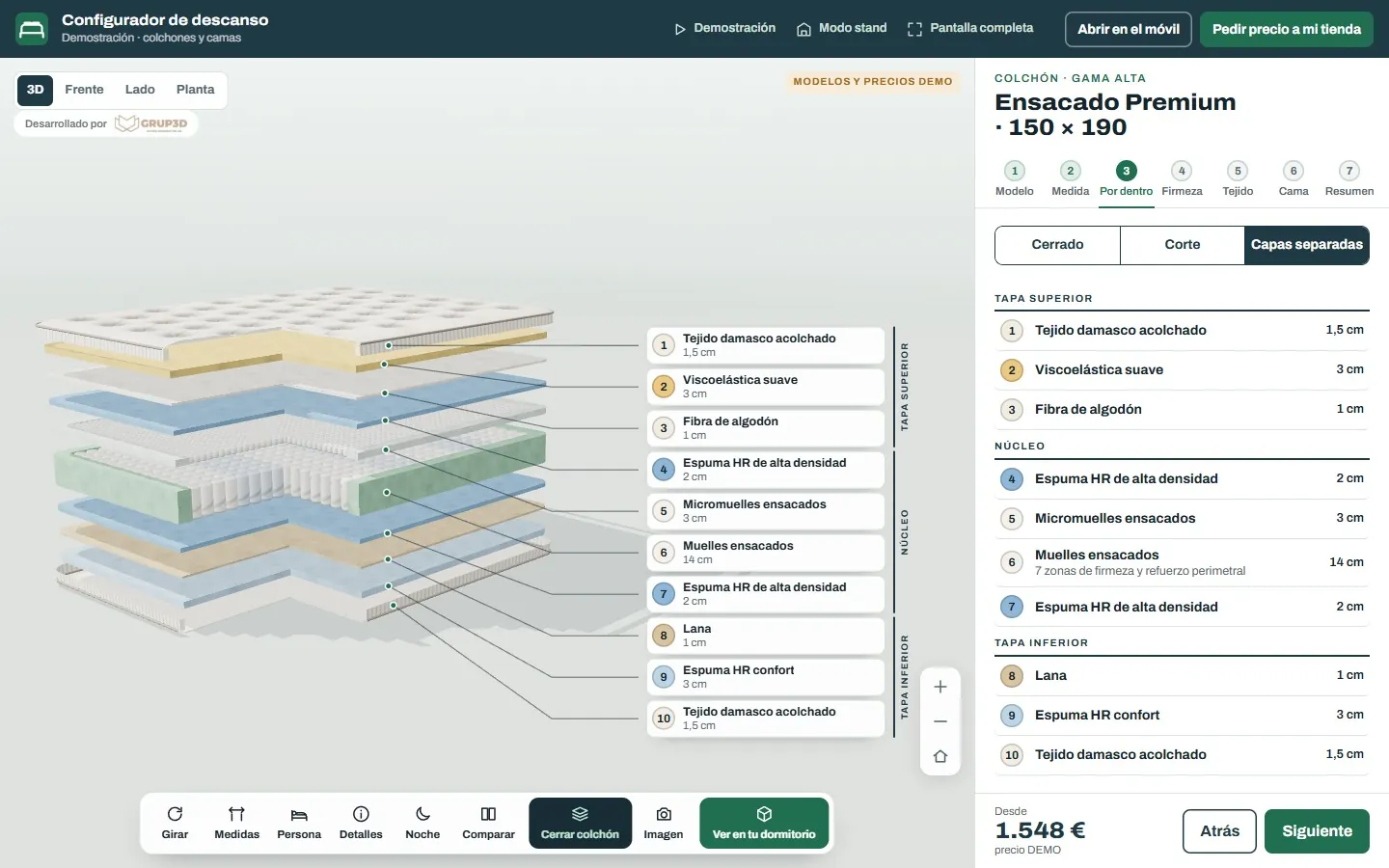
The 3D viewer is the configurator's little brother: the finished product, in 3D, to turn it, open it, see inside it or place it at home at real size from the phone, without changing anything. It costs less, is built sooner and works for any manufacturer's product page. What it is, when a viewer is enough and when a configurator is needed, how it is embedded in the website and how much it weighs.
Three things that get confused in the first meeting and are priced differently.
A photo of the product made in 3D, in a setting, from one angle. For the catalogue, the website and social media. Every version or every angle is another image. See product rendering.
The finished product in 3D on the product page: it turns, zooms, opens, shows its inside or lights up, and is placed at home at real size with the phone. There is one version, but you see all of it. See 3D product and 3D visualiser for online shops.
As well as turning it, the customer changes sizes, finishes, modules and extras, with your rules and, if you want, with price and order sheet. See what a 3D configurator is.
What a photo cannot show and a sales rep takes a visit to explain.
What is inside. The mattress layer by layer, the electrical enclosure with the door open and its mounting plate, the lift cabin from the inside, the equipped van with the drawers open. What sets your product apart from the cheap one is usually inside, and a photo does not show it.
How it works. The window that opens, the gate that slides, the shower screen that folds, the awning that extends, the industrial door that rises. One button and the product moves, on the product page, with no video.
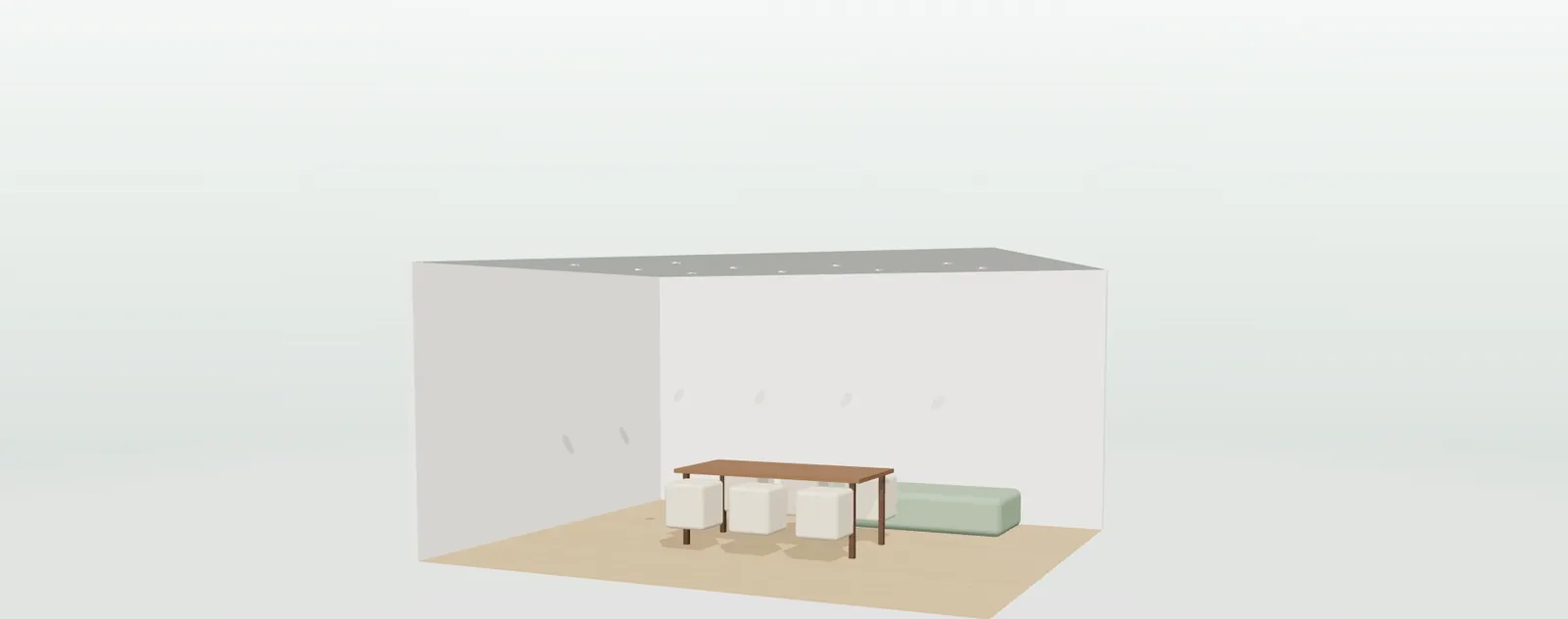
How it looks in place. With the phone, the product at real size on the customer's wall, terrace or parking space, with no app to install. See product augmented reality.
How it looks with light. The light fitting switched on at night, the LED strip in the room, the pool lit up: the night mode of the lighting demos.
A badly made viewer slows down the product page. A well-made one weighs less than the photo gallery.
An optimised model is built that loads fast and moves smoothly on mobile and desktop; it is not the design or factory file, which weighs hundreds of times more. The engineering model is used as a reference, not published.
The viewer does not load until the visitor reaches it or touches it; the product page opens at the same speed as before and the main photo is still the first thing you see.
It is seen in the browser on the phone, the tablet and the computer, without downloading viewers or apps, and augmented reality opens from the same viewer.
The viewer's model is the starting point for the configurator, the product renders and the animation. What is paid for once is used four times. See 3D product modelling for a configurator.
A simple rule: if the customer chooses between a few fixed versions, viewer; if the product is made to measure or with options that combine, configurator.
| Situation | What suits | Example from the demos |
|---|---|---|
| Fixed product with few versions | 3D viewer on each product page | Light fittings, mattresses from the inside, lift cabins |
| Product that moves or opens | Viewer with opening animation | Doors, windows, shower screens, awnings, gates |
| Few finishes to choose, no sizes | Visual configurator | Sofas with fabrics, signage letters, office furniture |
| Sizes, rules and price | Configurator with rules and price | Terrace enclosures, pools, shelving, wardrobes |
| Cutting list for the factory | Technical configurator | Windows, glass sliding doors, pergolas |
Development starts from €6,500 for a visual configurator of one product family; most manufacturer projects fall between €14,500 and €35,000, depending on catalogue, rules and integrations, plus maintenance from €190/month. A viewer that starts small becomes a configurator without throwing anything away: the 3D is the same.
There are more short answers in frequently asked questions about 3D configurators and who we are in 3D configurator company.
The viewer shows a finished product to turn it, open it, see inside it and place it at home at real size; there is a single version. The configurator also lets you change sizes, finishes, modules and extras with your rules and see the result instantly, with price and order sheet if wanted.
Not if it is made for the web: a light model that loads when the visitor reaches it, not when the page opens. The main photo is still the first thing you see and the product page opens at the same speed.
No. It works in the browser on the phone, the tablet and the computer, and augmented reality (the product at real size in the customer's space) opens from the same viewer with no app.
Yes. It is embedded with one line of code on the product page of your website or your online shop, without changing the platform, and on each distributor's website and on a shop tablet.
Yes. The viewer's model is the starting point for the configurator, the product renders and the animation. A viewer that starts small becomes a configurator without throwing anything away.
Single pieces (renders, animation, 360 tour and 3D product) start from €1,400; the modelling of each true-to-life part and finish is priced per product. Development starts from €6,500 for a visual configurator of one product family; most manufacturer projects fall between €14,500 and €35,000, depending on catalogue, rules and integrations, plus maintenance from €190/month. Details in 3D product pricing and the price of a 3D configurator.
Open, turn and switch on: the mattress from the inside, the light fitting at night, the window that opens, the charger in the parking space with augmented reality. In the open demos, with no sign-up and with sample products, at configurador.grup3d.es/demo.
With your product? Send us a product page from your website and, if you have one, a 3D file or a drawing, and in a 20-minute video call we will tell you whether a viewer is enough or a configurator makes sense, with price and lead time. No commitment.
Would you rather talk it through? Call us on 662 061 421 or write to grup3d@grup3d.es.
Real examples of 3D configurators: windows, pergolas, kitchens, sofas, tiles, shelving and LED strips. 48 open demos and what comes out at the end of each one.
Read →How a product is modelled in 3D for a configurator: which files work, what is modelled and what is generated from its dimensions, and what it costs per part and per finish.
Read →The index with one card per configurator, filtered by sector, with their open demos.
Read →For manufacturers and for those who sell without a factory: what we do, how, and at what price.
Read →Price, code, cutting lists, online shop, mobile, AI and every sector.
Read →The three levels, what each one includes and what is priced separately.
Read →