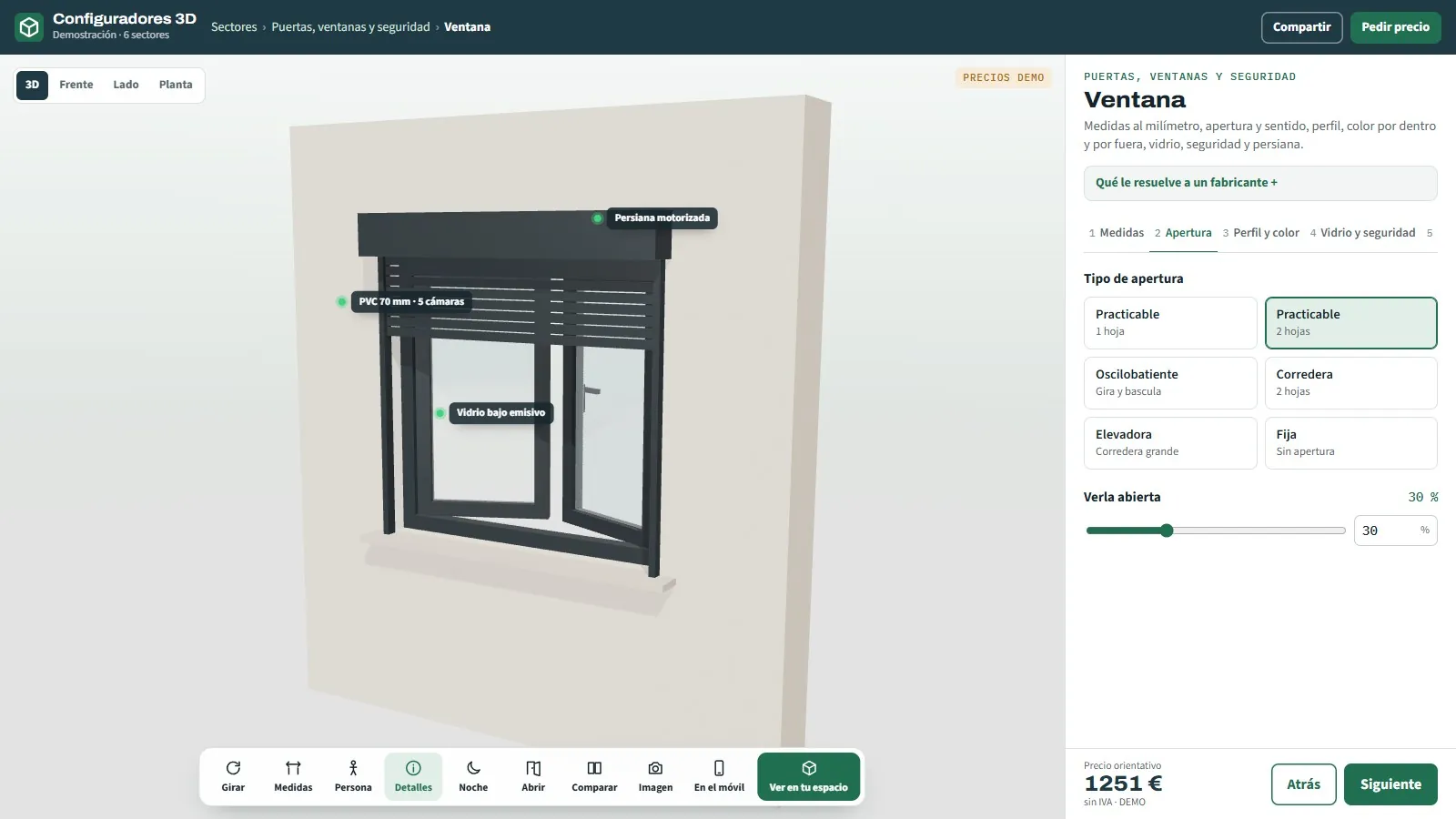
Doors, windows and security
Windows with handing and opening chosen while looking at the open sash, industrial doors with a scale lorry in front of the opening, lift cabins, roller shutters, gates and sub-frames per project with a label per home.
Searching for “3D configurator examples” usually ends in videos from other countries and platforms that ask you to sign up. Here are 48 real examples, open and with no sign-up, with sample products and prices: what each one does, what to touch to see it and what comes out at the end.
The 48 configurators start from the same base. The product changes and so do the rules, but what the customer does and what you receive is the same in all of them.
In every example the customer chooses sizes, finishes and options while seeing the product in 3D in the browser, with nothing to install, on a computer, tablet or phone. Every change shows instantly and recalculates an indicative price with the sample price list. The rules work underneath: what cannot be manufactured cannot be chosen, and anything outside the size, weight or regulation limits is flagged on screen with the alternative.
At the end, the customer gets a PDF with the image, the technical data and the price, and can share their design with a link, an image or a QR code. With augmented reality they place it at real size in their home, their terrace or their warehouse, with no app. The request reaches a panel with the full configuration and, in the technical configurators, with the order sheet or the cutting list for the factory.
The demos are stored in your own browser and send nothing to anyone: you can try, break and start again. In your configurator, every request reaches your panel and your inbox.
Each sector has its own page with all its configurators. Here, one or two examples from each to get started.
Windows with handing and opening chosen while looking at the open sash, industrial doors with a scale lorry in front of the opening, lift cabins, roller shutters, gates and sub-frames per project with a label per home.
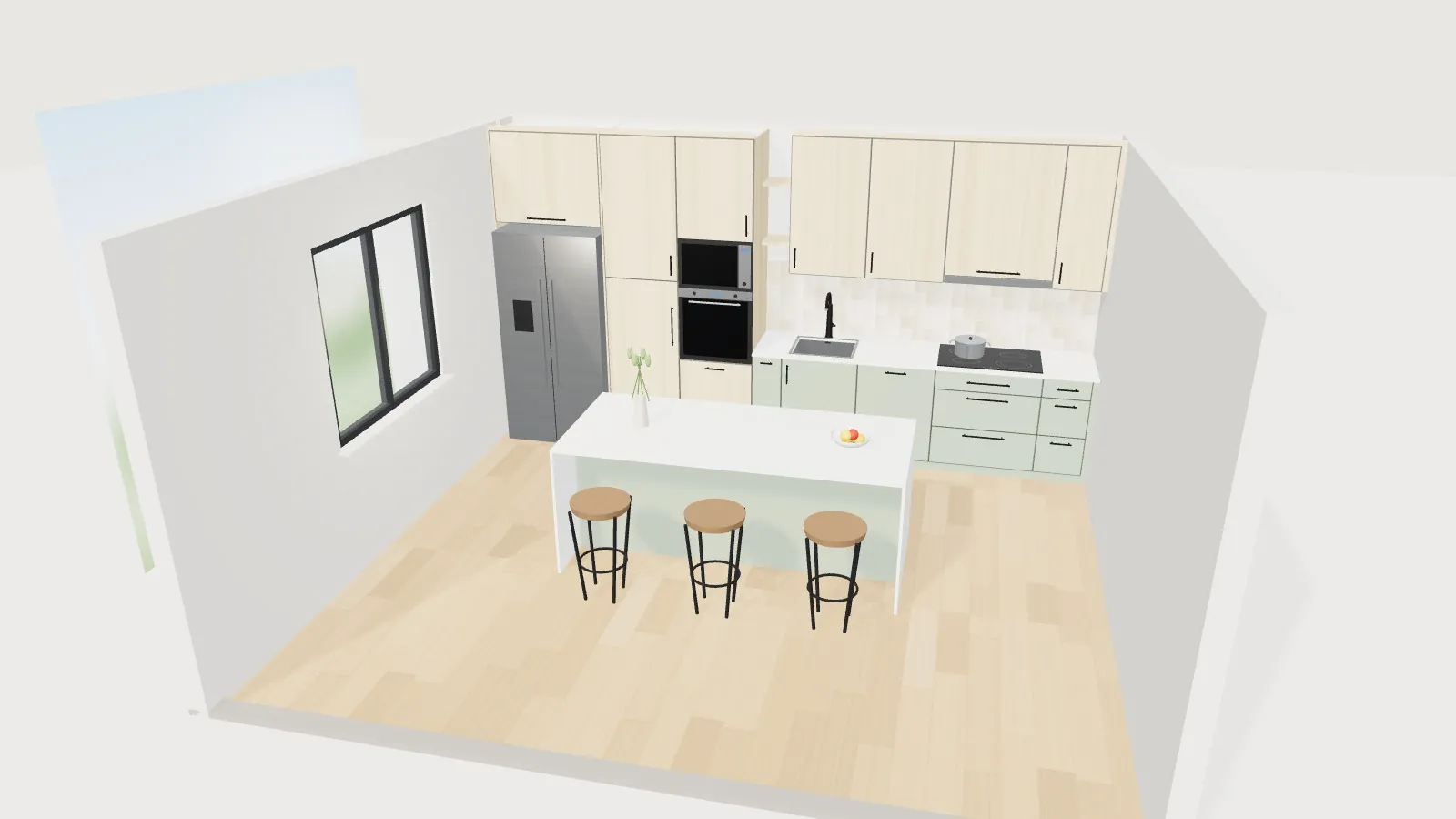
Made-to-measure kitchens and wardrobes with drawings and a workshop sheet, board decors loaded from Excel, sofas with 24 fabrics, mattresses seen from the inside, complete beds with storage base and headboard, office furniture and fittings.
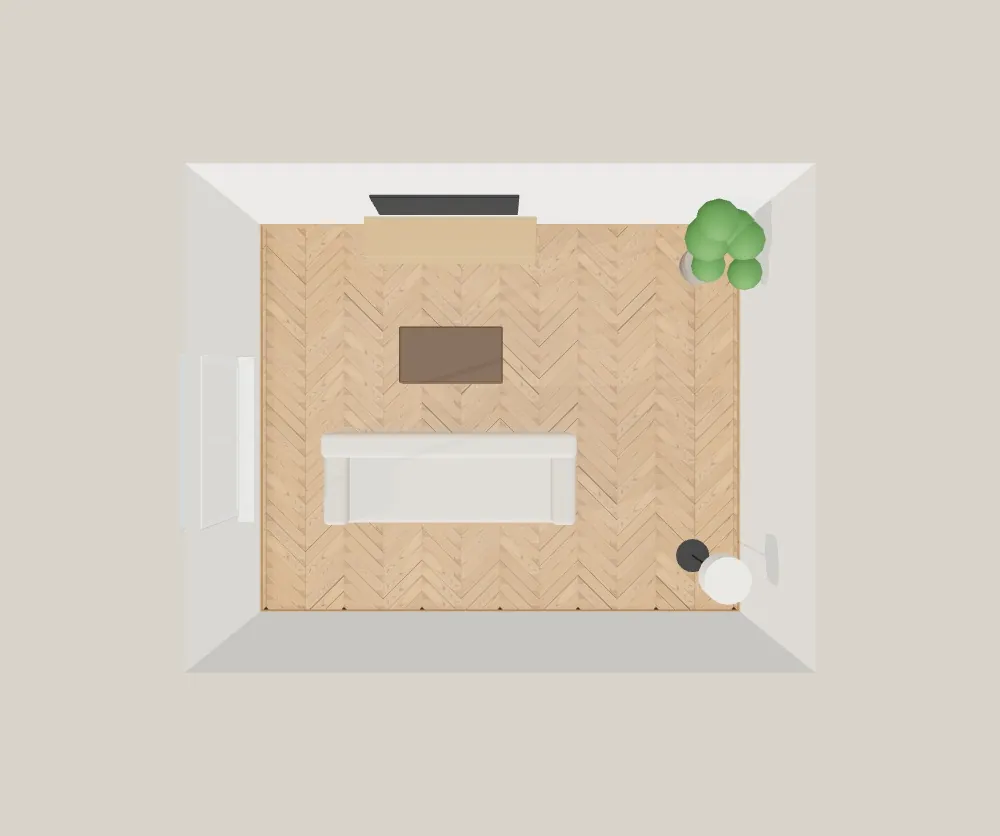
Tiles and floors laid piece by piece or plank by plank in the room, with boxes and wastage; made-to-measure shower trays and screens; bathroom furniture that fits the space; stone and quartz worktops.
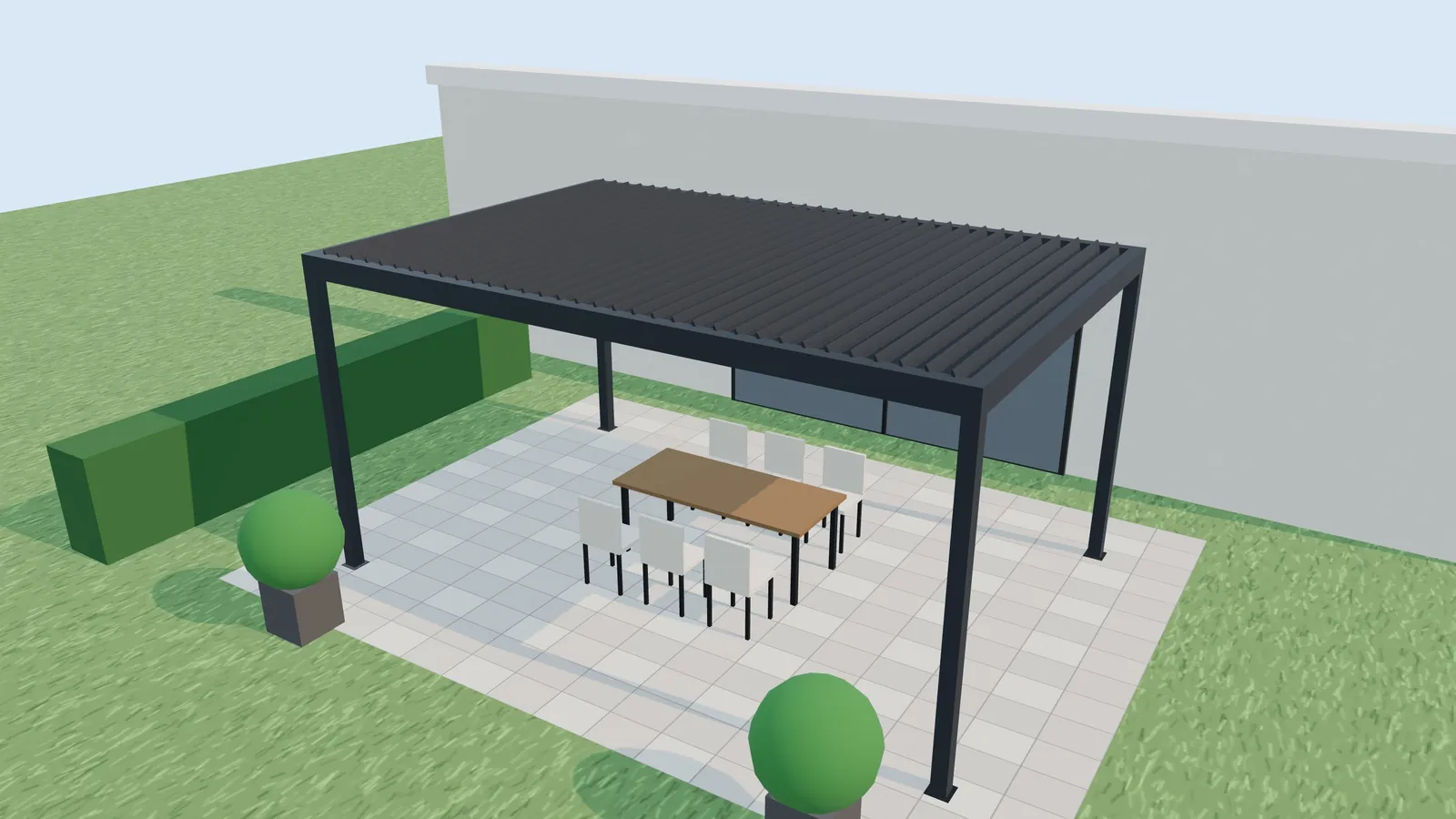
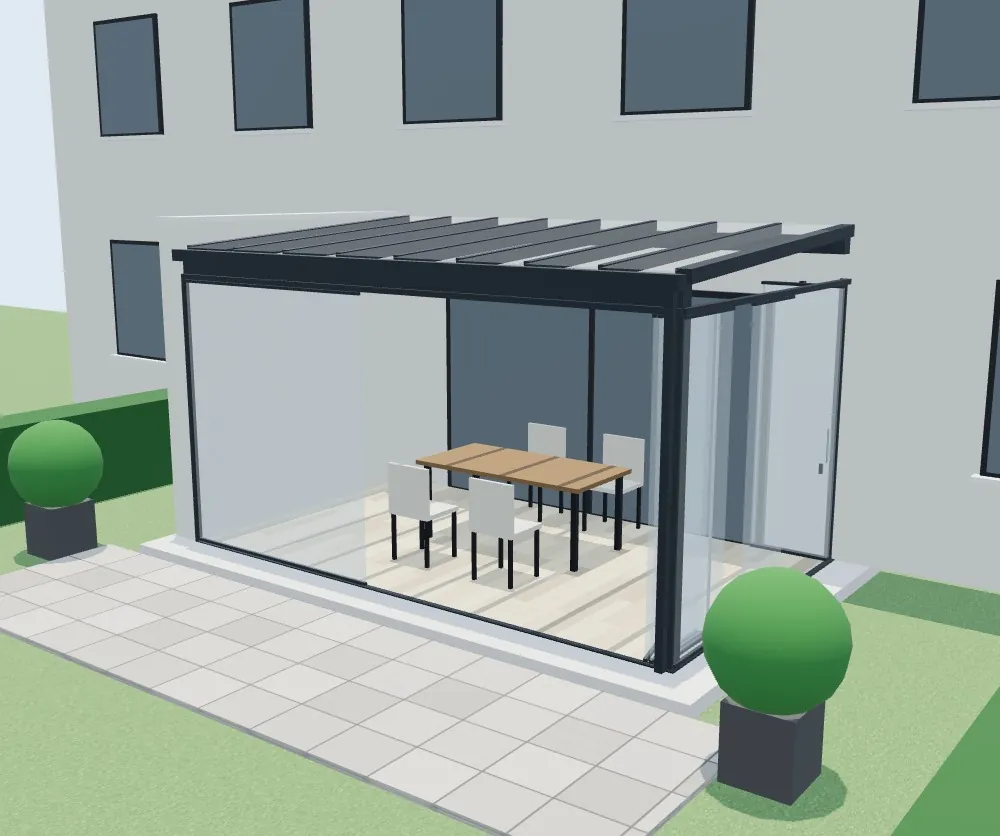
Pergolas with technical rules and cutting lists, awnings that extend in 3D, railings by the metre with a minimum-height warning, solar canopies, prefabricated modules with transport, benches for tenders, terrace enclosures and pools with a plot checker.
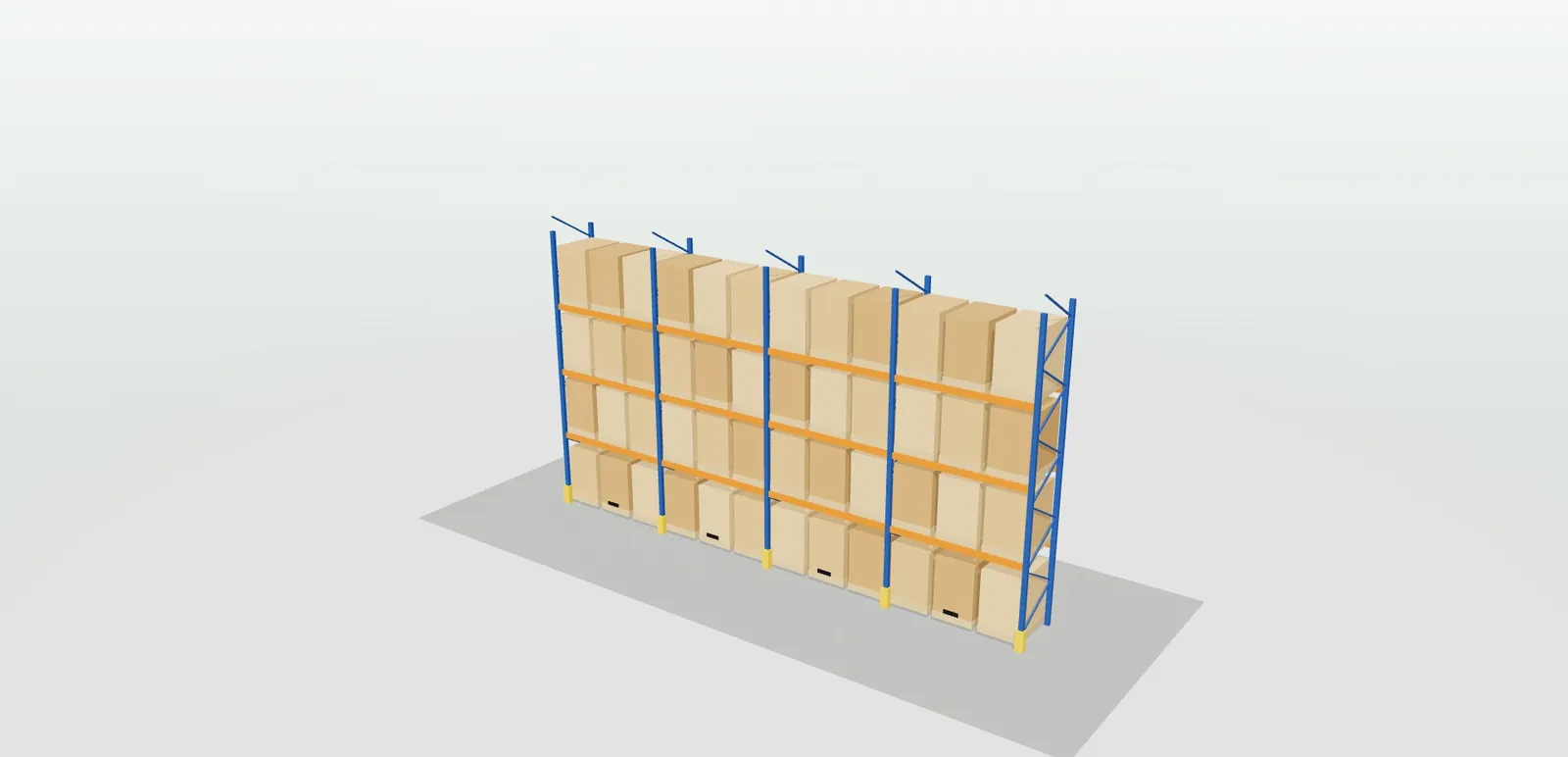
Lubrication systems sized with the yearly saving, air conditioning with the calculated output, shelving with pallet positions, conveyors with boxes per minute, equipped vans, tanks with a bund and a pallet catalogue that loads the lorry.
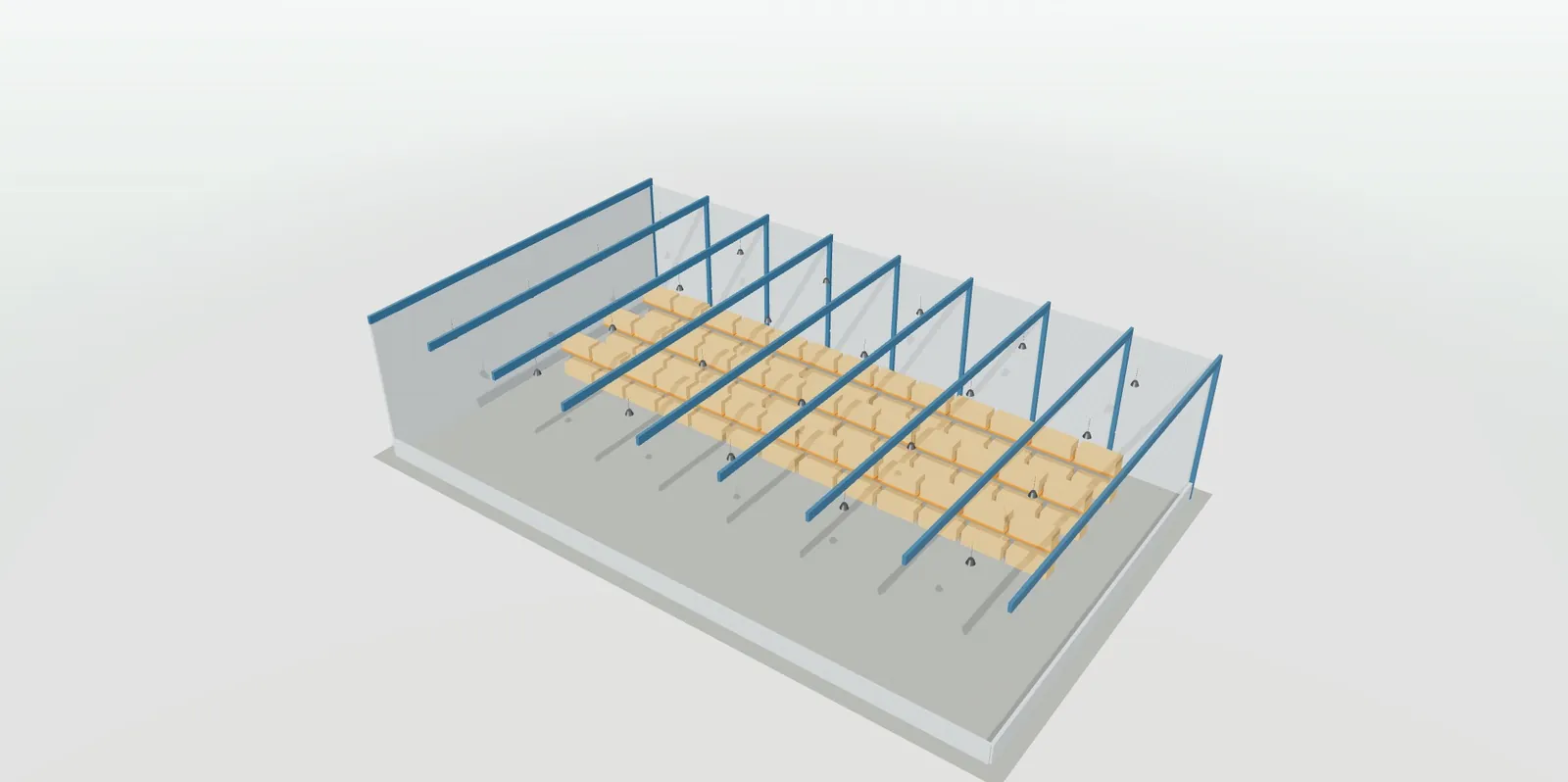
LED strips with the power supply calculated, light fittings with the room lit up and the lux, warehouse high-bays with consumption and saving, signage lit at night on the façade, electrical enclosures that open, solar panels by province and EV chargers with the distance to the board in the price.
What to touch in each demo to see what sets it apart from a catalogue with photos. All with sample products and prices.
Open the sash in 3D with the button and choose the handing with the hinges in view: the window is seen from inside, as the installer sees it. Change the glazing and the roller shutter and watch how the price changes. Page: 3D window configurator.
Choose “Terrace”, open the panels with the slider and move on to the bioclimatic roof. In the summary, download the PDF for the residents' association with the views from outside and the dimensioned drawing. Page: terrace enclosure configurator.
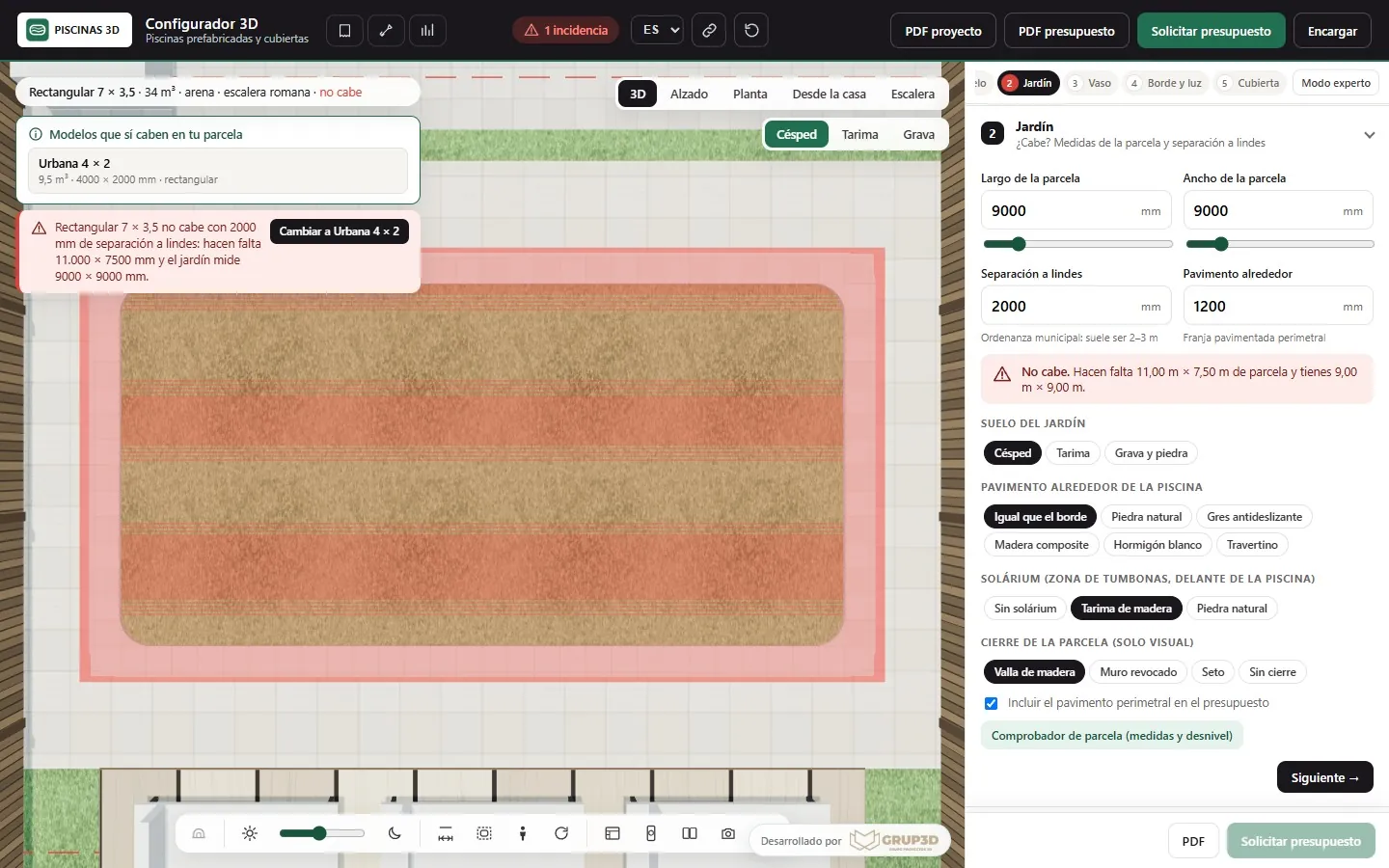
Choose the 7 × 3.5 rectangular pool, switch to “Garden”, turn on the boundaries and shrink the plot until it no longer fits: the configurator suggests the shells that do fit. Then add the telescopic cover and open it. Page: pool configurator.
Go to the “Bed” step, add the storage base and open it, change the headboard to “Wingback” and choose the “Velvet” family: the fabric dresses base and headboard and the bedside tables tint to match. Press “Night” to see the lamps. Page: bed and bedroom configurator.
Press “Change floor…”, choose the engineered oak, switch to the herringbone format and try the chevron: the floor is laid plank by plank. Under “Material and summary” you get the square metres with wastage, the boxes, the underlay and the skirting. Page: flooring configurator.
Change bays, height and levels: the configurator recalculates pallet positions, capacity and floor area, and produces the order sheet with frames, beams, protectors and anchors. Go past 7 metres and it warns you. Page: shelving configurator.
Enter the metres and the type of strip: you get the recommended power supply, the reels, profiles, end caps and clips, and a warning if there is a voltage drop. The room lights up at night with the chosen light. Page: LED strip configurator.
Choose a wall or post charger, the power and the distance to the board: metres of cable and protection devices change the price, and the charging time is calculated. With augmented reality, the charger appears at real size in the parking space. Page: EV charger configurator.
A configurator is judged by what it delivers, not by what it shows. This is what comes out of each demo and what would come out of your configurator.
No sign-up and no password, except the full pergola demo, which is requested from its page.
At configurador.grup3d.es/demo you will find 40 of the 48 examples, by sector, with sample products and prices. The kitchen, mattress, bedroom, terrace enclosure, pool, flooring, board decor and pallet demos open from their own pages.
All the examples work on the phone and the tablet. That is where installers use them on site and customers at home, and where augmented reality gets tested.
Enter an impossible size, a height below the regulation or a combination that does not exist: the configurator has to warn you and suggest the way out. That is the difference between a viewer and a configurator.
Send us the catalogue or the price list for two or three of your products and in a 20-minute video call you will see the example with your rules, your finishes and your logo.
There are more short answers in frequently asked questions about 3D configurators and who we are in 3D configurator company.
They are real configurators: they calculate with sample rules and price lists, generate the PDF and the order sheet and store the request in a demo panel. What changes in your project is the catalogue, the rules, the price list and where the requests go.
Because they are sample prices, there to show how the quote is recalculated with every change. In your configurator the price comes from your price list, with transport, installation and extras where applicable, and you change it yourself from the panel.
Not as it is: they are demonstrations with generic products. Your configurator starts from that base, which already works, and is loaded with your range, your rules and your price list. That is why you do not pay for development from scratch.
Six sectors with 48 configurators: doors, windows and security; furniture, wood and textiles; bathroom, tiles and flooring; outdoor, metal and street furniture; machinery, air conditioning, logistics and plastics; and lighting, electrical and energy. If your product is not there, it is studied and developed bespoke on the same base.
The one for the product closest to yours, and then a technical one: terrace enclosures, pergolas or shelving show the rules and the order sheet; bedroom and sofas, the fabrics and augmented reality; EV chargers and LED strip, the calculations. In ten minutes you can see the difference from a catalogue.
Development starts from €6,500 for a visual configurator of one product family; most manufacturer projects fall between €14,500 and €35,000, depending on catalogue, rules and integrations, plus maintenance from €190/month. Separately, per product, 3D modelling and materials and finishes, at €30 to €120 per part or finish (or more). Details in the price of a 3D configurator.
The 48 examples are open, with no sign-up, with sample products and prices, at configurador.grup3d.es/demo and on each configurator's page. On computer, tablet and phone.
With your range in front of you? Send us the catalogue or the price list for two or three of your products and in a 20-minute video call you will see the example with your rules, your finishes and your logo. No commitment.
Would you rather talk it through? Call us on 662 061 421 or write to grup3d@grup3d.es.
How to build a 3D configurator: four decisions beforehand, what is needed (range, rules, price list, files), the four steps, five mistakes, lead times and price.
Read →Ten benefits of a 3D configurator for a manufacturer and what to measure in each one: visits, order errors, extras sold, technical office and leads.
Read →The index with one card per configurator, filtered by sector, with their open demos.
Read →For manufacturers and for those who sell without a factory: what we do, how, and at what price.
Read →Price, code, cutting lists, online shop, mobile, AI and every sector.
Read →The three levels, what each one includes and what is priced separately.
Read →