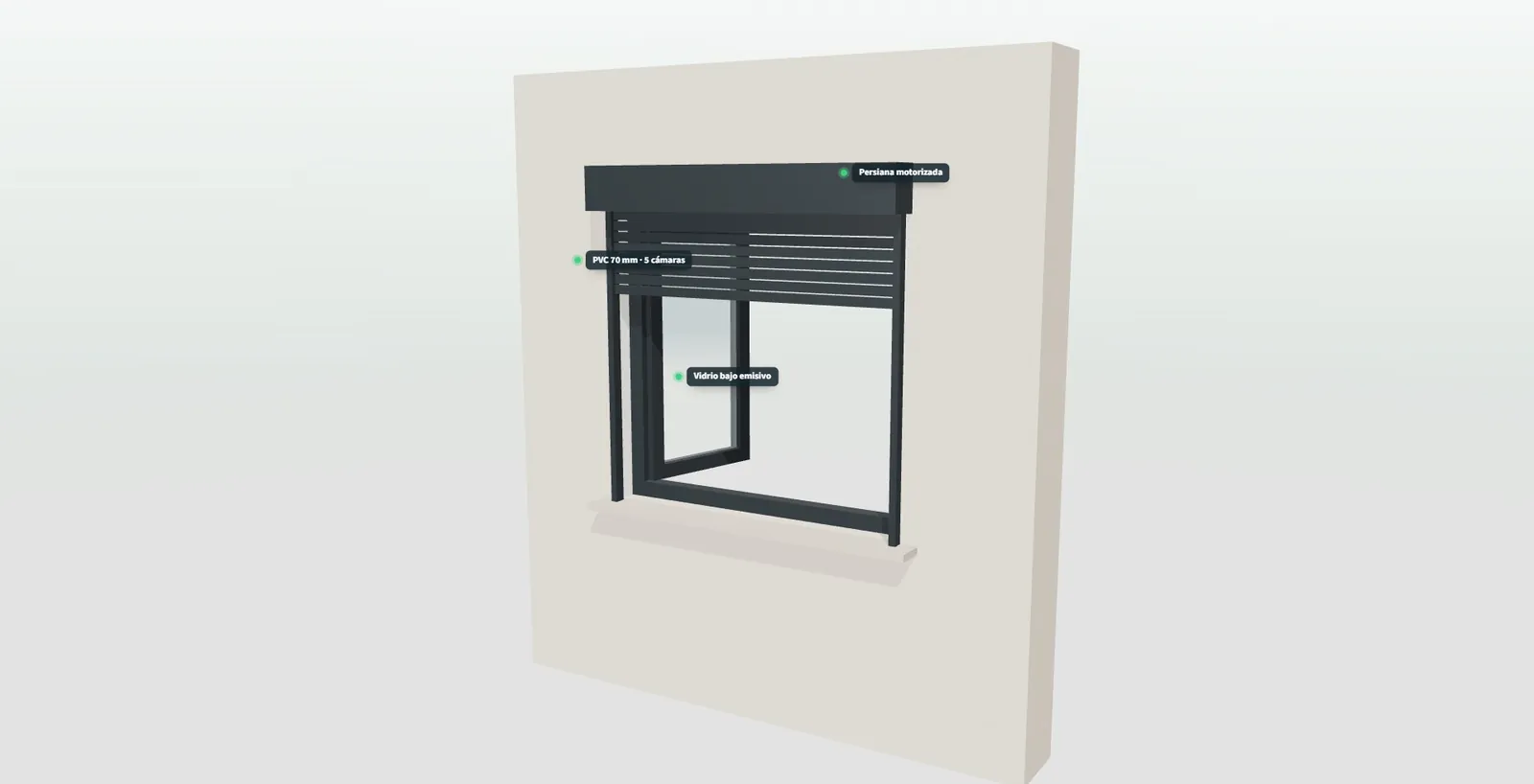
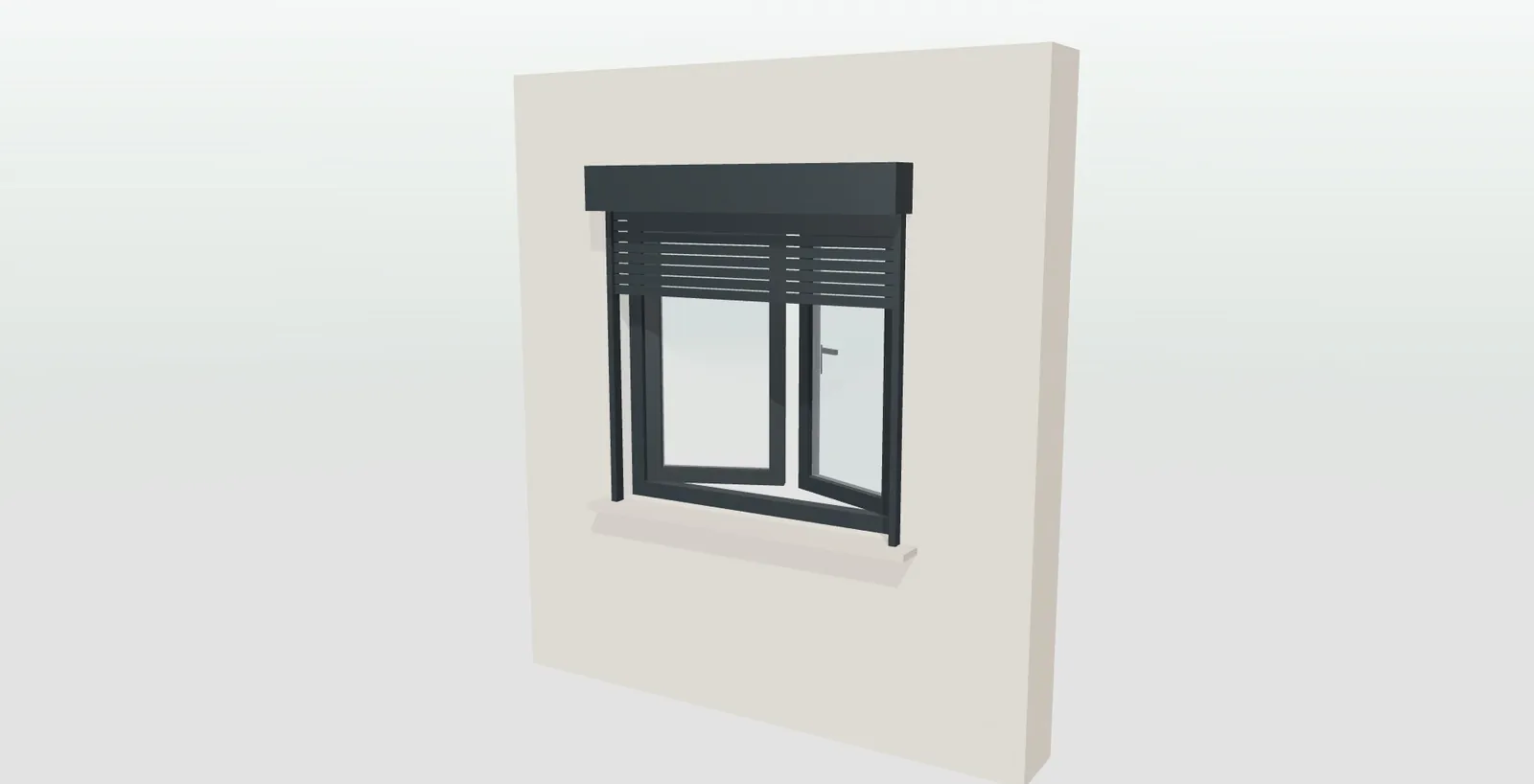
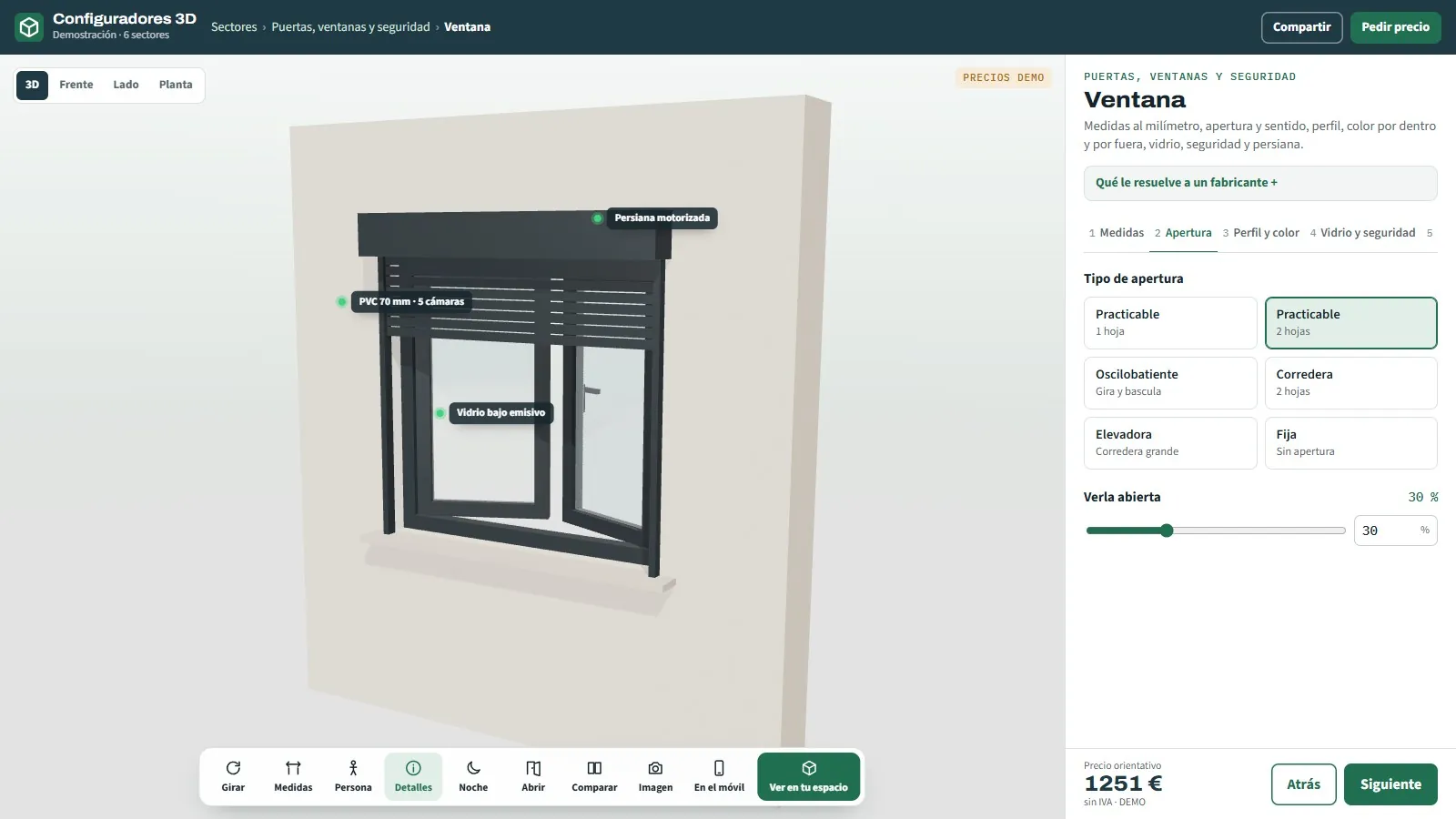
3D window configurator from the doors, windows and security sector demo: a window with roller blind in 3D, labels on the profile and the glass, opening types and an indicative price
DOORS, WINDOWS AND SECURITY · 7 OPEN DEMOS
— FOR MANUFACTURERS, DISTRIBUTORS AND INSTALLERS

3D configurators
for door and window
manufacturers.

“One at 120 × 140, tilt-and-turn, left-handed, like the other one.” A pencil sketch, the photo of an opening. That is how many orders reach the factory, and that is how the ones that go wrong come back. With a 3D configurator, your network choose size, handing and finish while looking at the piece, with its price, and you receive an order sheet that needs no interpreting.

— WHAT HAPPENS TO YOU

An order
that passes through
five pairs of hands.

Monday, first thing, in the technical office of an exterior joinery manufacturer. Waiting in the inbox and on the company WhatsApp are the weekend's orders: a template filled in by hand and scanned crooked, the photo of a sketch, a voice message from an installer dictating measurements from the van. PVC windows, a security door, motorised roller blinds and the subframe list for a development. Before anything is made, someone has to understand it and copy it by hand onto the production sheet.

Half of them come with a doubt. The window says “left”, but not from where. The door has “bar”, but not which one. The blind asks for “motor”, without saying whether with a switch or an app. Every doubt is a call to a busy distributor or an installer up on scaffolding. Meanwhile, in the showroom, a homeowner asks for the price of three windows and a door and leaves with a catalogue and a “we'll call you”, because the factory calculates the price.

Three weeks later, on site, the mistake nobody saw appears: a sash that opens the wrong way, a blind box that was not the renovation one, hinges on the other side. Nobody lied; everyone read the order their own way. The piece comes back, is made again and fitted again. And the following Monday, the inbox is full of photos again.

— THINGS YOU HEAR EVERY WEEK

How hard it is
to sell doors and windows
made to measure.

At the factory, in the showroom, in the van and at the residents' meeting. Under each phrase, how it gets solved.

“Can you give me a price now? I have it in front of me.”

The price depends on the factory

The distributor has the customer in the showroom and can only give a figure from memory. For a serious price they have to ask about opening, profile, glass and blind and wait for the factory. By the time it arrives, the customer has already asked two others.

With the configuratorAn indicative price with your price list and each distributor's discounts, recalculated with every change.

“Left seen from where?”

Handing, open to interpretation

One letter on a sketch works for two pieces: the one seen from the street and the one seen from inside. The window comes out perfect in size, opens the wrong way and it is discovered on site.

With the configuratorThe piece opens in 3D and the handing is chosen by looking at it, with the hinges in view. That is how it goes on the order.

“Send me a photo of the opening and I'll let you know.”

Visits just to give a price

Without the opening, the use or the vehicle that drives through, a price over the phone is a risk. Someone takes the car to measure a warehouse door or a gate, even if the visit ends in “we'll let you know”.

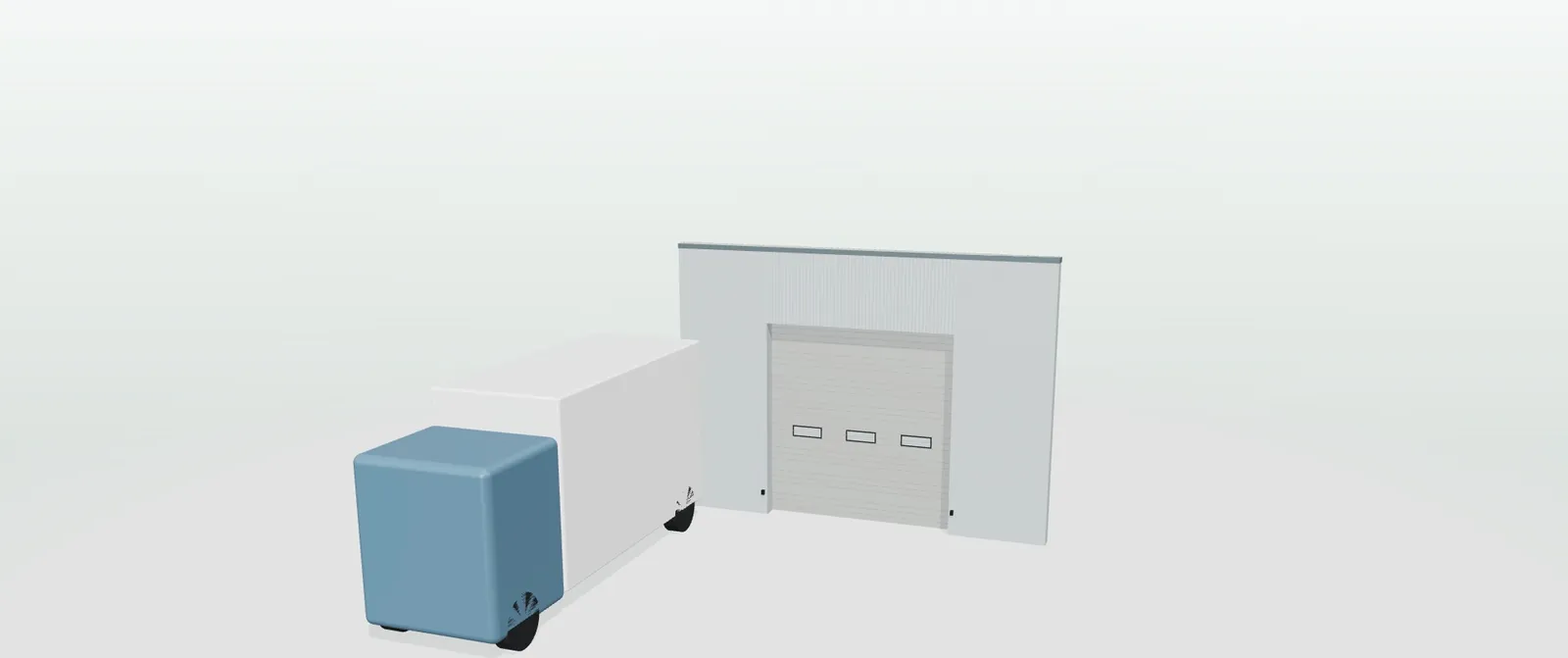
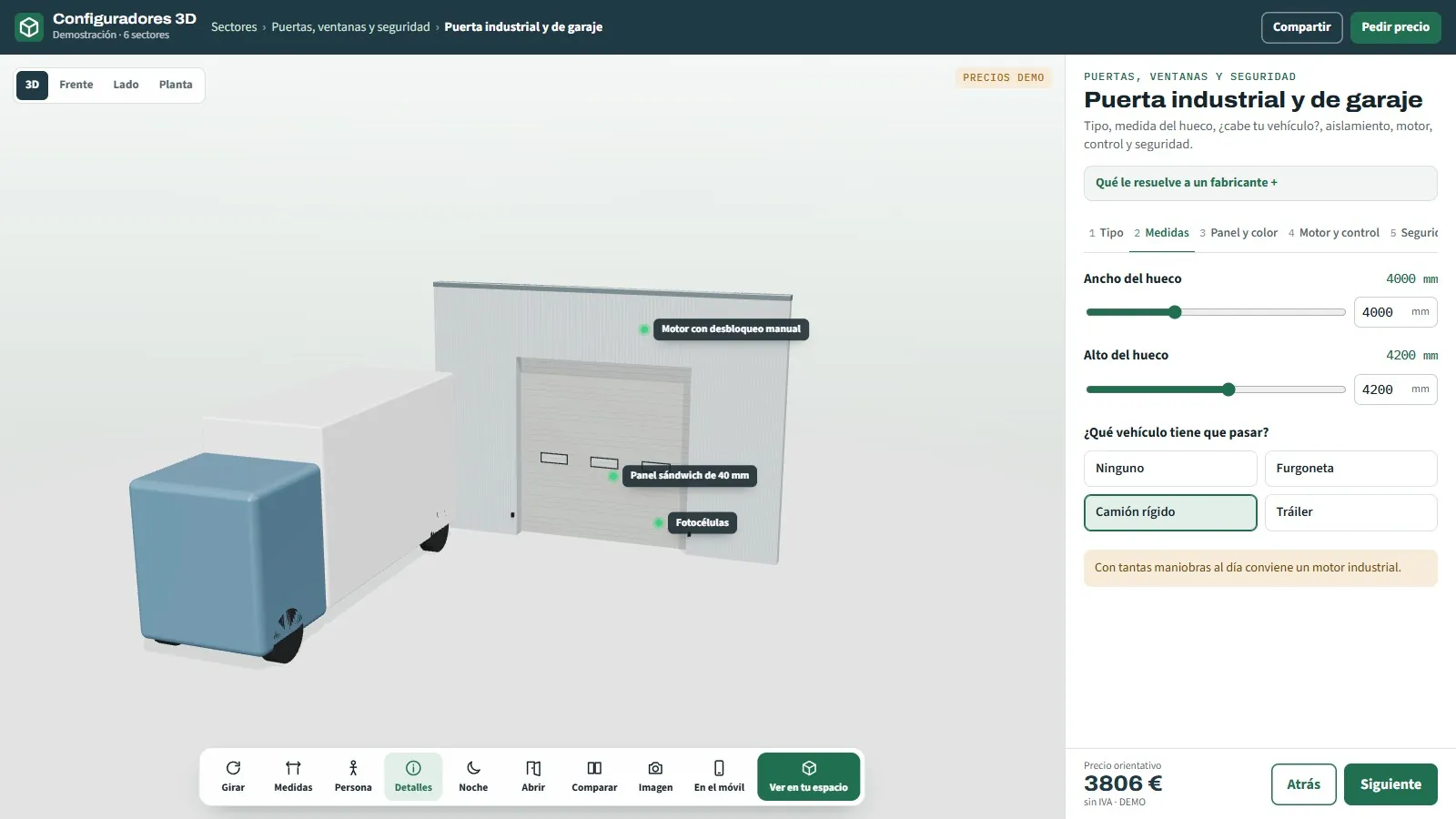
With the configuratorDimensions, a person for scale, the lorry in front of the opening and the space the sliding door needs, before calling you.

“Fit the standard one, that is the one that sells.”

What adds most value is not shown

Acoustic glass, security slats, a five-point lock, the blind motor. Explaining it with a piece of card costs more than selling it, and the customer sticks with the basics.

With the configuratorEvery option with its price, including motors and sensors, and labels on the piece explaining what each glass, slat or lock adds.

“Who wrote this? It makes no sense.”

Orders that get typed in again

Every distributor orders their own way: template, email, photo or voice message. In the office someone copies it by hand, and a miscopied figure reaches the cutting line as is.

With the configuratorA factory order sheet with references and quantities, always the same; with your rules, what cannot be made is flagged before it is sent.

“I'll send you the list for the development.”

Developments that arrive in a spreadsheet

Two hundred openings, several versions and measurements in centimetres and in millimetres. Working out metres and blind boxes takes hours, and the pallets arrive without knowing which home each piece is for.

With the configuratorUnits per opening, metres calculated automatically, the cost of urgency before confirming and a label per opening and home.

“We have to see it at home.”

The person who decides was not there

The couple choosing the door, the manager signing off the loading-bay doors, the residents voting on the lift cabin. They get a PDF with a table and a price at the bottom.

With the configuratorUp to three options side by side and the configuration as a PDF, image, link or QR code, to see it at full size with augmented reality.
— THE JOURNEY TODAY

This is how
an order travels
from the showroom to the site.

Five stops with paper, phone and spreadsheet. At each one, time is lost or a mistake slips in.

  1. 01

    Showroom or site

    The customer asks for a price with a photo. You lose: the sale, if the price takes too long.

  2. 02

    A distributor or installer

    Writes the order down their own way and sends it to the factory. You lose: the detail they did not write down.

  3. 03

    Technical office

    Calls to clarify handing, glass, colour or motor, and types it in. You lose: hours every week.

  4. 04

    Factory

    Makes what the paper says. You lose: a made-to-measure piece that fits no other opening.

  5. 05

    Site

    The installer discovers the mistake with the piece in hand. You lose: a second trip and the customer's trust.

— WHERE THE MARGIN GOES
  • On the piece made twice: because of a handing, an interior colour or a blind box noted wrongly.
  • On the visit just to give a price: technician hours and van kilometres.
  • On the discount to match: in a leaflet, a three-point security door and a five-point one have the same name.
  • On the extras nobody showed: motor, sensor, acoustic glass, insect screen.
— AND YOUR BUYERS DO NOT HAVE IT EASY EITHER
  • They cannot picture the piece on their façade from a five-centimetre sample.
  • They do not know where the handing is seen from or how to measure the opening.
  • They want the price today; if it takes long, they ask someone else.

The problem is not the quality of your windows or your doors. It is what happens between the first question and the production sheet, where a catalogue falls short (3D configurator vs PDF catalogue).

— DO THE MATHS

How hard it is
to order by hand,
with your own numbers.

Replace the example values with your own and you will see what clarifying orders and remaking pieces costs you today.

Assumed figures, just to see how the sum works out. They are not data from any company.
FigureExampleHow it is calculated
A · Orders per month coming in from your network80The whole network
B · Time to clarify and type in each order45 minCalls and typing
C · Pieces made twice per year6Handing, size or colour noted wrongly
D · Cost of making, delivering and fitting again€600Material, transport and crew
Hours per year clarifying and typing in orders720 hA × B × 12 months
Cost per year of repeated pieces€3,600C × D

And what the sum leaves out: the quotes that arrive late and go to someone else, and the extras nobody showed.

— WHAT CHANGES WITH A CONFIGURATOR

The same order,
with nothing interpreted
along the way.

With a 3D door and window configurator, your network or the customer choose dimensions, opening, finishes and extras while looking at the piece, with an indicative price and an order sheet. The same five stops:

  1. 01

    Showroom or site

    The customer sees their piece with its dimensions and an indicative price.

  2. 02

    A distributor or installer

    Configures on the tablet: handing, finish and extras chosen while looking at the piece.

  3. 03

    Technical office

    Receives the order sheet with references and quantities, with no calls.

  4. 04

    Factory

    Makes what the customer saw in 3D and took away as a PDF.

  5. 05

    Site

    The piece that was configured arrives; in a development, with its label per home.

To get started: what a 3D configurator is and product augmented reality.

— THE CONFIGURATORS FOR THIS SECTOR

Seven configurators,
seven ways to sell.

Each with its own page and an open demo, with no registration, with example products and prices.

A two-sash casement window in anthracite grey with a roller blind and an external box in the 3D window configurator

Windows

PVC, aluminium or timber-aluminium, six openings, six glass types, handing, colour and roller blind.

An industrial sectional door with vision panels in a warehouse and a rigid lorry to scale in front of the opening in the 3D configurator

Industrial and garage doors

Sectional, roller, high-speed or sliding, with a vehicle to scale, insulation and motor.

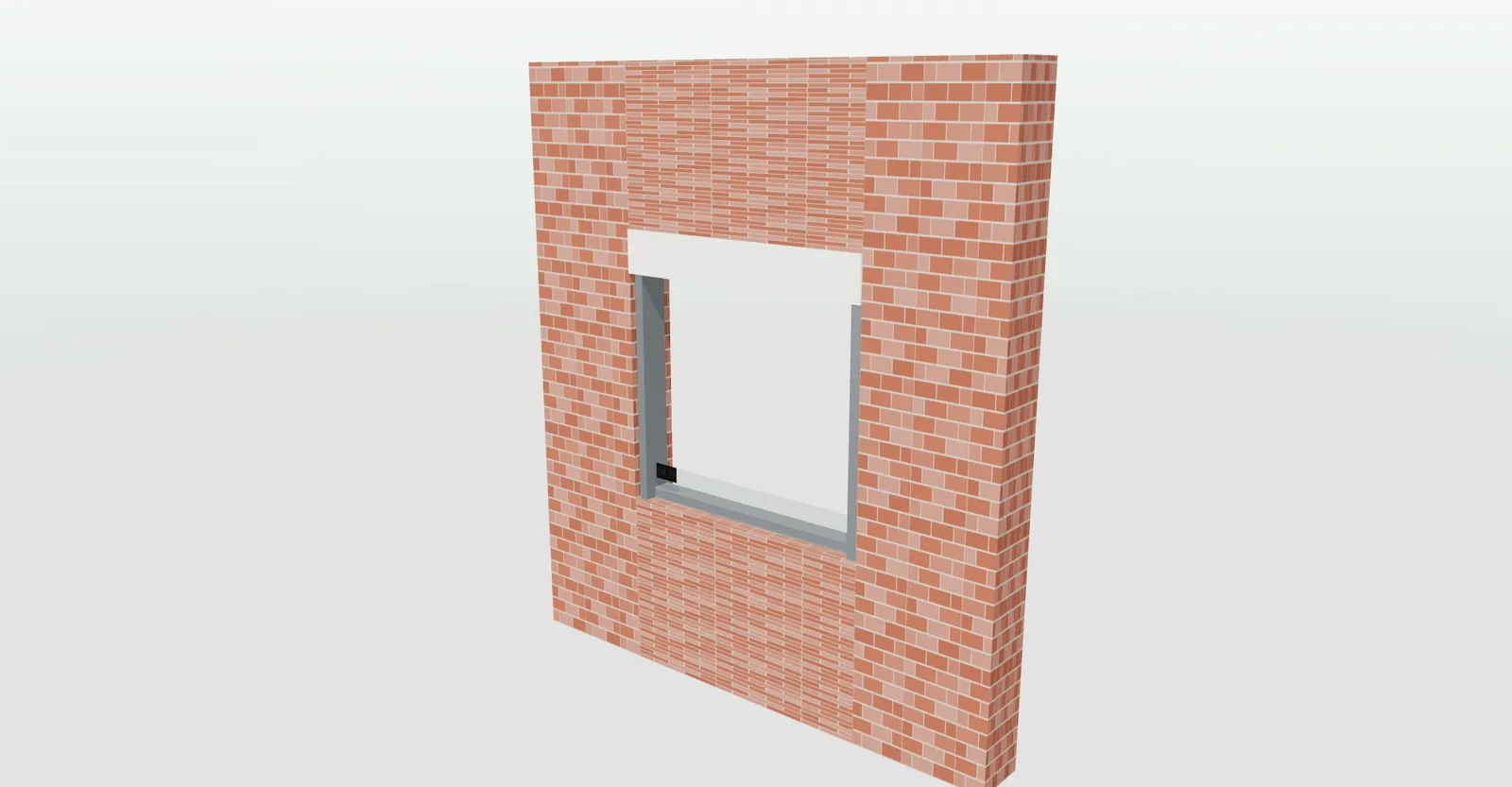
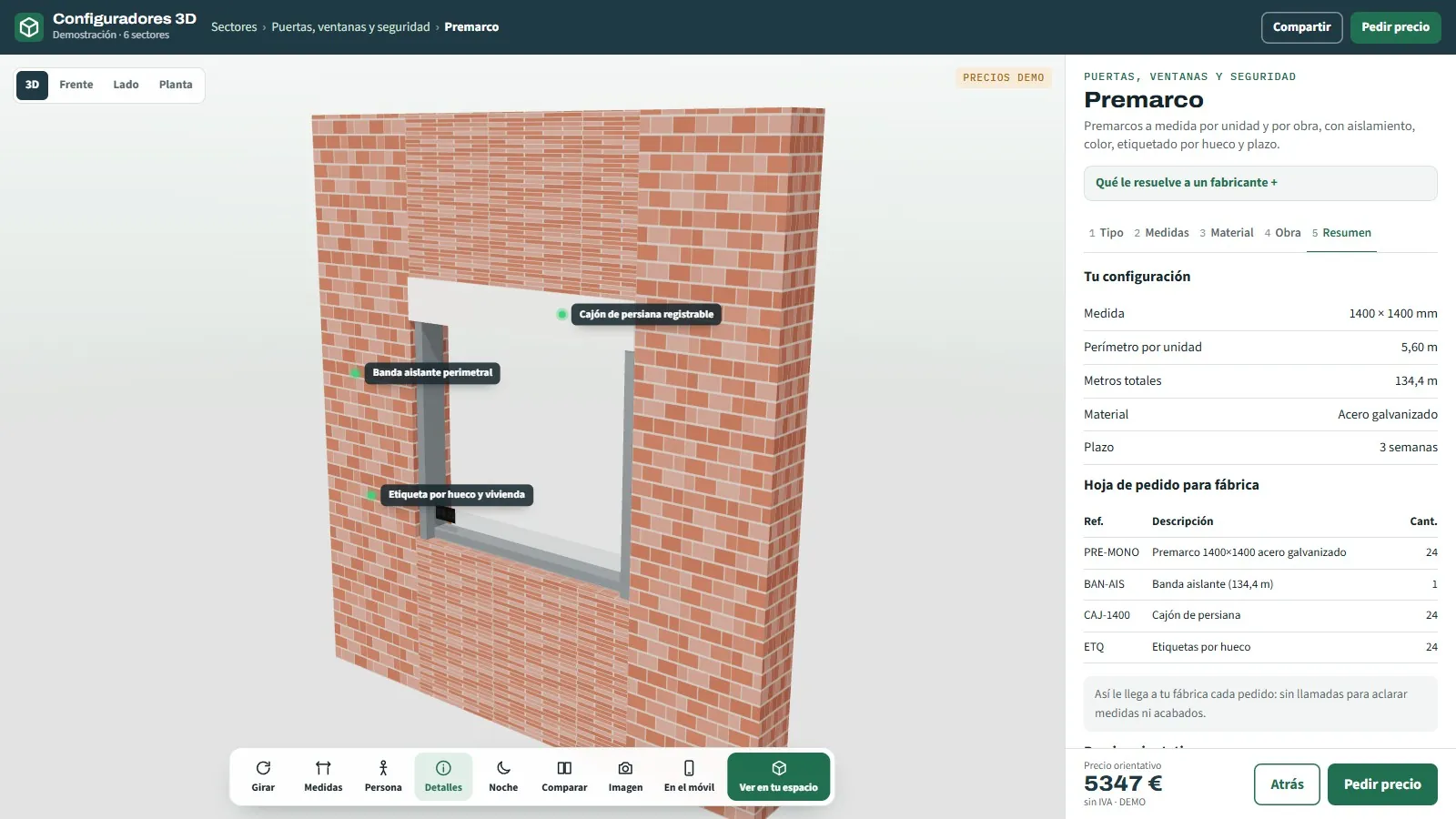
A subframe with a roller blind box in a brick façade opening, seen in the 3D subframe configurator

Subframes

For windows, doors, monoblock or sliding, with units per development, a label per home and lead time.

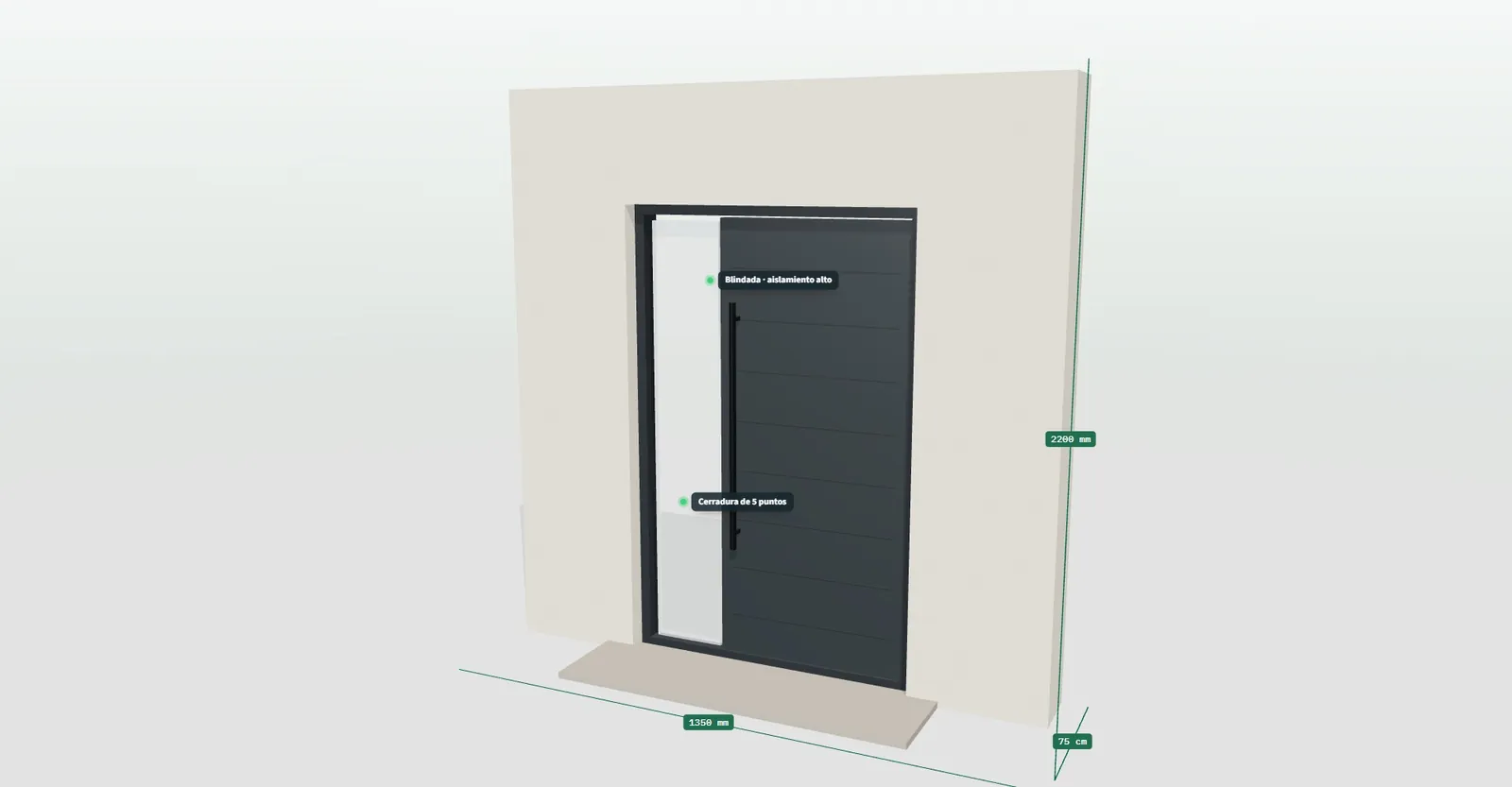
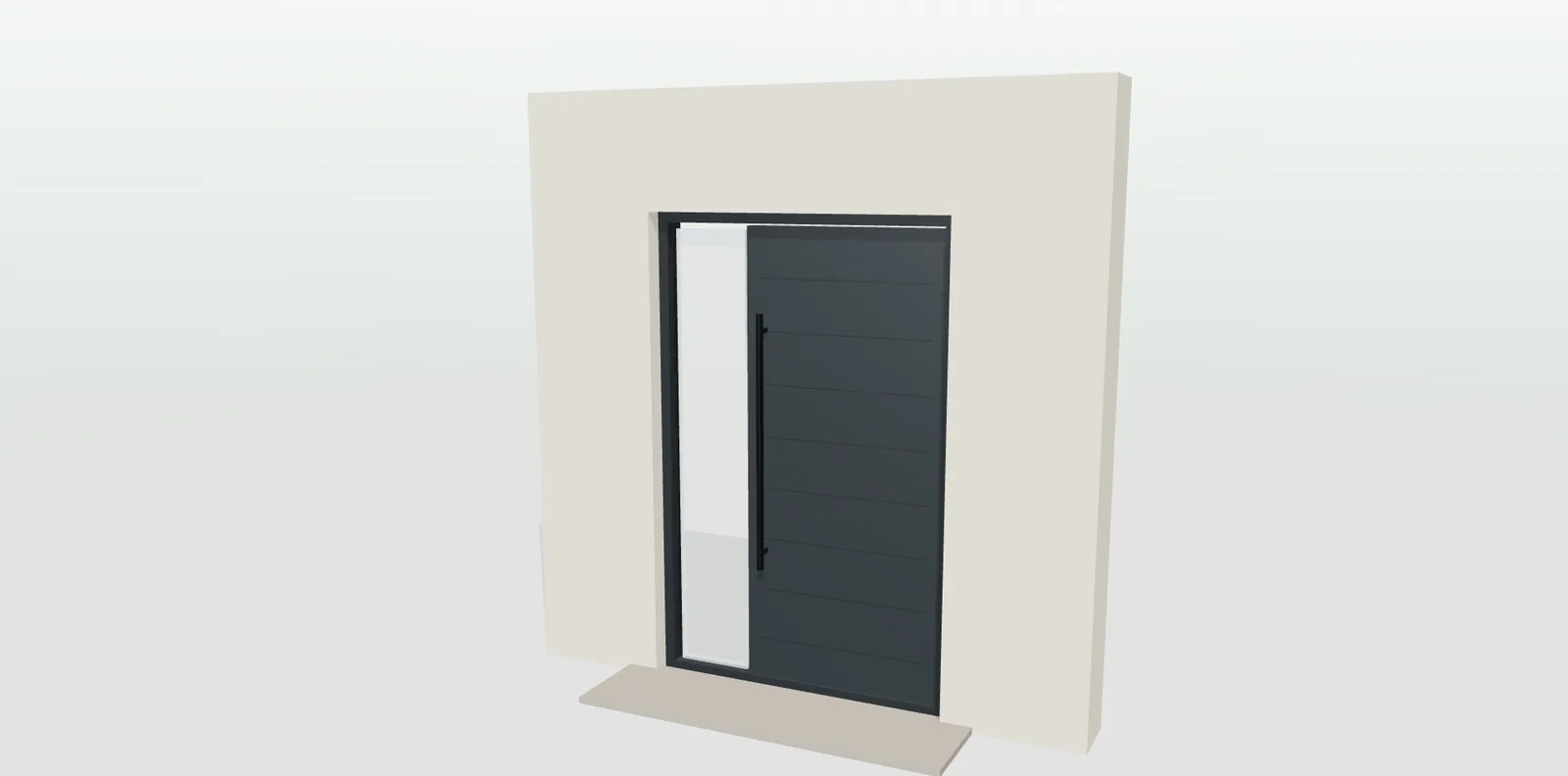
A routed entrance door in anthracite grey with a glass side panel and a bar handle in the 3D configurator

Entrance doors

Standard, security or armoured, with design, handing, lock, handle, side panel and transom.

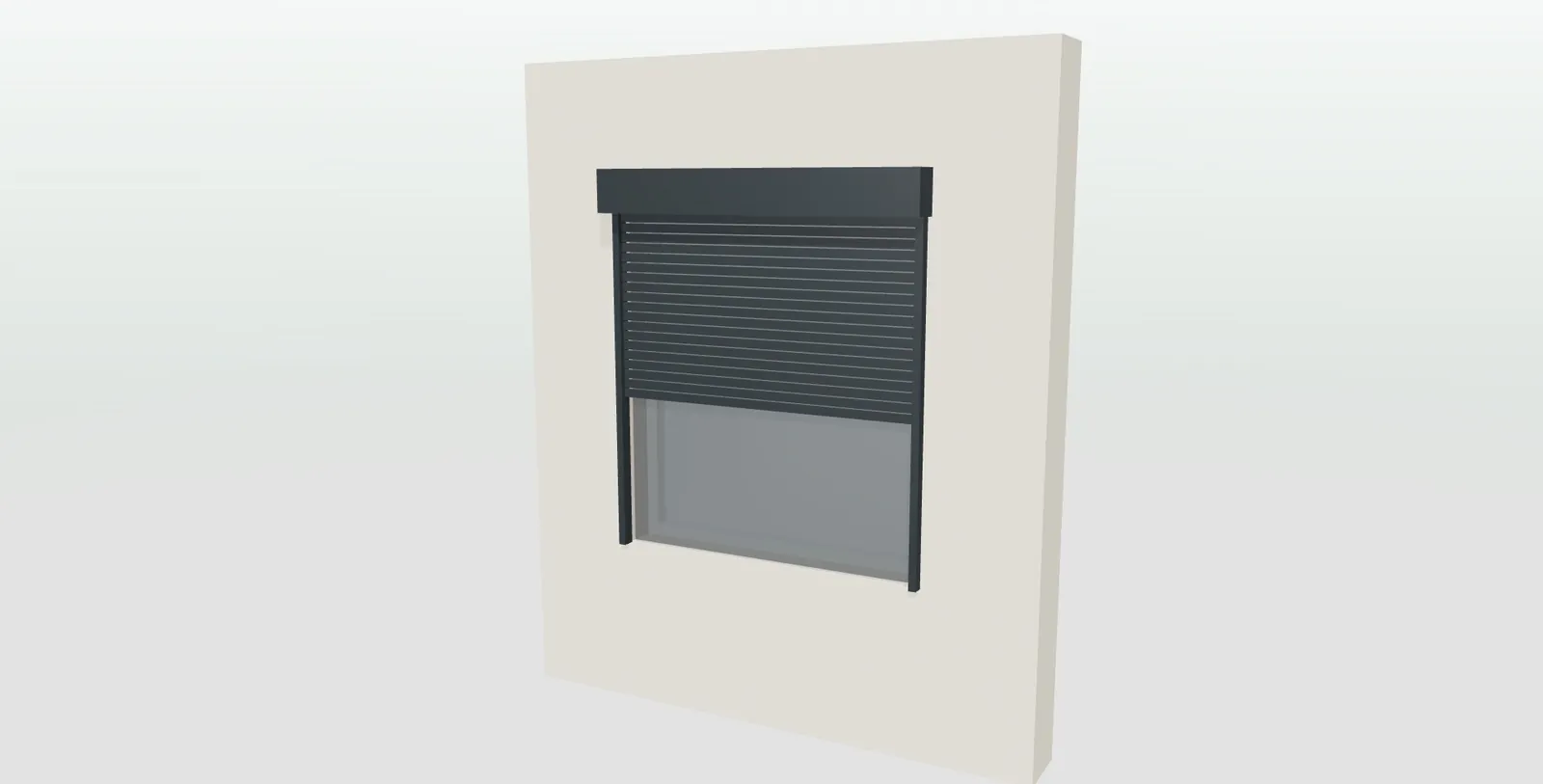
A slatted roller blind in anthracite grey at half height with an external box over a window in the 3D configurator

Roller blinds and insect screens

Five slat types, box, motor, sun and wind sensors and insect screen.

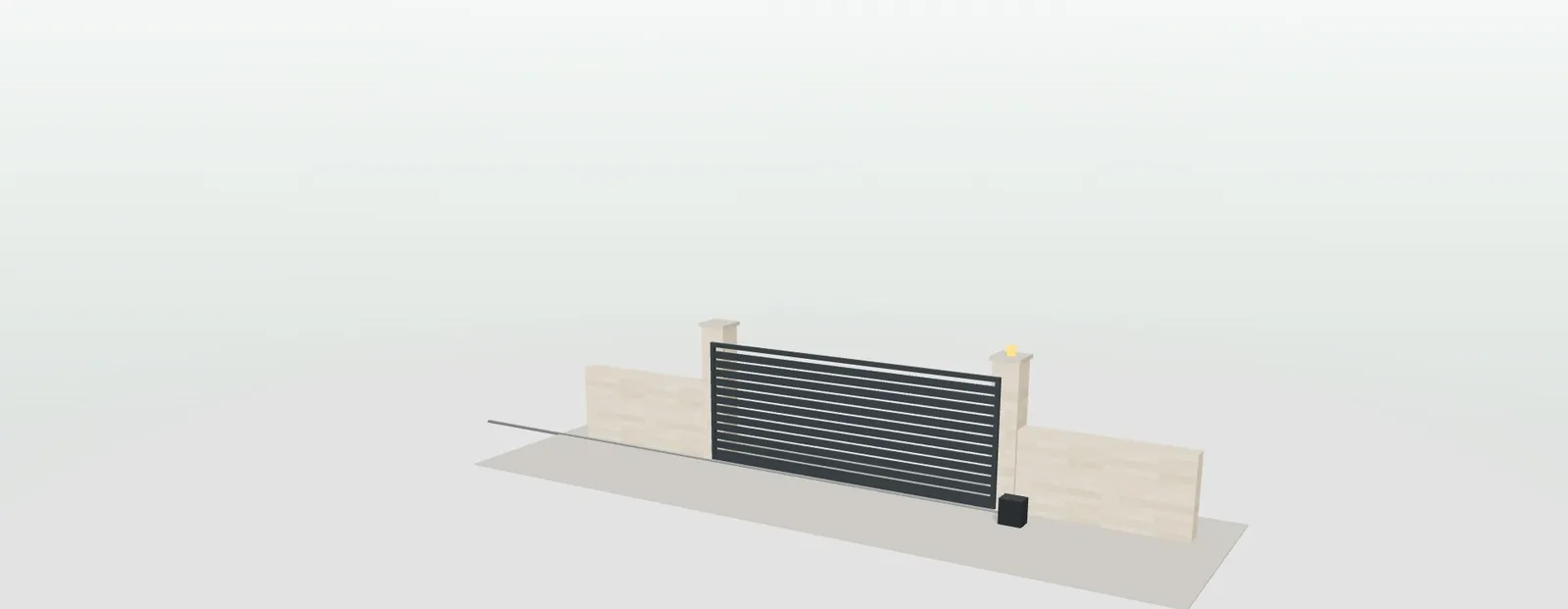
A sliding gate with horizontal slats in anthracite grey between masonry pillars, with motor and flashing light, in the 3D configurator

Gates and plot gates

Sliding, swing or pedestrian, with design, top finish, pillars, colour and automation.

Do you make interior doors? They have their own 3D interior door configurator.

— WHAT IT CONNECTS TO

What comes out
of each configuration
and where it goes.

What the demo base already does and what gets developed to order in your project.

— WHAT THE BASE ALREADY DOES
  • Factory order sheet with reference, description and quantity: for a window, frame, glass, hardware, roller blind and sill.
  • PDF for the customer with the configuration, the order sheet and the indicative price.
  • Enquiries with the customer's details and their complete configuration, in a dashboard with its status and exportable to CSV; email alert if you set up an account.
  • Link, image and QR code of every design.
— WHAT GETS DEVELOPED IN YOUR PROJECT
  • Your range, your rules and your price list, with discounts per distributor or by volume.
  • An area for distributors: each with their own login, their margin and, if you wish, their brand.
  • Enquiries assigned by area to the distributor, the shop or the installer.
  • Connection to your ERP or your CRM, if you have them.
Summary of a subframe order in the configurator: size, perimeter, total metres of insulating tape, lead time and a factory order sheet with subframes, roller blind boxes and labels per opening
A subframe order in the demo, with labels per opening. Example prices.
— HOW WE GET IT RUNNING

Four steps
with your range.

The work focuses on loading what is yours. Before starting, we put in writing what is included and what is not.

  1. 01

    Your range

    Series, openings, designs, slats, colours, glass types and extras you really make.

  2. 02

    Your rules

    Minimum and maximum sizes, weight per sash and combinations that do not leave the factory.

  3. 03

    Price list and network

    Prices, discounts, areas and who receives each enquiry.

  4. 04

    Website and training

    On your website and on your distributors' websites, with training for the sales team.

— PRICE

A bespoke development,
at a fixed price.

We start from a base that already works: you do not pay for development from scratch.

— HOW MUCH IT COSTS

From €6,500

Developments start from €6,500 for a visual configurator of one product family; most projects for manufacturers fall between €14,500 and €35,000, depending on the catalogue, the rules and the integrations, plus maintenance from €190 a month.

  • Timeframe: between 3 and 16 weeks depending on the scope; the exact date goes in the proposal.
  • Payment terms: 40% to start, 40% with the test version and 20% at go-live.
  • The configurator is yours: it does not depend on a pay-per-use platform or on third-party licences.
— QUOTED SEPARATELY, PER PRODUCT
  • 3D modelling: handles, pulls or special profiles, from €30 to €120 per part, or more.
  • Materials and finishes: every colour, wood or texture faithful to the real one, from €30 to €120 per finish, or more.
  • It is settled once we see your files. If you already have the models, they are just adapted.

More detail at the price of a 3D configurator.

— FREQUENTLY ASKED QUESTIONS

What manufacturers in this sector
ask us.

What is a 3D door and window configurator?

A web tool in which the distributor, the installer or the customer choose dimensions, opening, finishes and extras while seeing the piece in 3D, with an indicative price calculated with your price list. At the end, a PDF for the customer and an order sheet for the factory come out. It opens in the browser, with nothing to install.

Which products in the sector can be configured?

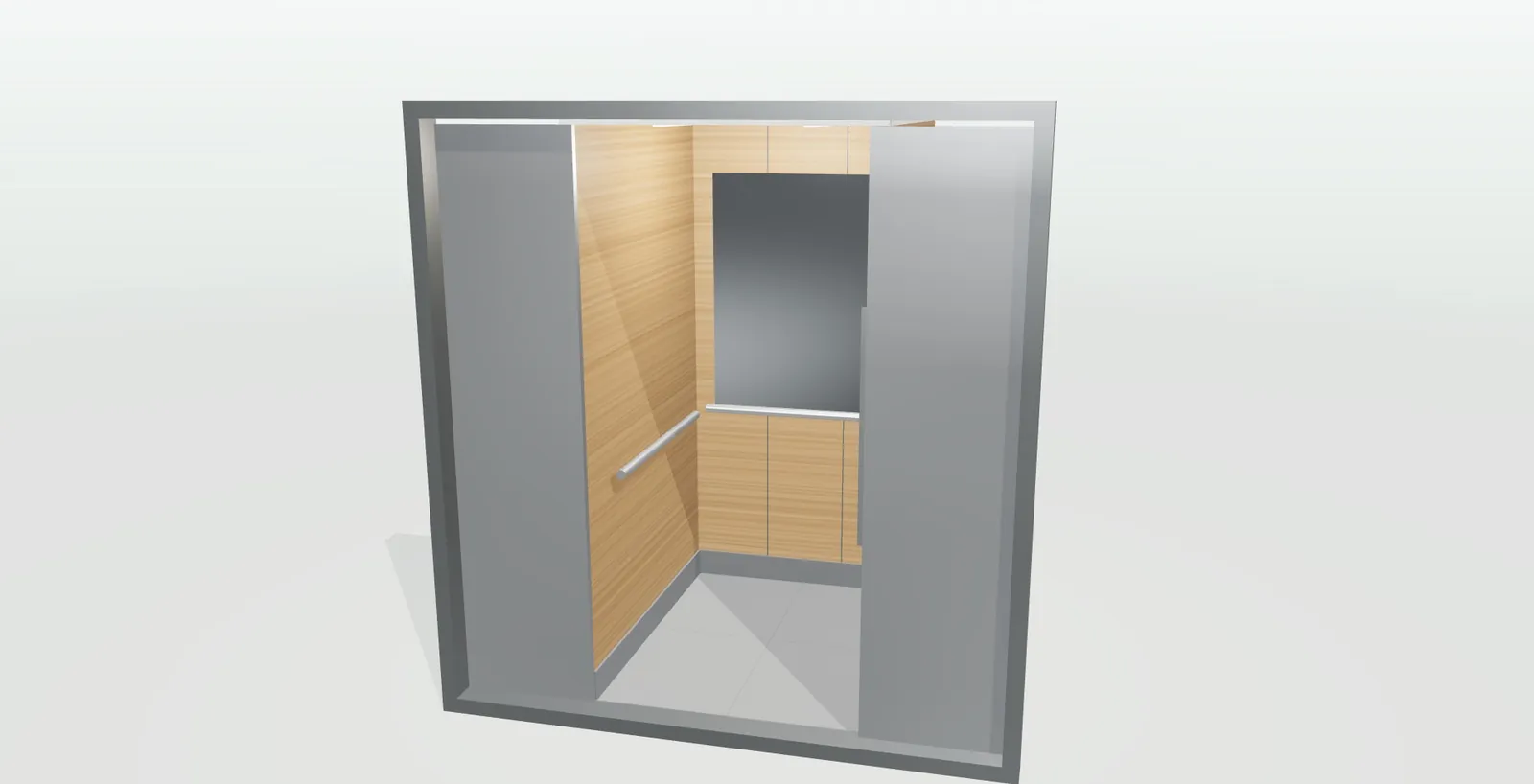
The demo has seven: windows, industrial and garage doors, subframes, entrance doors, roller blinds and insect screens, gates and lift cabins. Balcony doors, combined fixed panels or pleated insect screens are added in the custom development, with your rules and your price list.

How are handing and opening direction mistakes avoided?

The piece opens in 3D at the press of a button and the handing is chosen by looking at it, with the hinges in view: the window, seen from inside; the entrance door, from outside. The choice travels with the order; for the entrance door it is written in the PDF and on the factory order sheet.

Does it respect our manufacturing sizes and combinations?

Yes. Your rules are programmed in: minimum and maximum sizes per series and opening, weight per sash or colours that only exist in one series. What you do not make cannot be chosen, and anything outside the limits shows on screen before the order is sent.

Can our distributors use it with their own prices?

An area can be set up where each distributor logs in with their own user, works with their discount and their margin and, if you wish, presents the piece under their brand. All orders reach the factory in the same format, and the enquiries from your website can be assigned by area.

Do we still need to go out and measure?

To confirm the opening before manufacturing, usually yes: the configurator does not replace the final survey. What changes is that you no longer go out to measure just to give a price: whoever calls you has already chosen type, dimensions, finish and extras, and knows roughly what it will cost.

Does it work on a phone and can it be seen in the customer's home?

Yes. With a QR code it opens on the phone, without downloading any app, and is placed at full size on the wall, the façade or the loading bay with augmented reality.

How much does a door and window configurator cost?

Projects start from €6,500 for a visual configurator of one product family; most projects for manufacturers fall between €14,500 and €35,000, depending on catalogue, rules and integrations, plus maintenance from €190/month. Separately, per product, 3D modelling and finishes, from €30 to €120 per part or finish (or more). Details at the price of a 3D configurator.

— OPEN DEMO

Try it now
or see it with
your range.

All seven demos are open, with no registration, with example products and prices: configurador.grup3d.es/demo. On desktop, tablet and mobile.

With your range in front of us? We will show you in a 20-minute video call: your series, your rules and how the orders would reach you.

  • No commitment.
  • We reply from grup3d@grup3d.es.

Would you rather talk it through? Call us on 662 061 421 or write to grup3d@grup3d.es.