Your product has dozens or hundreds of combinations of colour, finish and options, and a PDF never manages to show them all.
[ 3D PRODUCT AND CONFIGURATORS ]
GRUP3D
— 3D PRODUCT AND CONFIGURATORS
Interactive 3D configurator for manufacturers and distributors.
An interactive 3D configurator lets your customer combine materials, colours, finishes and options of your product and see the result instantly in the browser, with nothing to install. Where a PDF catalogue falls short, an interactive experience shows every variant live. The result: fewer doubts, better qualified leads and orders that reach your sales team already defined. At Grup3D we build it with your real catalogue references, not with generic examples.
— CHAPTER 01 / 08
What an interactive 3D configurator is and how it works
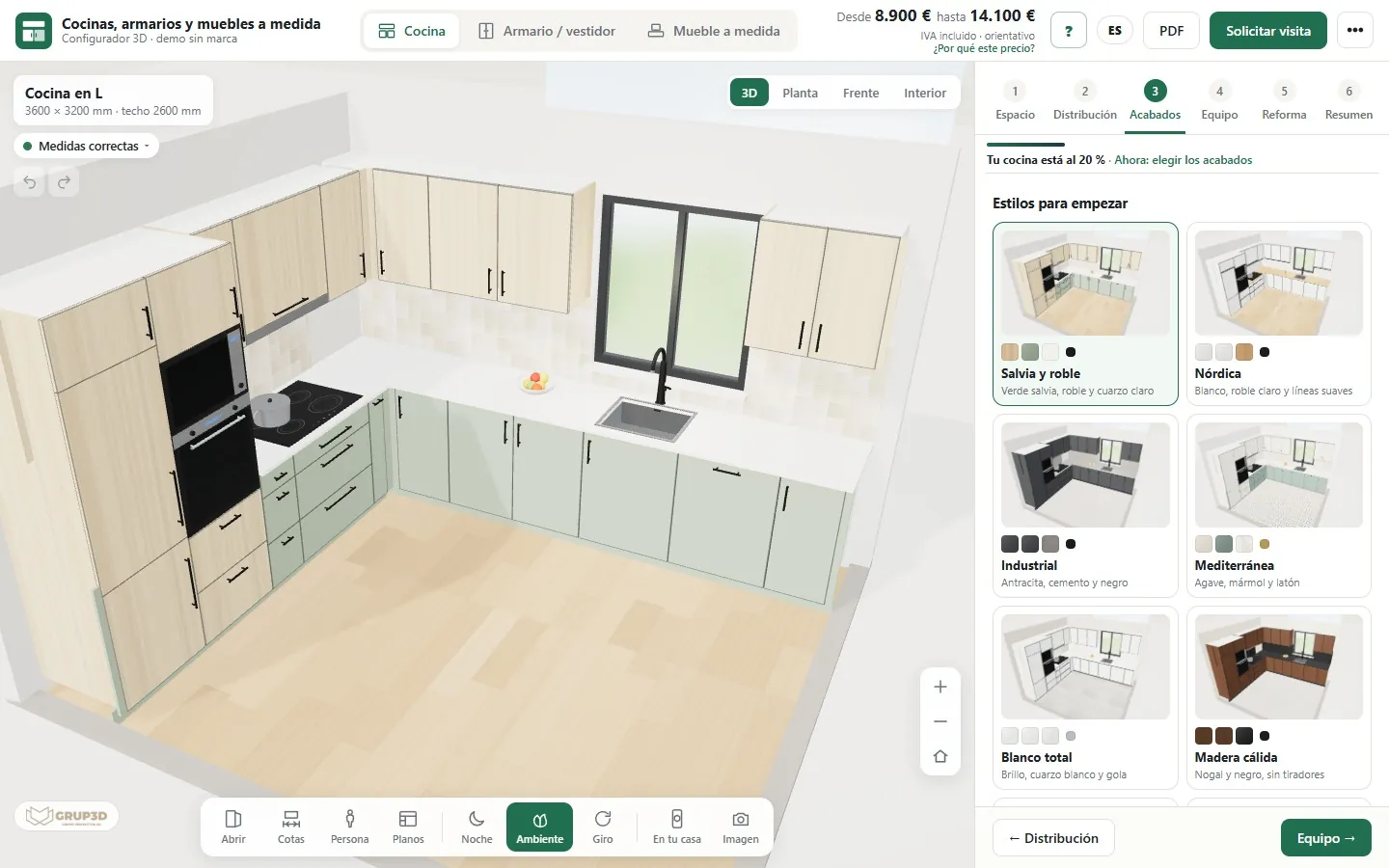
An interactive 3D configurator is a web tool that loads a three-dimensional model of your product and lets its attributes be changed in real time: the user picks a material, a colour or an option and the piece updates instantly on screen. It runs in the browser, with no downloads or plugins, and adapts to desktop, tablet and mobile.
Underneath there is an optimised 3D model (light so it loads fast) and a layer of logic that defines which combinations are possible, which are ruled out and what is shown in each case. That way the customer only configures products your factory can actually make, and you avoid orders with impossible combinations.
— This is what a real one looks like
Try it without leaving this page
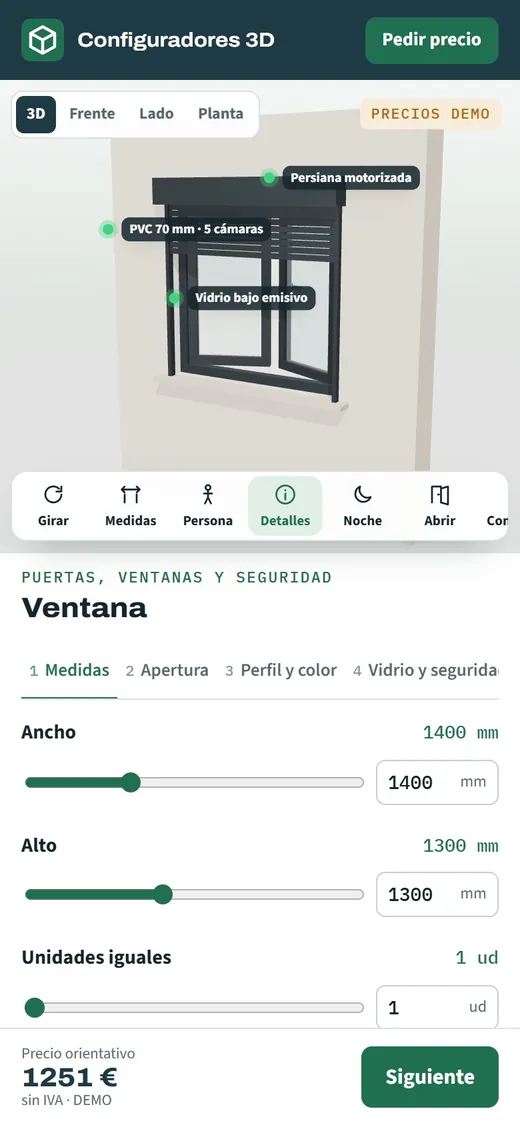
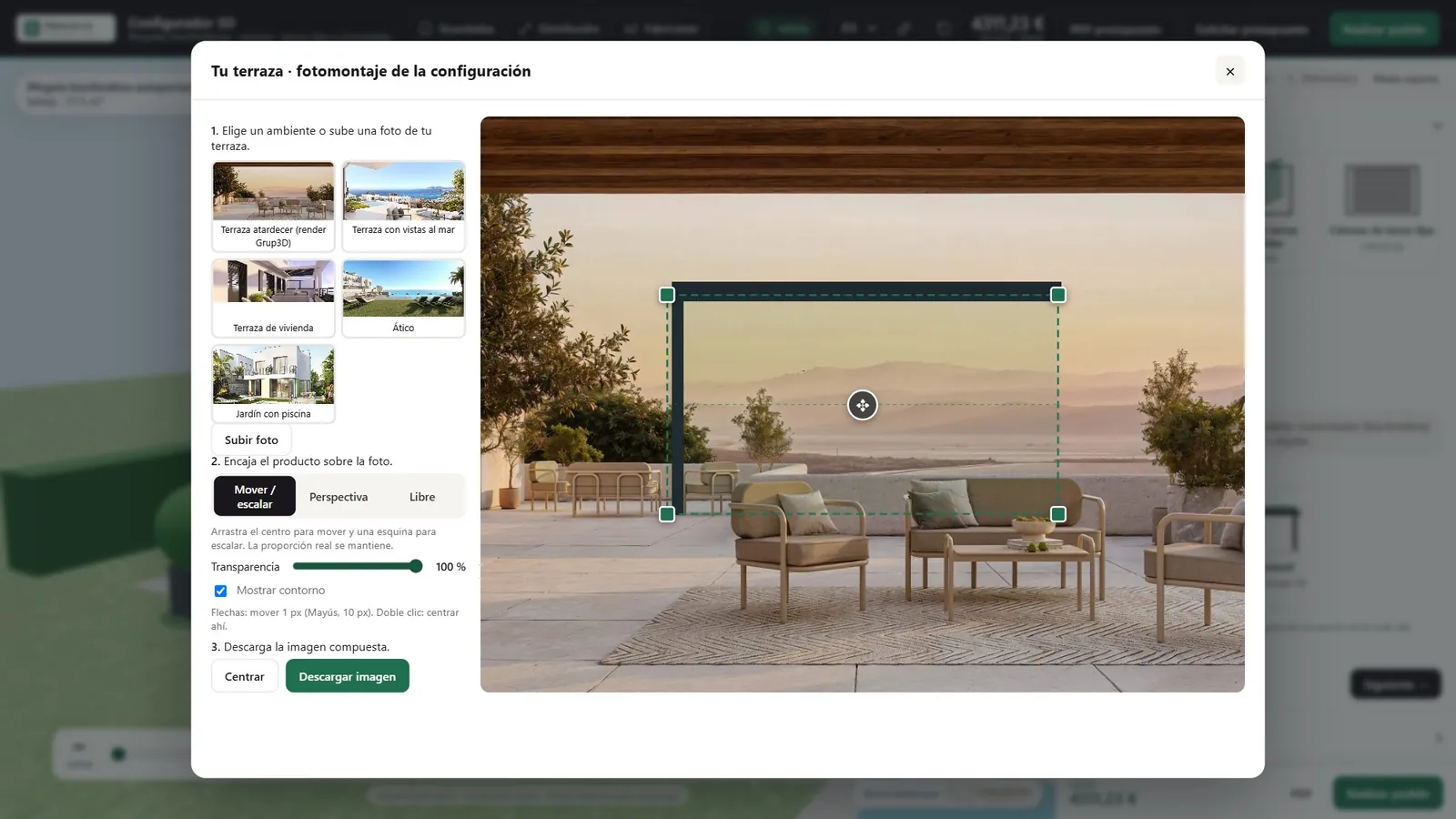
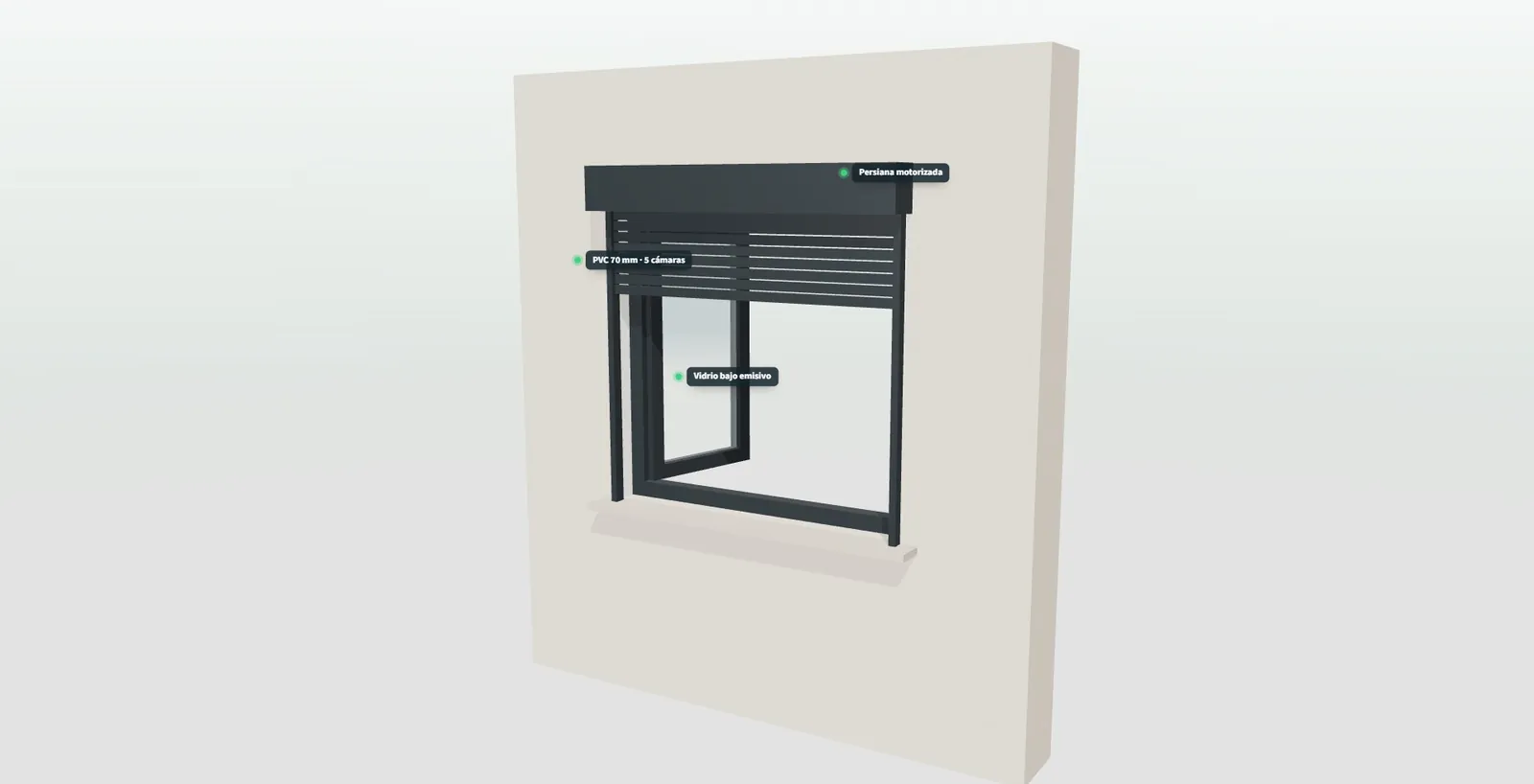
These are real recordings of our open demo. Pick a product or press “Try it yourself” to change sizes, finishes and options and watch the price recalculate.
41 example configurators · open the full demo ↗
— CONFIGURATORS BY SECTOR
3D configurators by sector
Every sector has its own manufacturing rules, its own way of selling and its own sales network. On these pages we explain, product by product, which problems a 3D configurator solves, and you can try each one in the open demo.
01
All door and window configurators
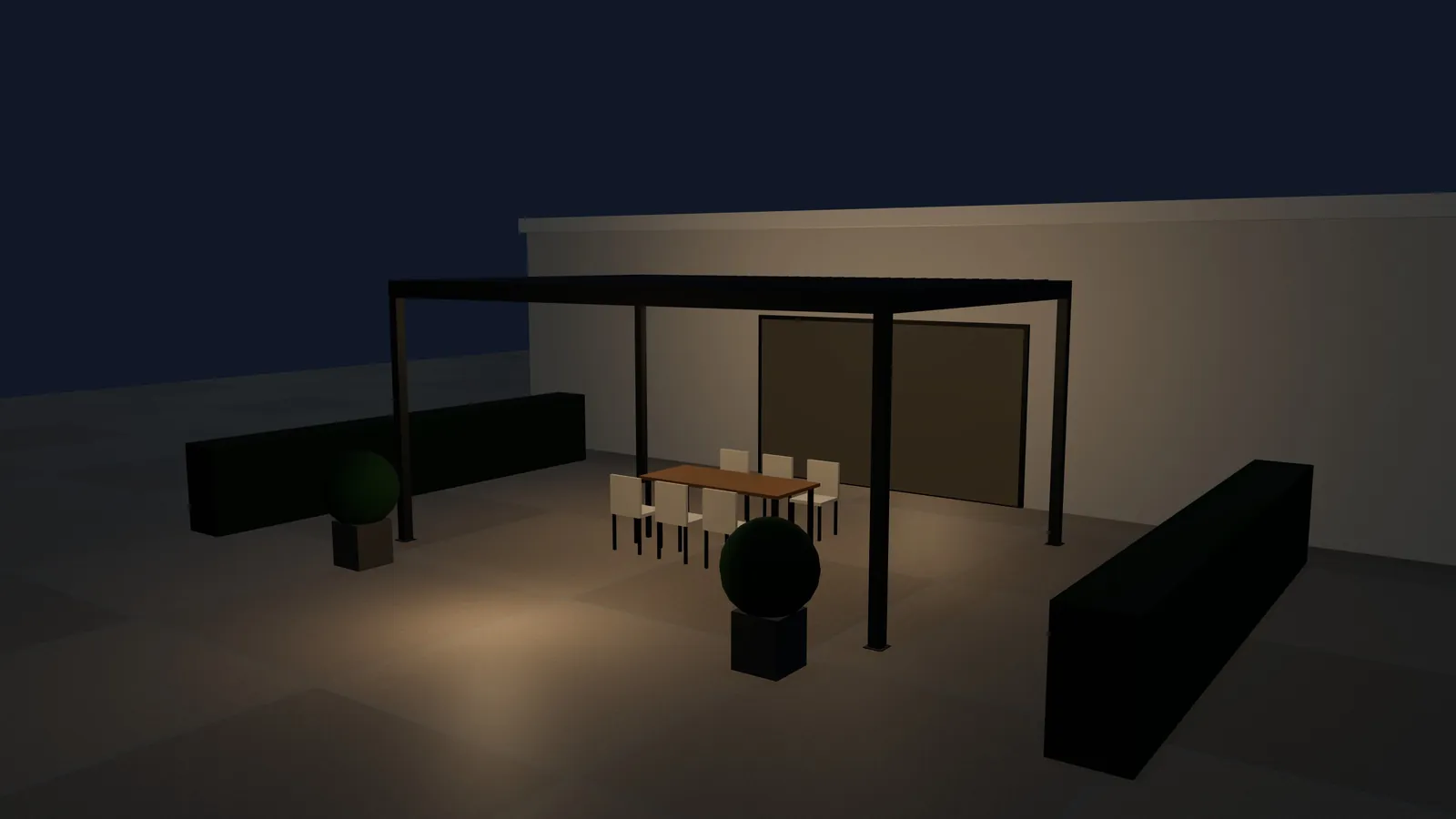
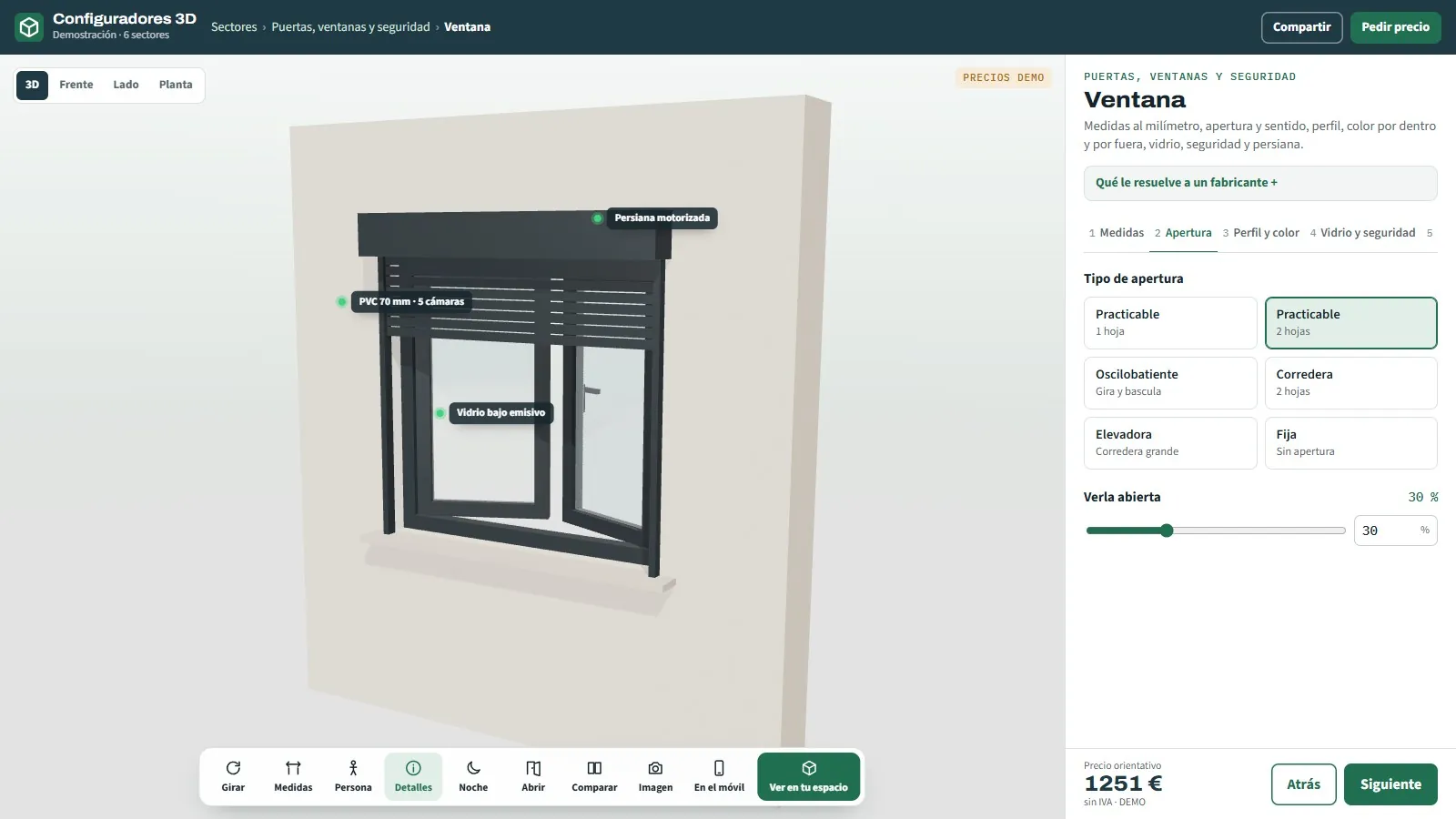
3D door and window configurators for manufacturers and their network: windows, roller shutters, doors, gates and subframes, with an instant price and an order sheet.
See page →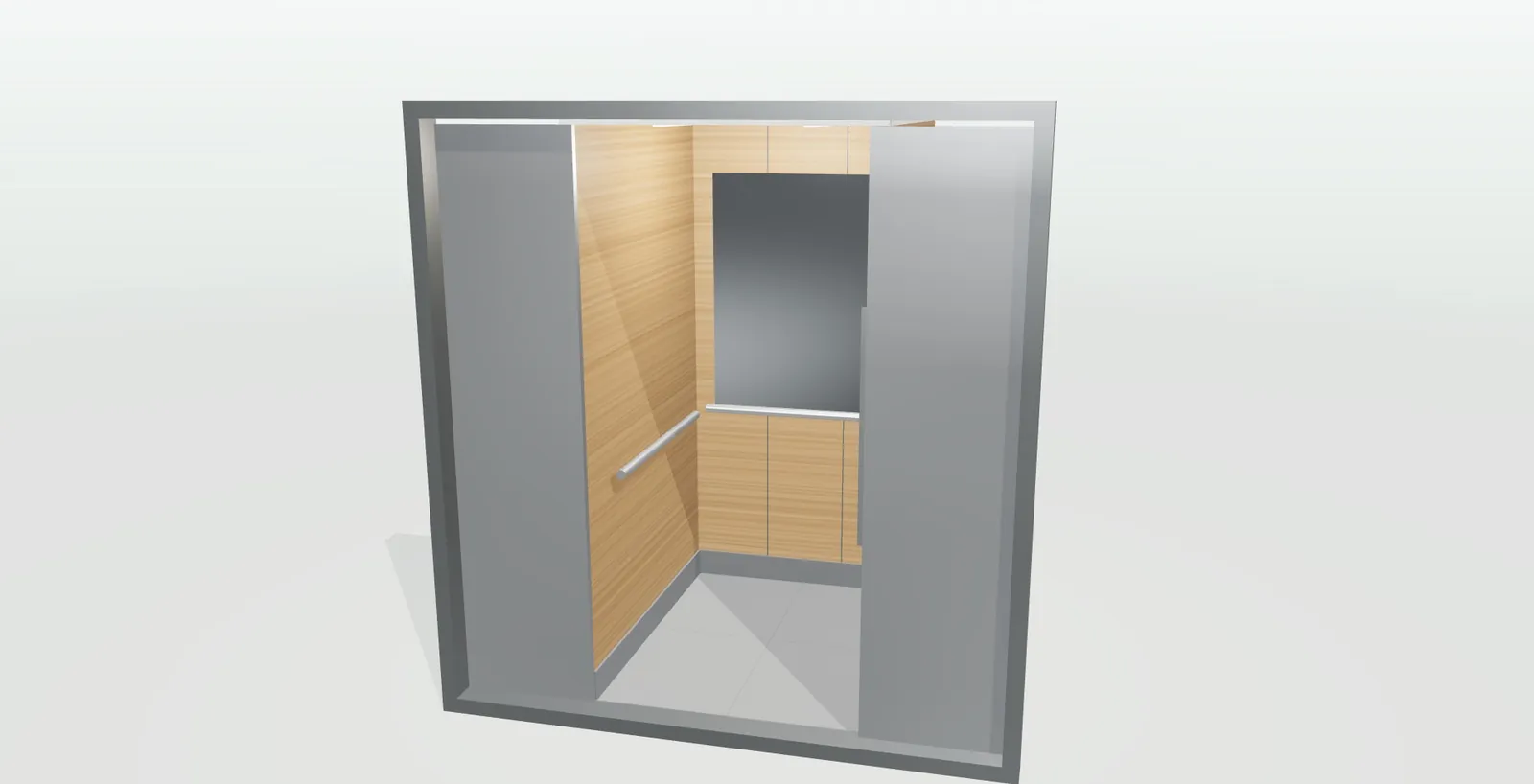
02
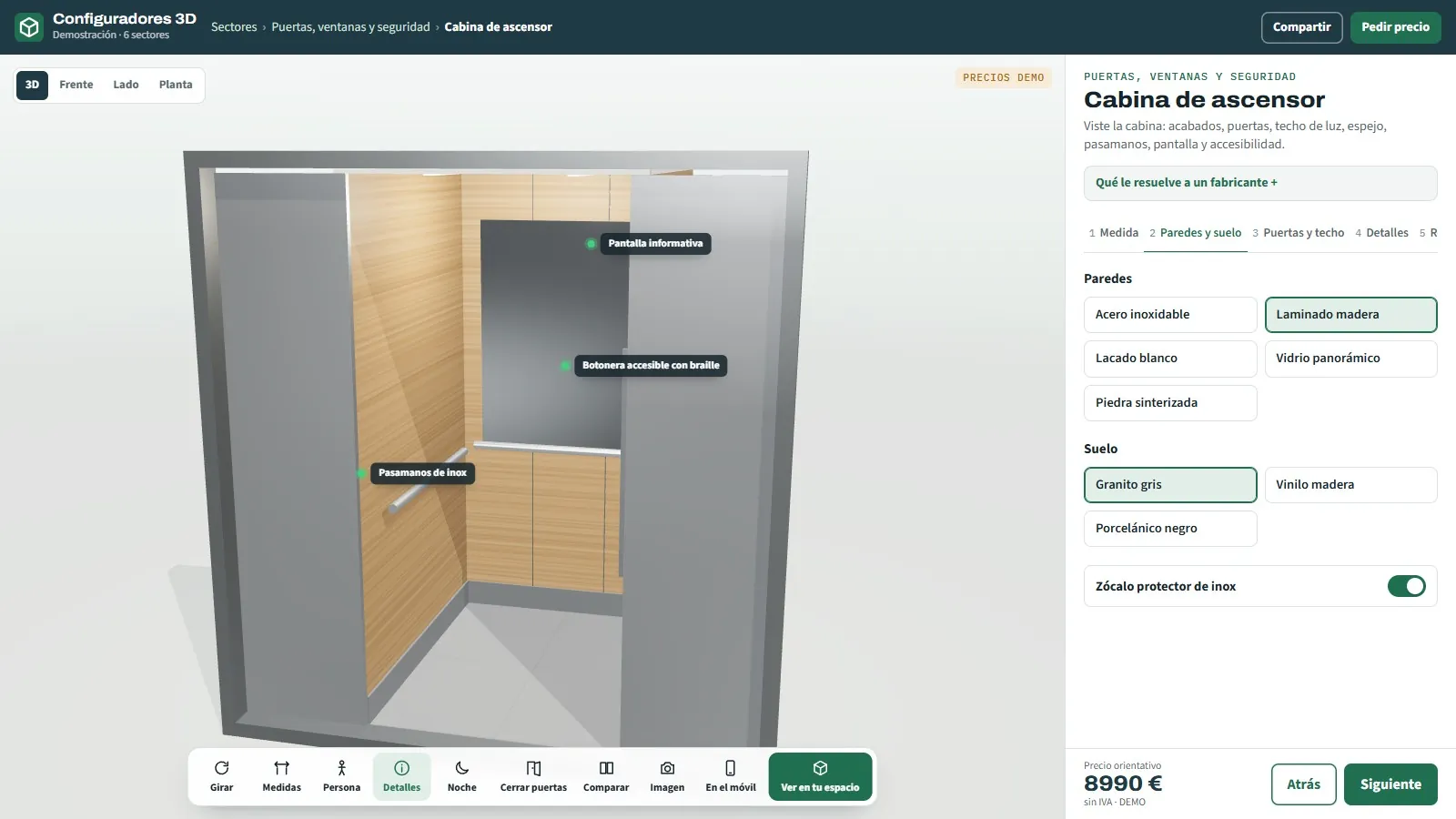
3D configurator for lift cabins
Walls, floor, ceiling, doors and control panel.
See page →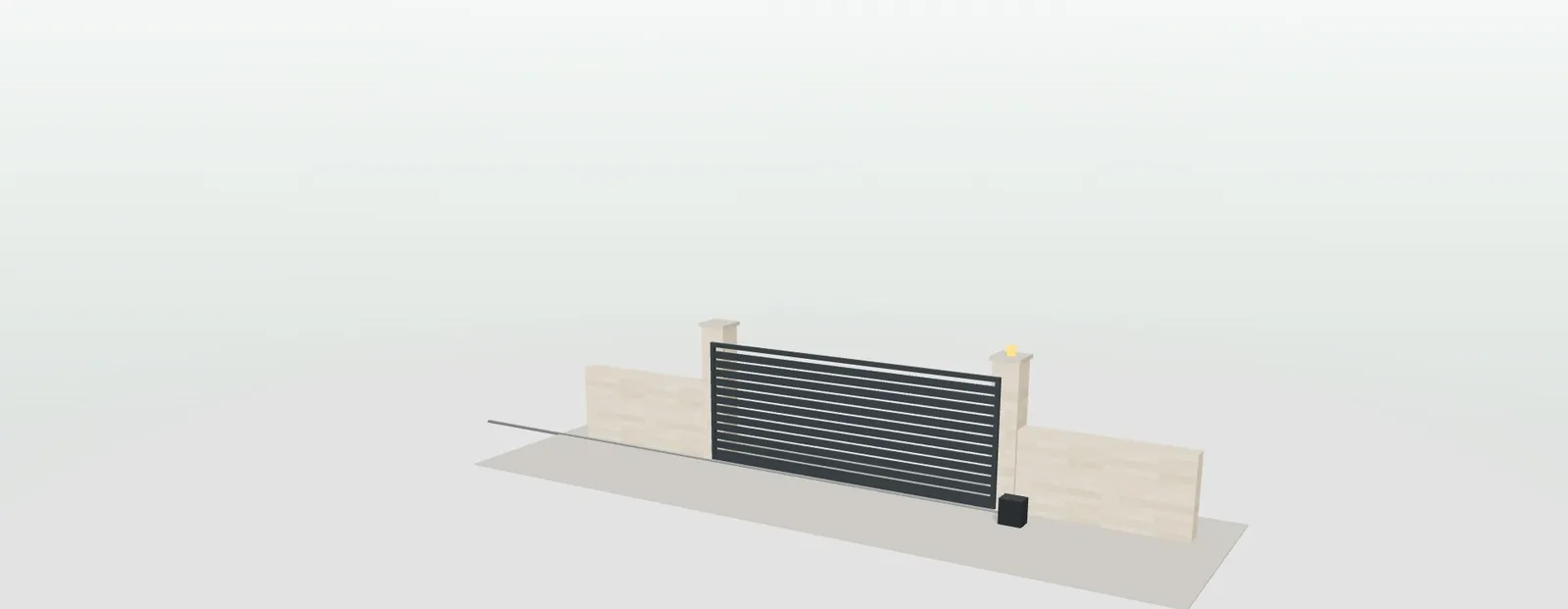
03
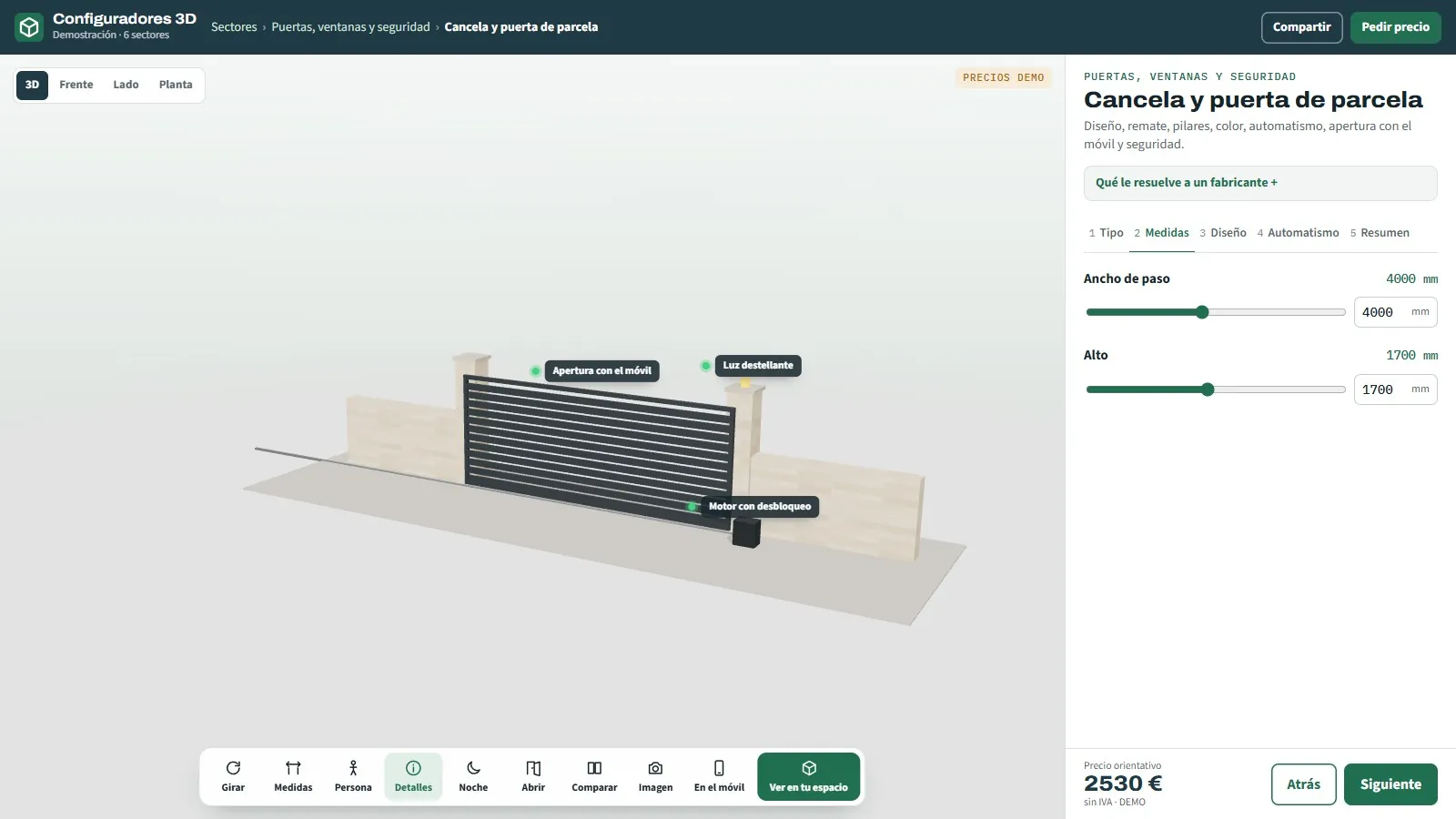
3D configurator for gates and driveway doors
Sliding, swing or pedestrian · automated.
See page →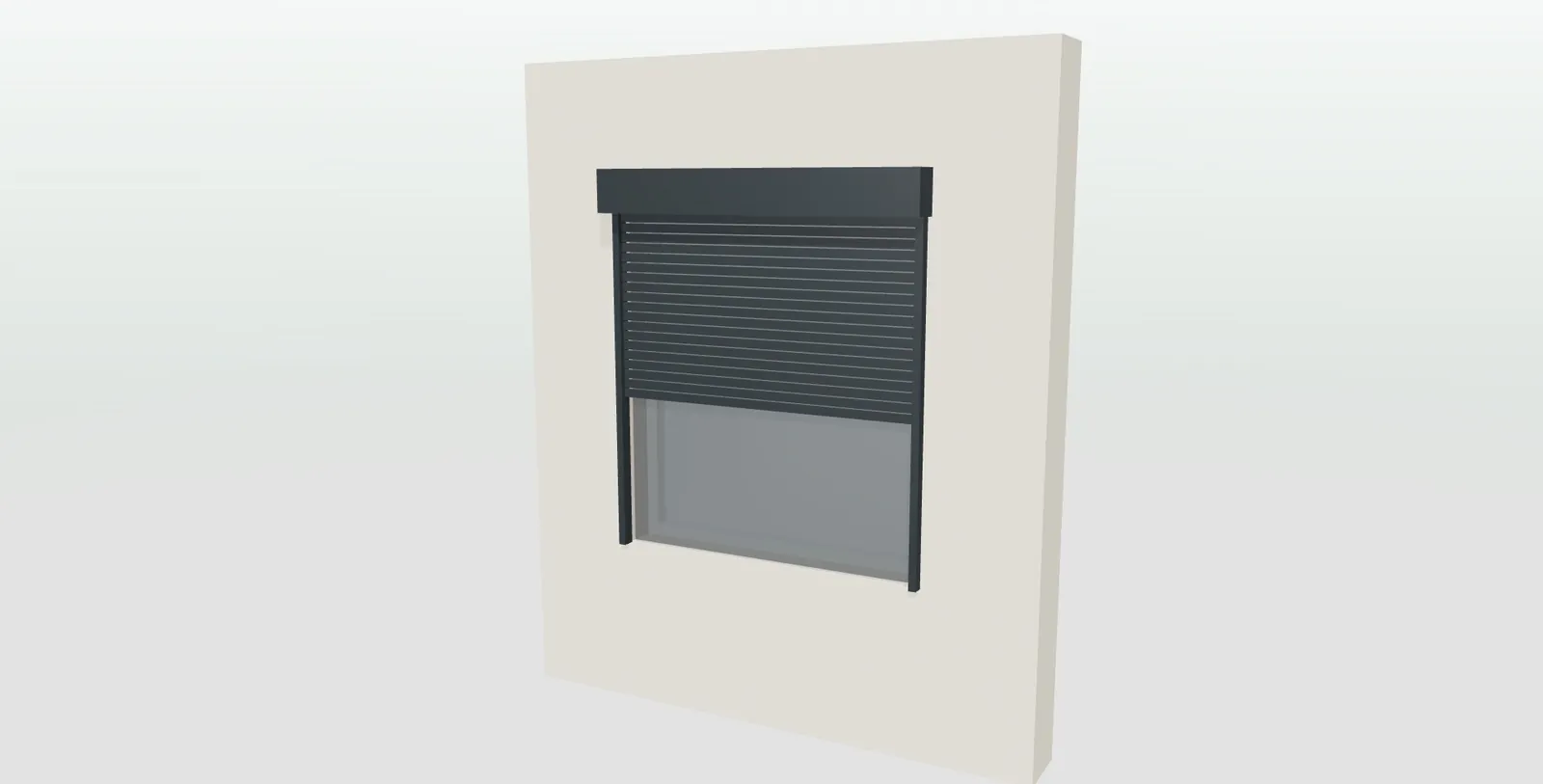
04
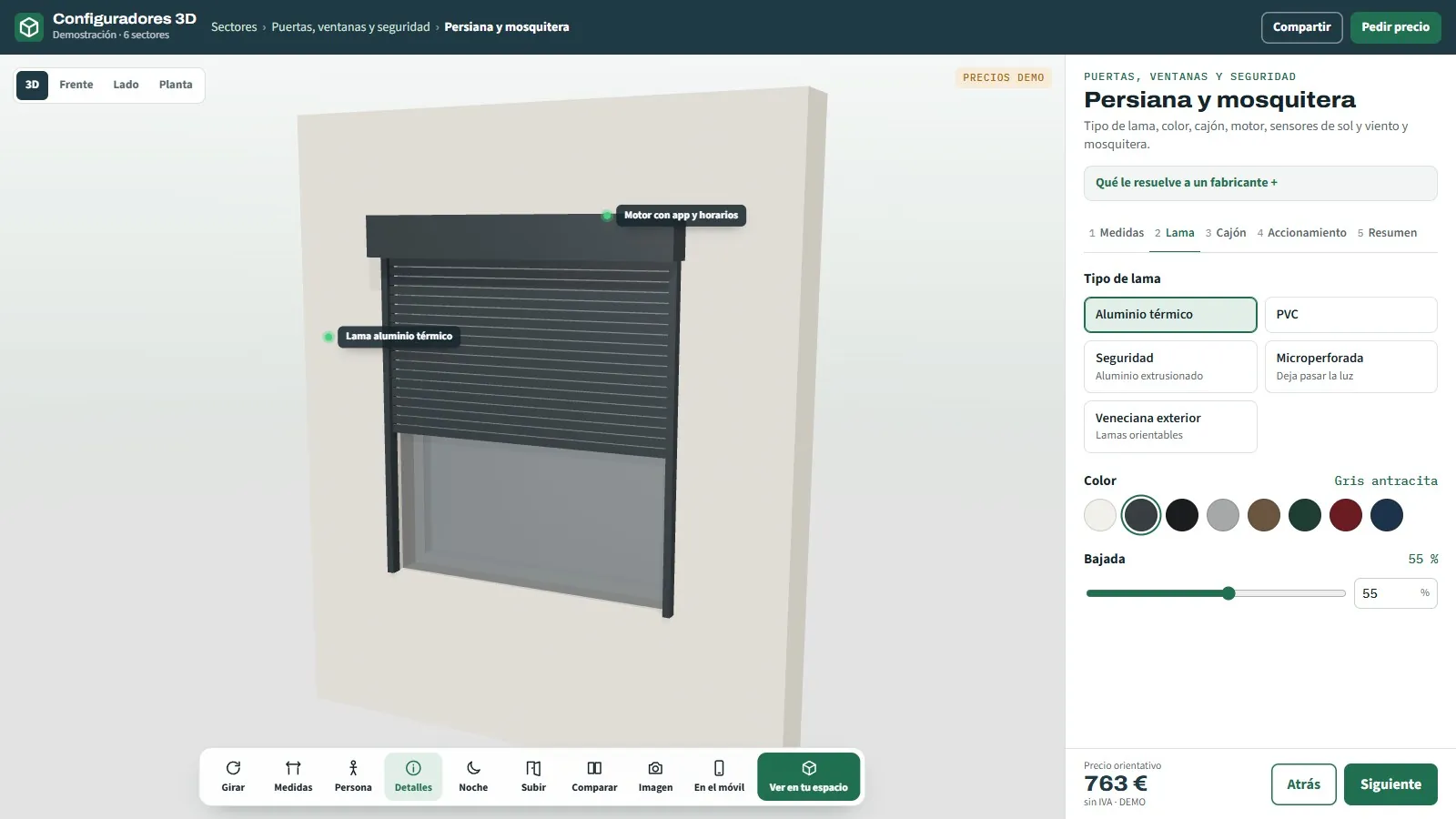
3D configurator for blinds and insect screens
Aluminium, PVC, security or venetian · motor and sensors.
See page →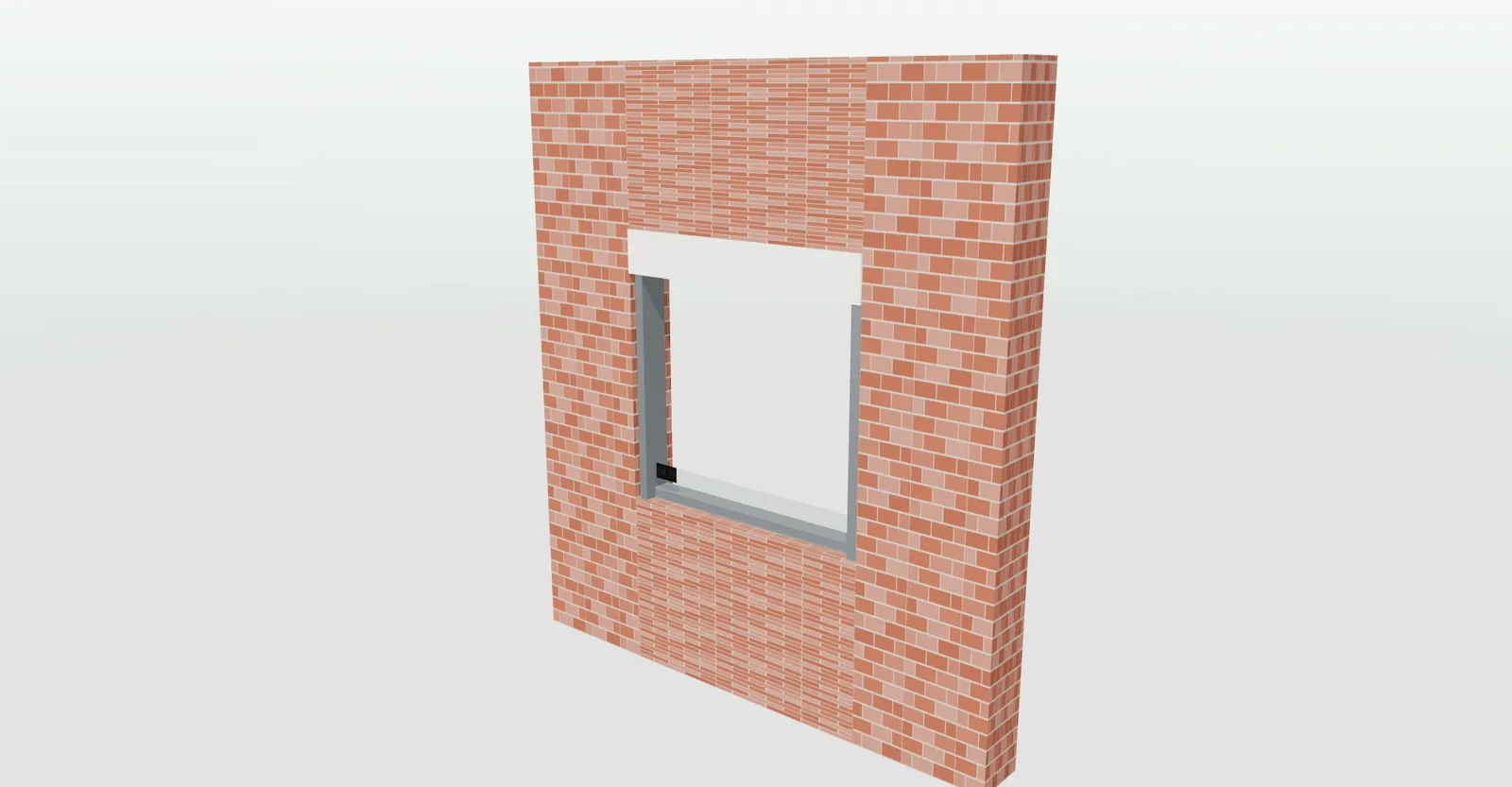
05
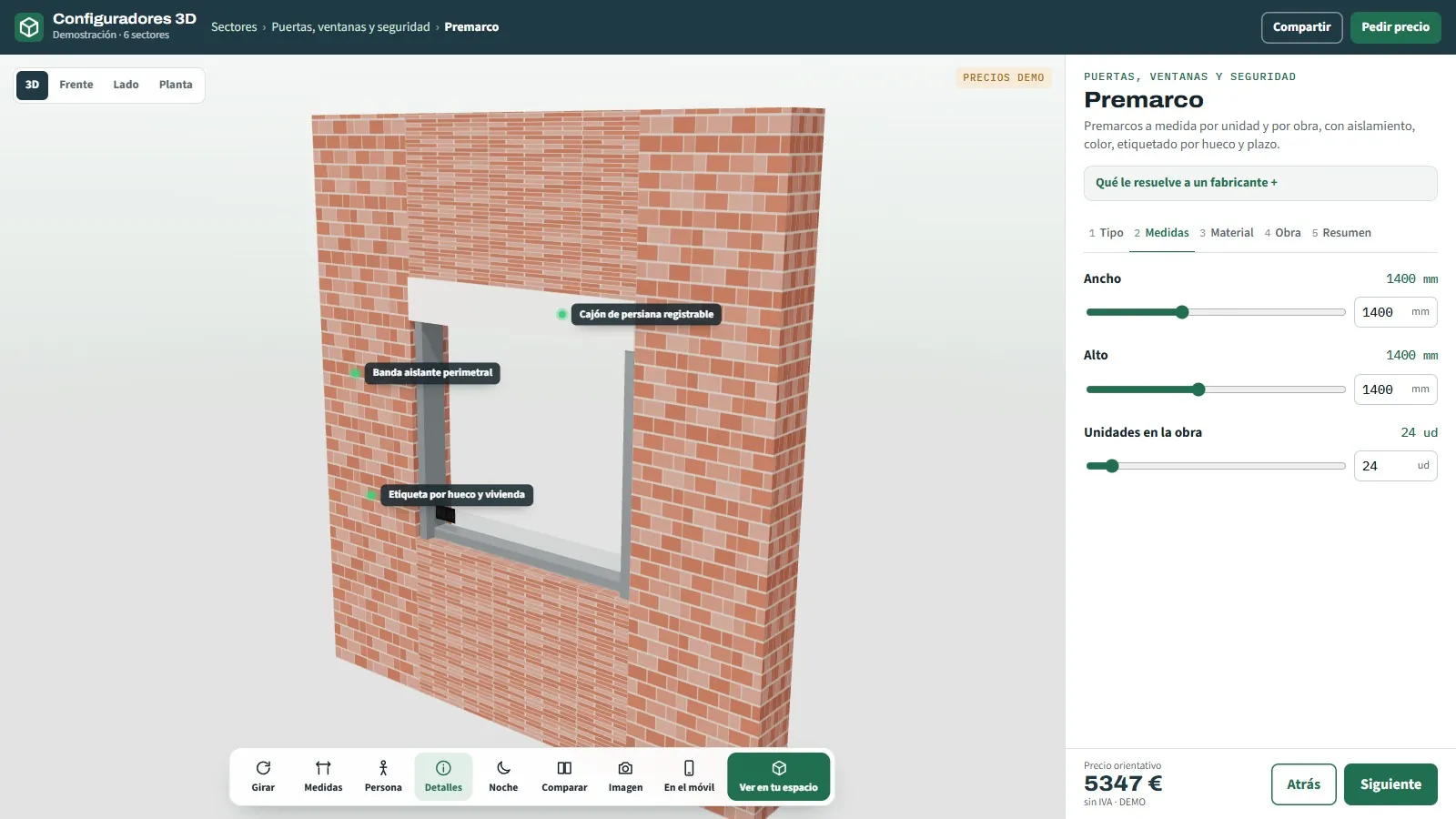
3D configurator for subframes
Window, door or monoblock with box · per project.
See page →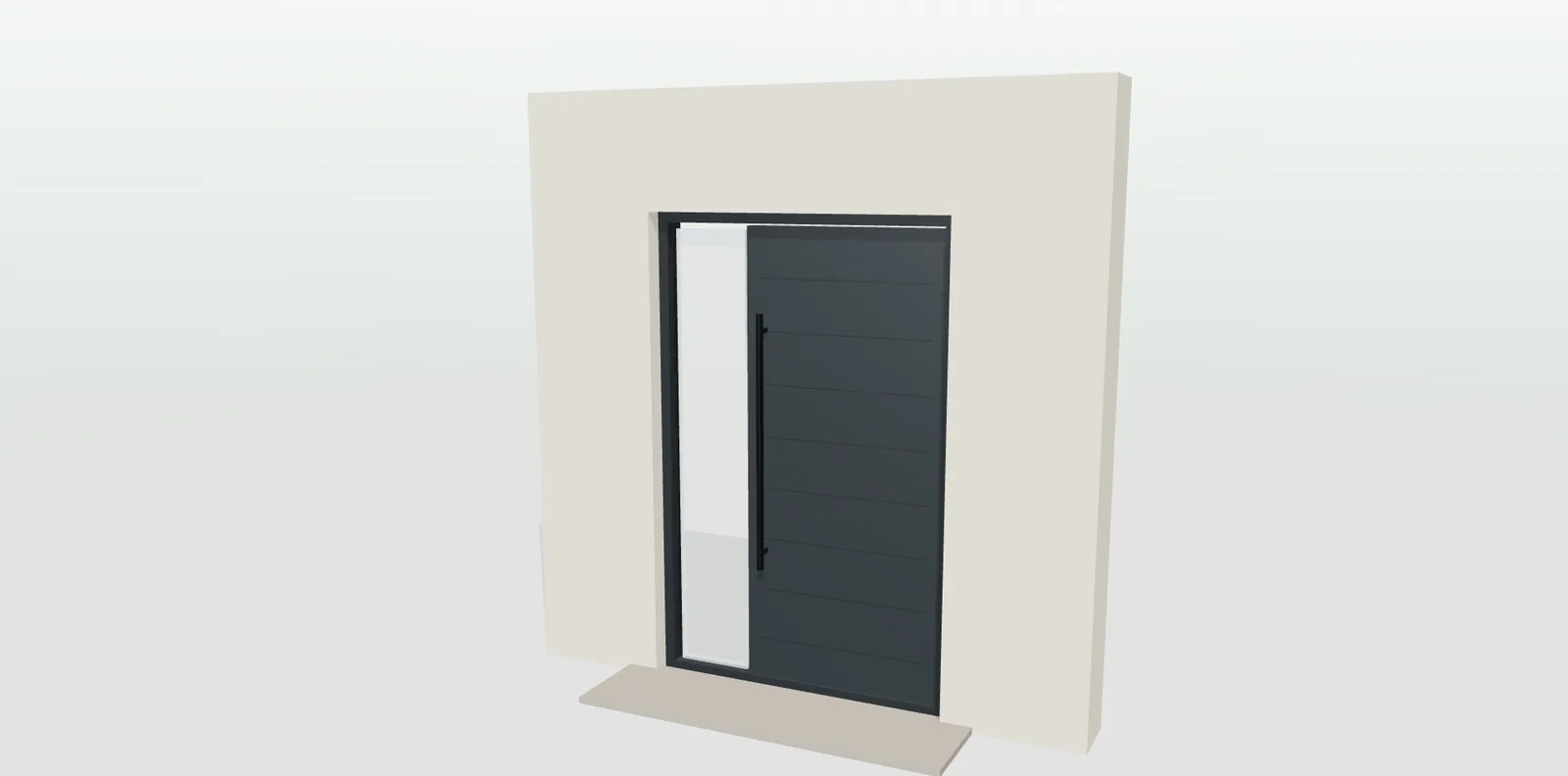
06
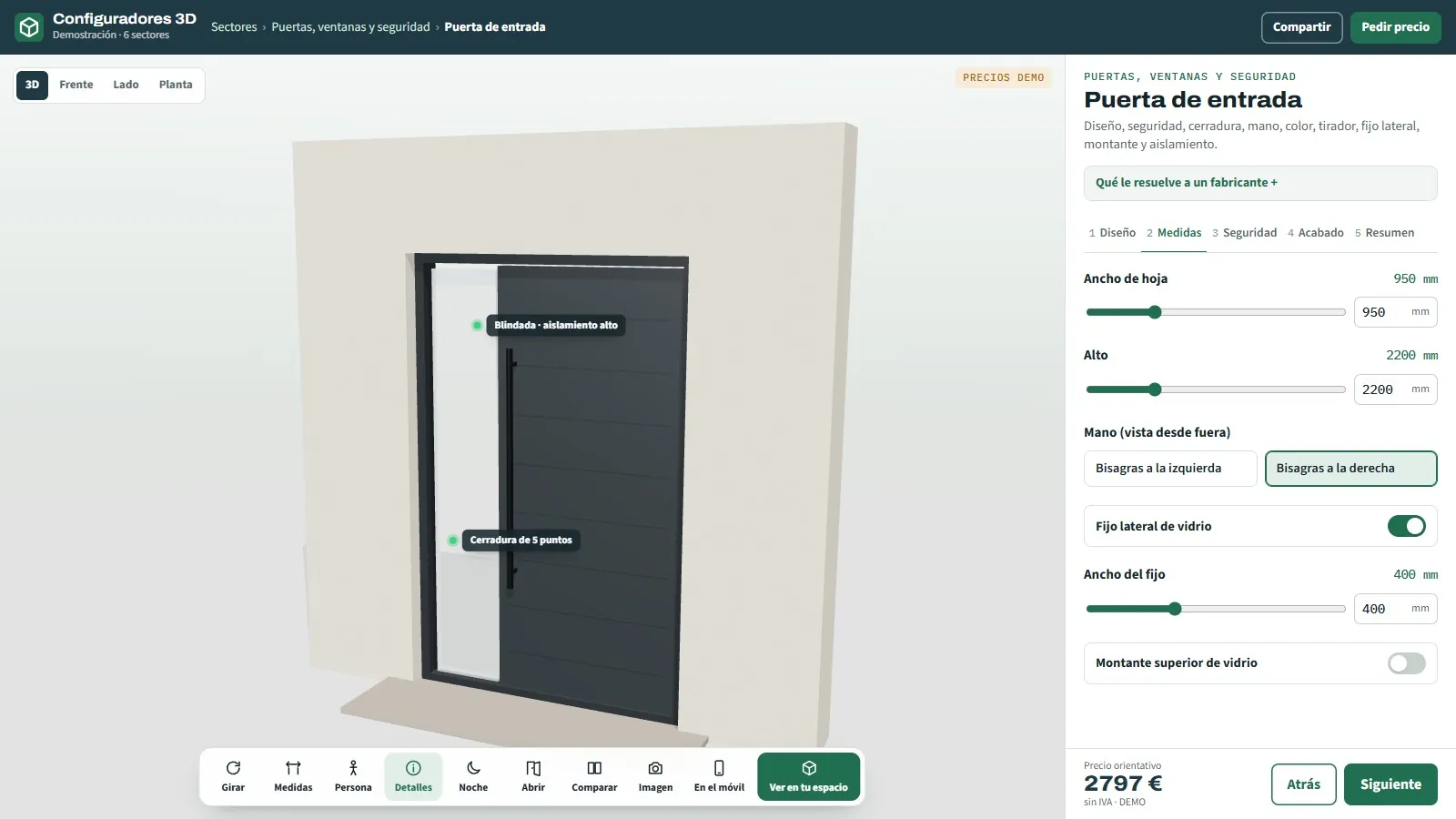
3D configurator for entrance doors
Standard, reinforced or armoured · with transom.
See page →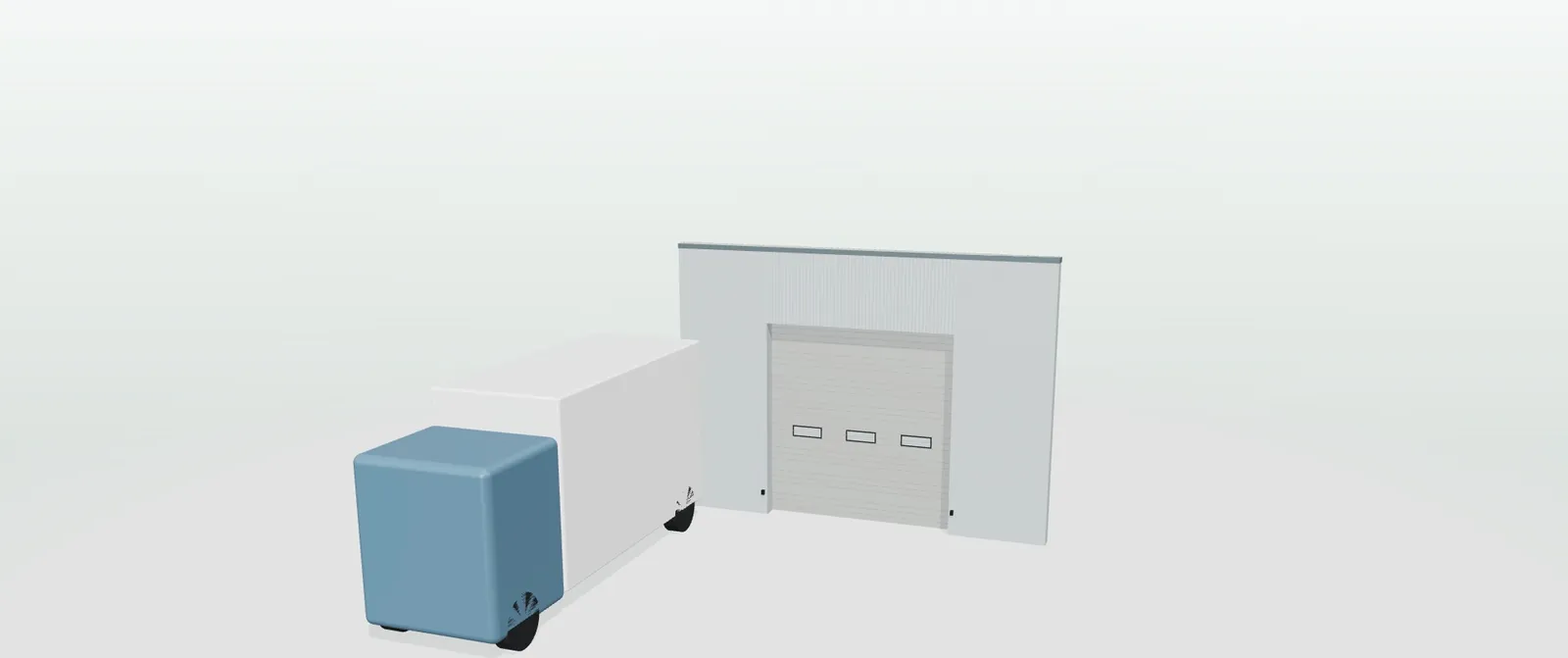
07
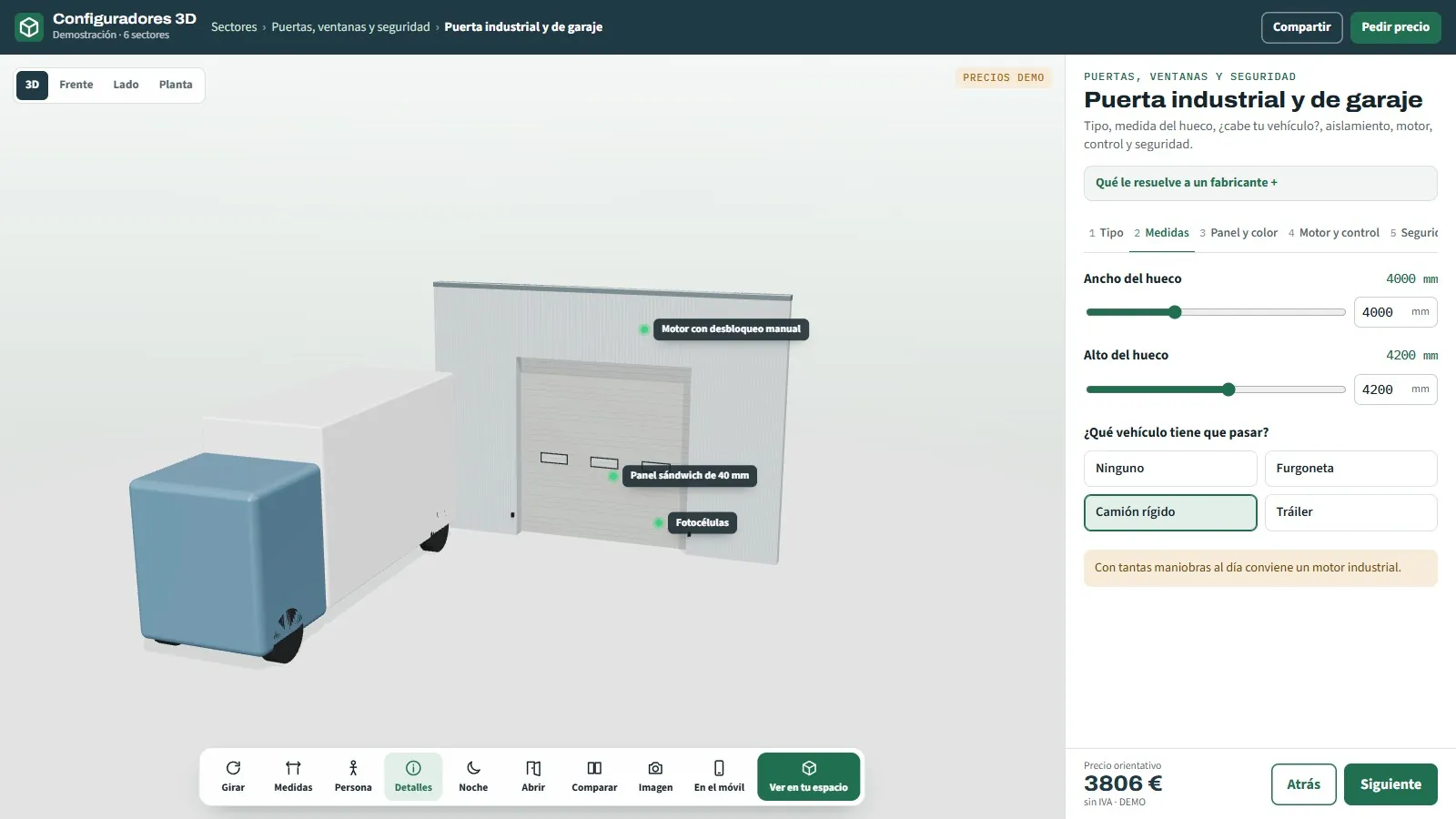
3D configurator for industrial and garage doors
Sectional, roller, high-speed or sliding.
See page →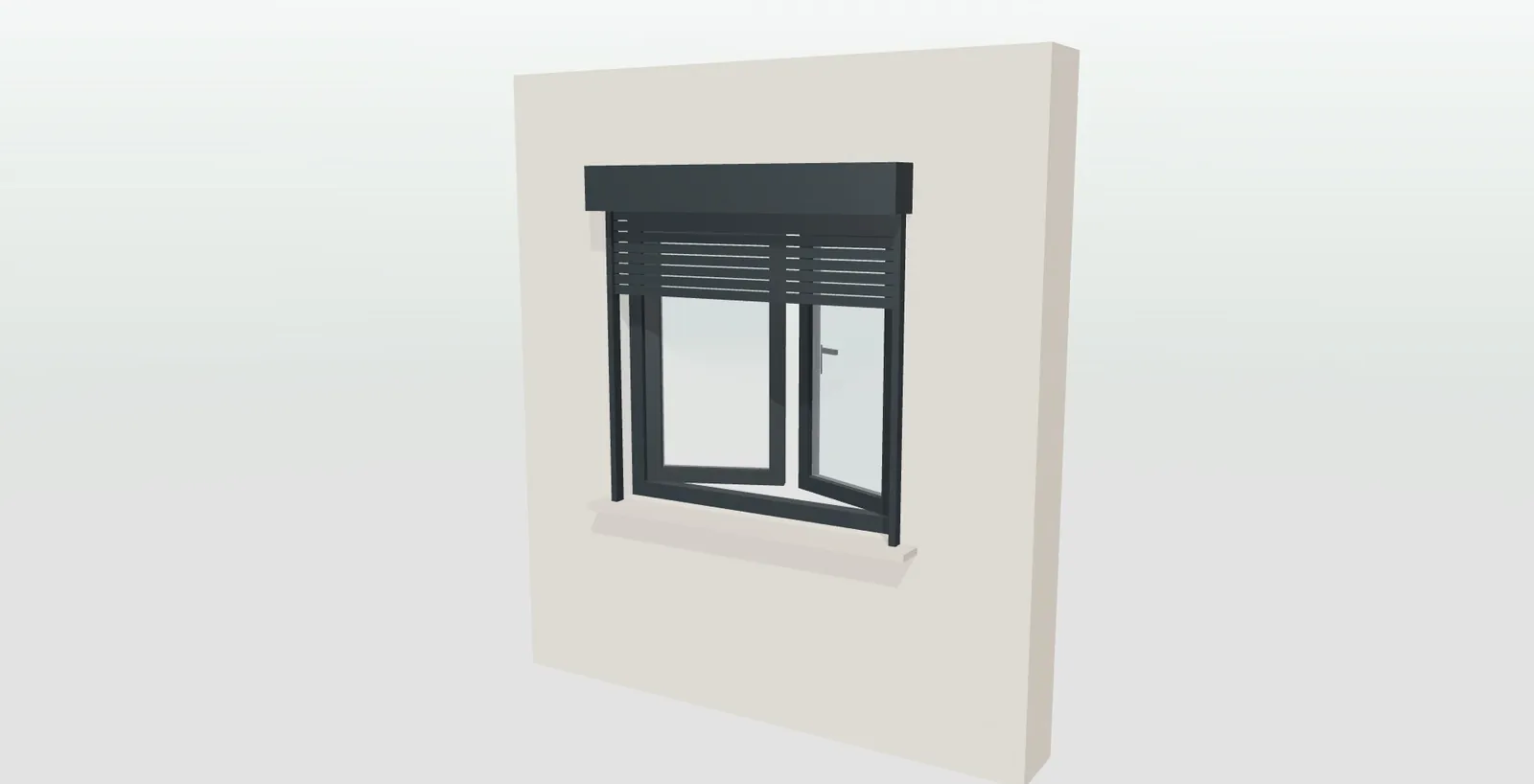
08
3D configurator for windows
PVC, aluminium or wood · 6 opening types · 6 glazing options.
See page →09
Aluminium and PVC window configurator
Aluminium and PVC window configurator for manufacturers and fabricators: your ranges, instant prices…
See page →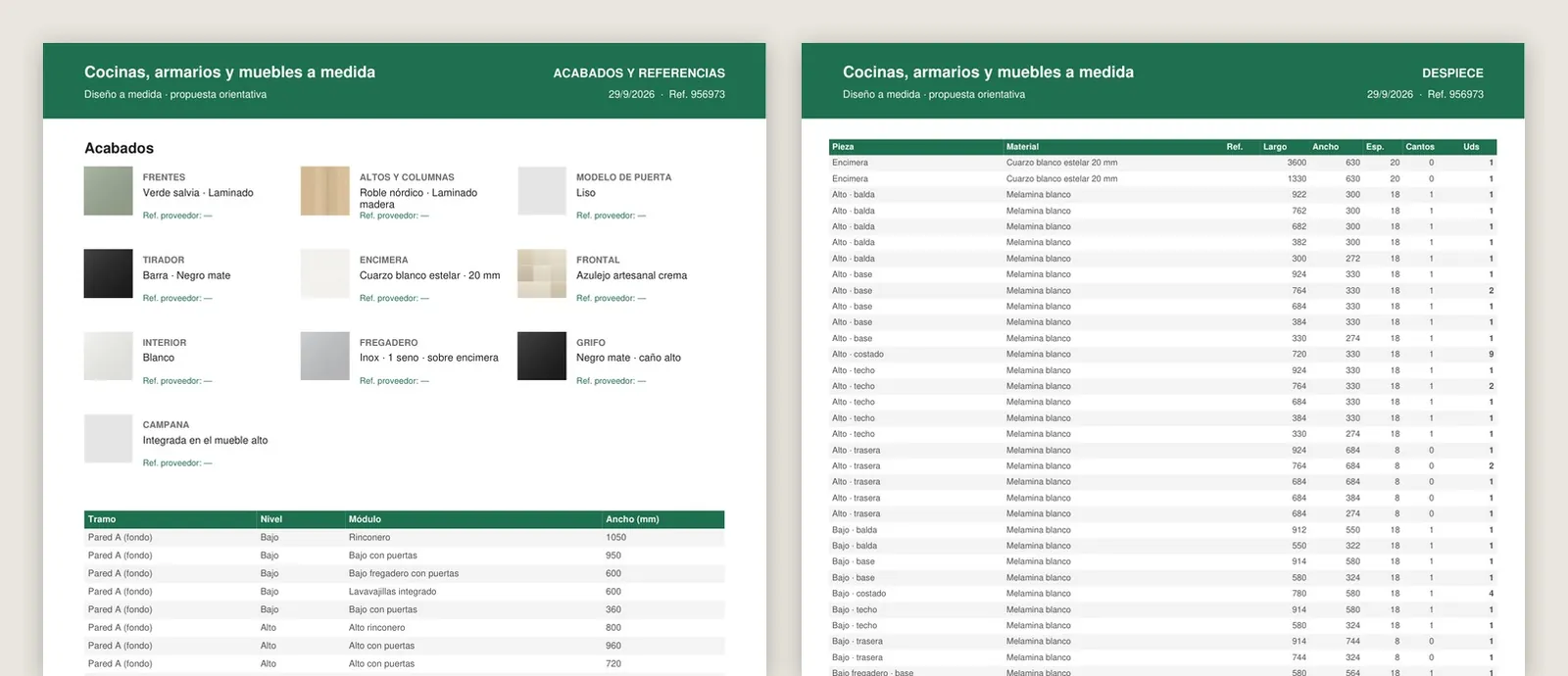
10
Technical configurator with parts breakdown and cutting lists
Configurator with parts breakdown for manufacturers: profile cutting list, glass sizes, weights and a list of…
See page →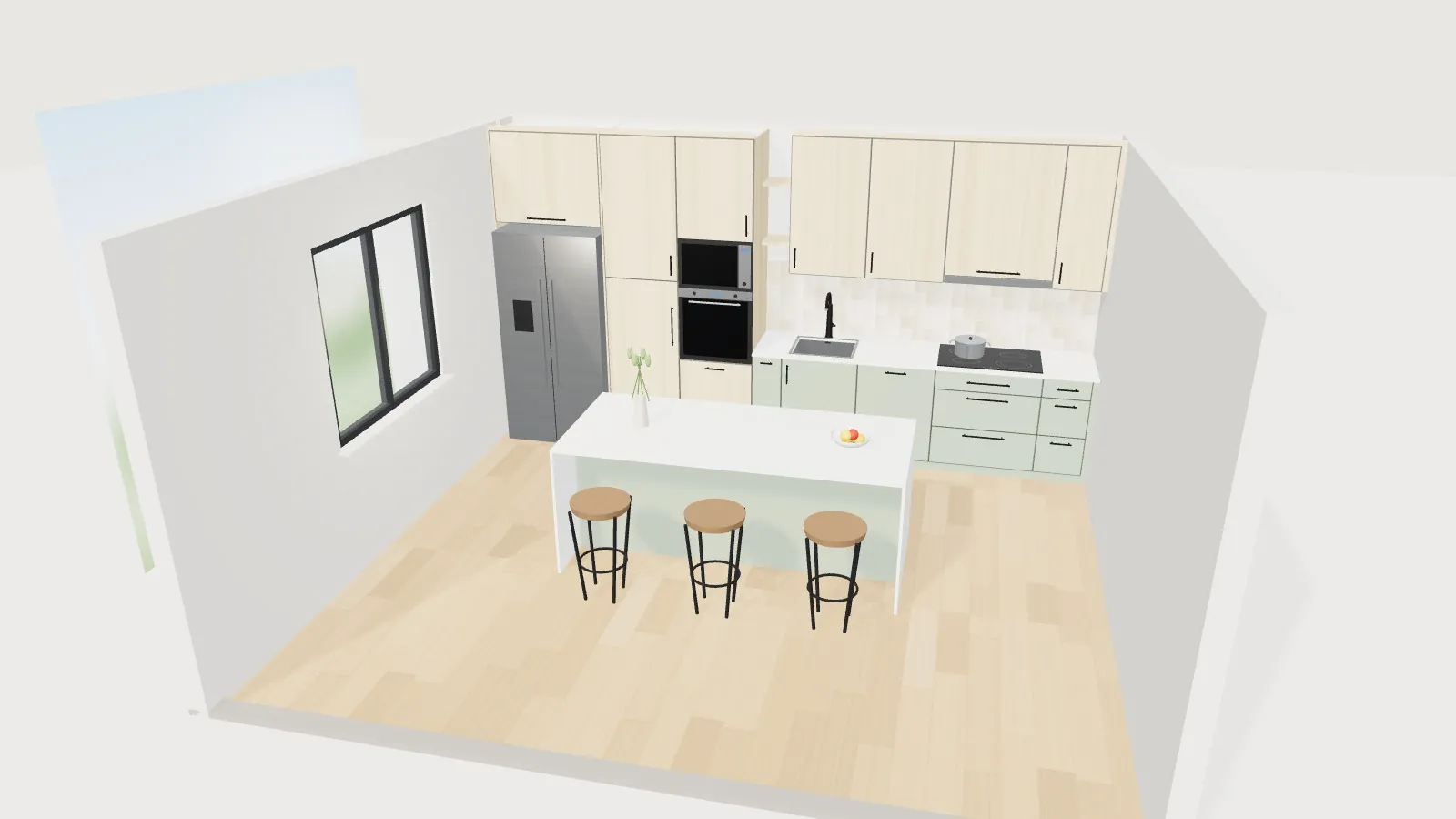
11
All furniture configurators
3D furniture configurator for manufacturers of furniture, upholstery, beds and mattresses, doors and textiles: your catalogue in 3D, with your price list and order sheet.
See page →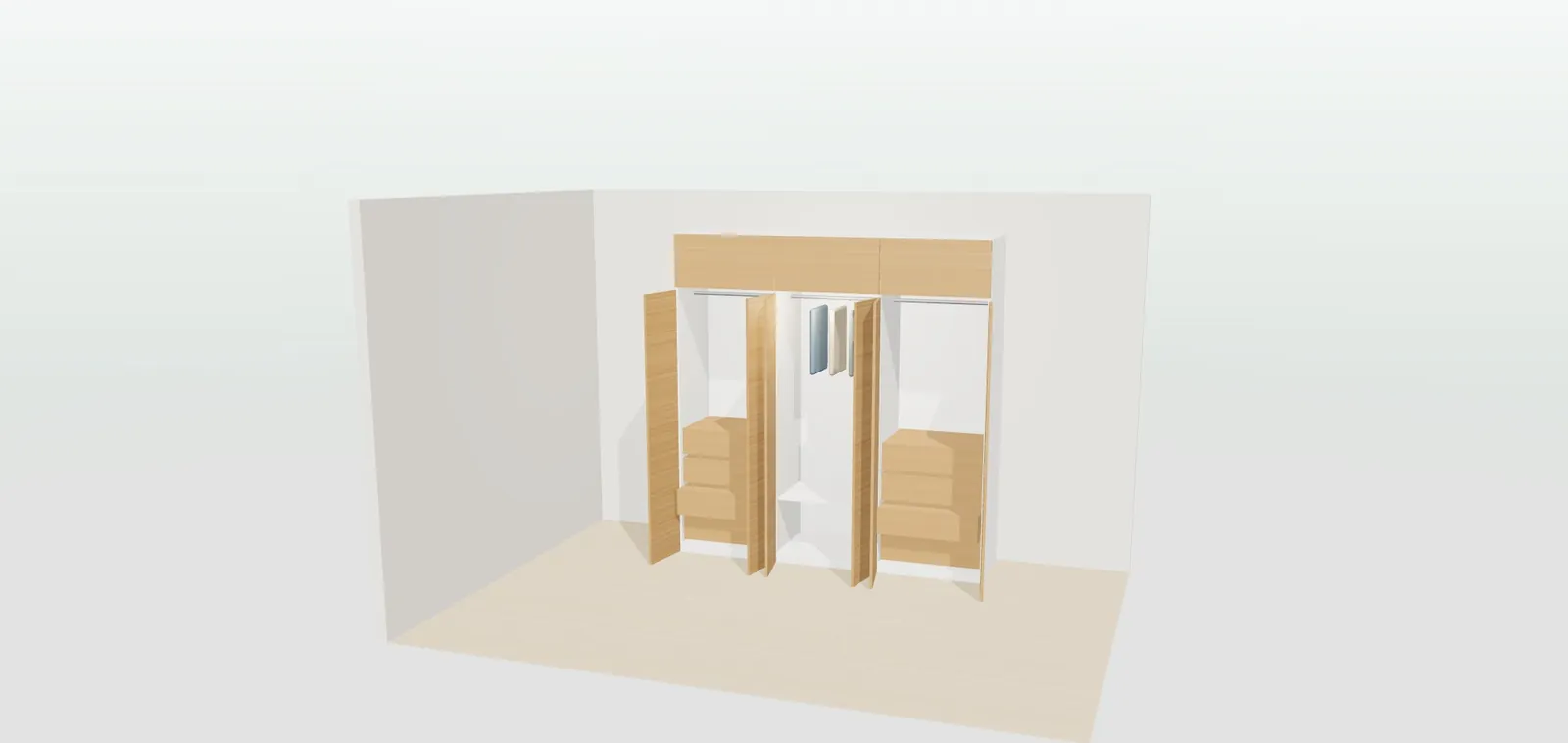
12
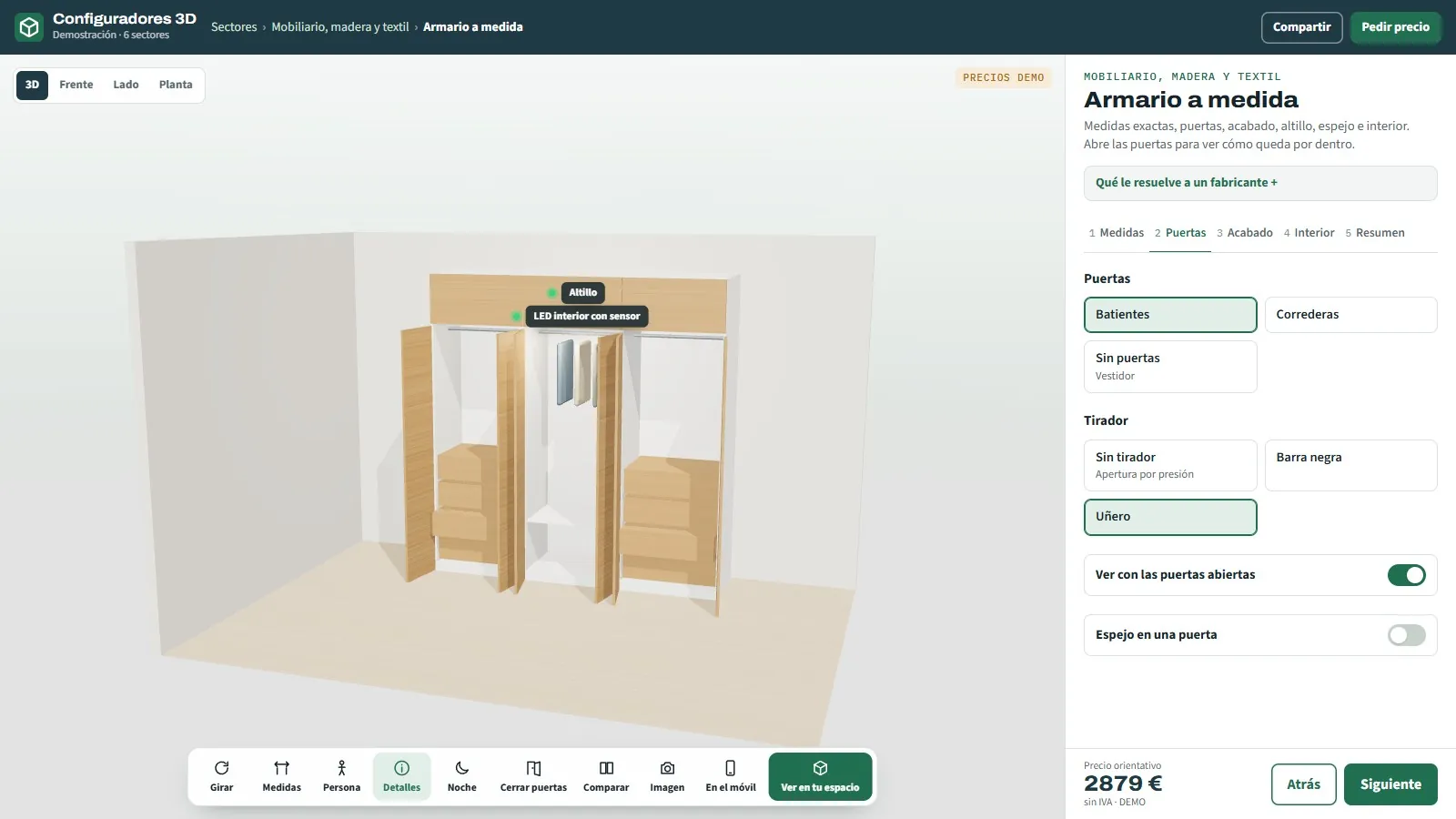
3D configurator for fitted wardrobes
Hinged, sliding or walk-in.
See page →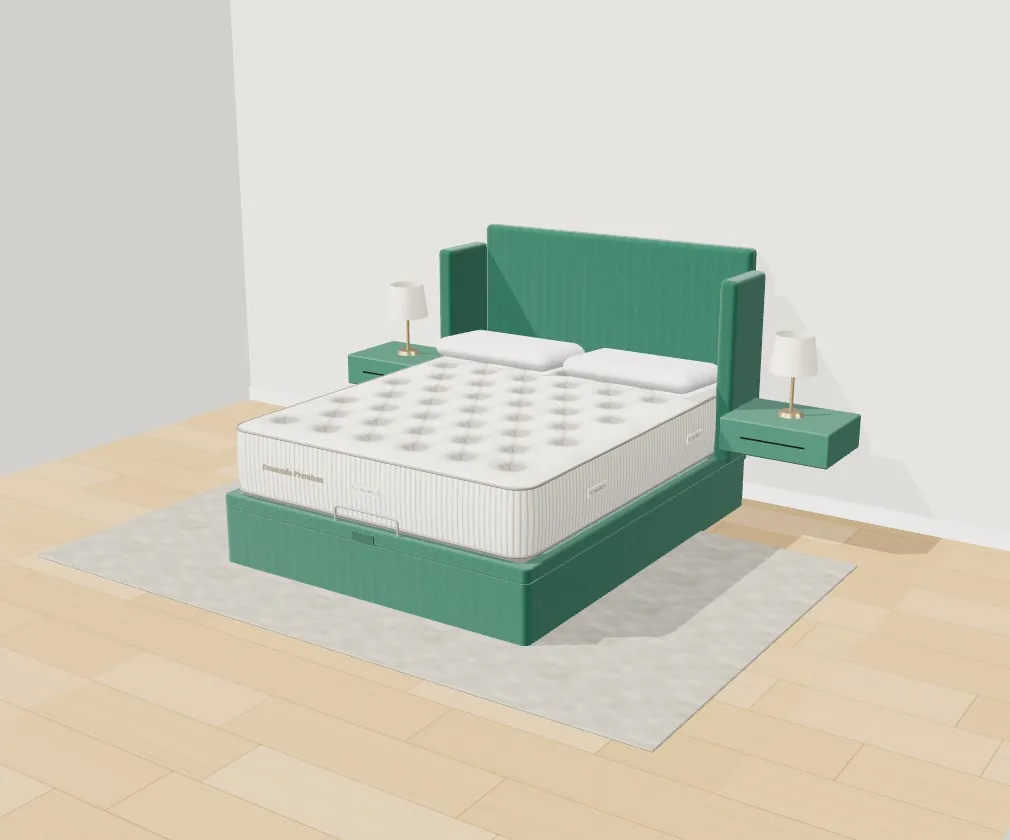

13
3D bed and bedroom configurator
Storage bed base, headboard and 24 fabrics · bedside tables with lamps · in their own bedroom
See page →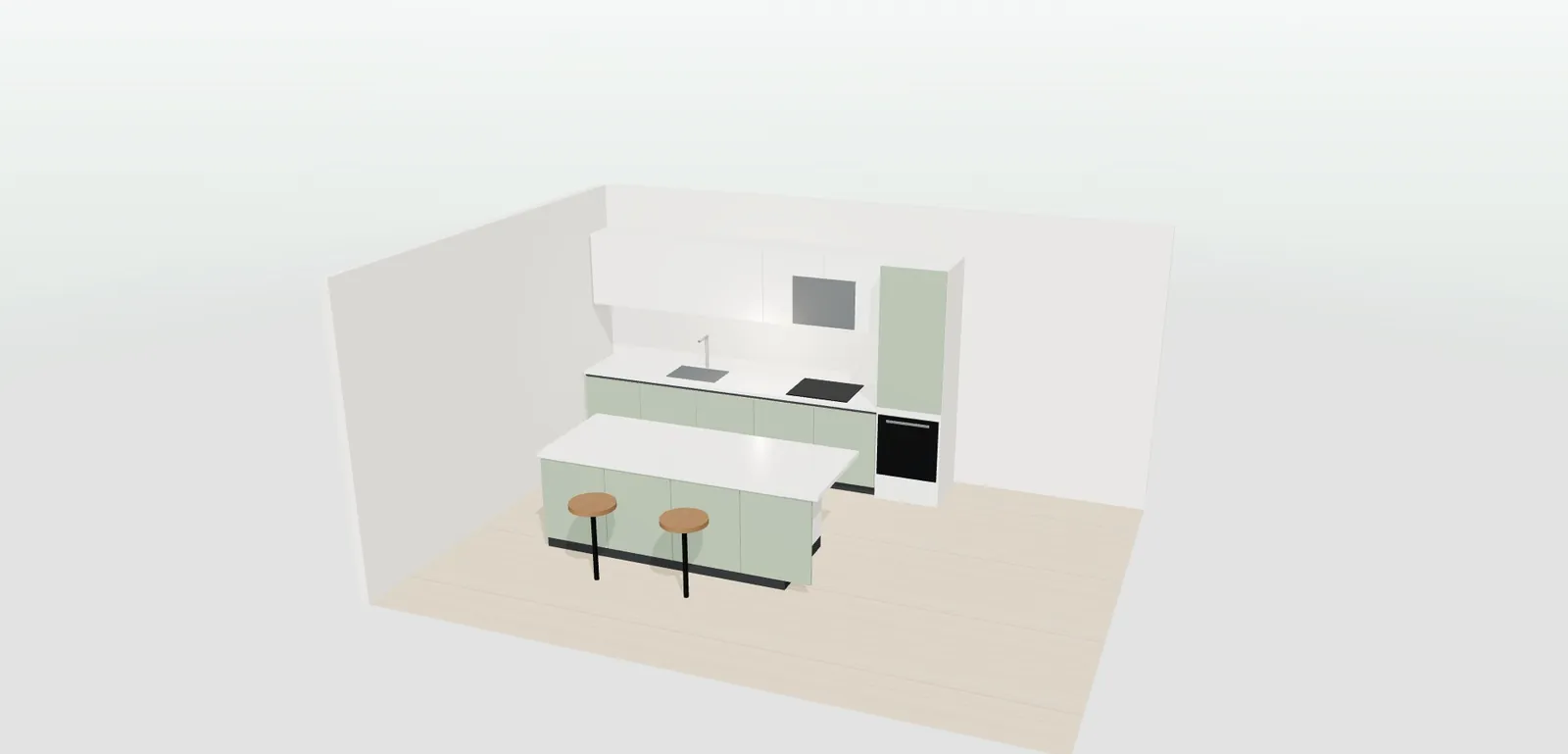
14
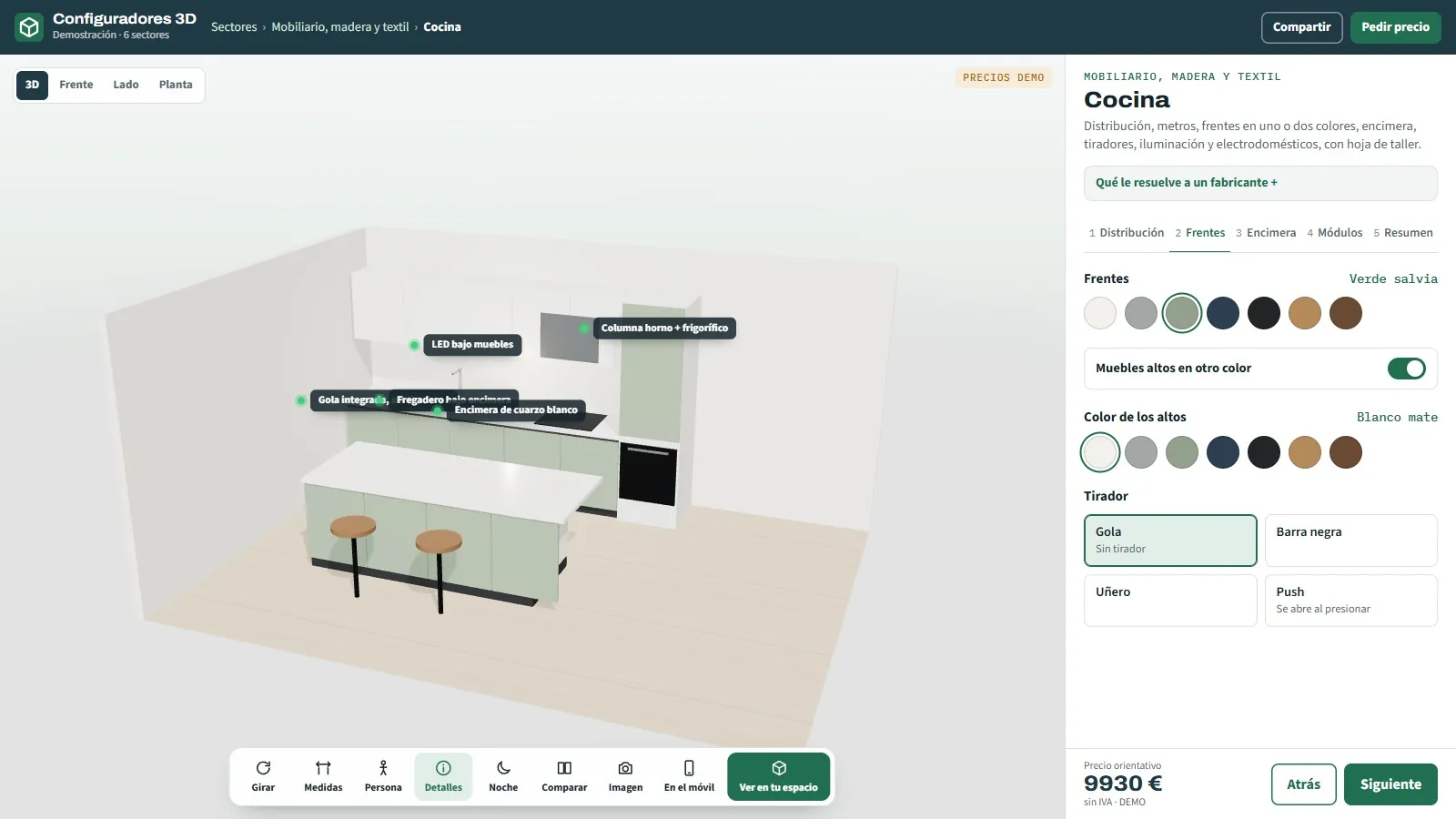
3D kitchen configurator for manufacturers
Straight, L-shaped or with an island.
See page →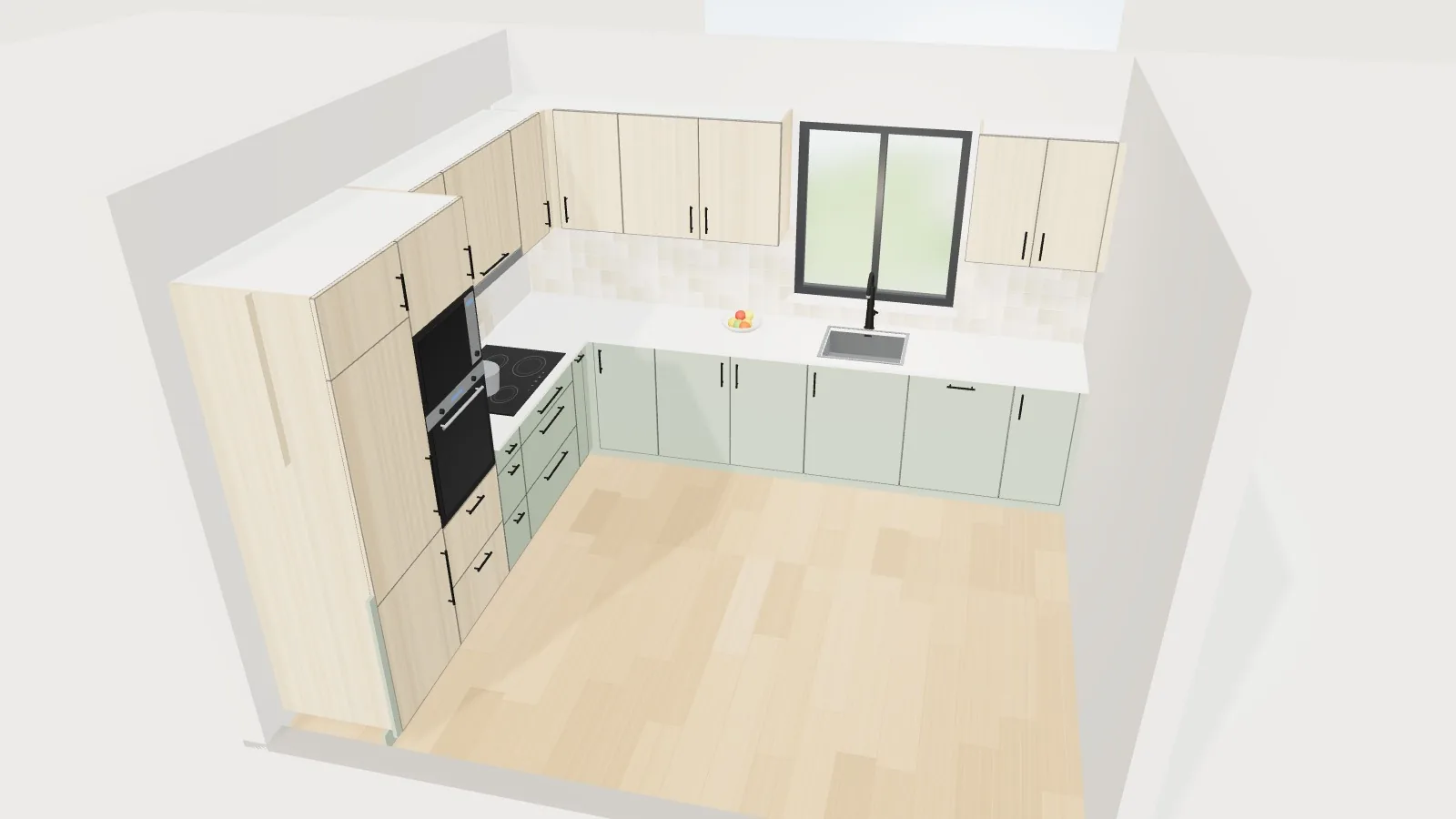
15
3D configurator for kitchens, wardrobes and made-to-measure furniture
Real sizes, automatic layout, price and workshop sheet.
See page →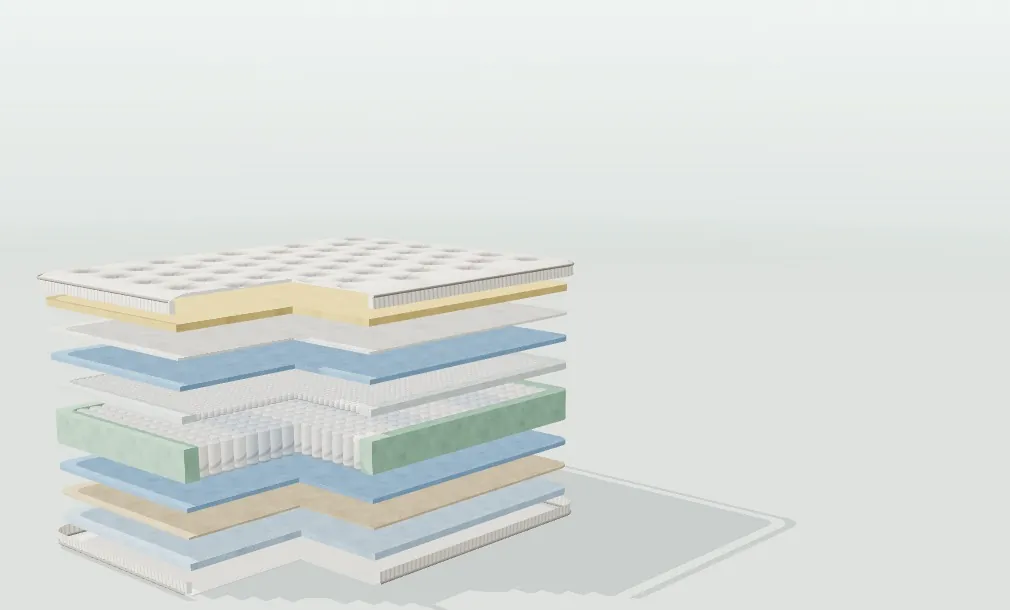
16
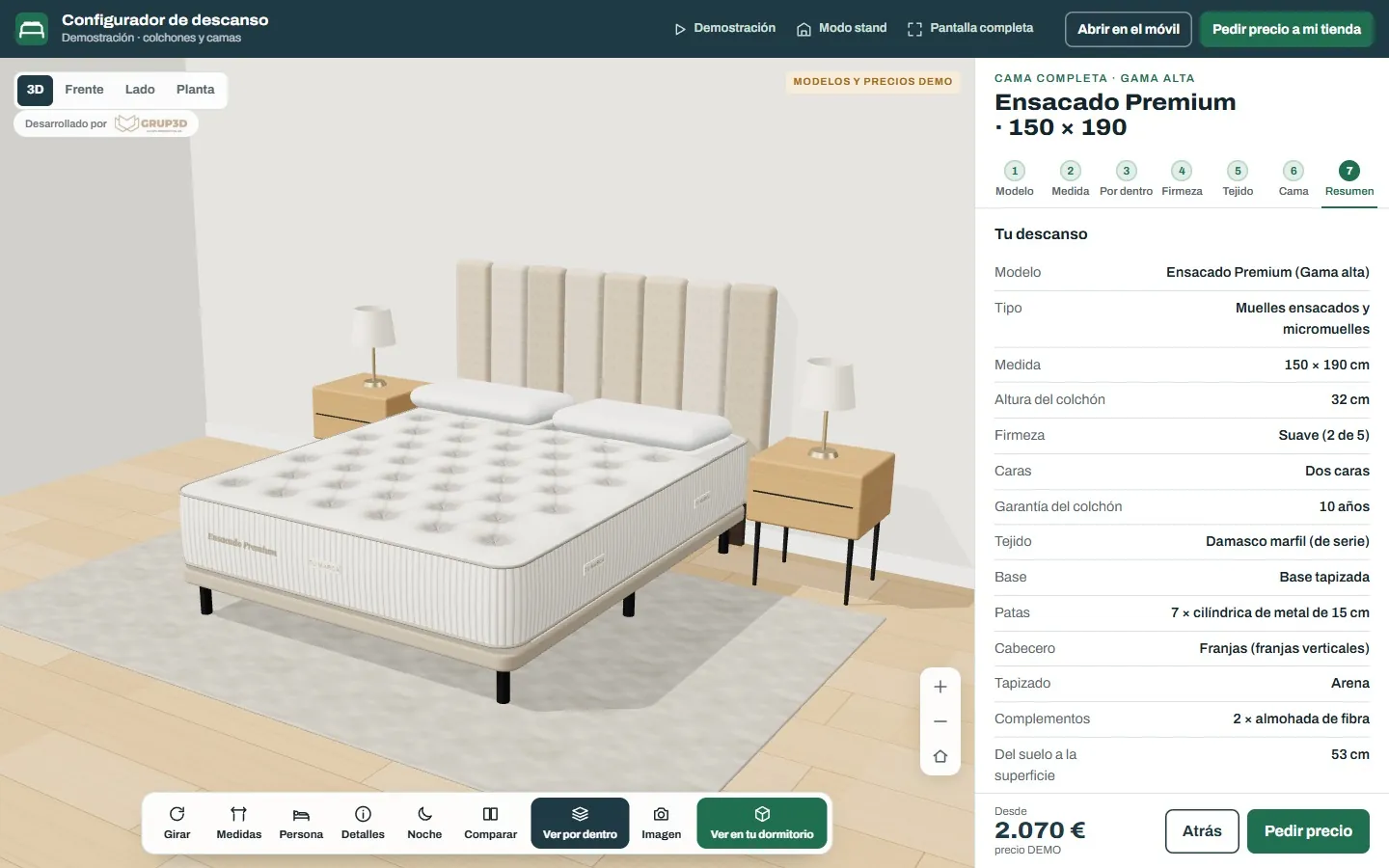
3D configurator for mattresses and beds
Inner layers · 5 firmness levels · base, ottoman and headboard.
See page →
17
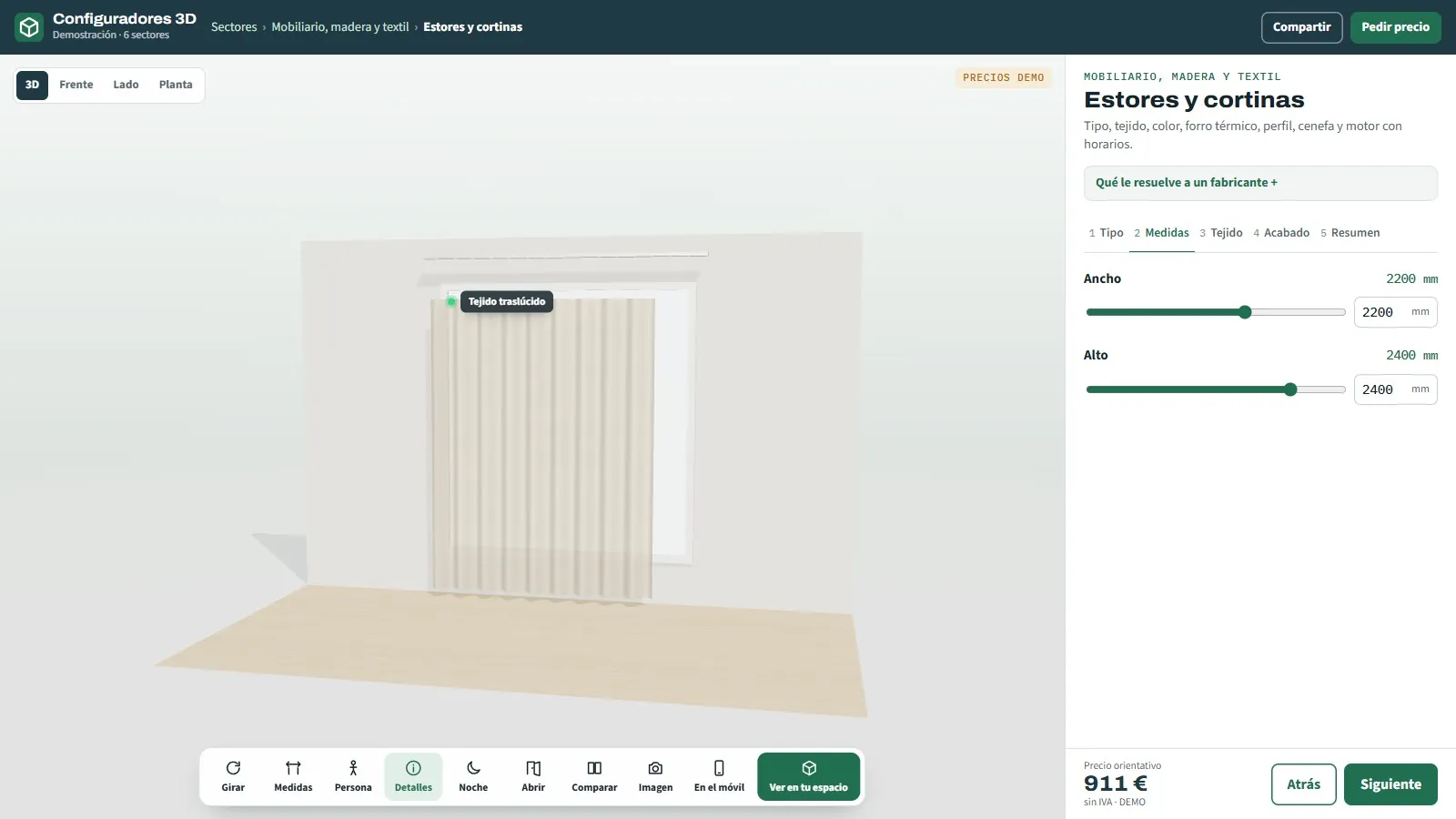
3D configurator for roller blinds and curtains
Roller, roman, wave or day-and-night.
See page →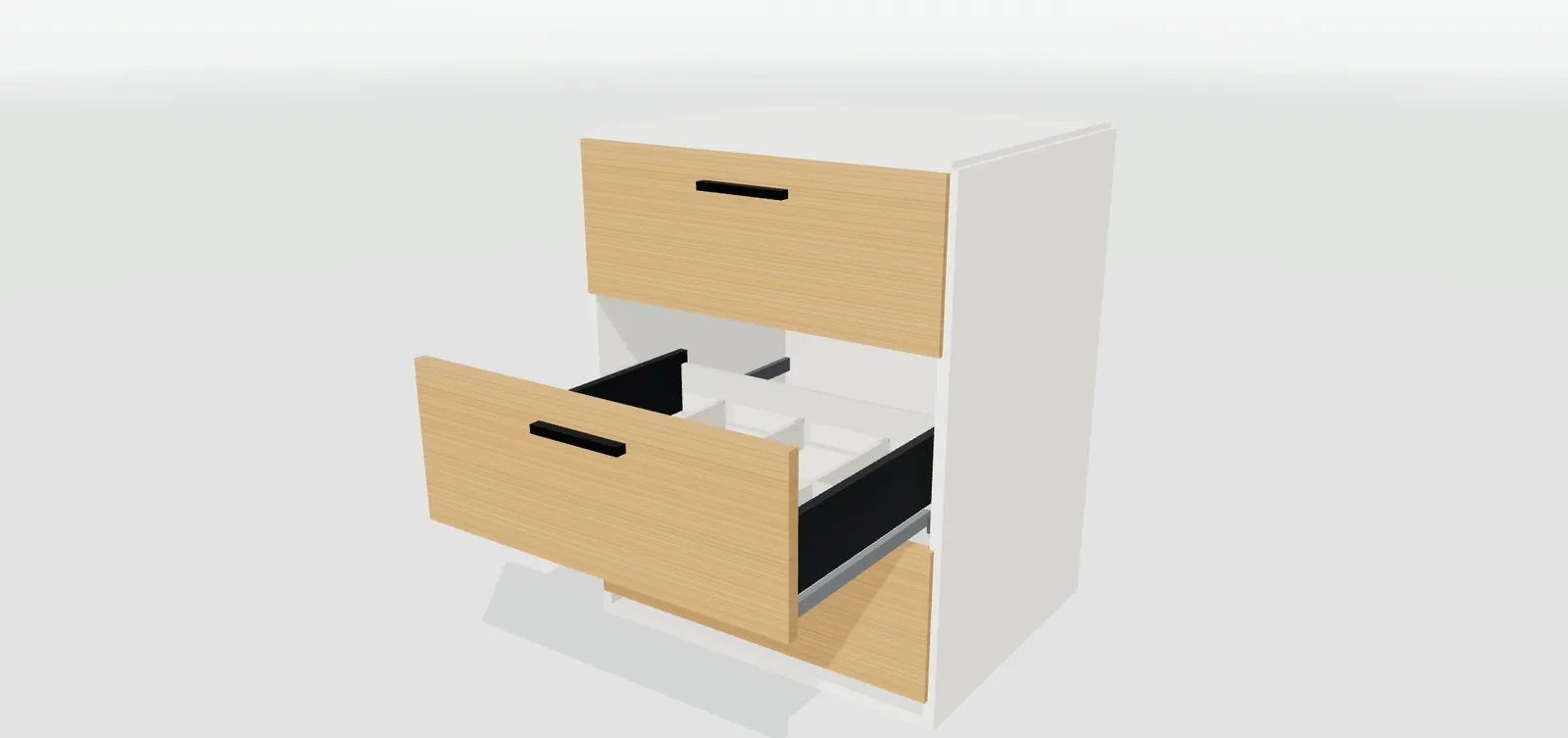
18
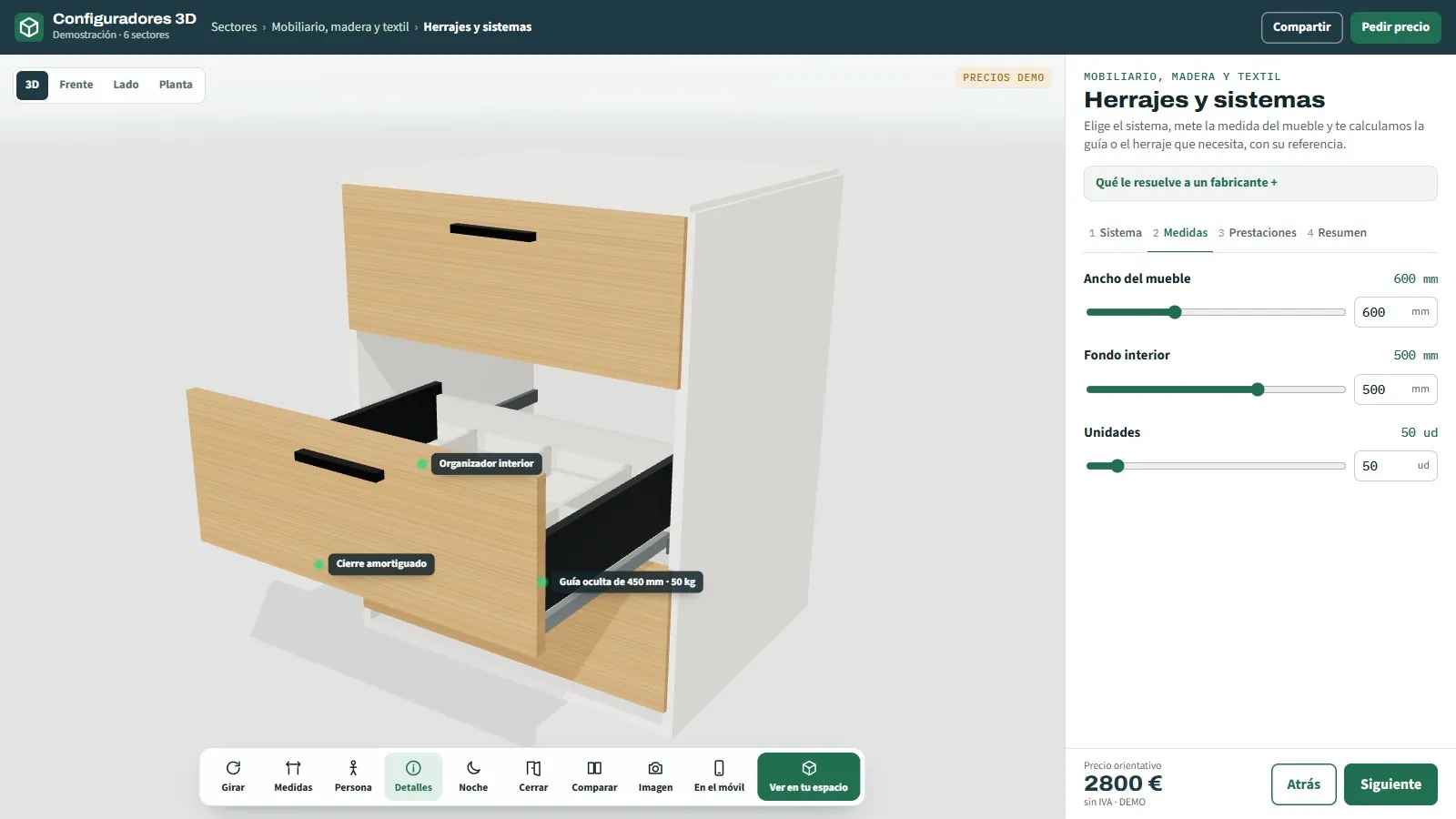
3D configurator for furniture fittings and systems
Drawers, runners and hinges.
See page →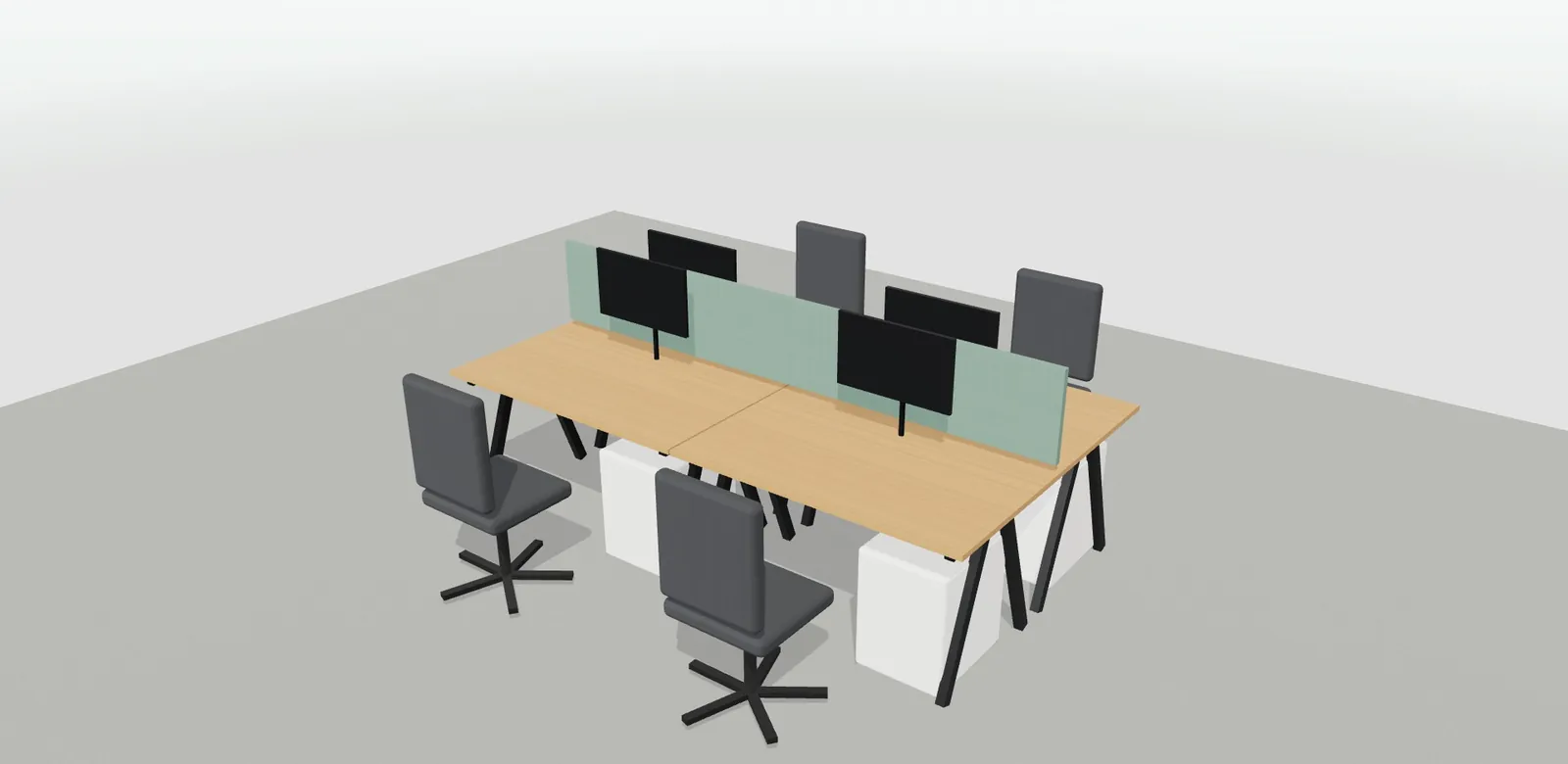
19
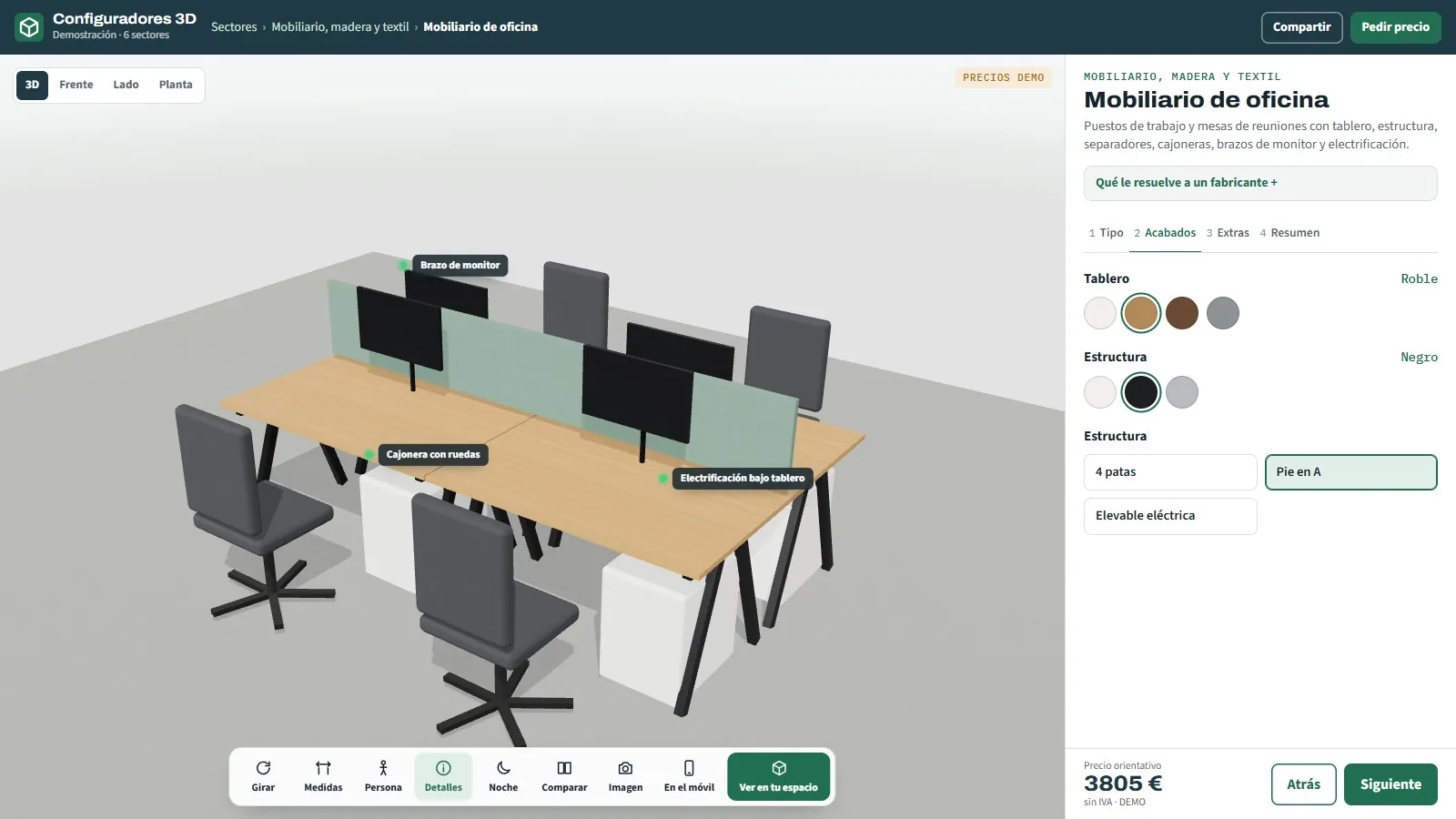
3D configurator for office furniture
Workstation, bench or meeting table.
See page →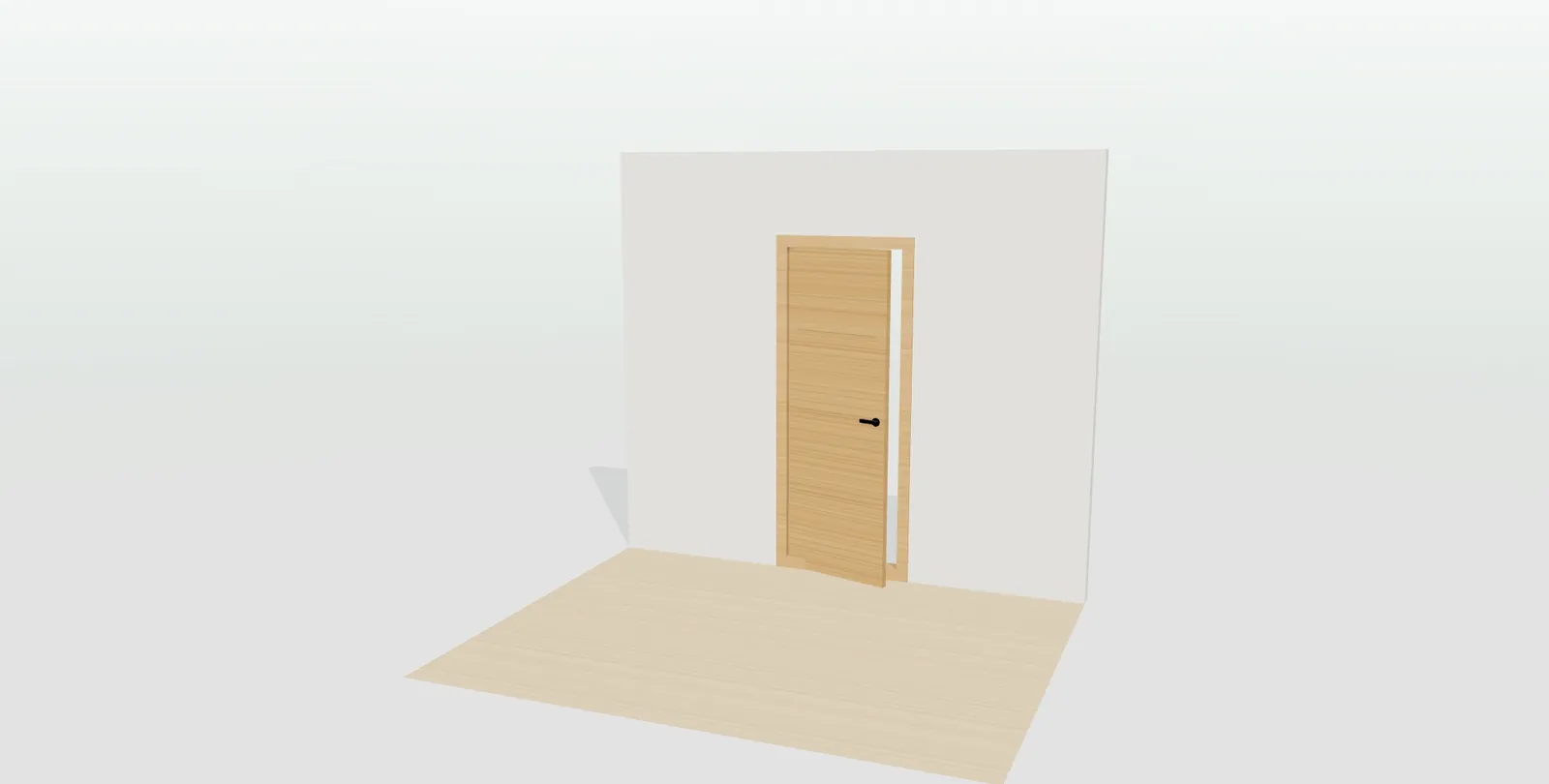
20
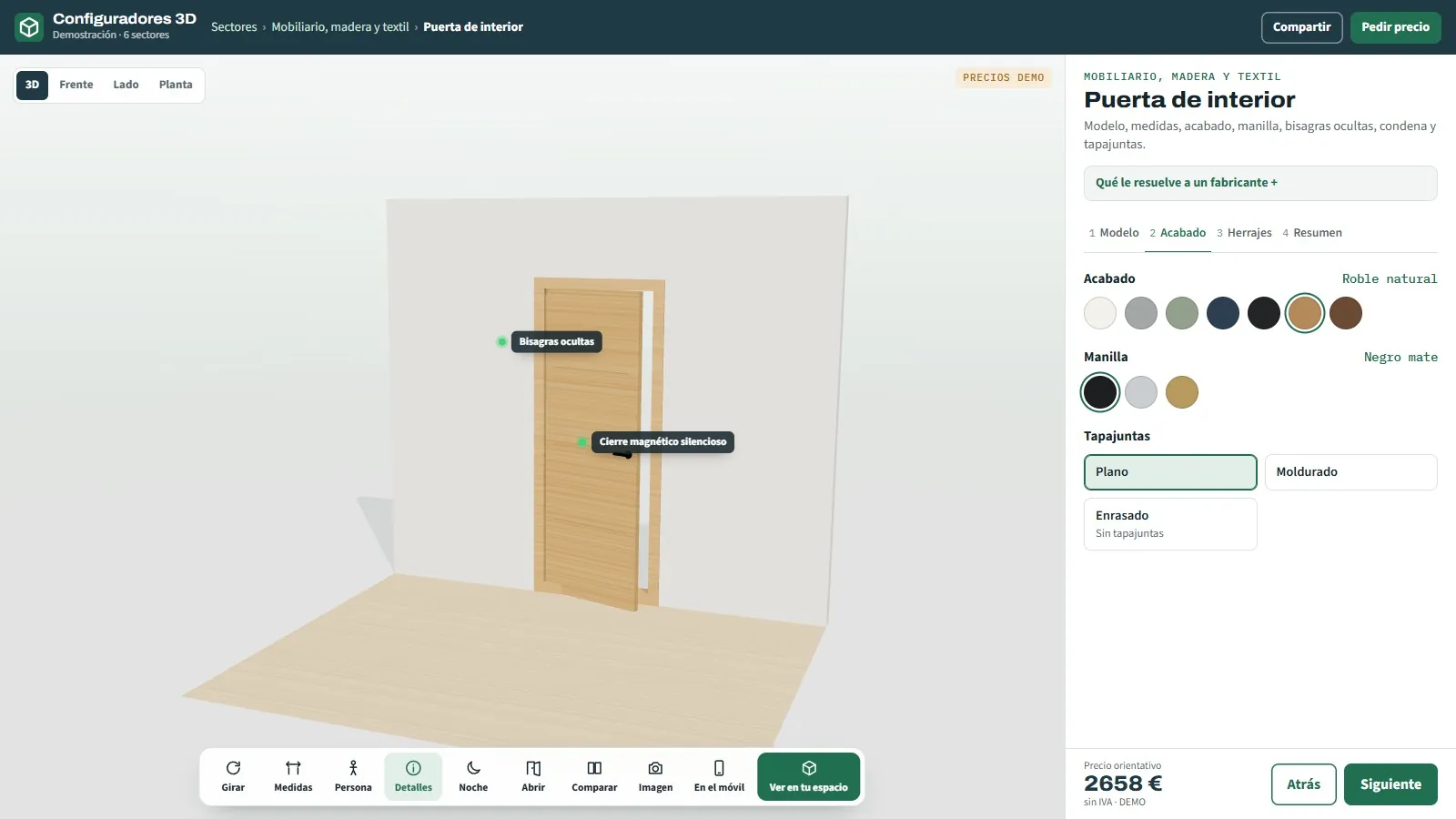
3D configurator for internal doors
Hinged or barn-style sliding.
See page →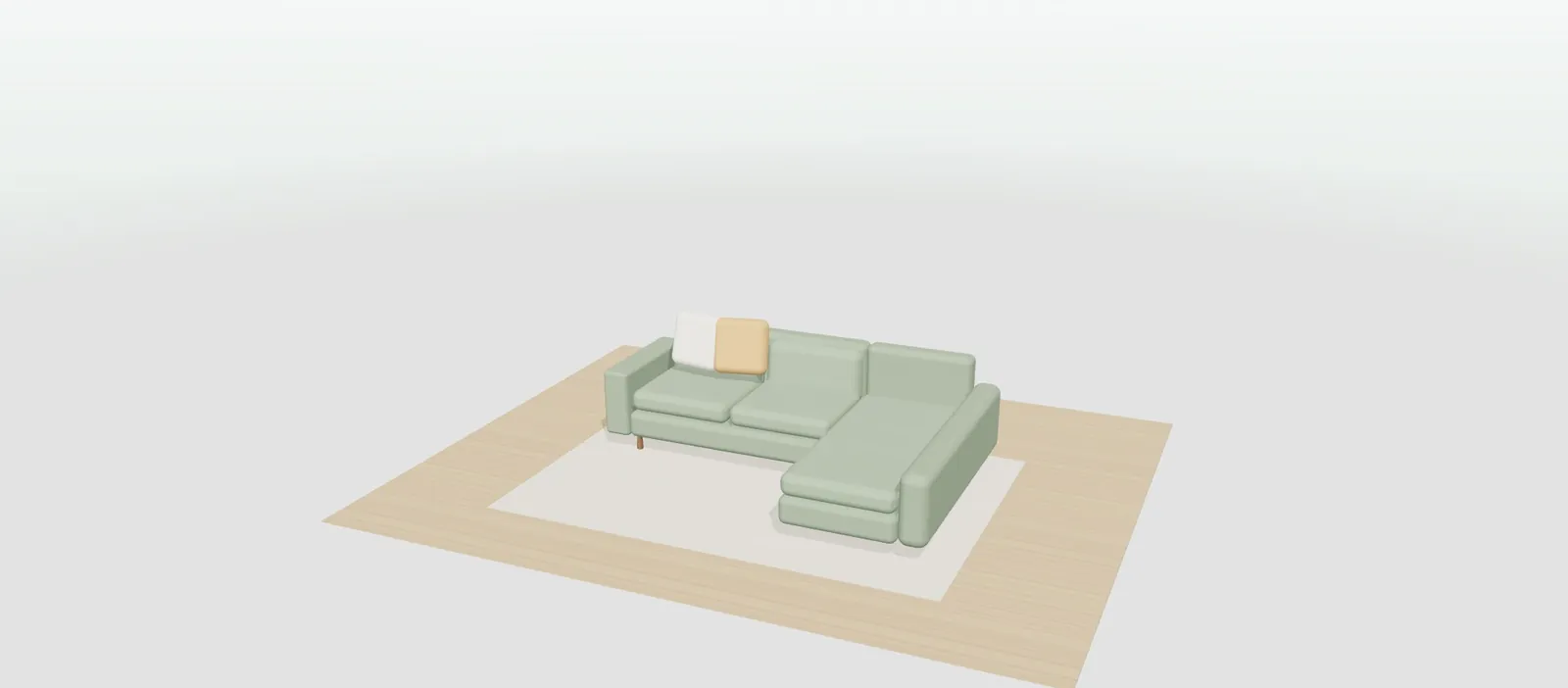
21
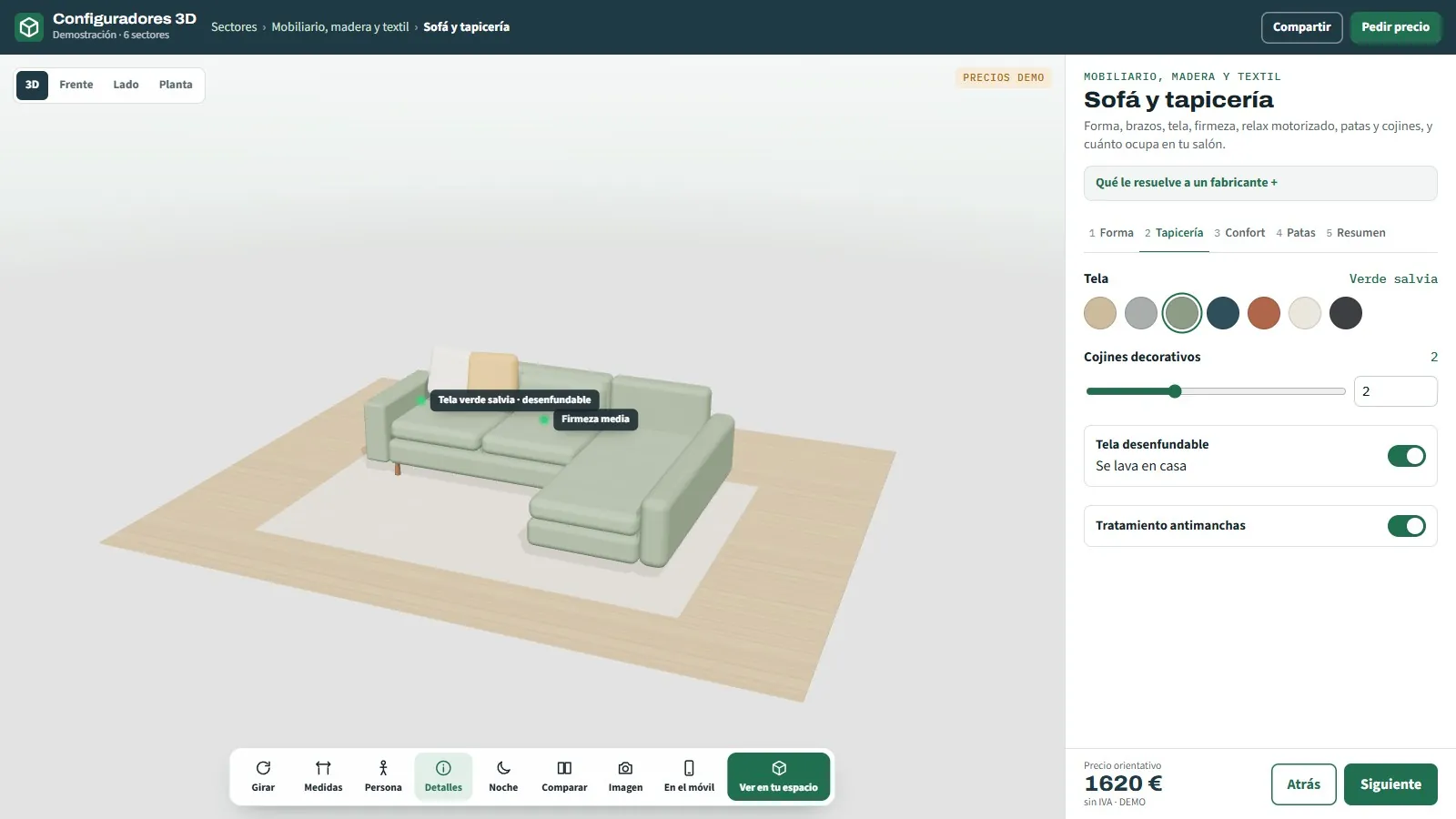
3D configurator for sofas and upholstery
Seats, chaise longue, fabric and legs.
See page →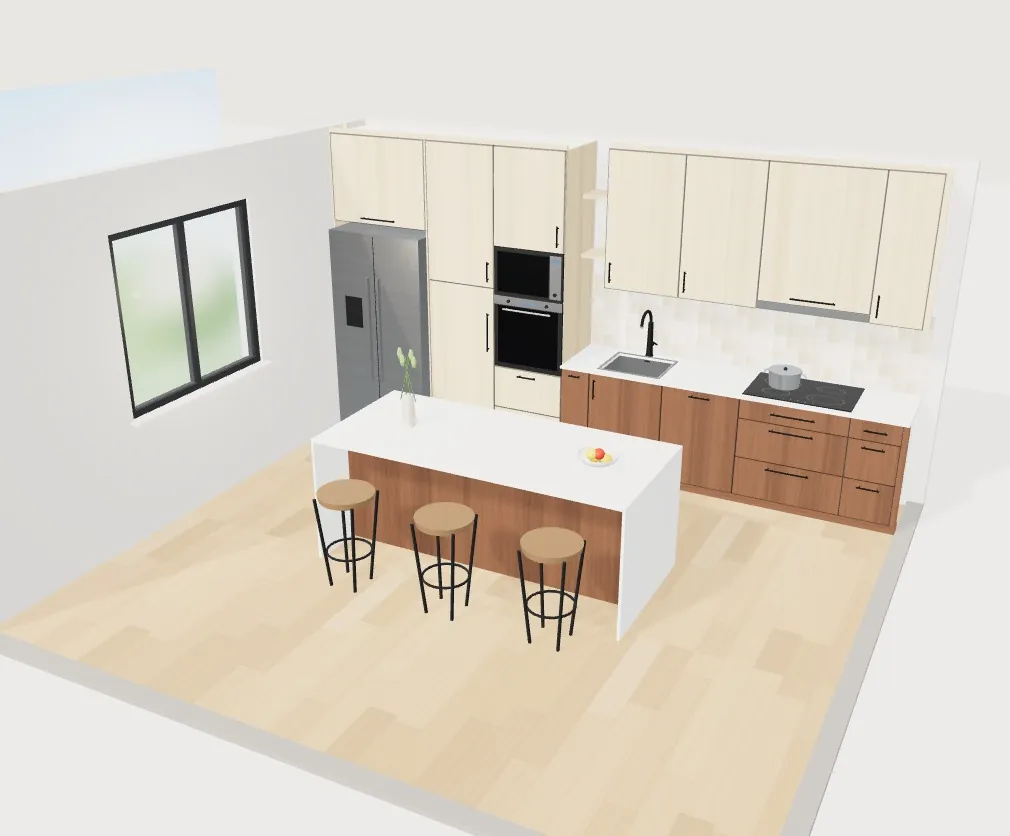

22
Board decors in a 3D configurator
Decor chart from Excel · apply by zone · matching samples and edging
See page →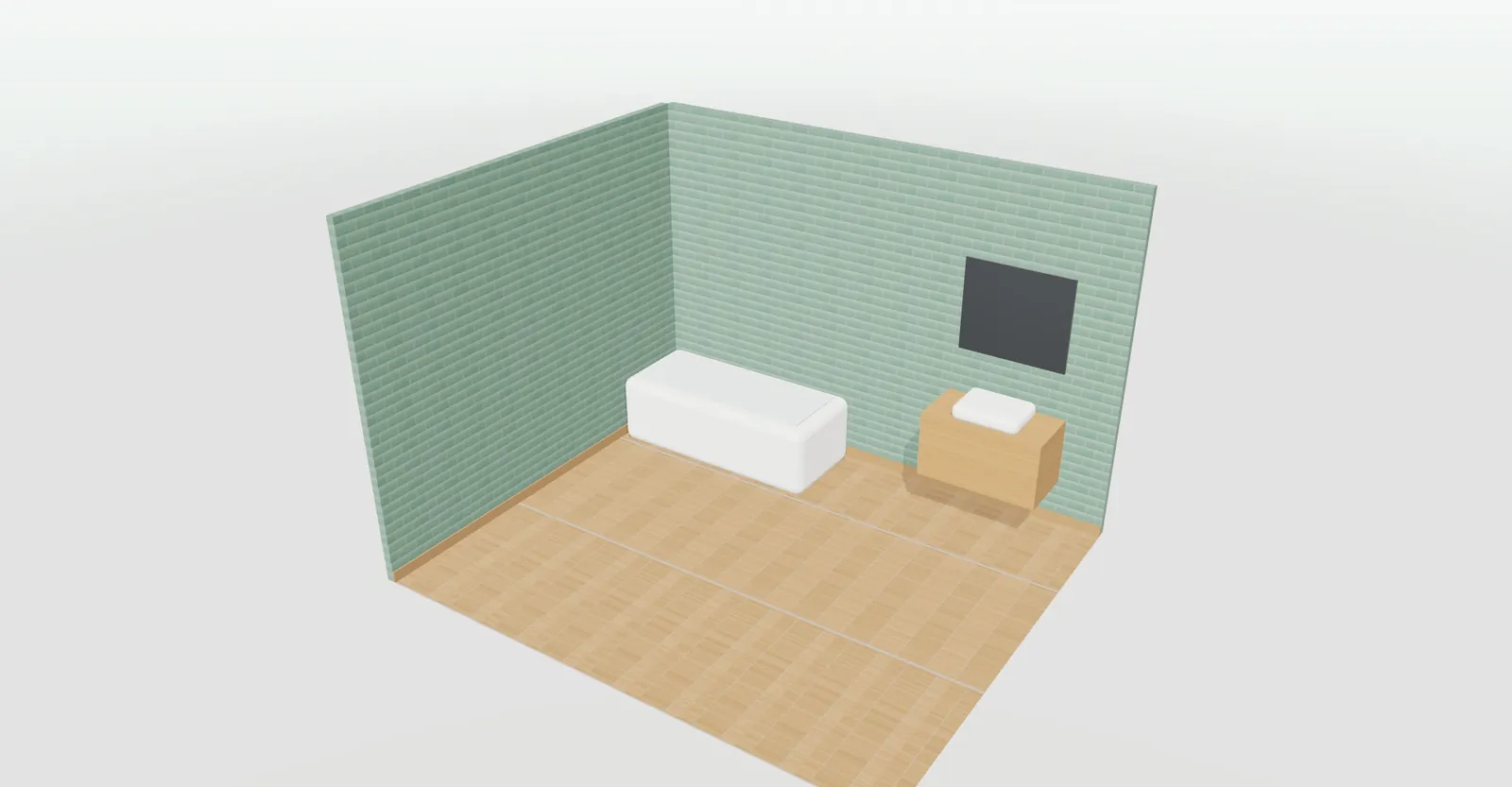
23
All bathroom configurators
3D bathroom configurator for manufacturers and distributors: tiles, shower trays, screens, furniture, worktops and paint in 3D, with an order sheet and an open demo.
See page →24
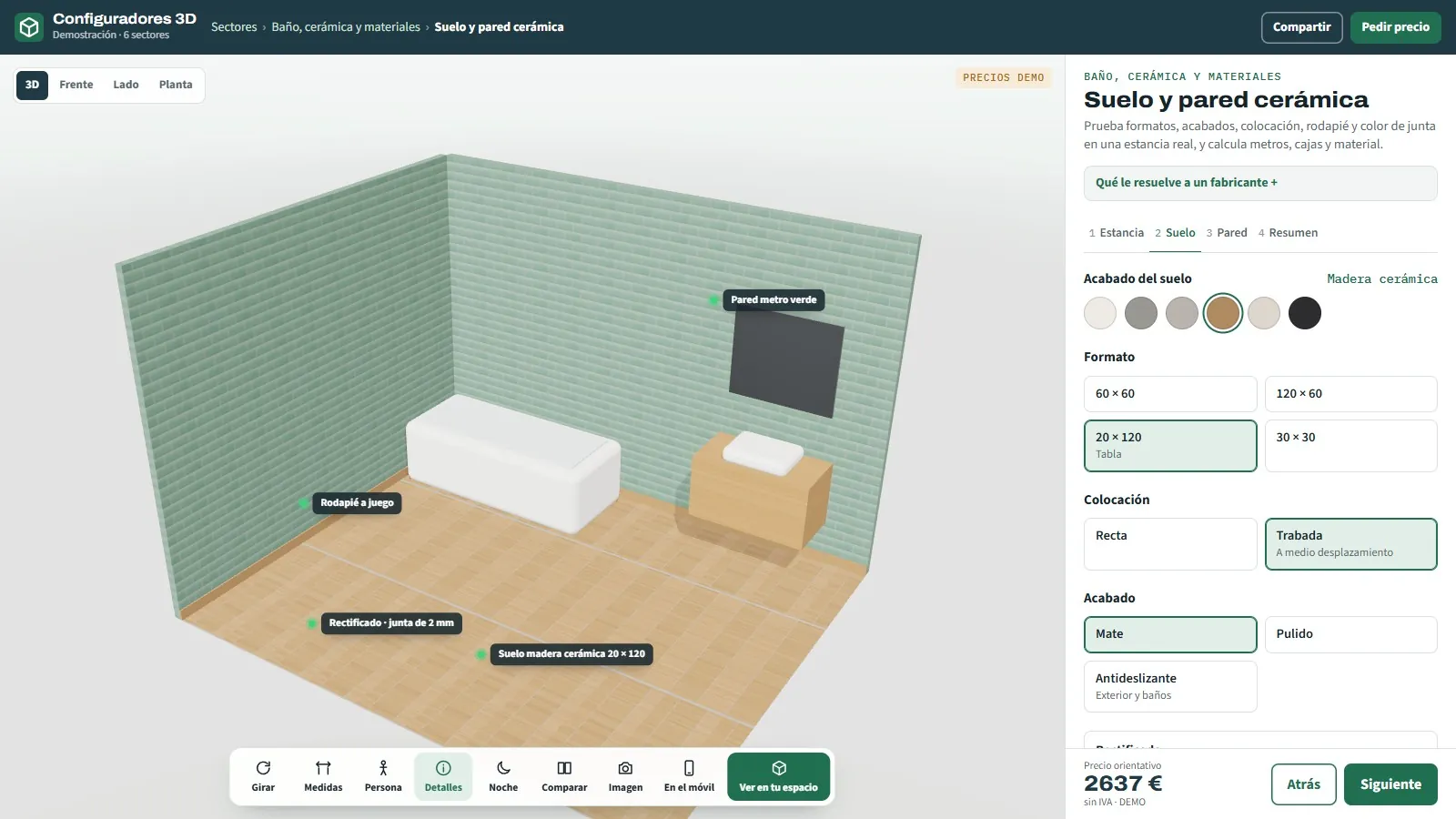
3D configurator for ceramic tiles
Bathroom, kitchen, living room or terrace.
See page →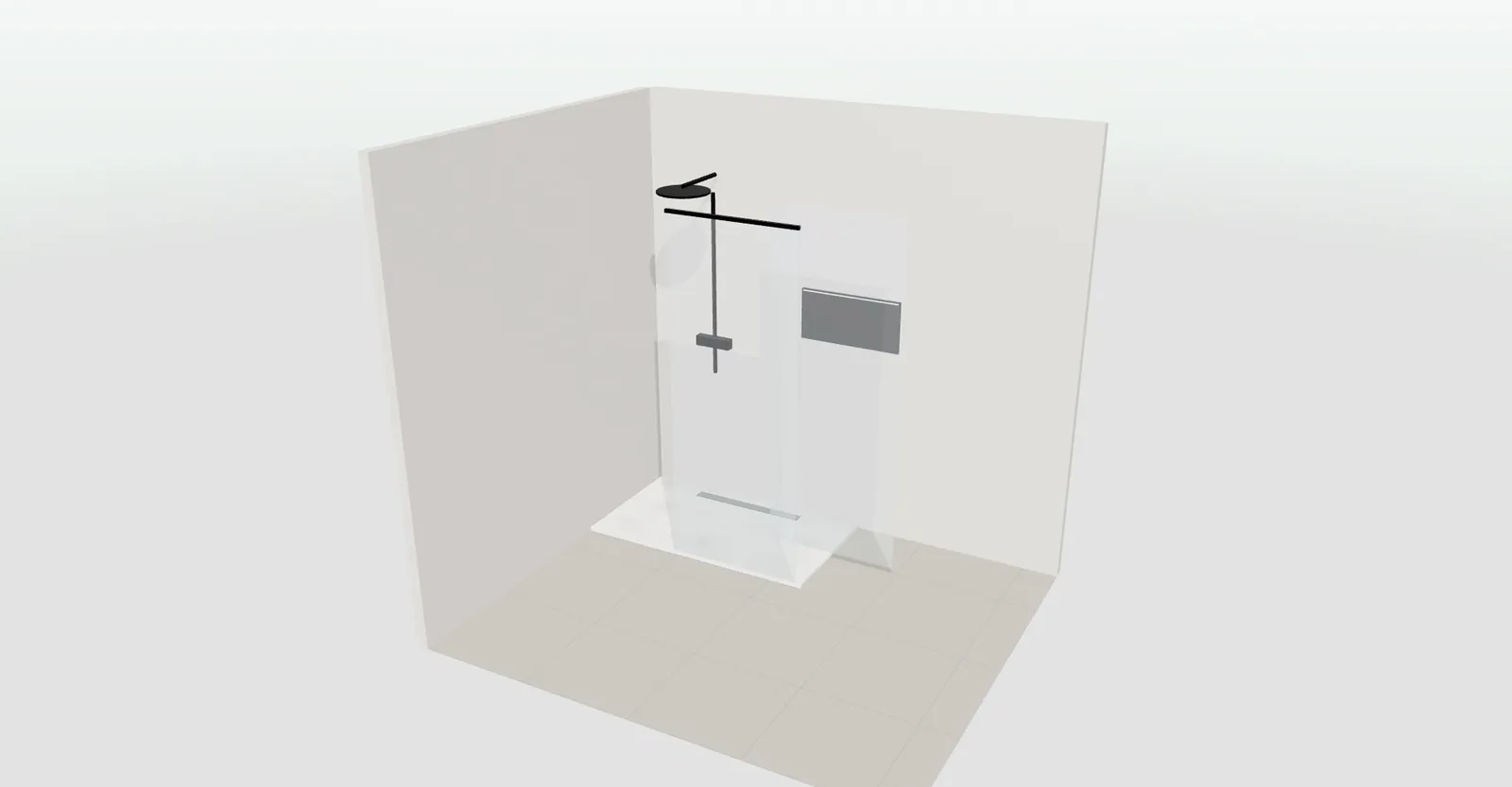
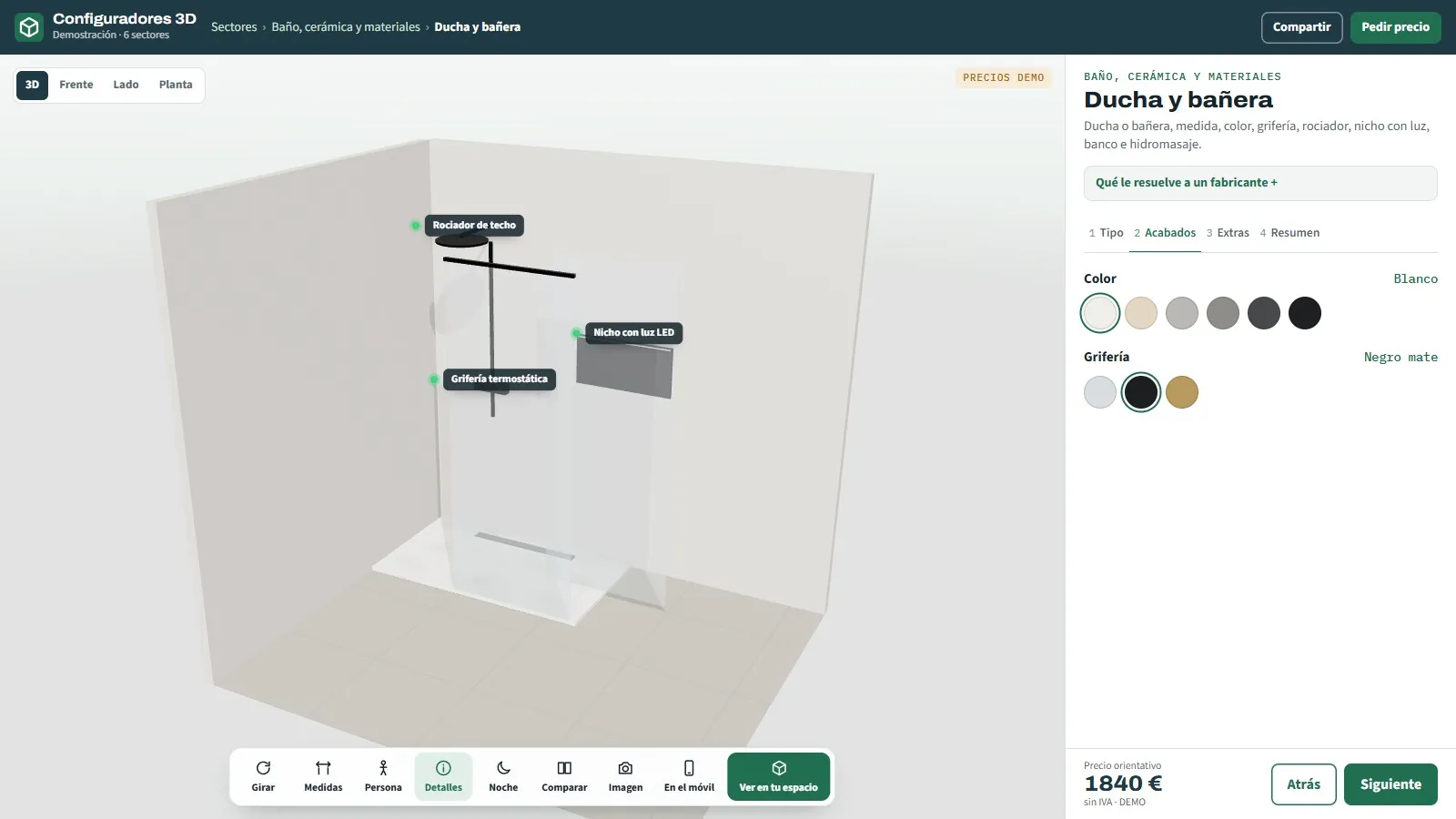
25
3D configurator for showers and bathtubs
Shower tray with screen, freestanding or built-in bath.
See page →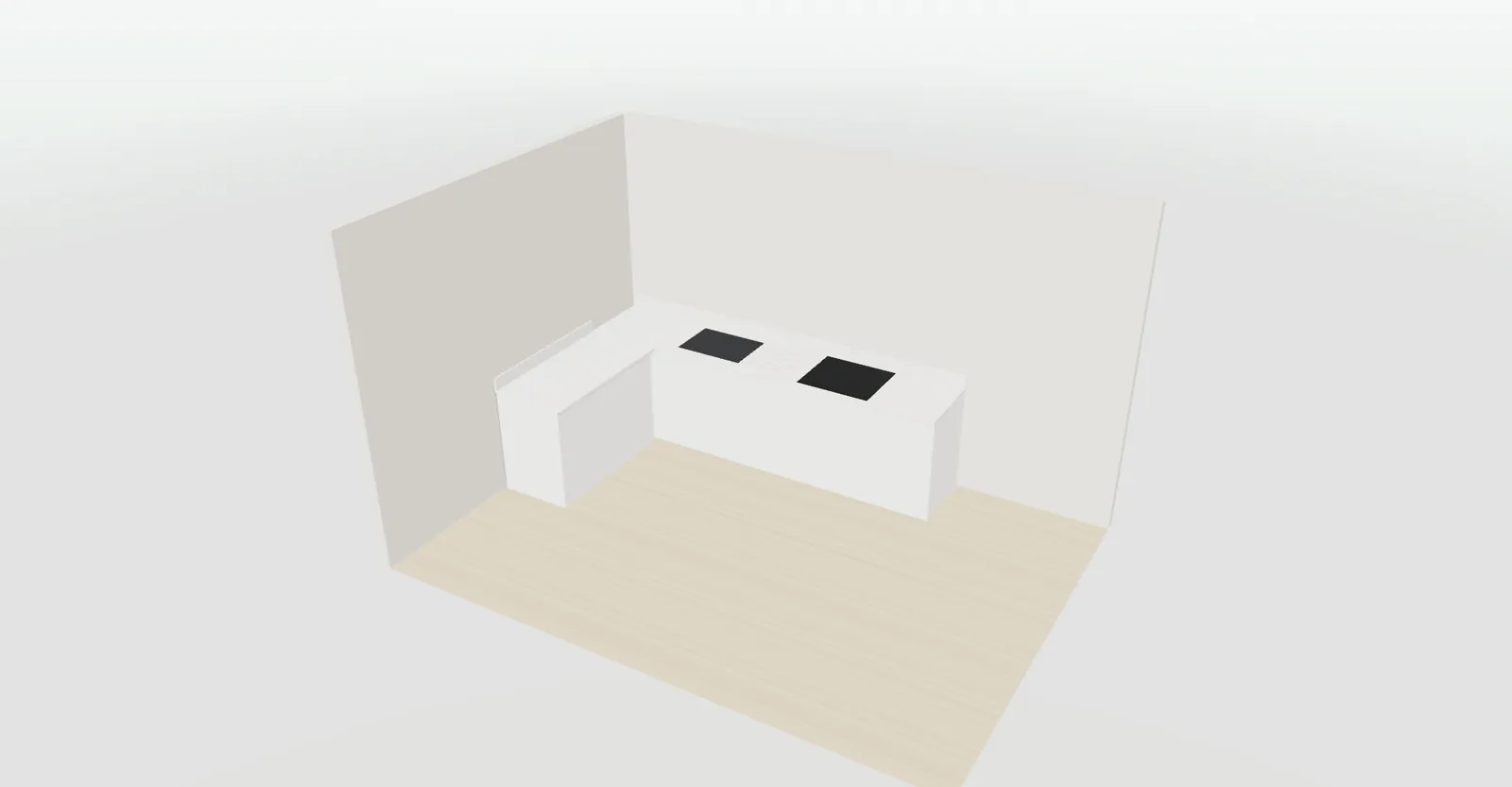
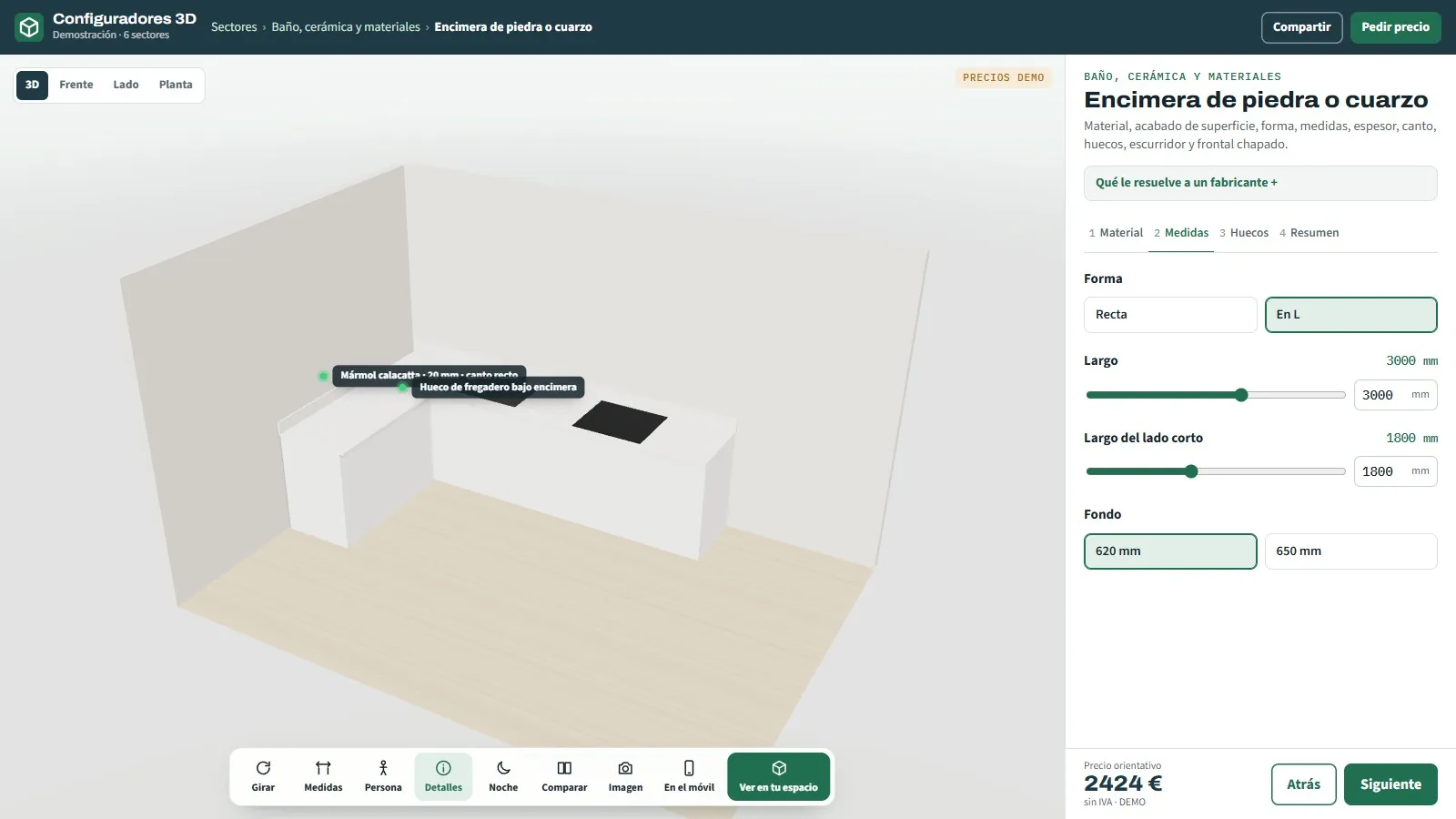
26
3D configurator for stone and quartz worktops
Kitchen and bathroom, to the millimetre.
See page →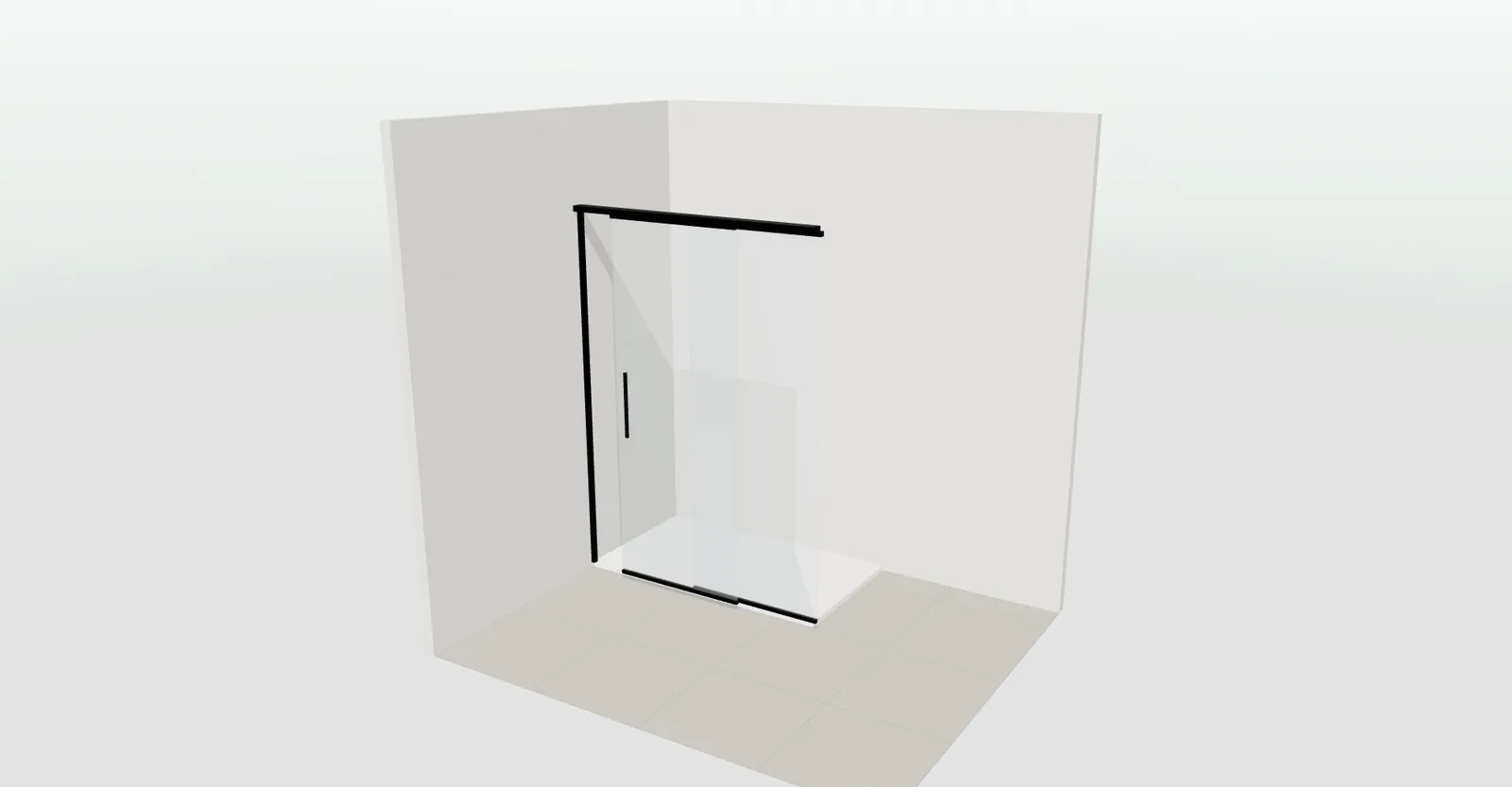
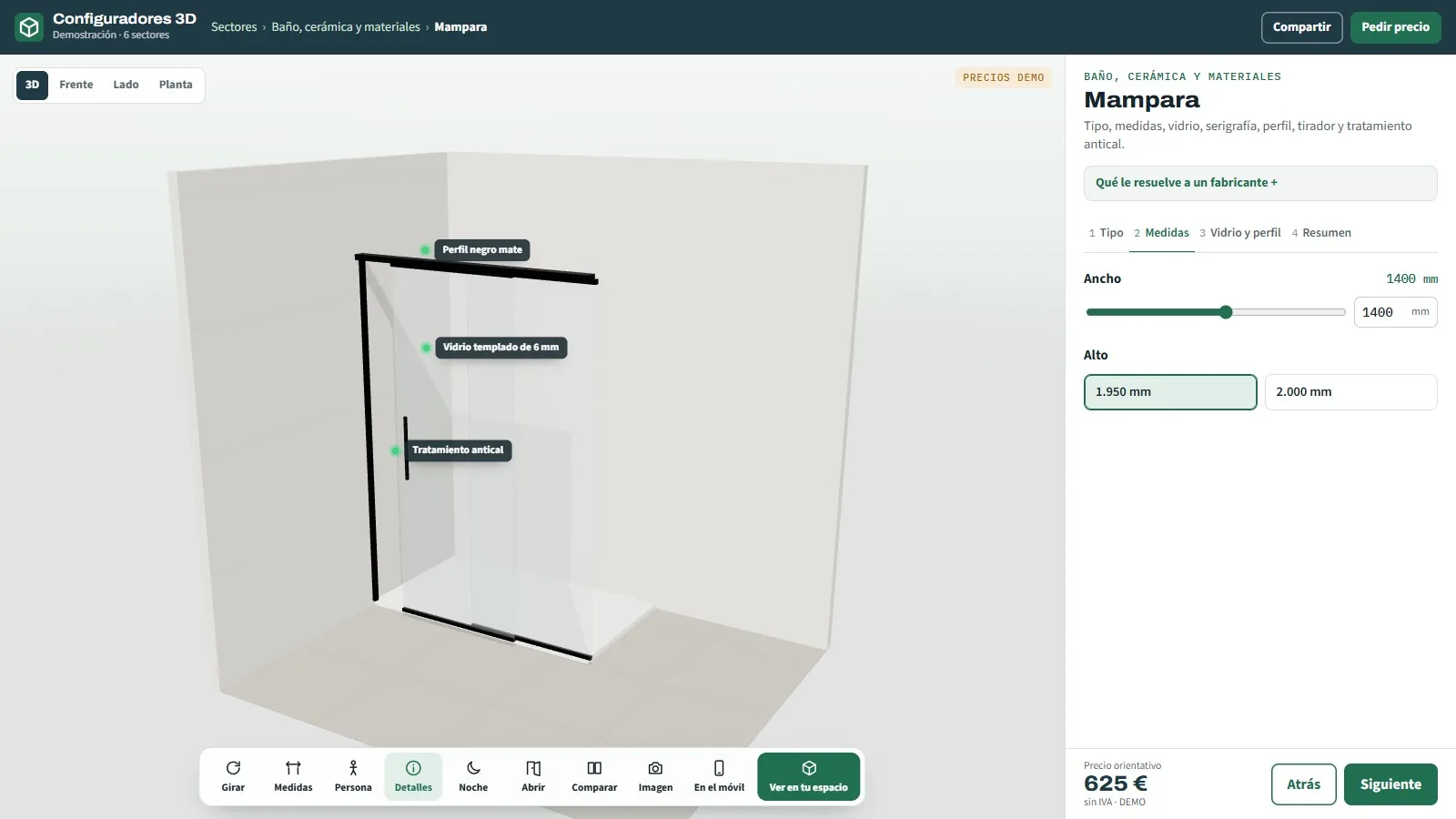
27
3D configurator for shower screens
Sliding, fixed, corner or hinged.
See page →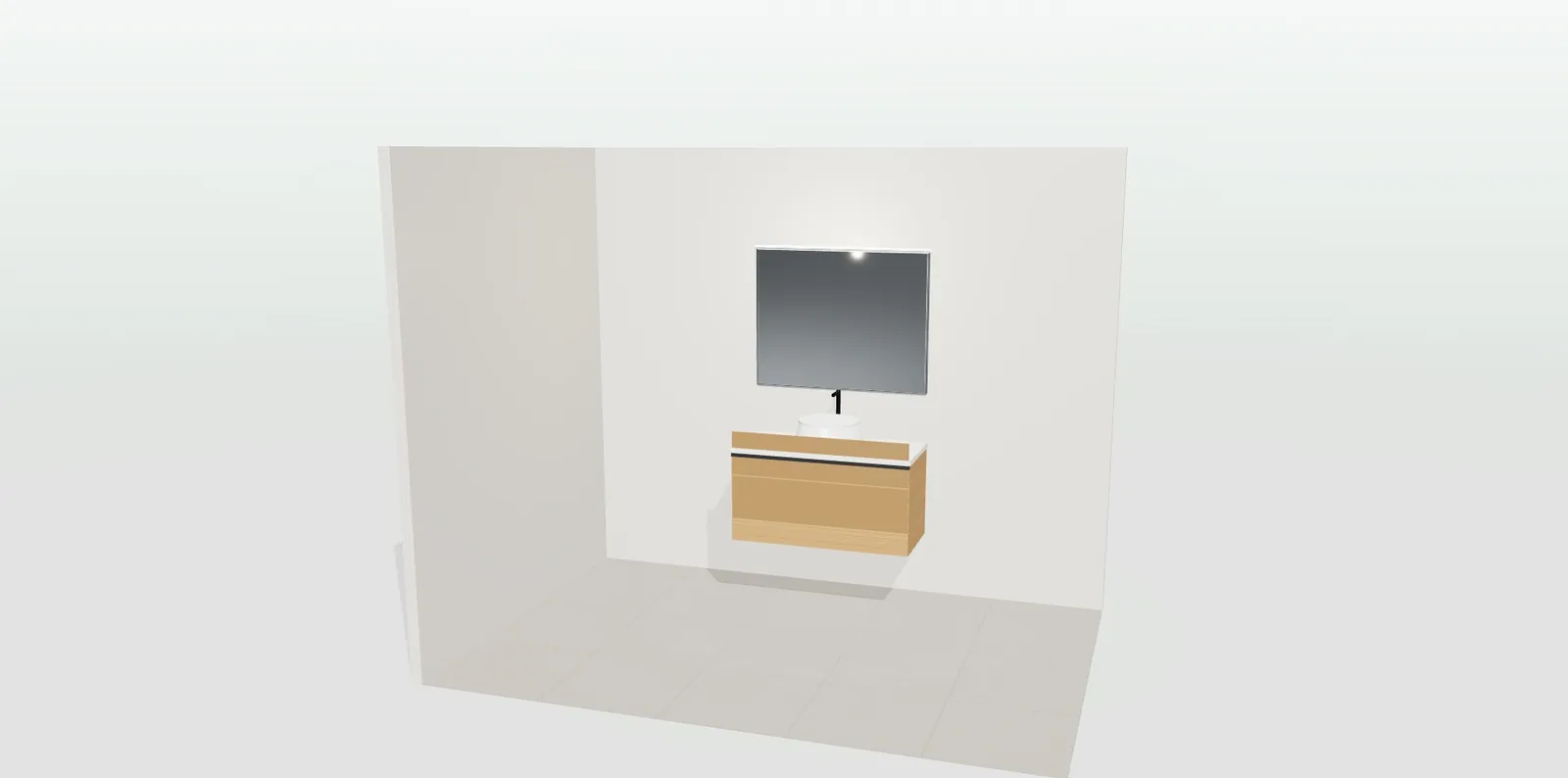
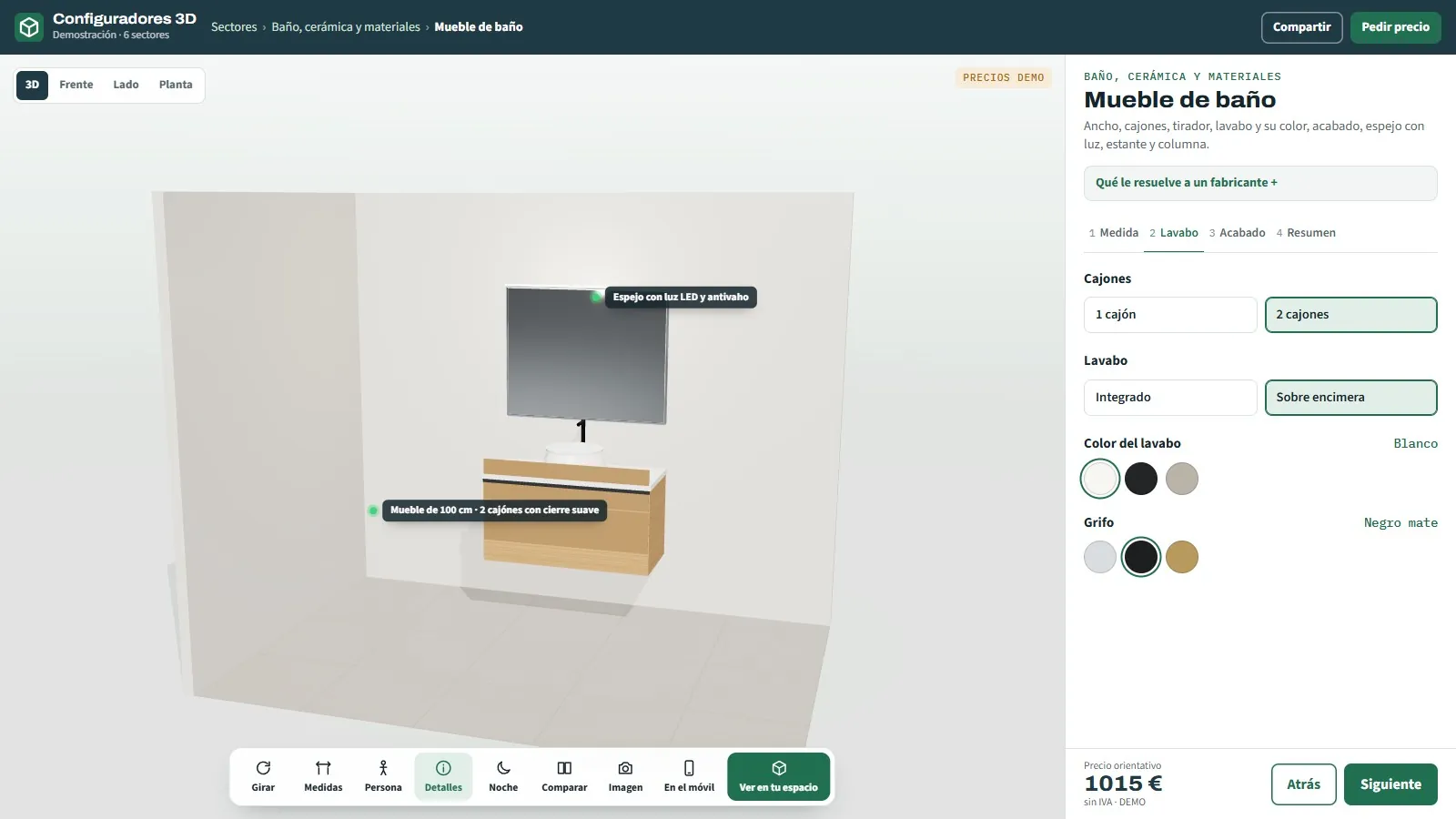
28
3D configurator for bathroom furniture
Wall-hung or floor-standing, with basin and mirror.
See page →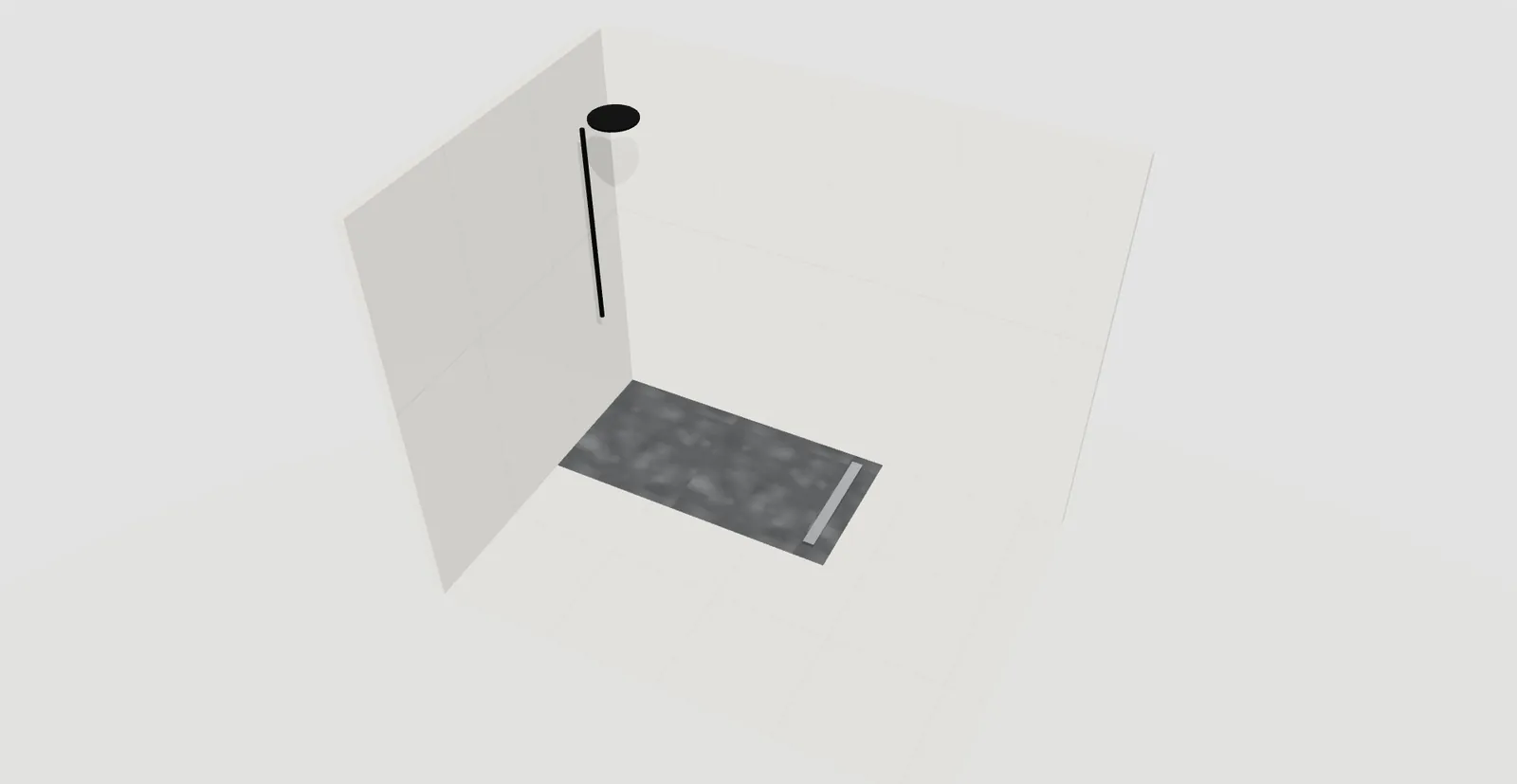
29
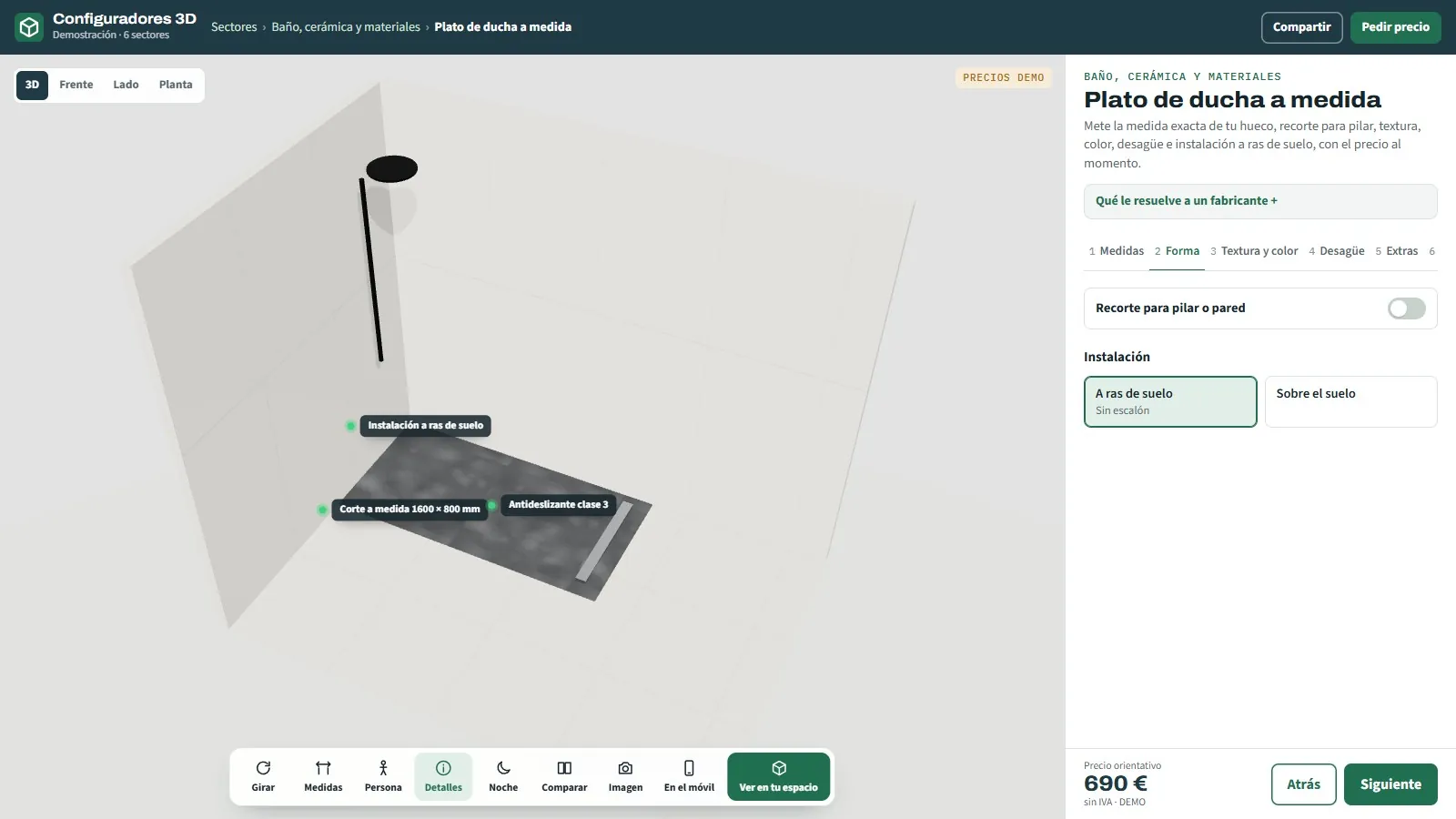
3D configurator for made-to-measure shower trays
Cut to the centimetre, texture and colour.
See page →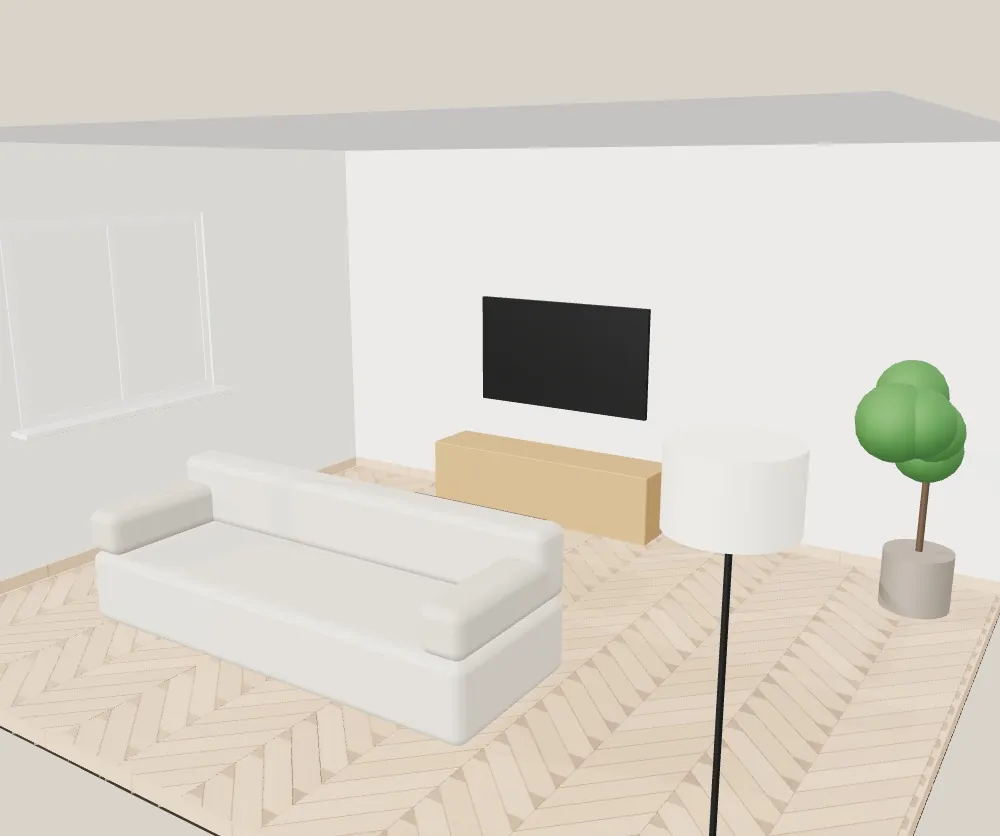

30
3D wood, laminate and vinyl flooring configurator
Plank by plank · herringbone and chevron · boxes with wastage
See page →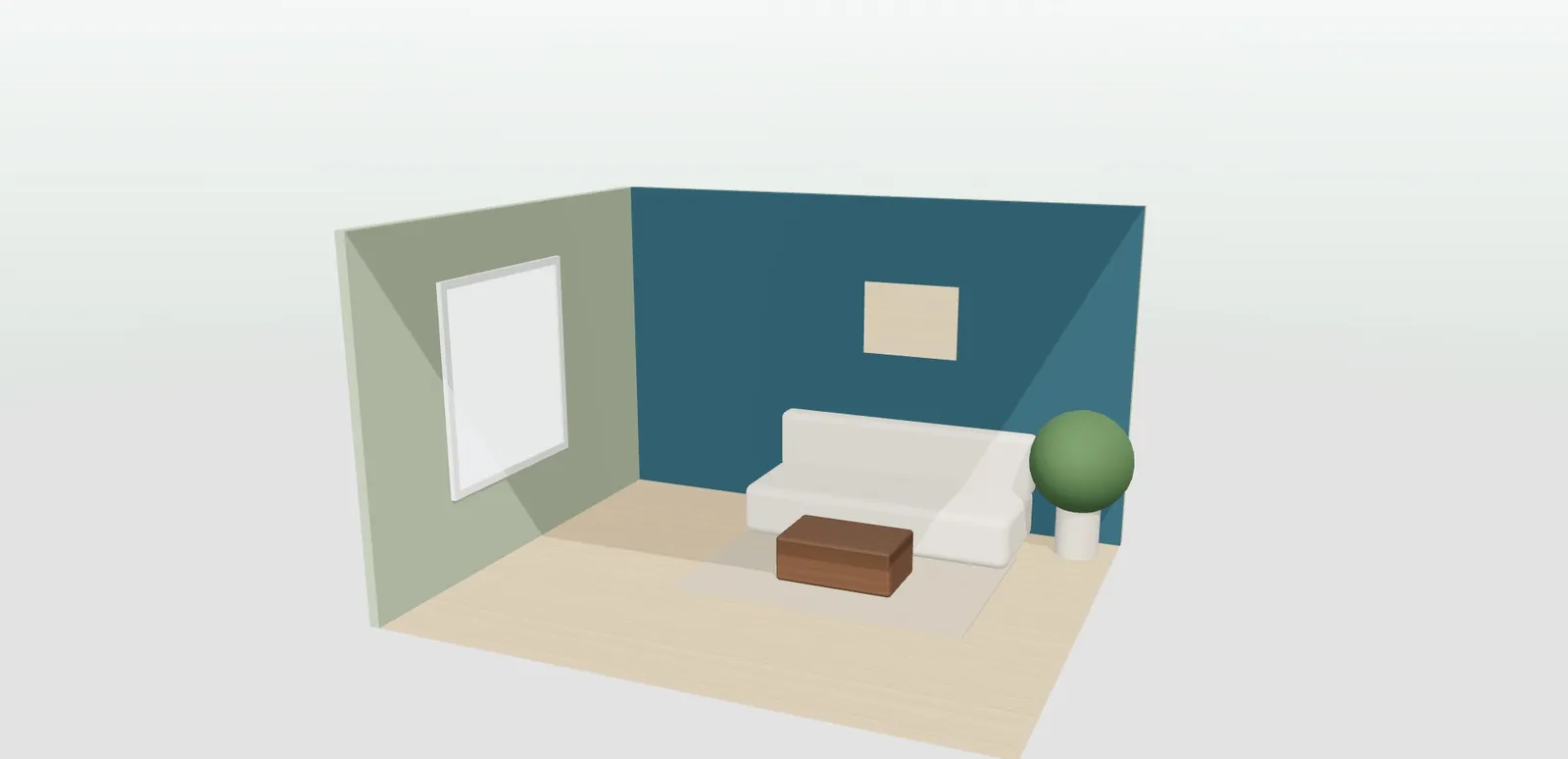
31
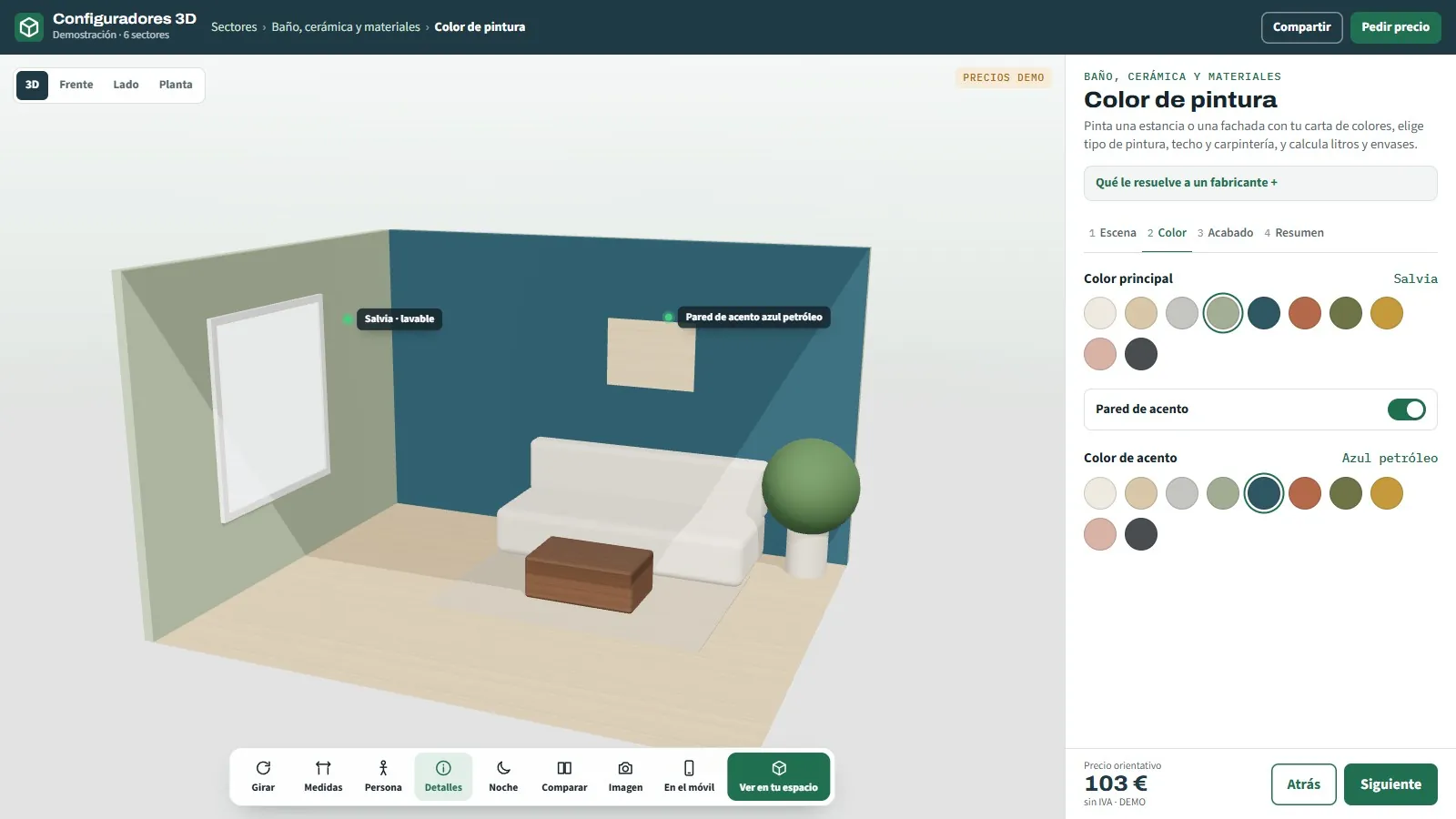
3D paint colour simulator
Interior and façade · litres calculated instantly.
See page →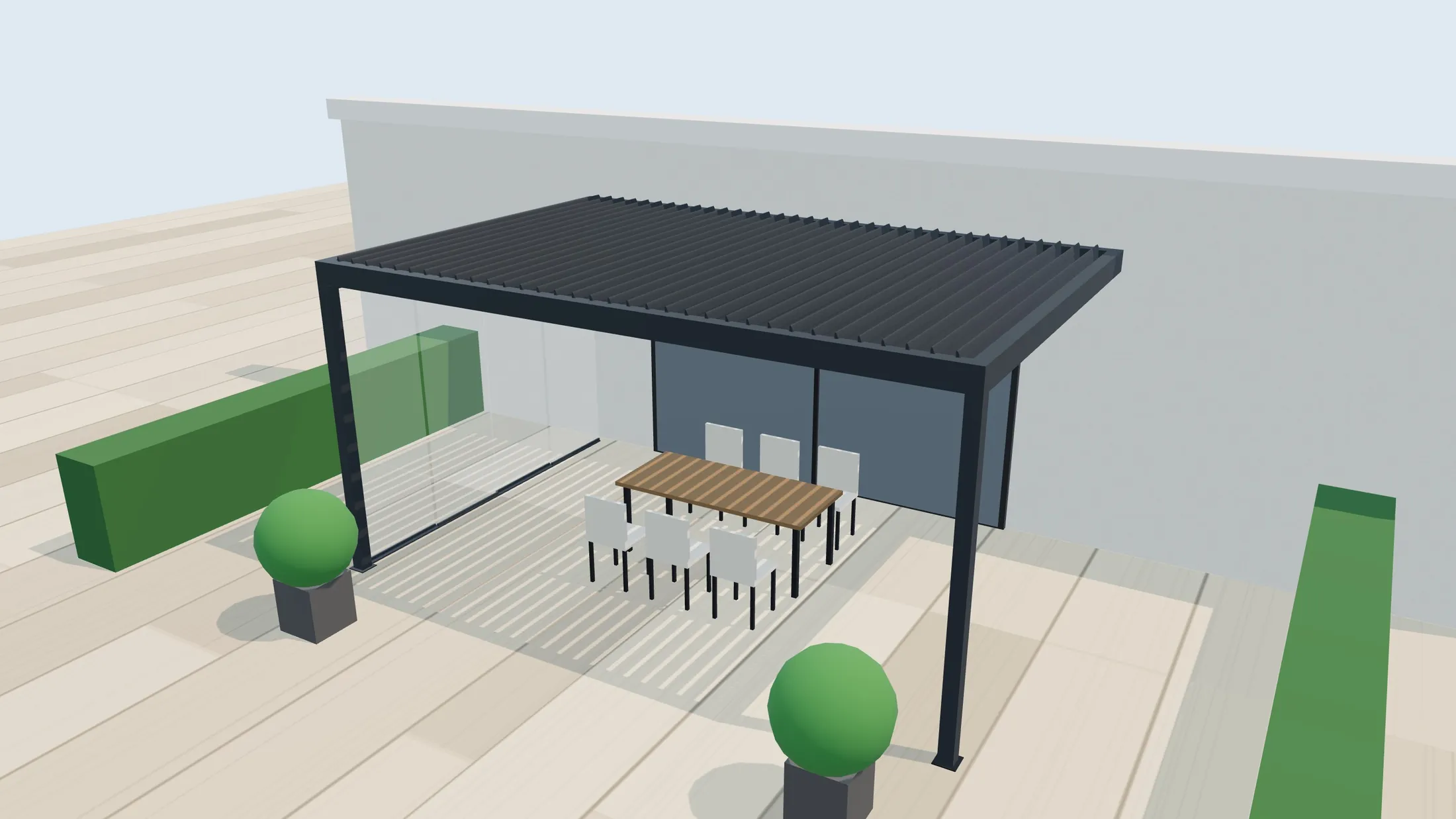
32
All outdoor configurators
3D configurators for outdoor products, for manufacturers: pergolas, awnings, railings, carports, modules and street furniture, with price and order sheet.
See page →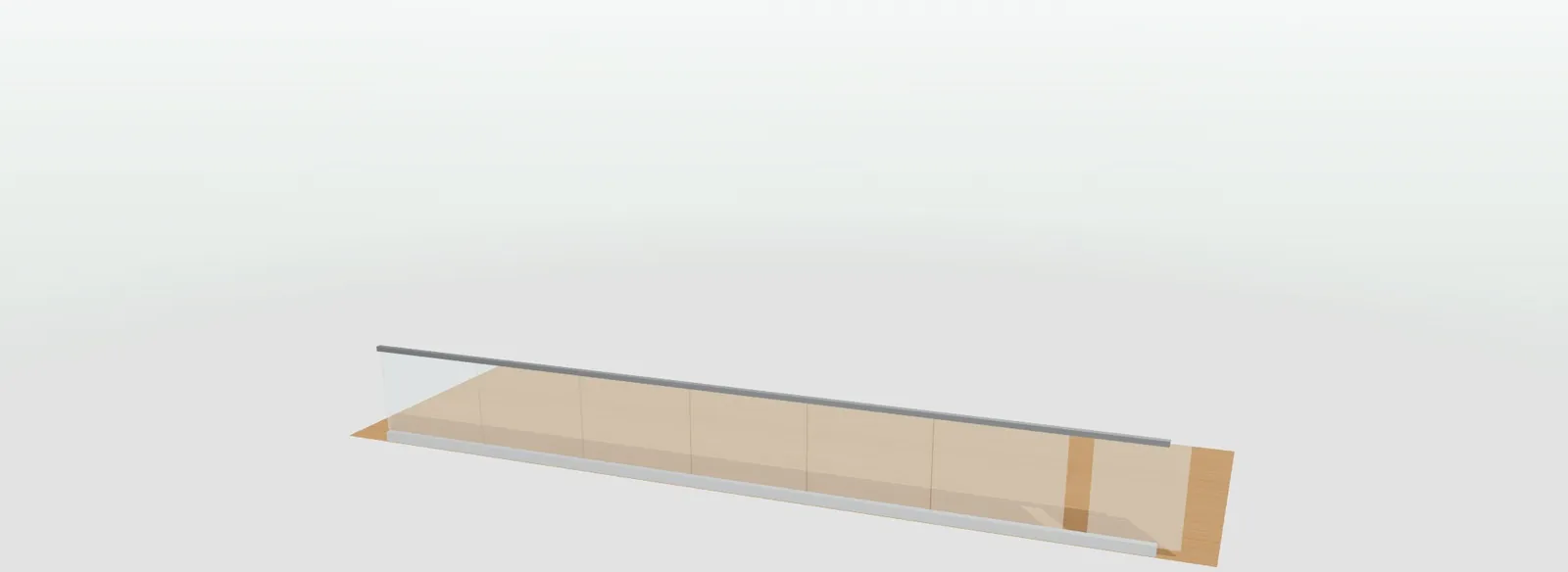
33
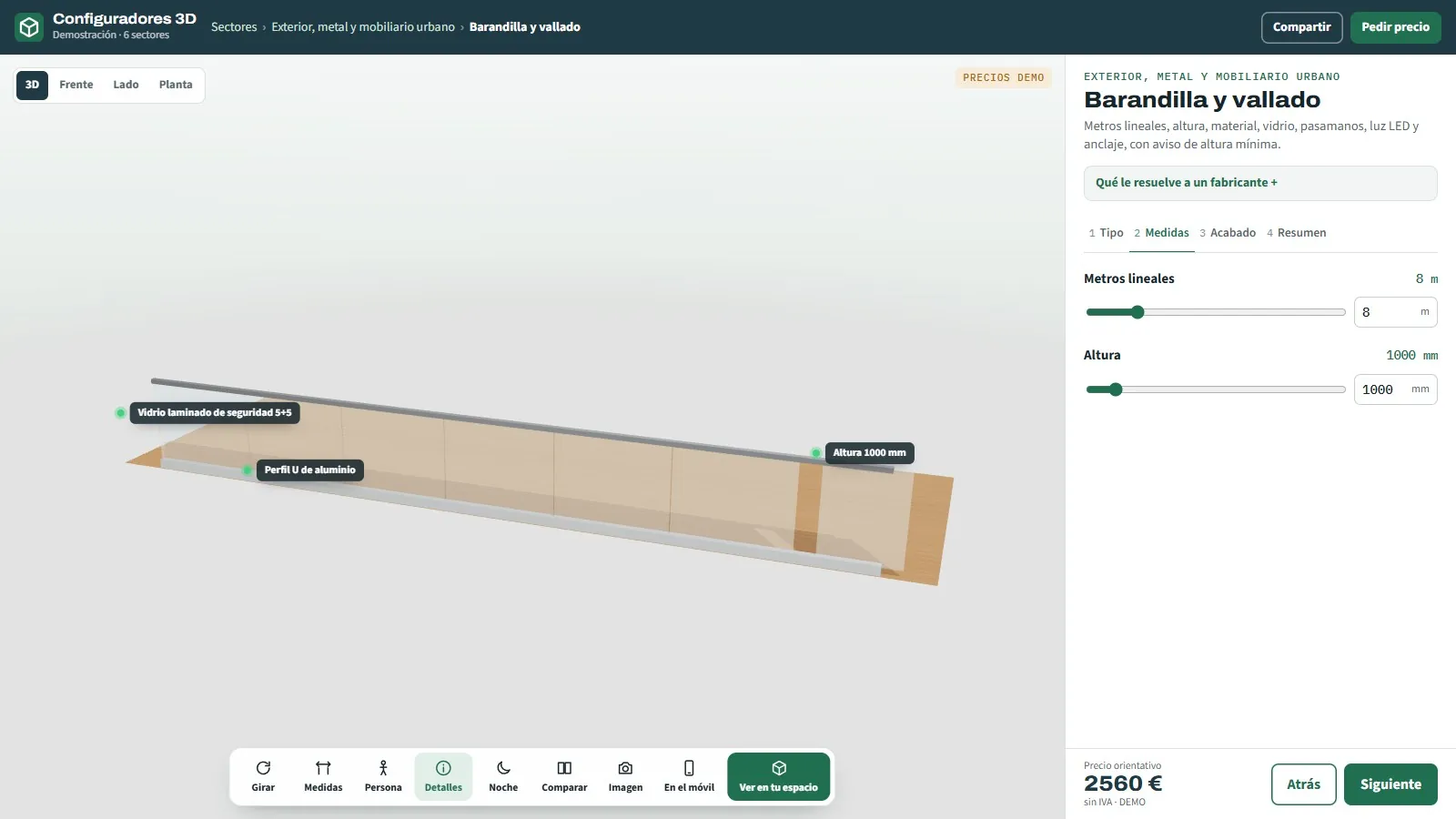
3D configurator for railings and fencing
Glass, stainless steel, slats, cables or fencing.
See page →

34
3D terrace enclosure configurator
Glass curtain, sliding or folding · bioclimatic roof · PDF for the residents' association
See page →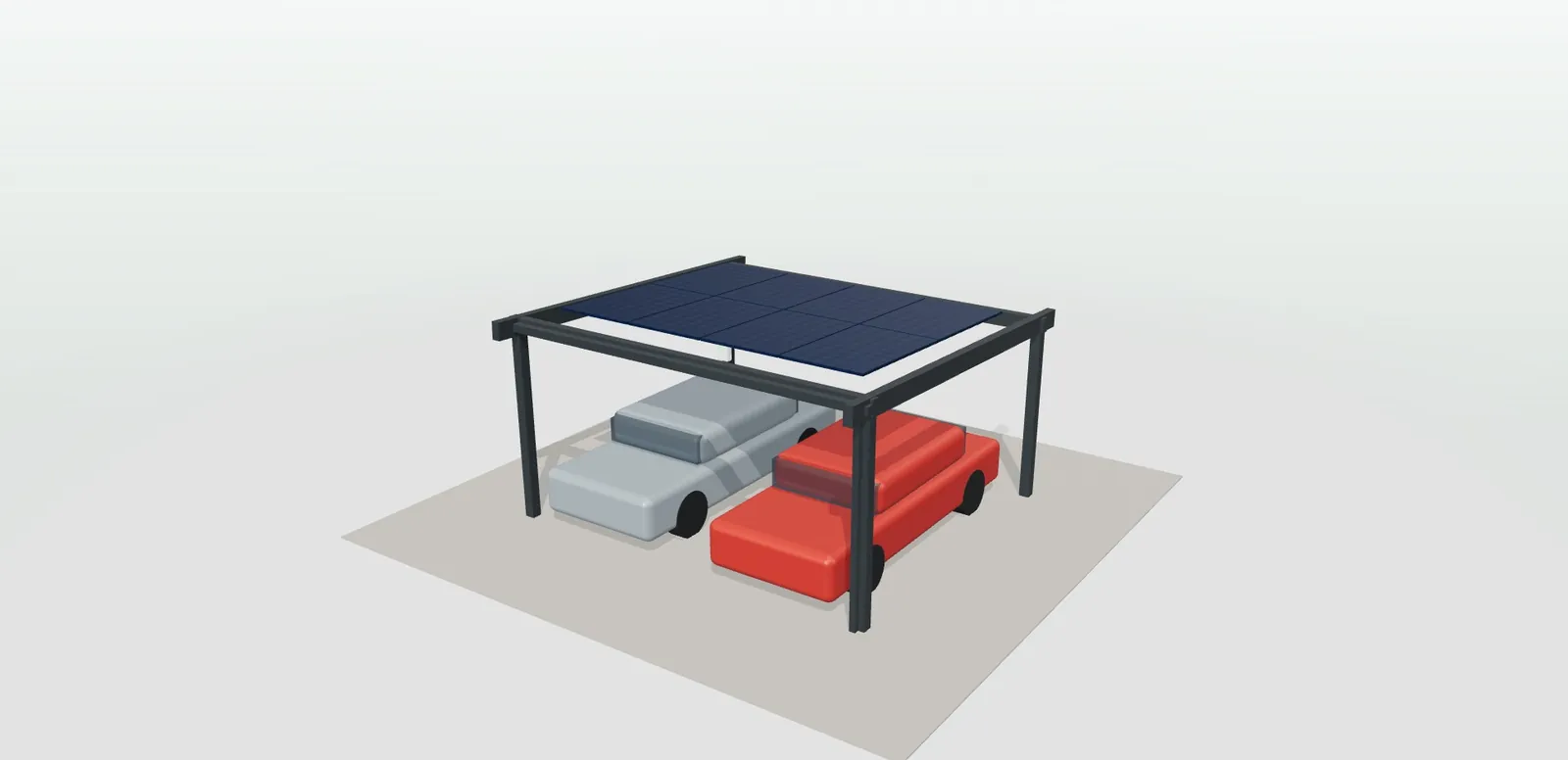
35
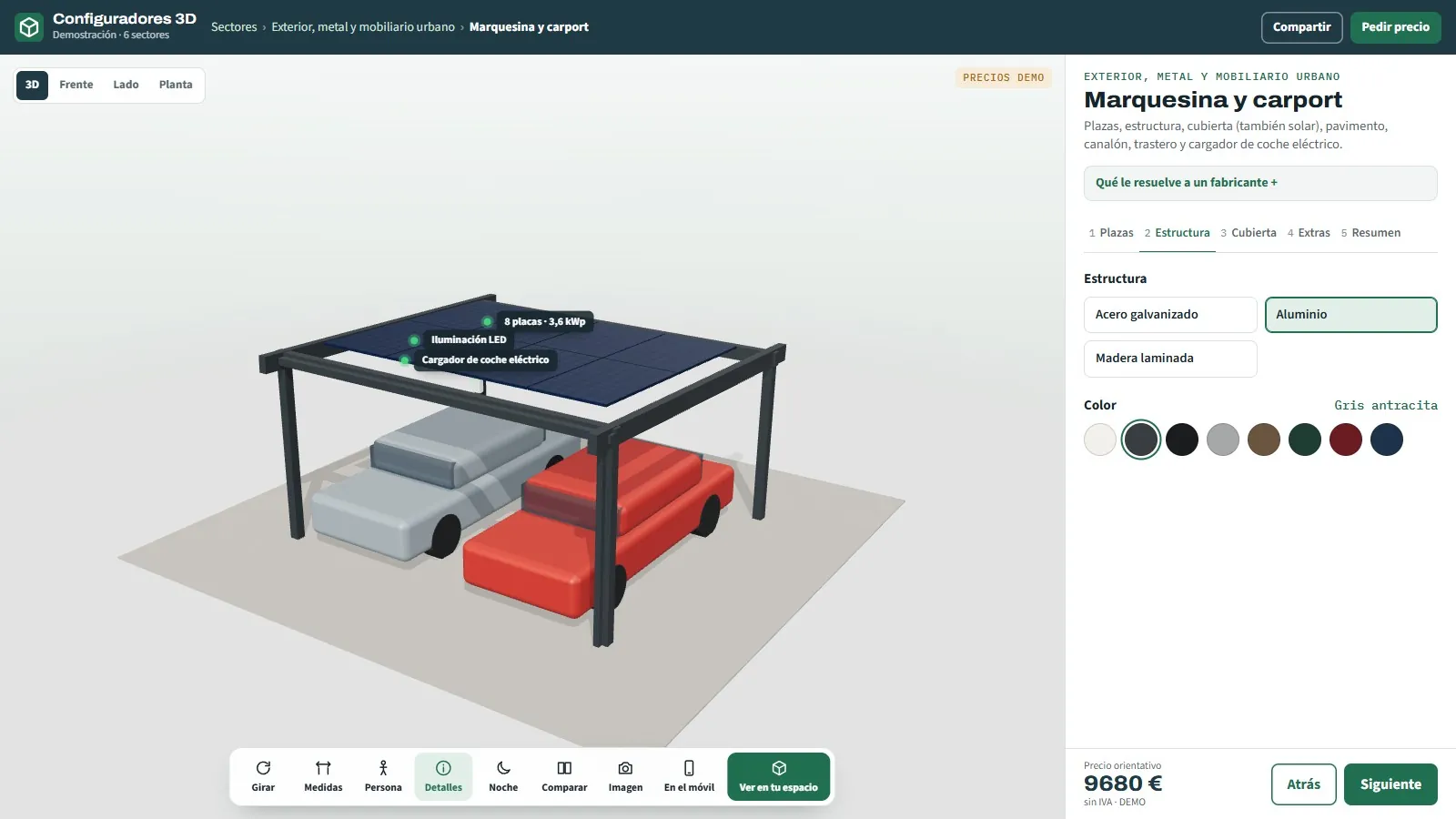
3D configurator for canopies and carports
With roof, solar panels and charging point.
See page →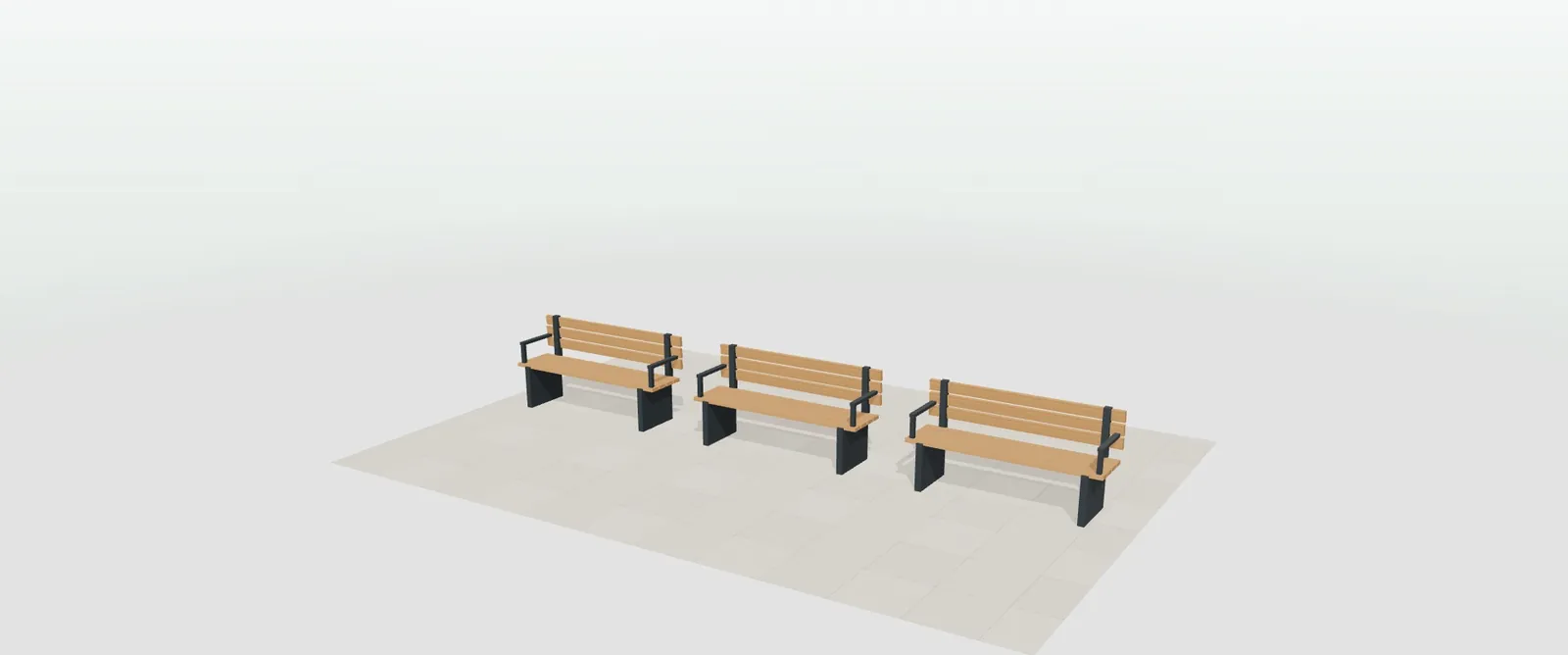
36
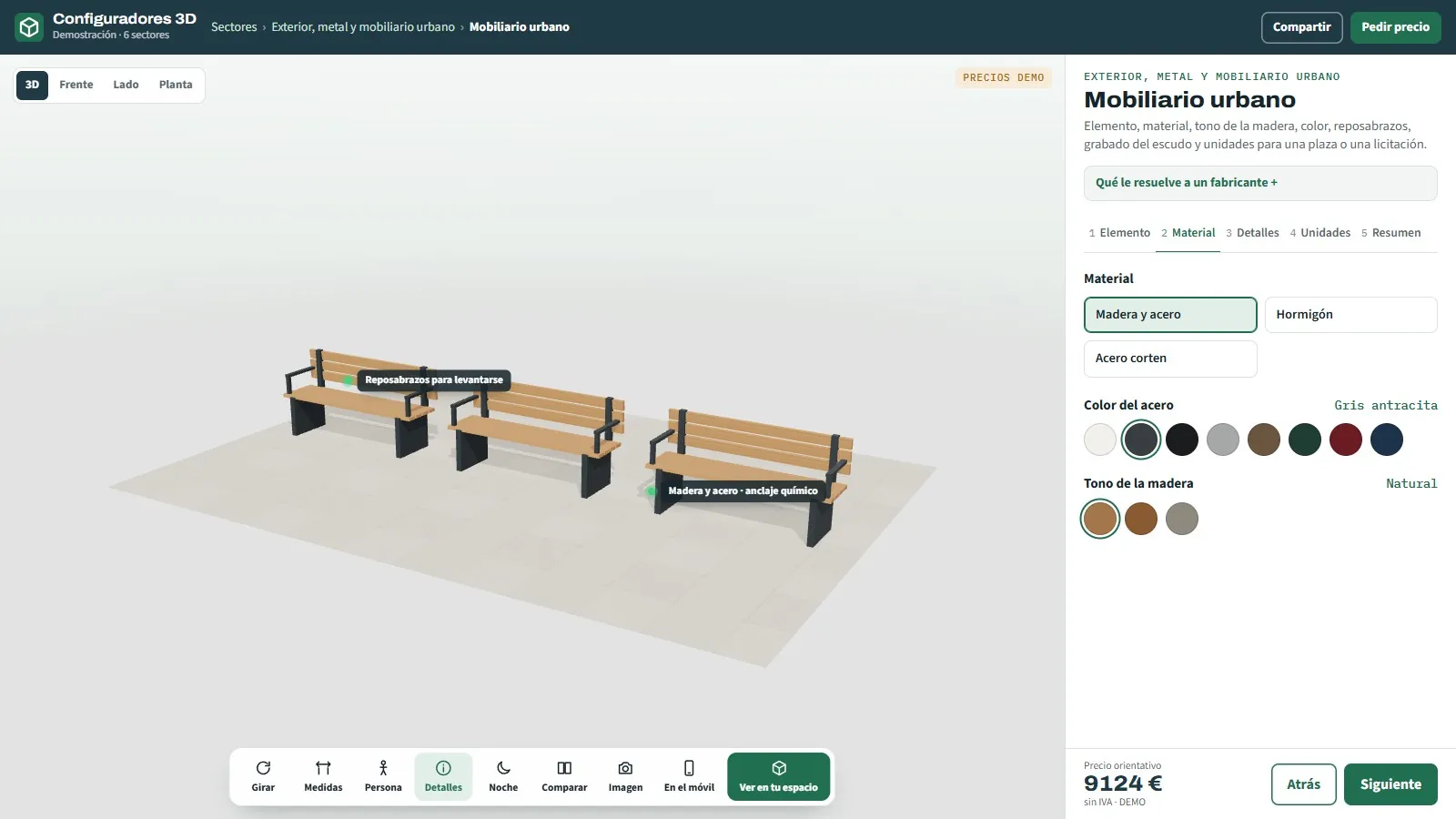
3D configurator for street furniture
Bench, bin, bike rack and planter.
See page →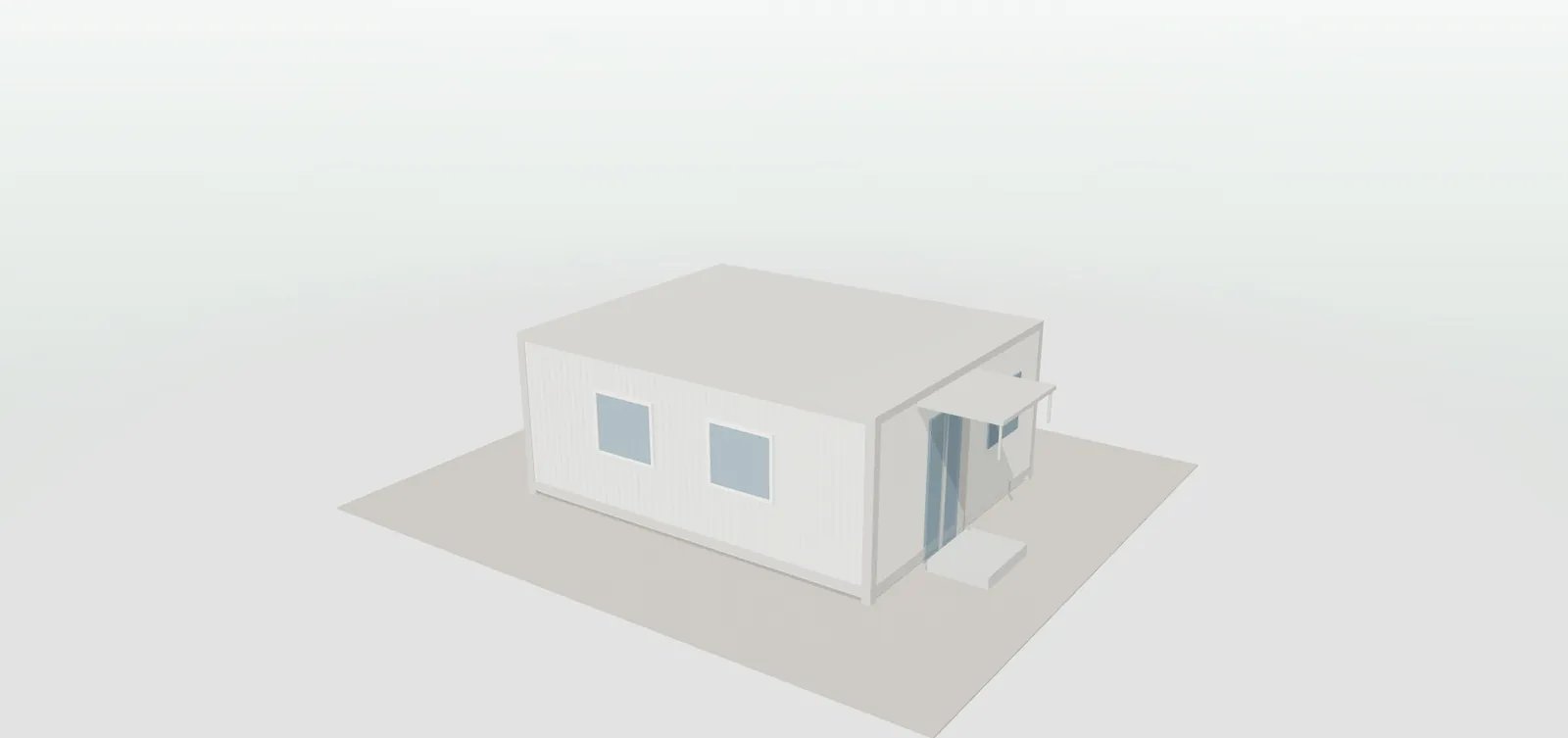
37
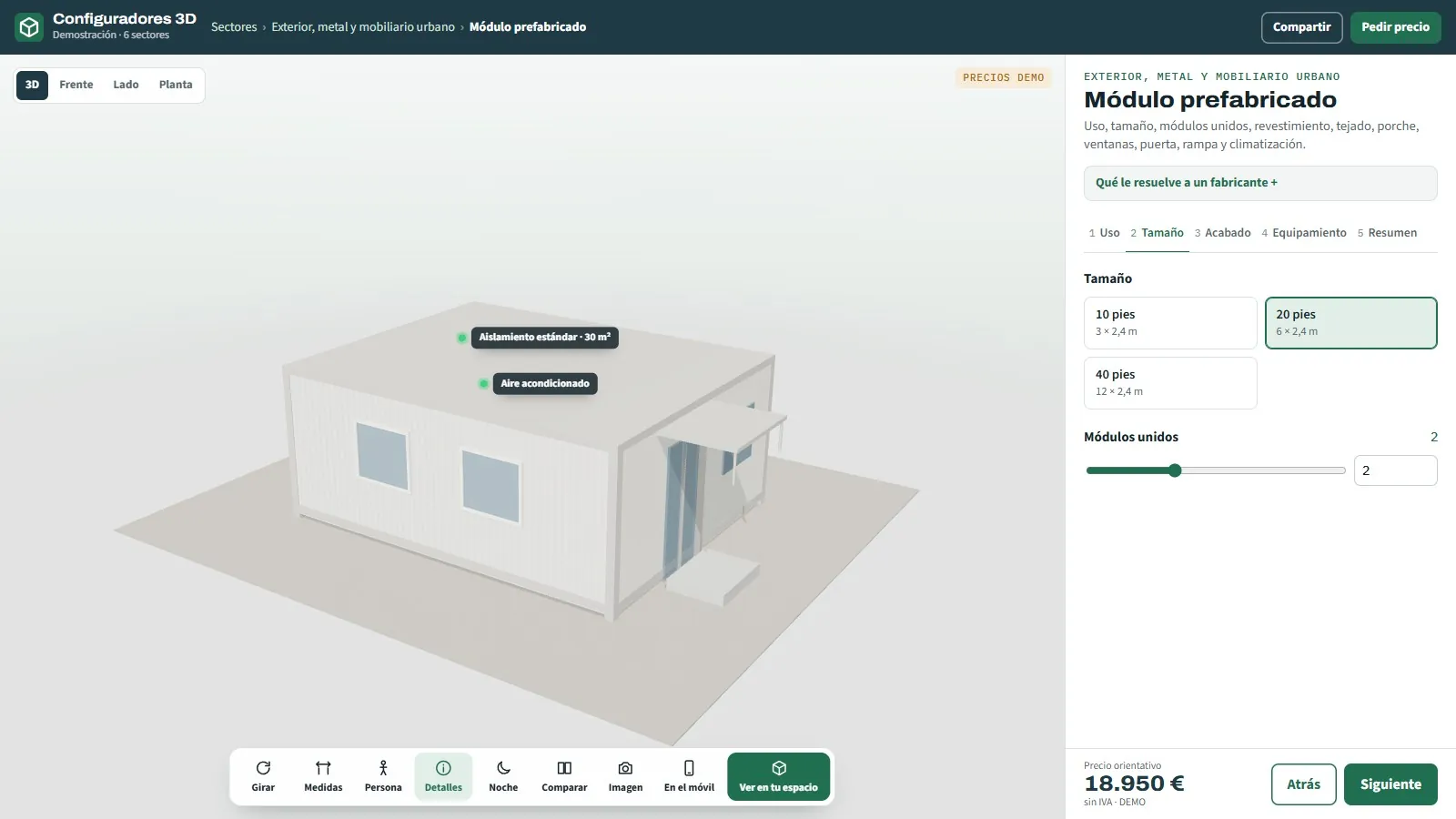
3D configurator for prefabricated modules
Office, changing room, store or washroom.
See page →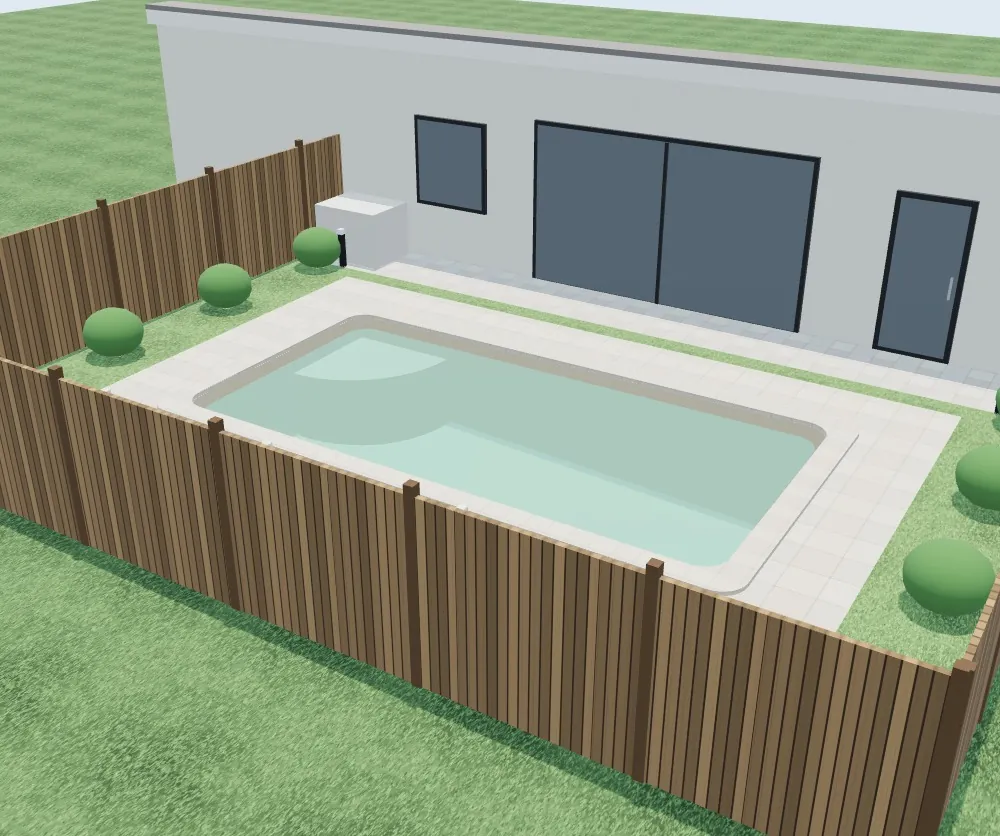
38
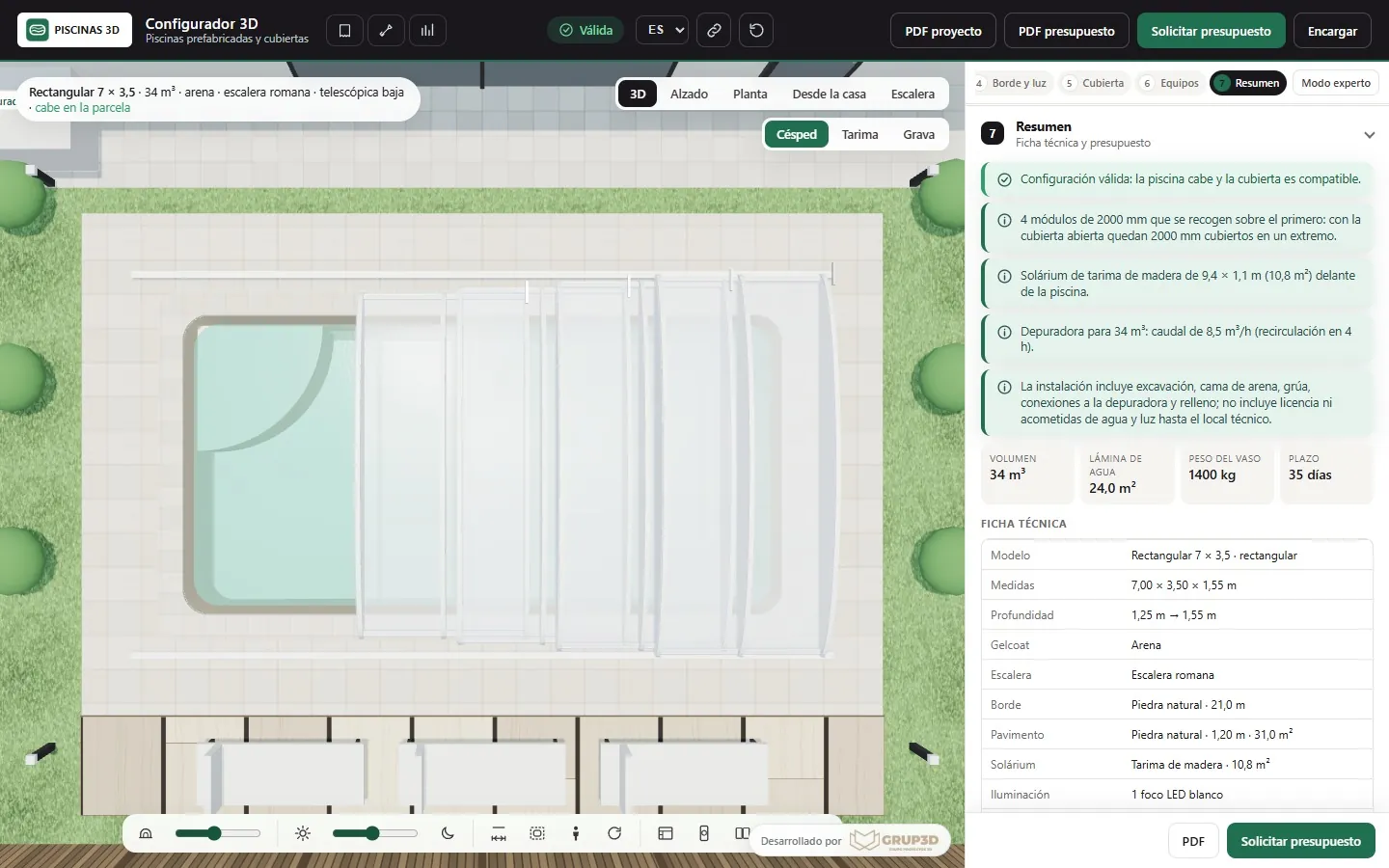
3D prefabricated pool configurator
Does it fit the plot? · gelcoat and water · telescopic enclosure
See page →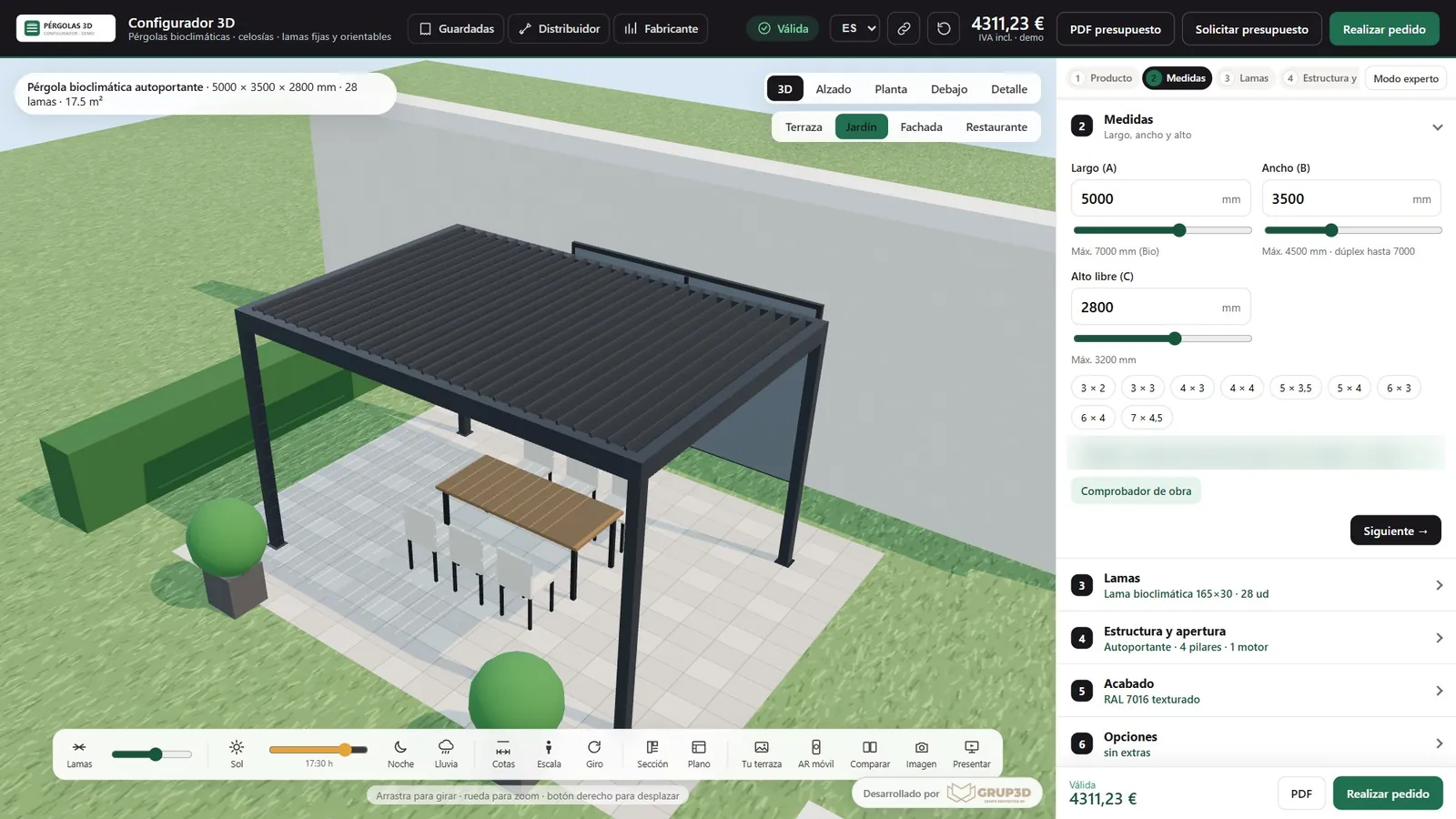
39
3D configurator for pergolas
Bioclimatic and retractable pergolas, lattices and louvres.
See page →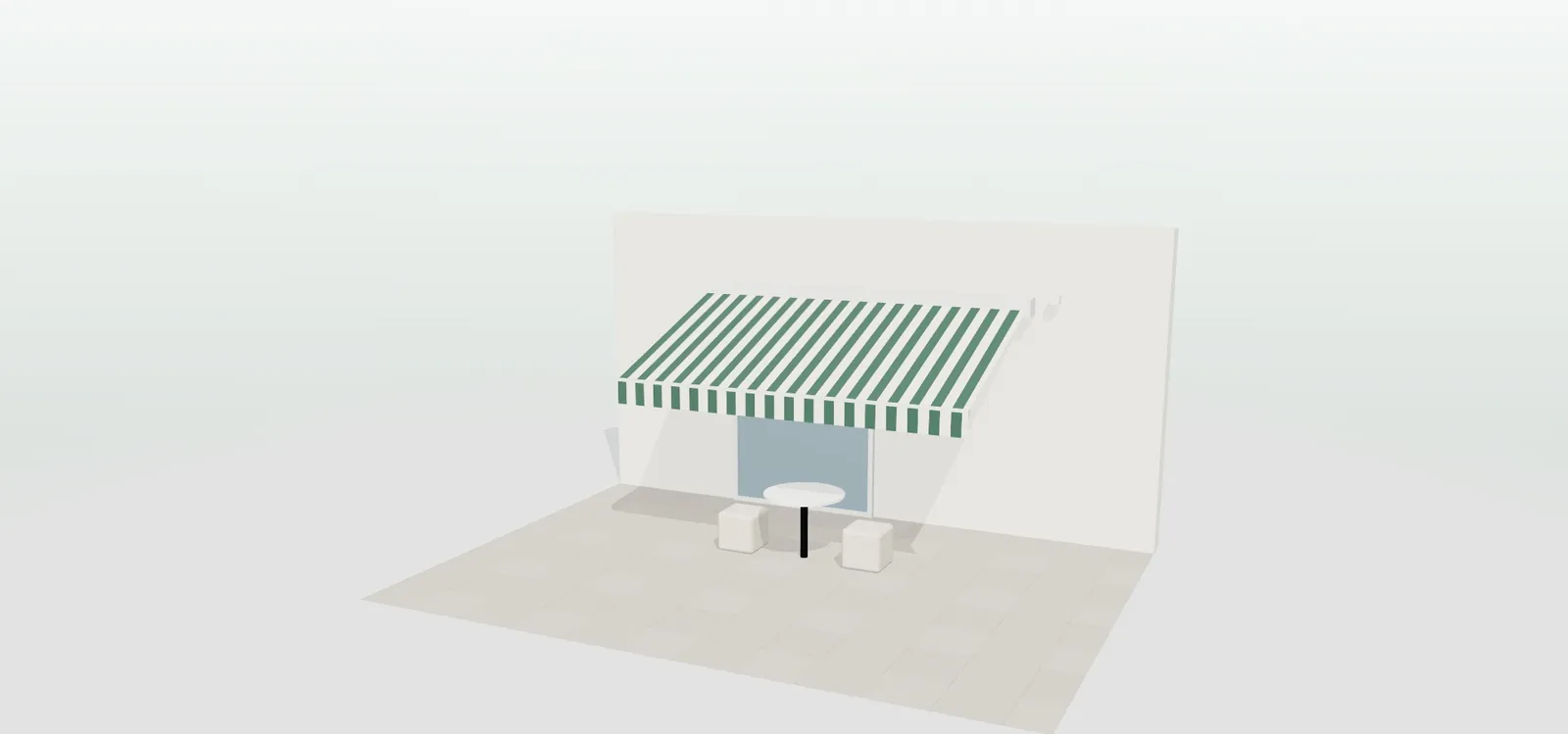
40
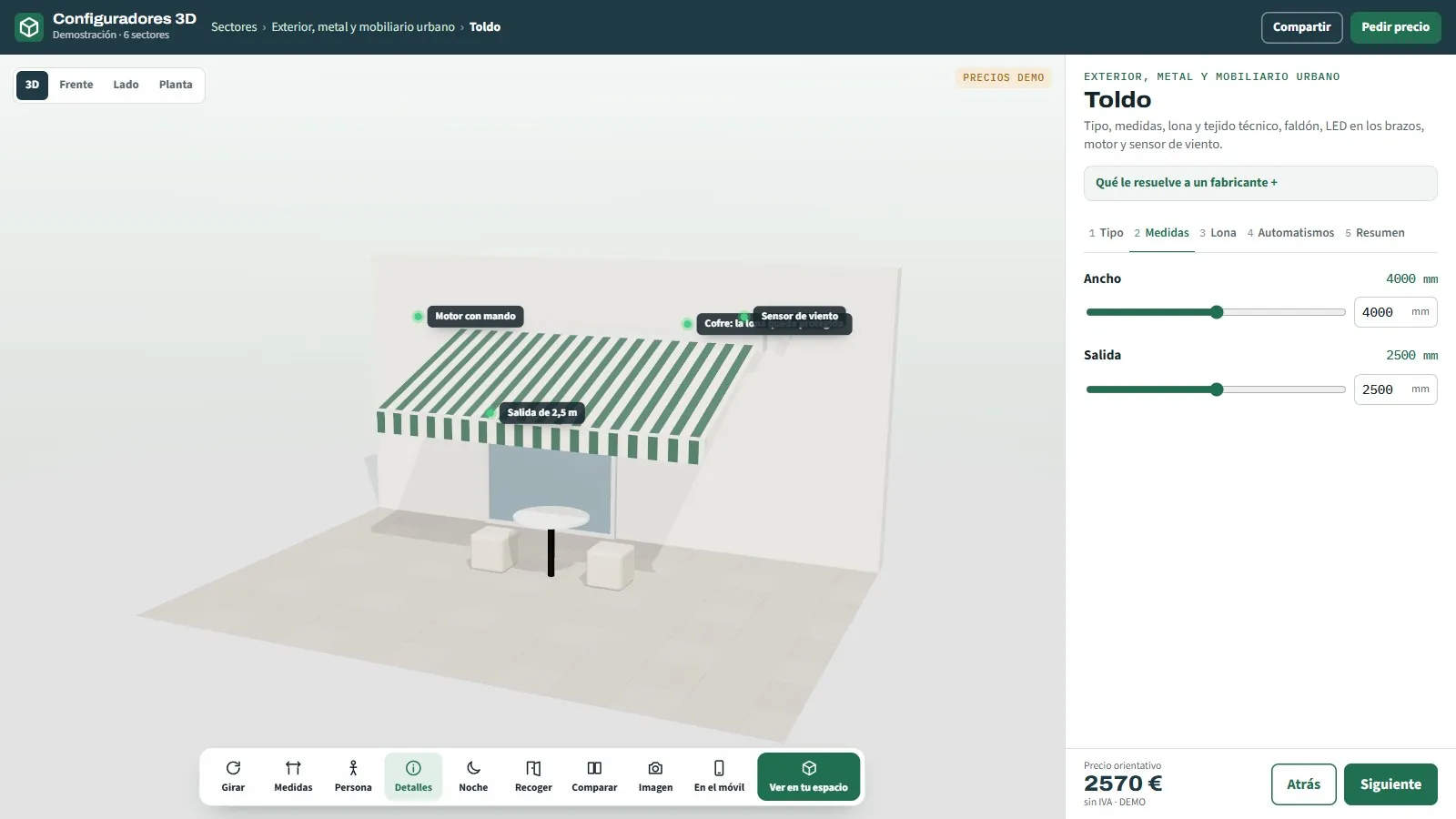
3D configurator for awnings
Folding arm, cassette, vertical or straight drop.
See page →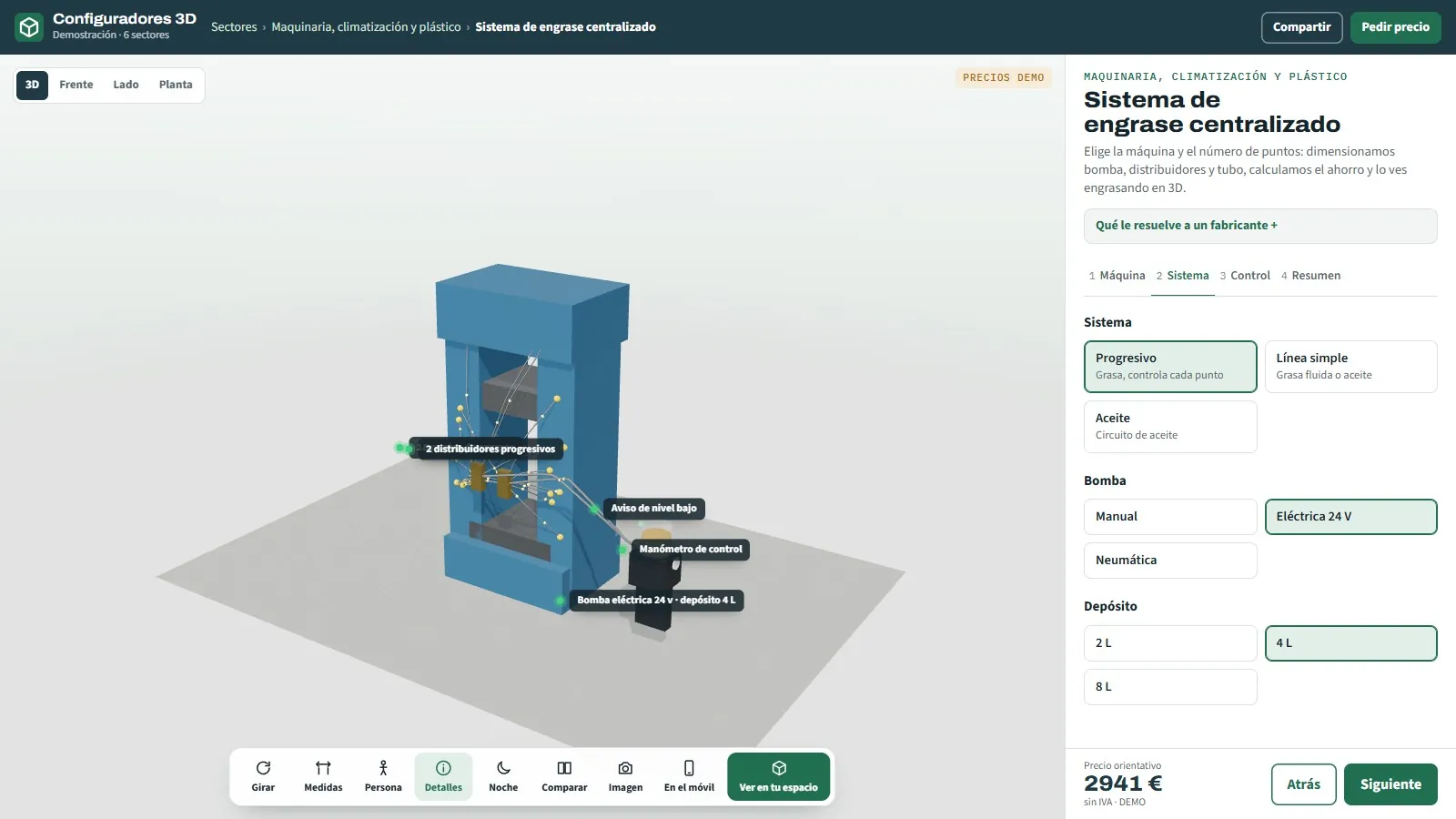
41
All machinery and industry configurators
Industrial 3D configurator for manufacturers of lubrication systems, air conditioning, shelving, conveyors, tanks and pallets: calculations, price and order sheet on the spot.
See page →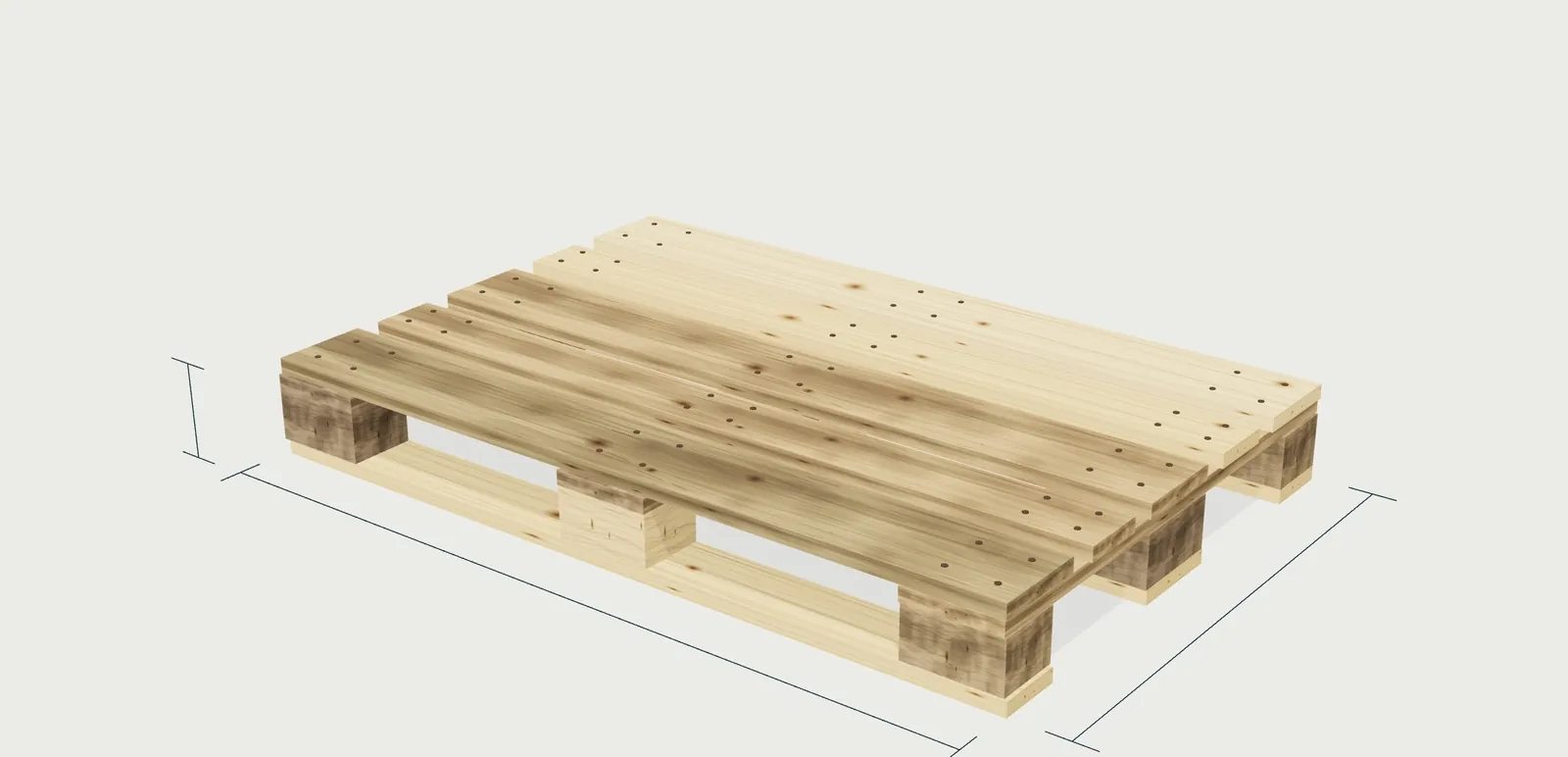
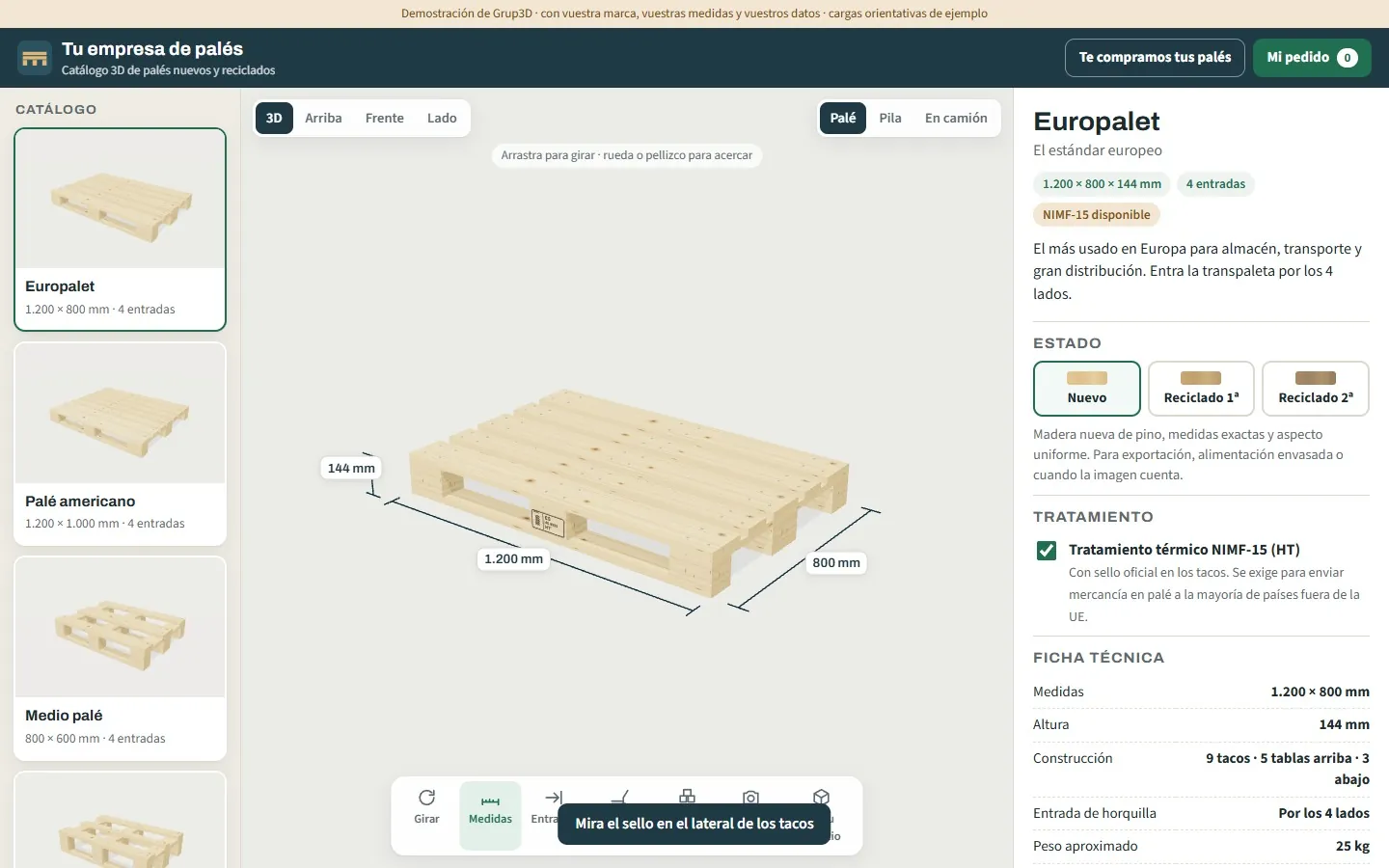
42
3D pallet catalogue
6 types · new and recycled · stack and lorry load.
See page →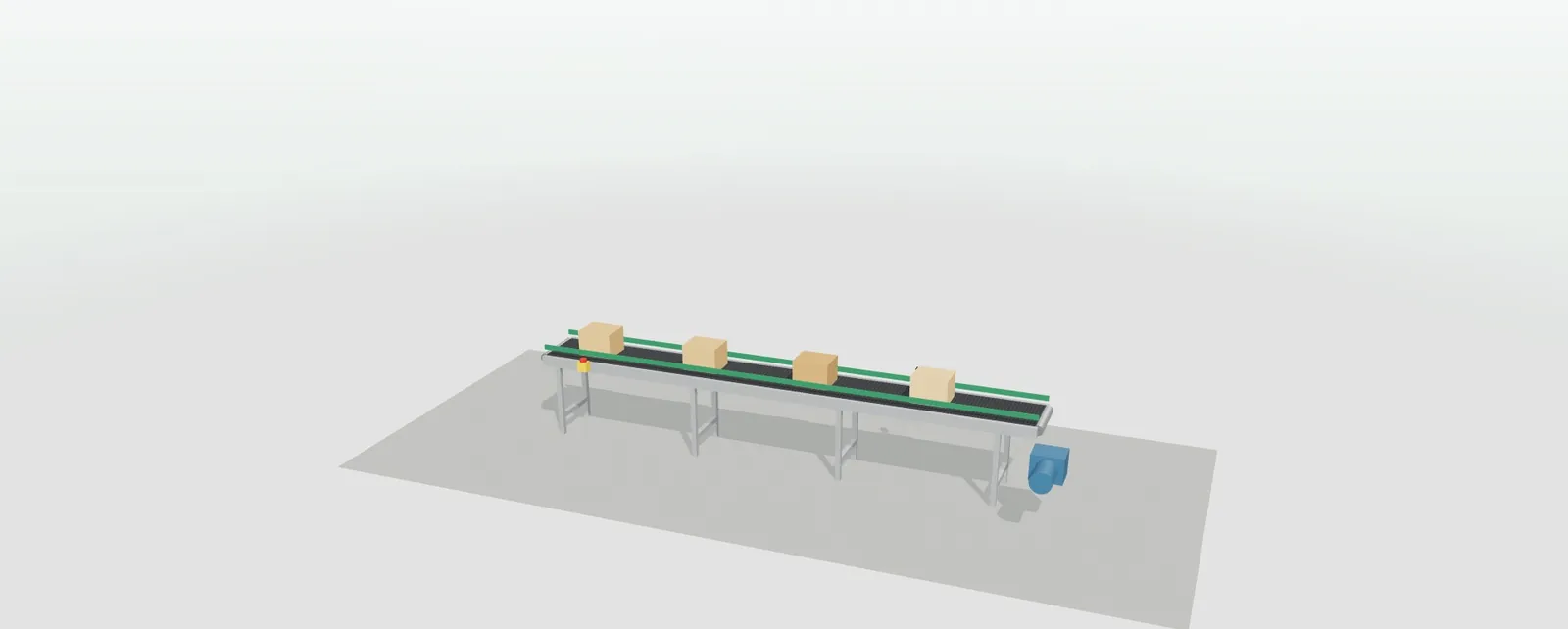
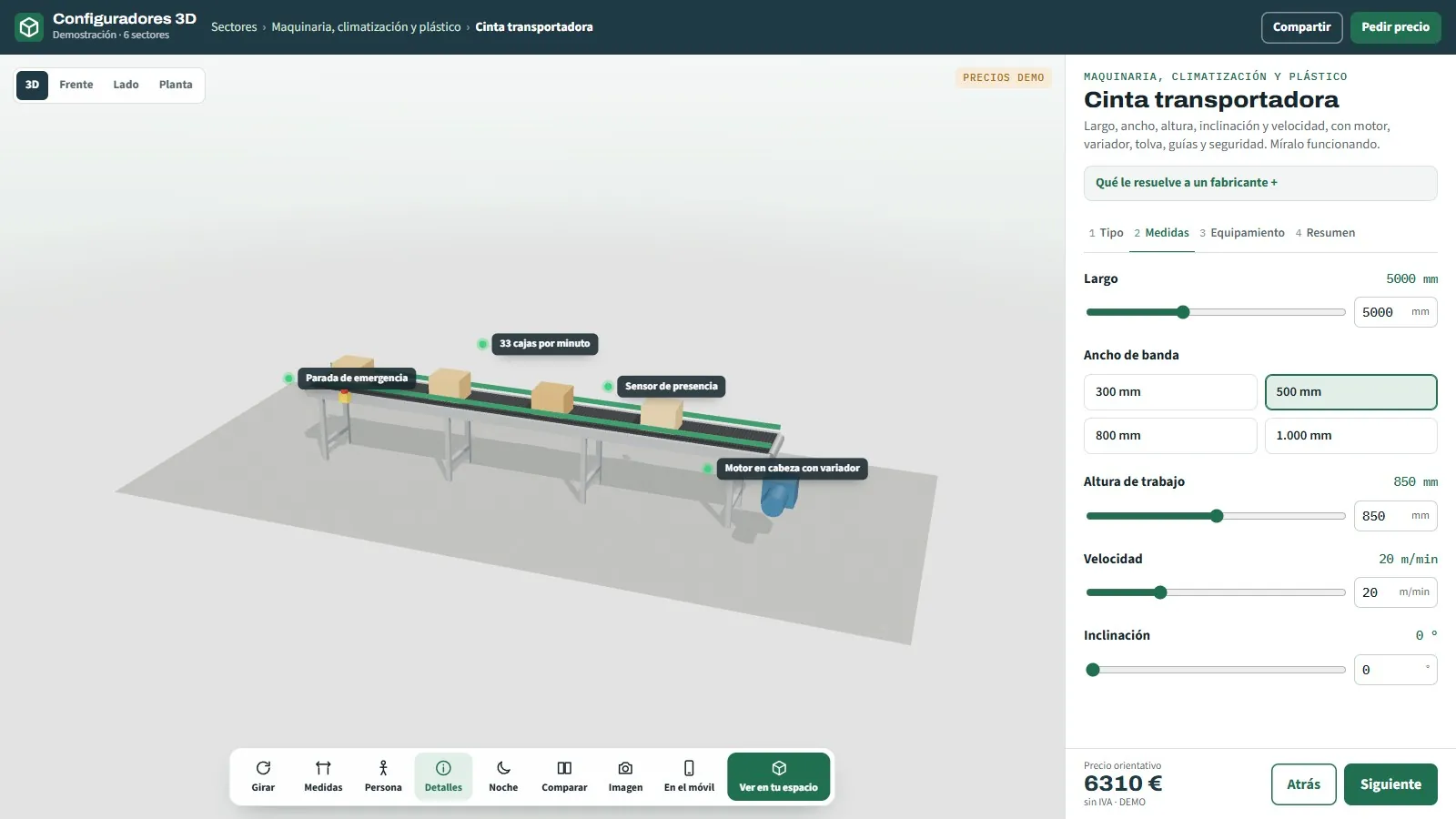
43
3D configurator for conveyor belts
Belt, roller or modular belt · animated.
See page →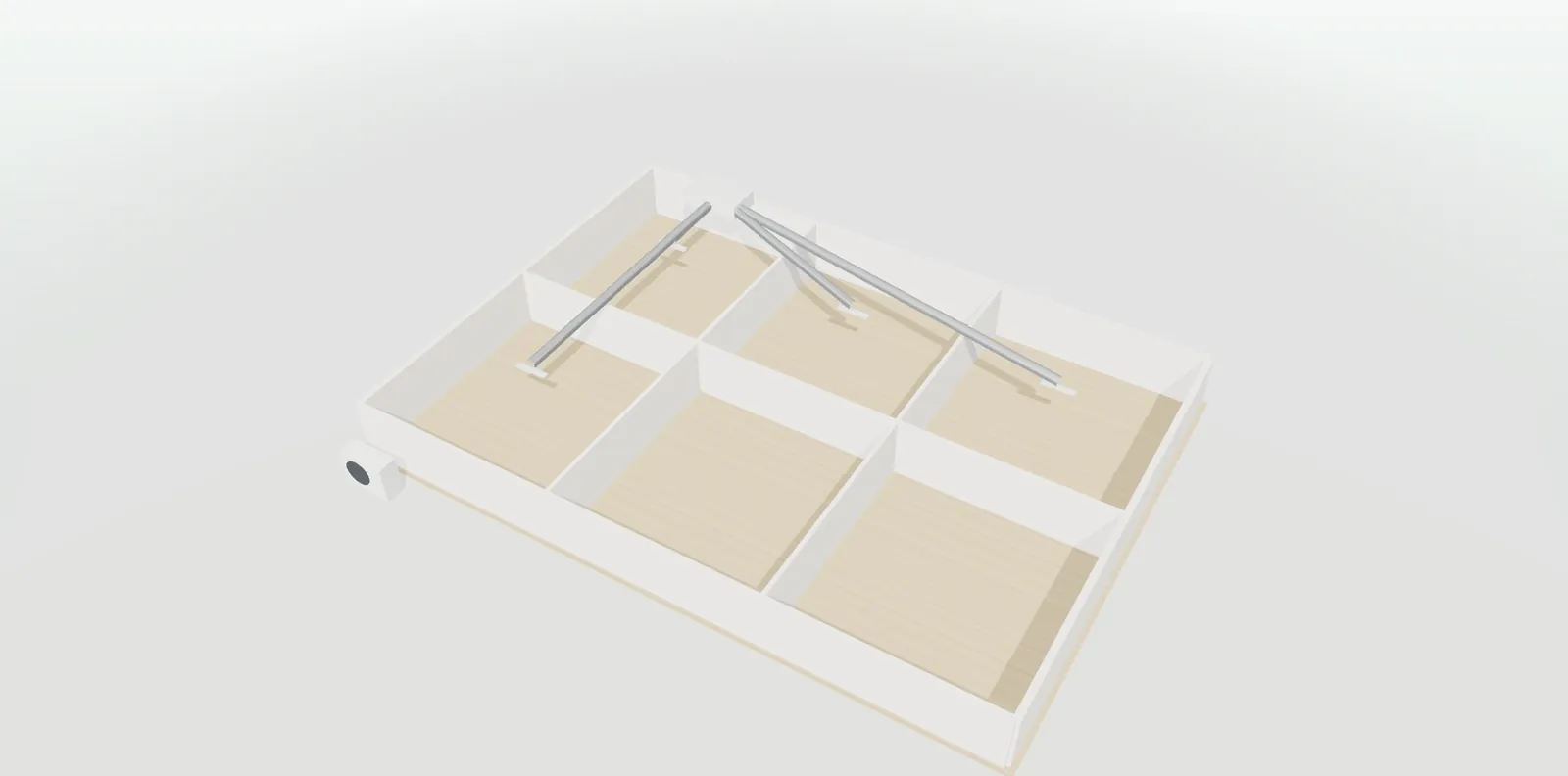
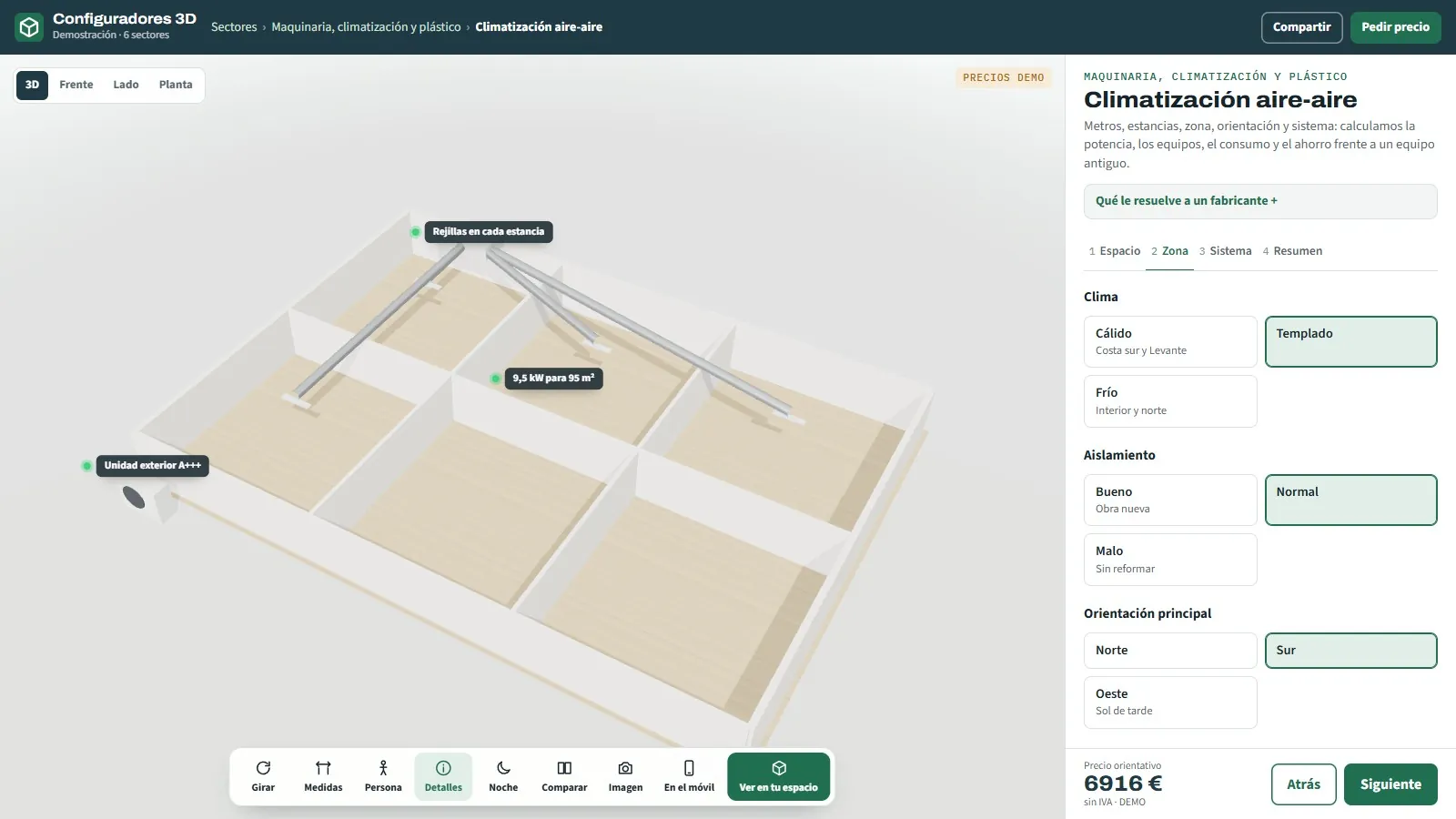
44
3D configurator for air conditioning
Split, multi-split or ducted.
See page →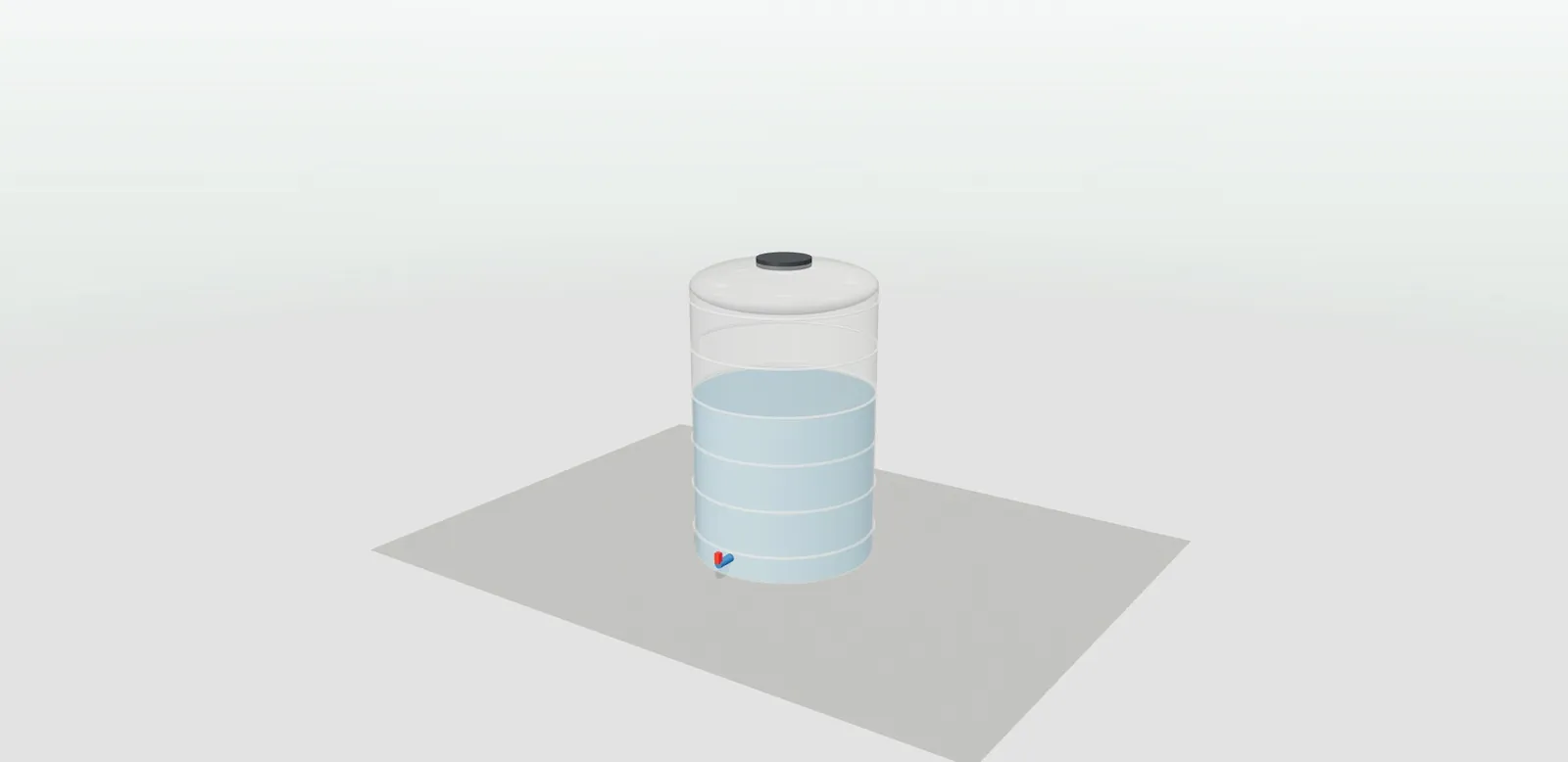
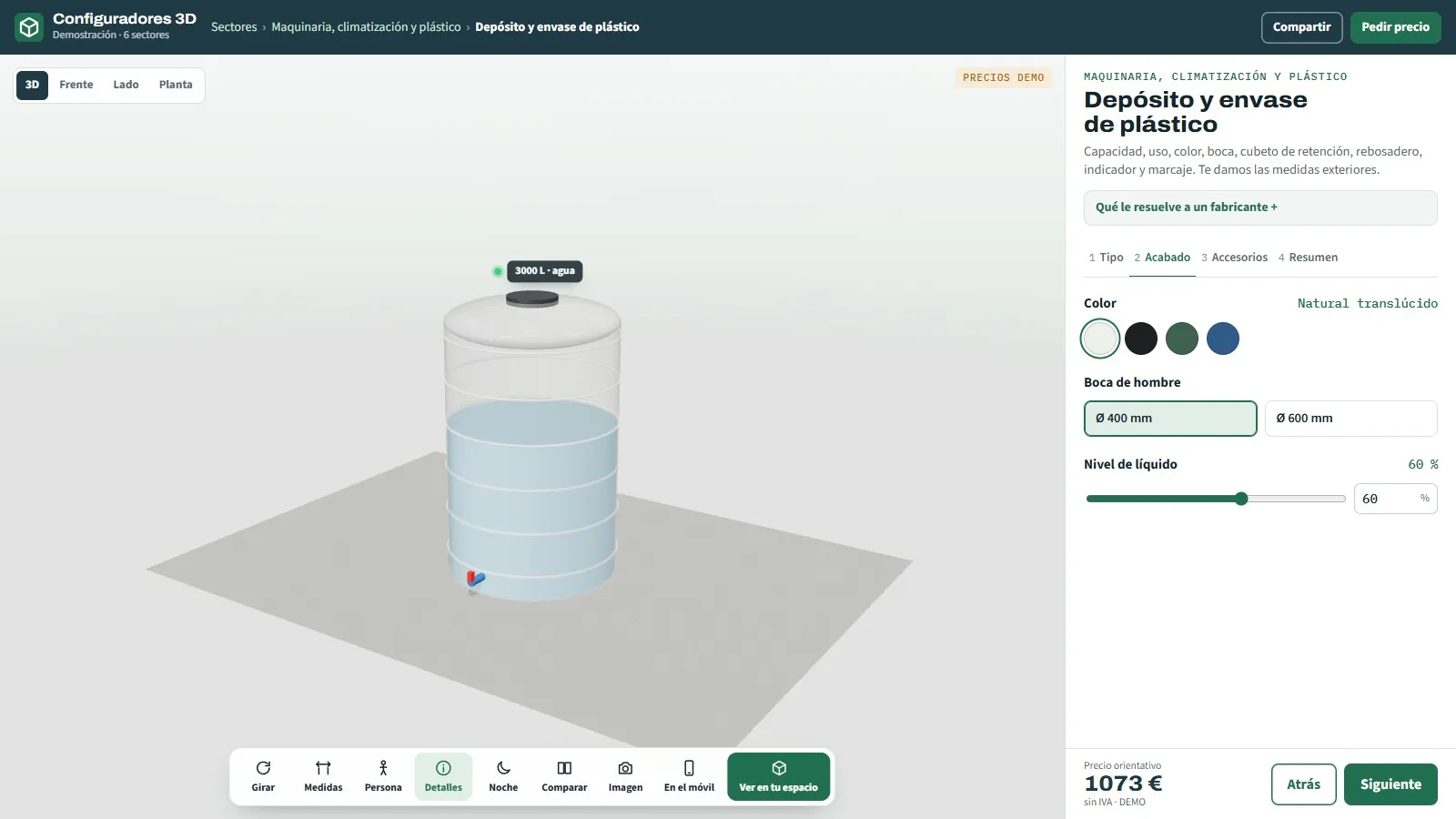
45
3D configurator for plastic tanks
Vertical, horizontal or IBC container.
See page →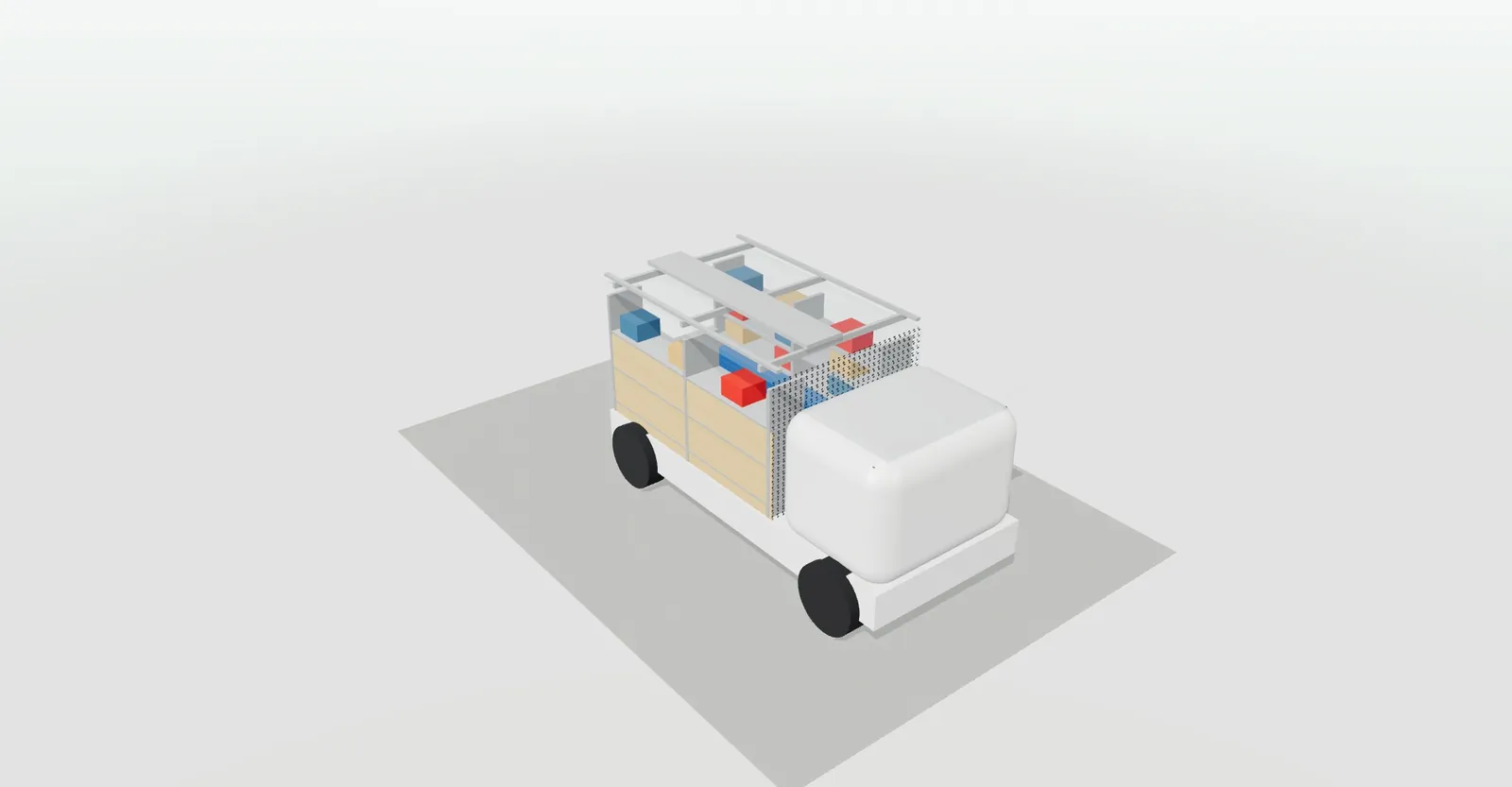
46
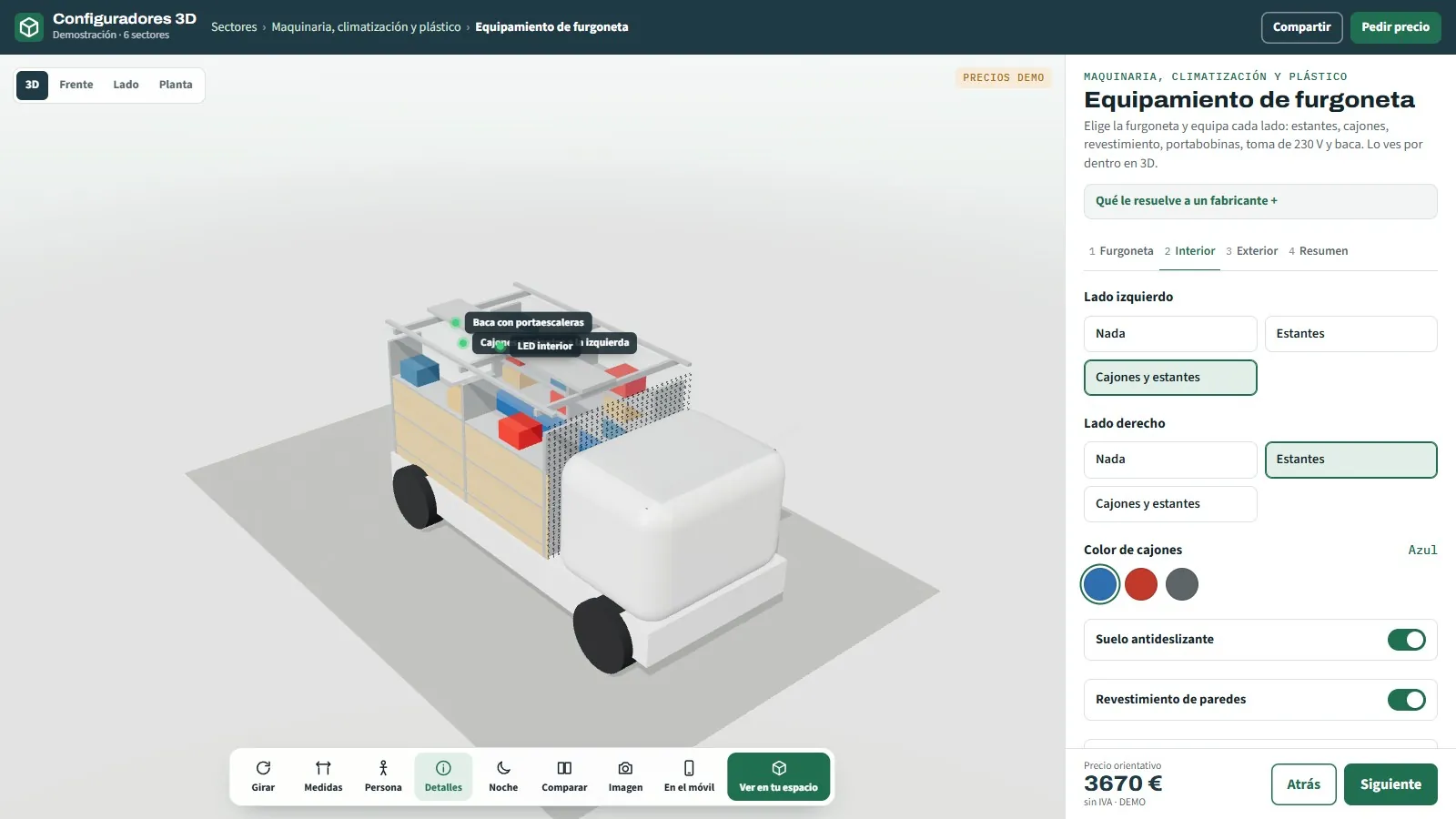
3D configurator for van equipment
Shelving, drawers, flooring and roof rack.
See page →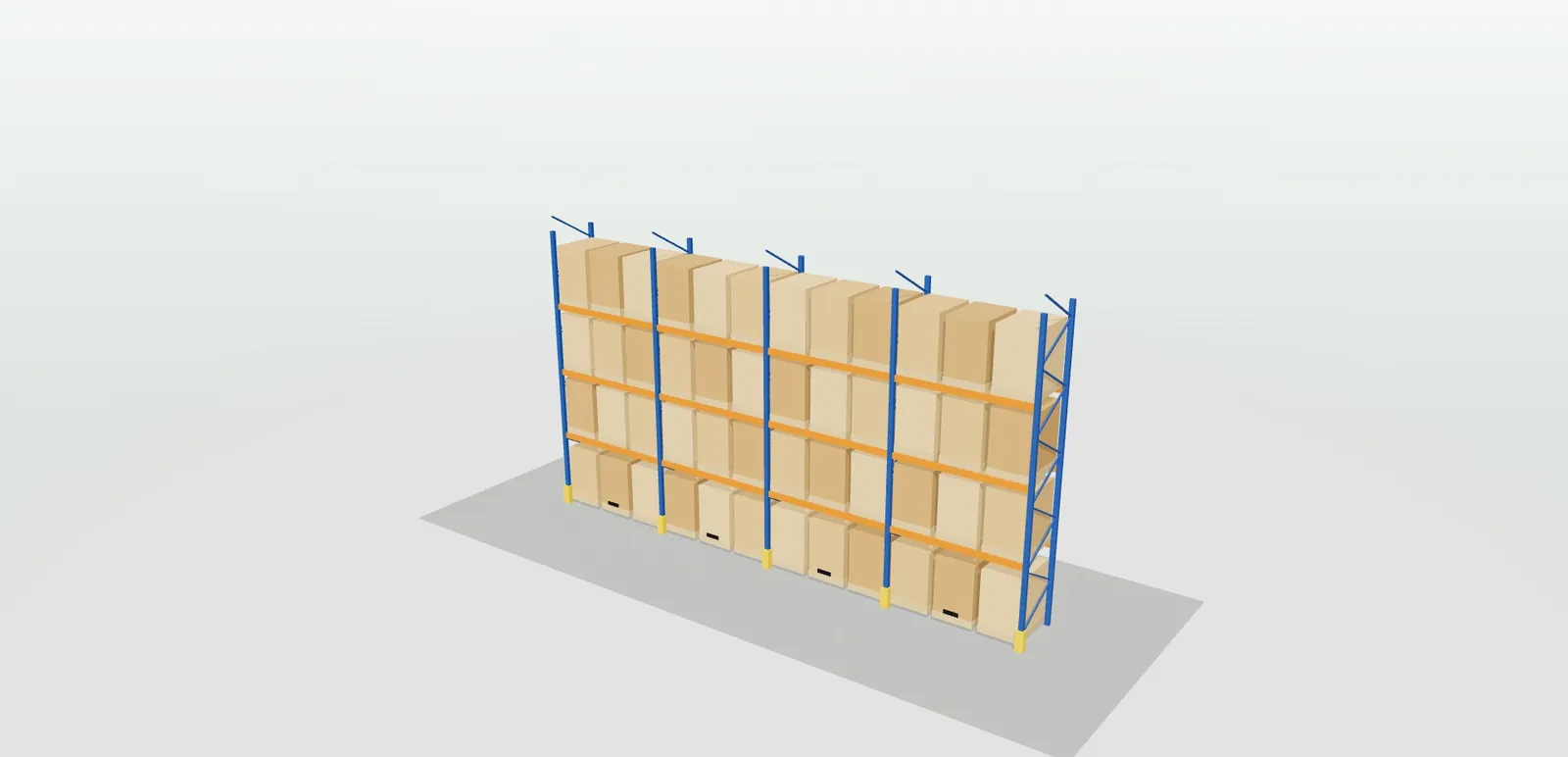
47
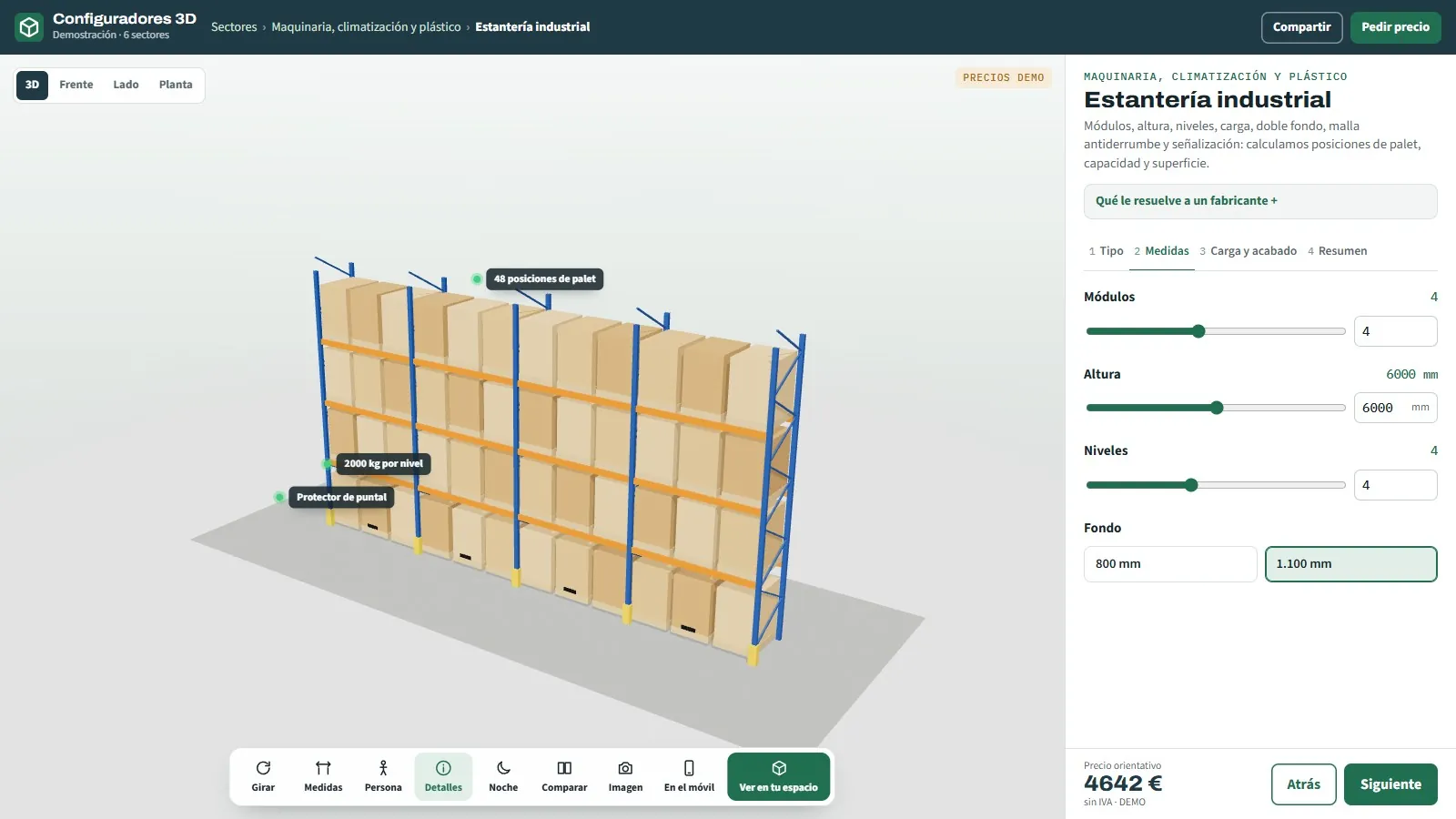
3D configurator for industrial shelving
Pallet racking, picking or cantilever.
See page →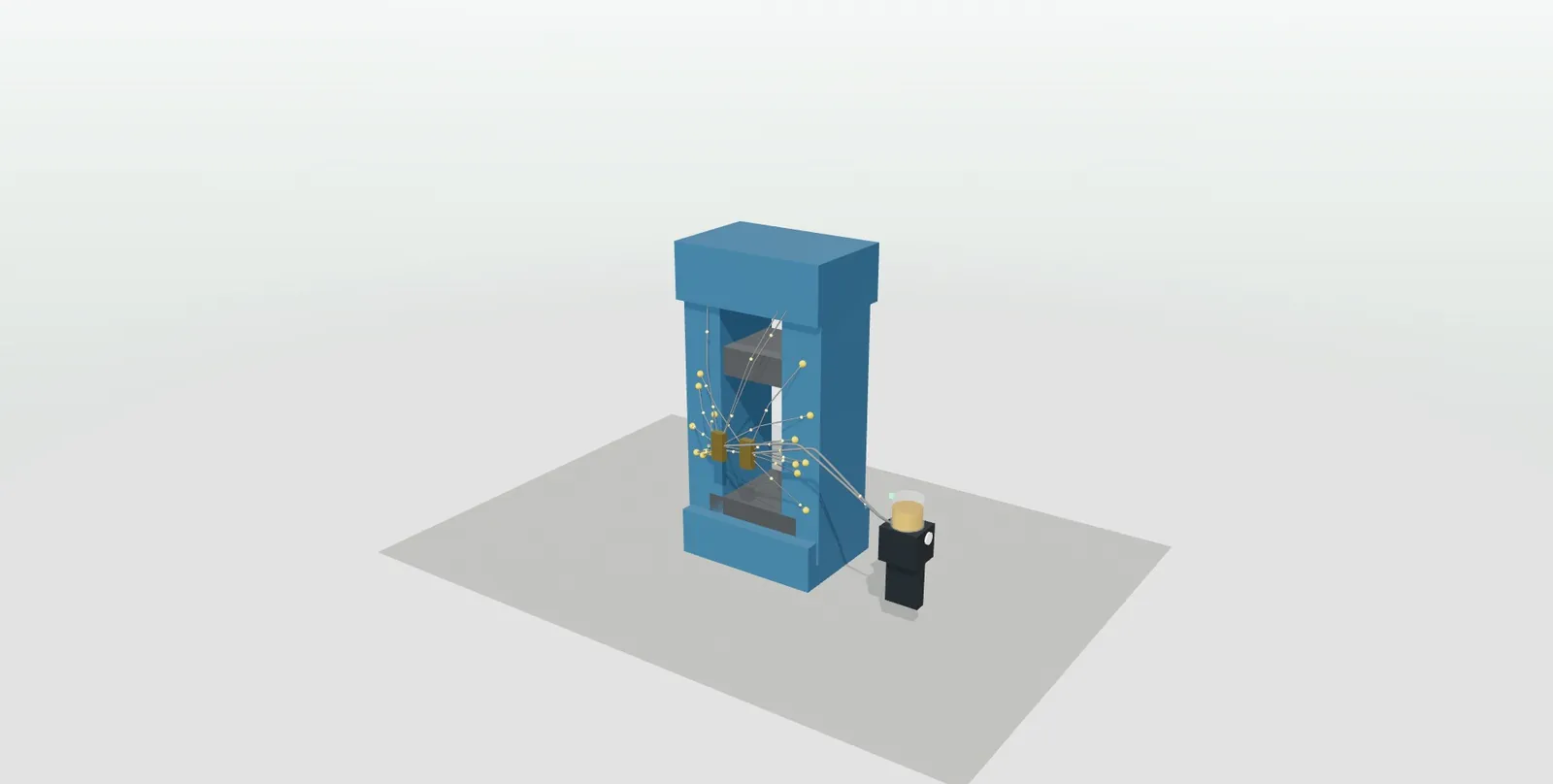
48
3D configurator for centralised lubrication systems
Progressive, single-line or oil · animated.
See page →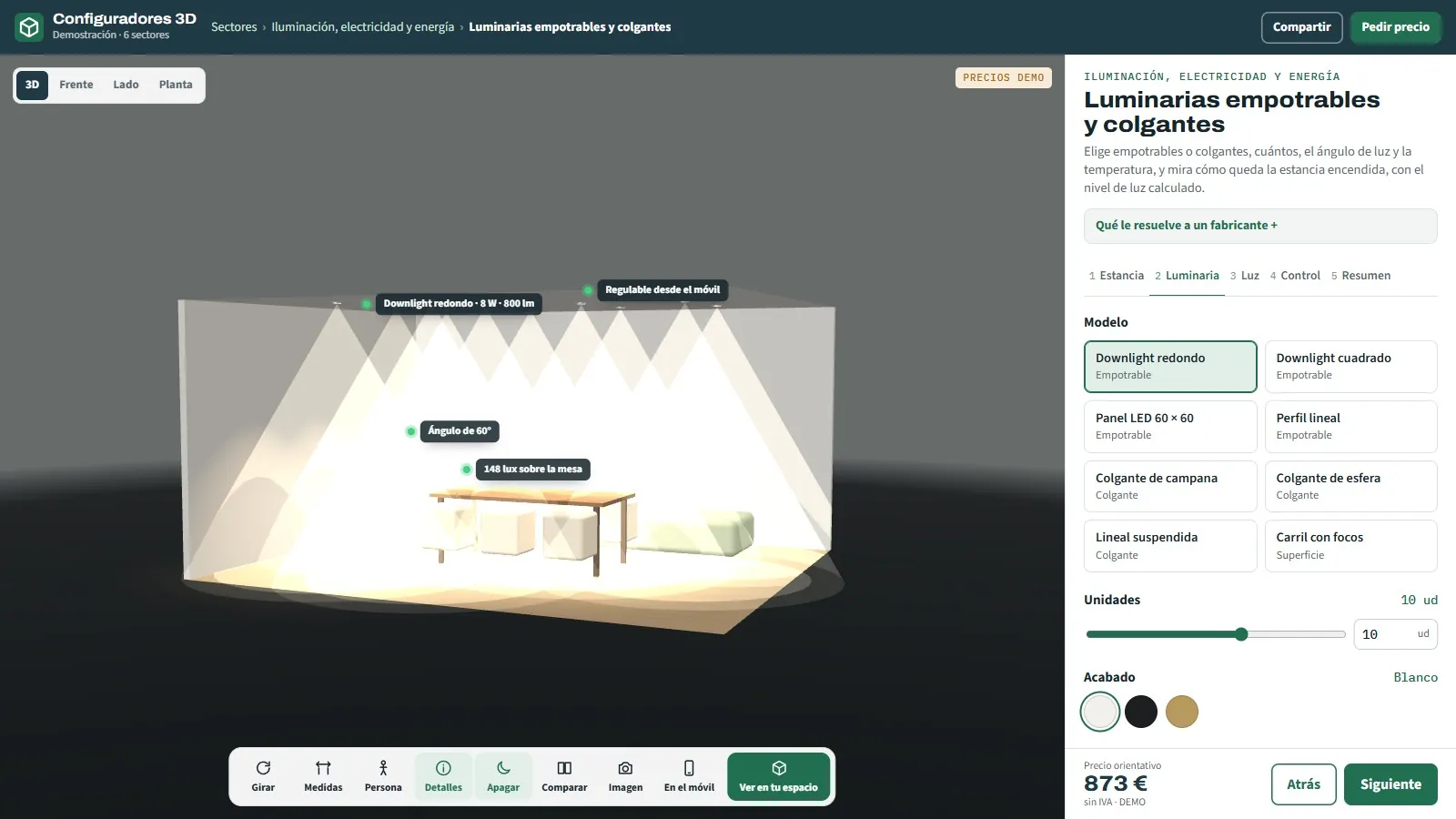
49
All lighting and energy configurators
3D configurators for lighting and energy manufacturers: LED strip, light fittings, signs, electrical enclosures, solar panels and chargers, with an order sheet.
See page →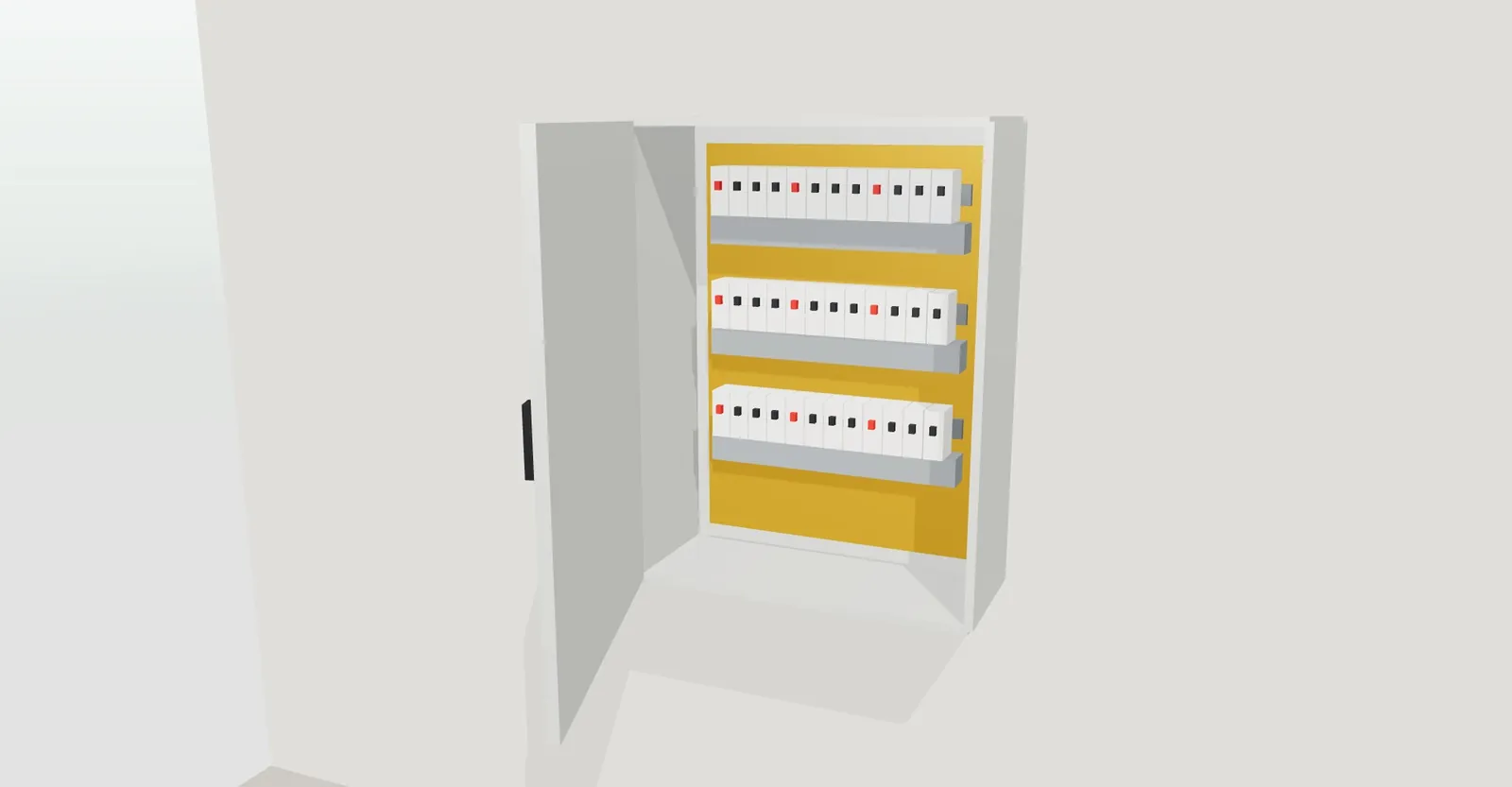

50
3D configurator for electrical enclosures
Sizes, material, IP rating and mounting plate.
See page →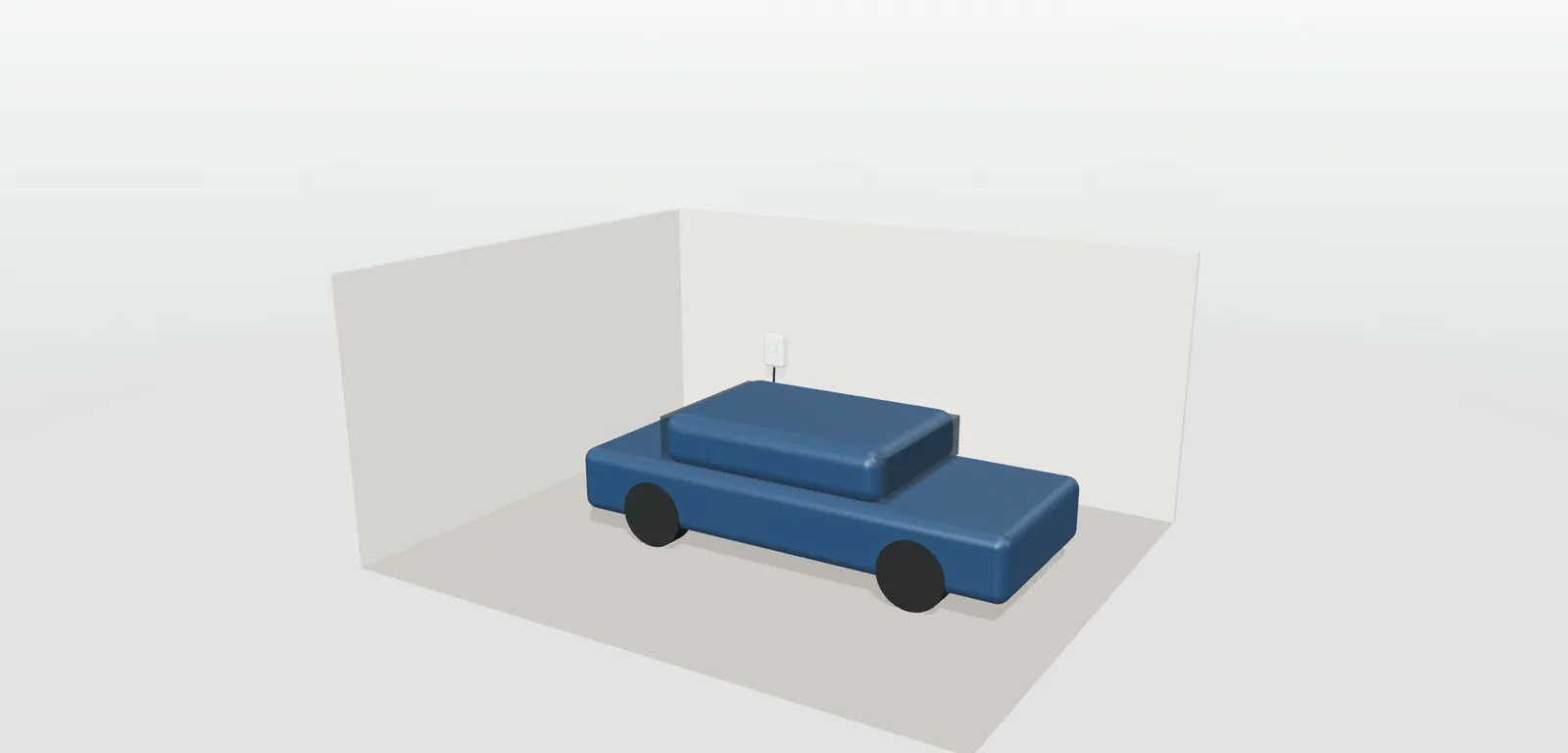
51
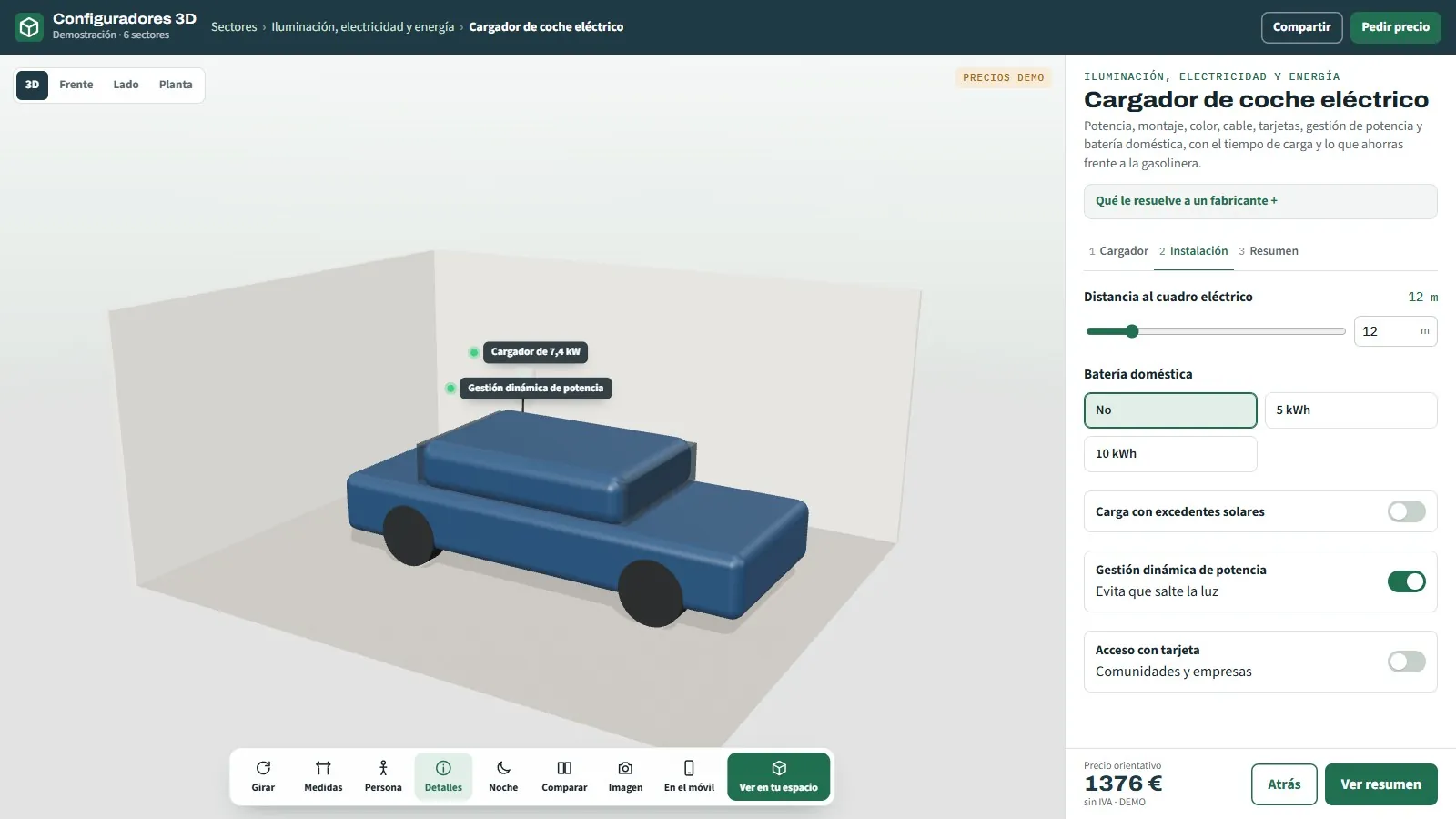
3D configurator for electric car chargers
Wallbox, pedestal and battery.
See page →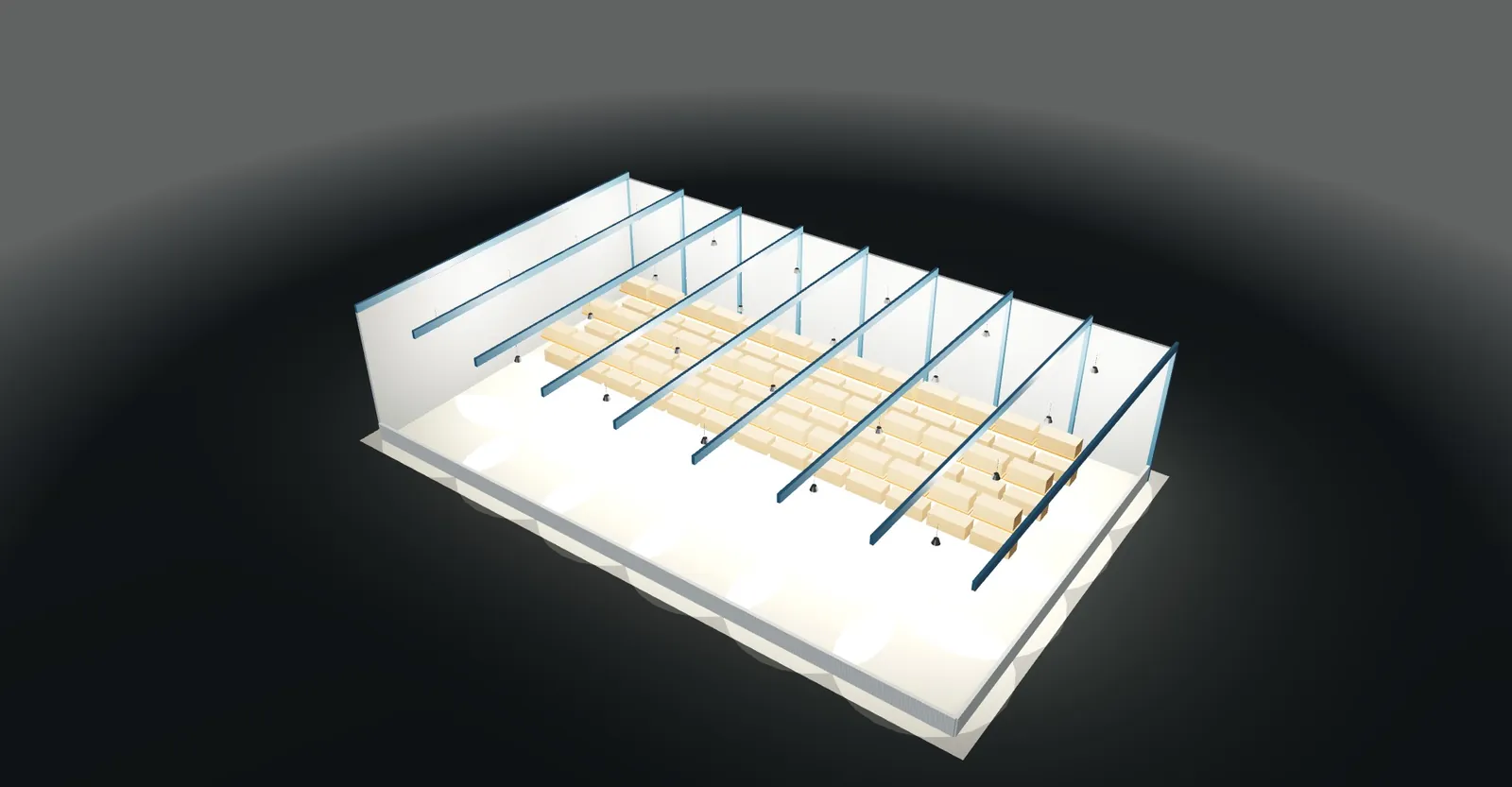
52
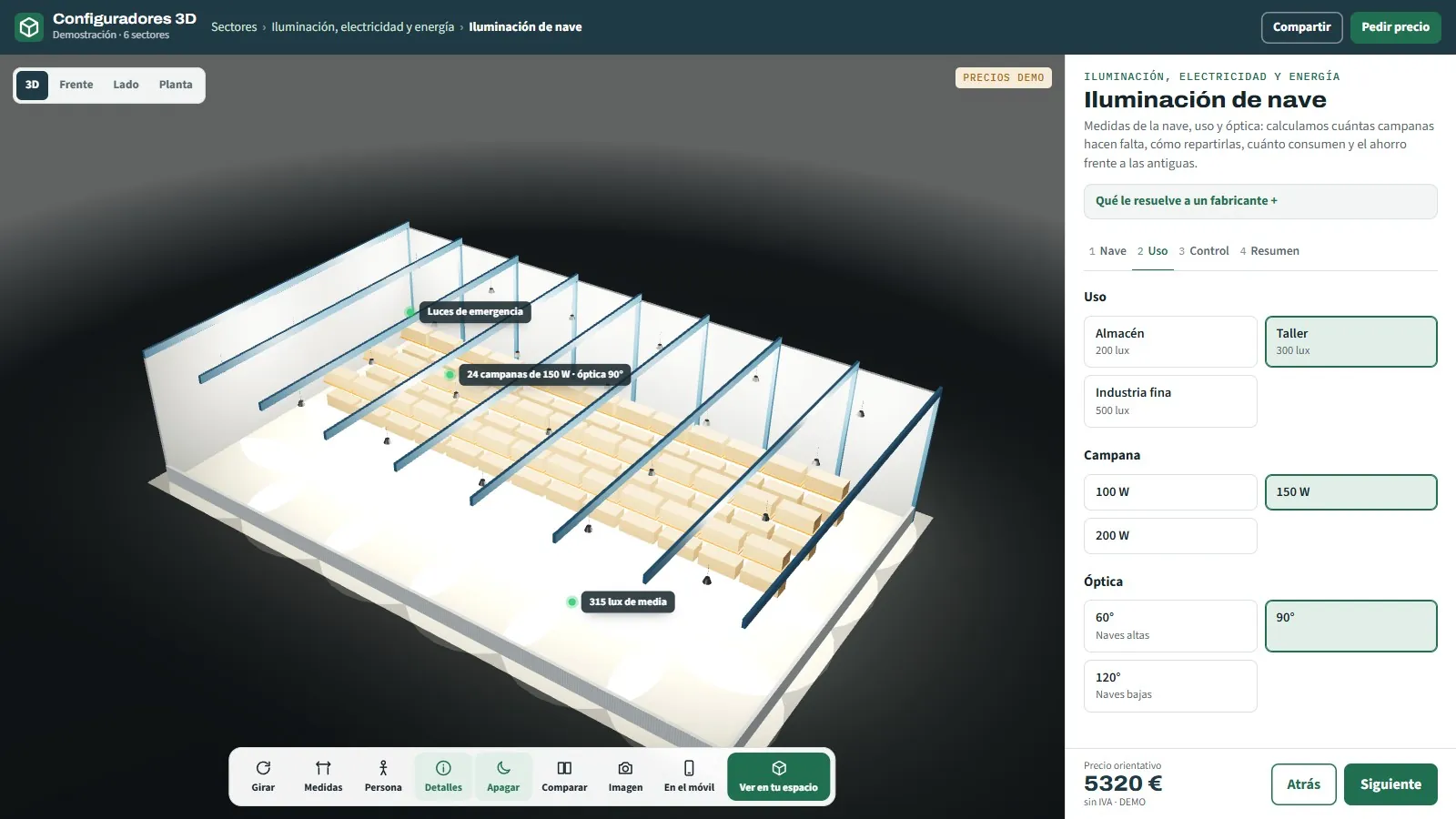
3D configurator for warehouse lighting
LED high bays · indicative lux calculation.
See page →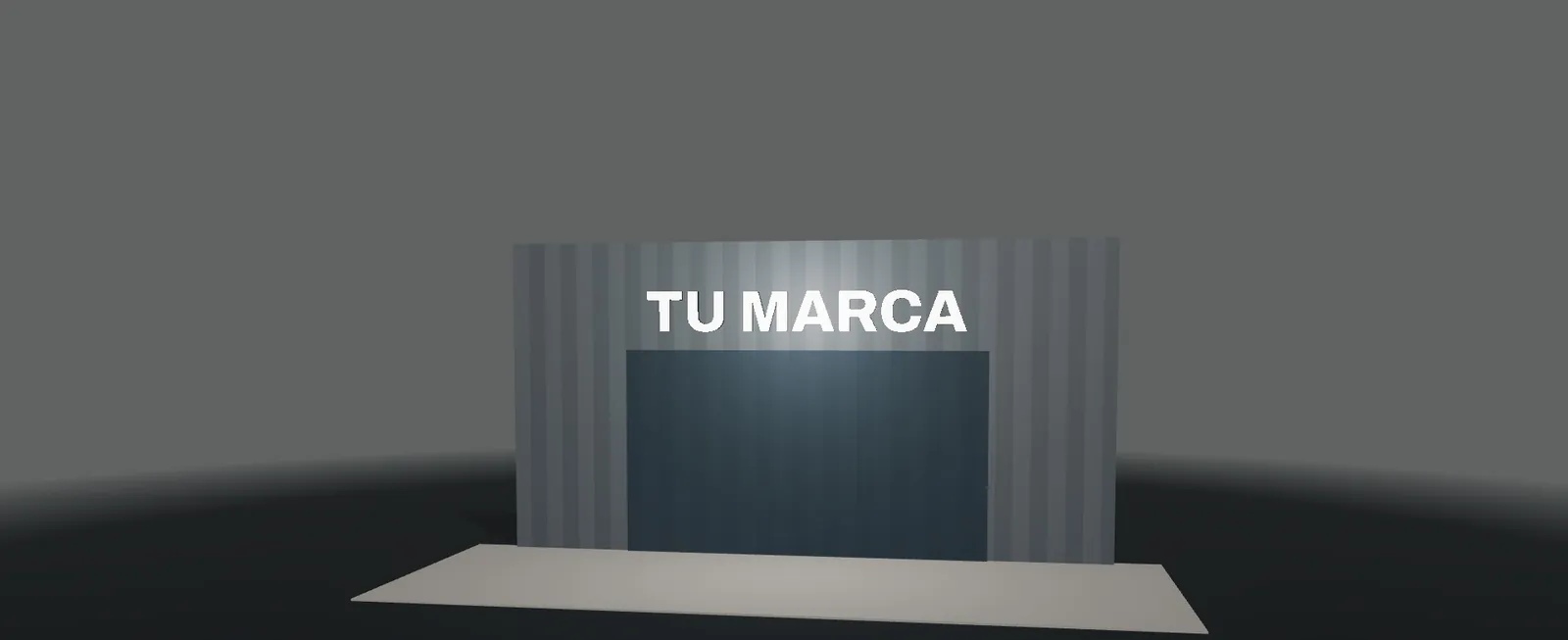
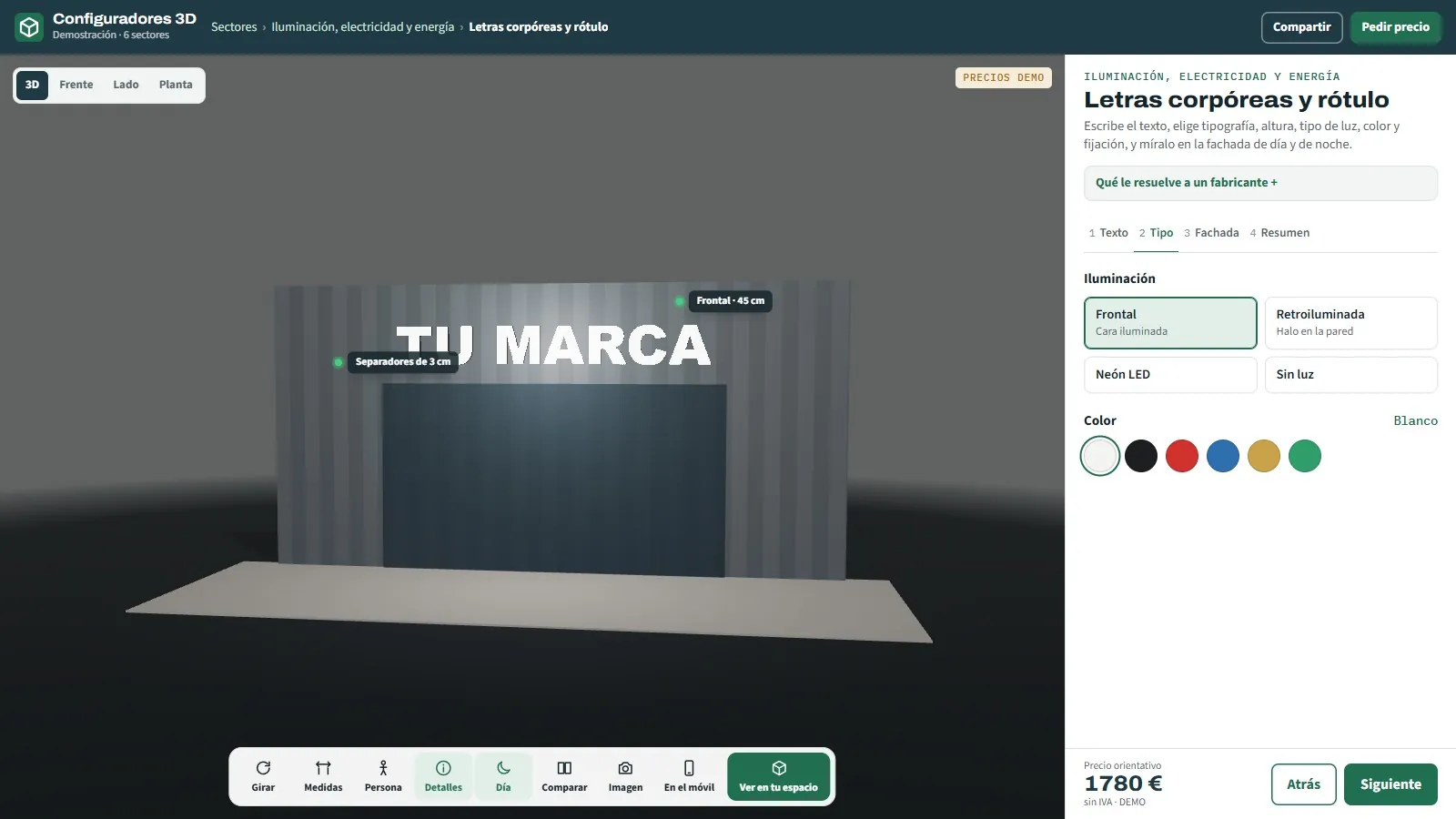
53
3D configurator for 3D letters and signage
Face-lit, backlit or LED neon.
See page →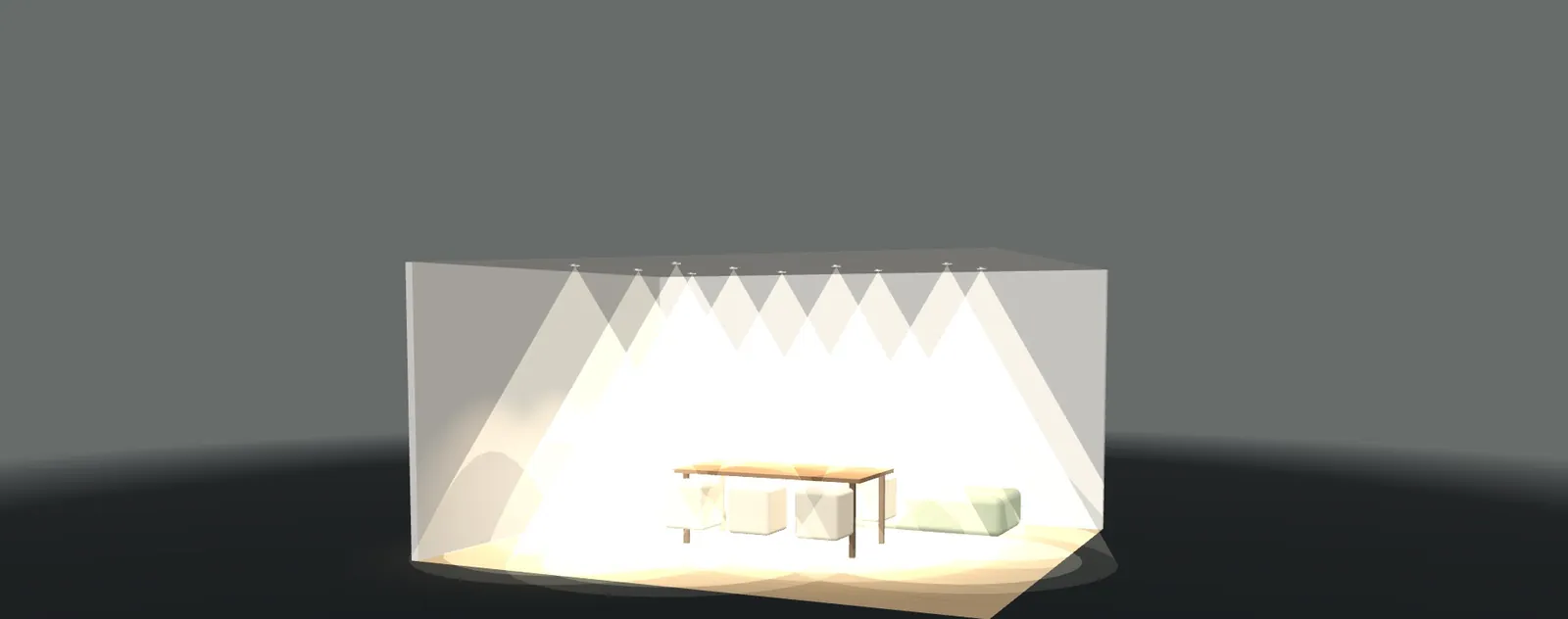
54
3D configurator for light fittings
Downlights, panels, profiles, pendants and tracks.
See page →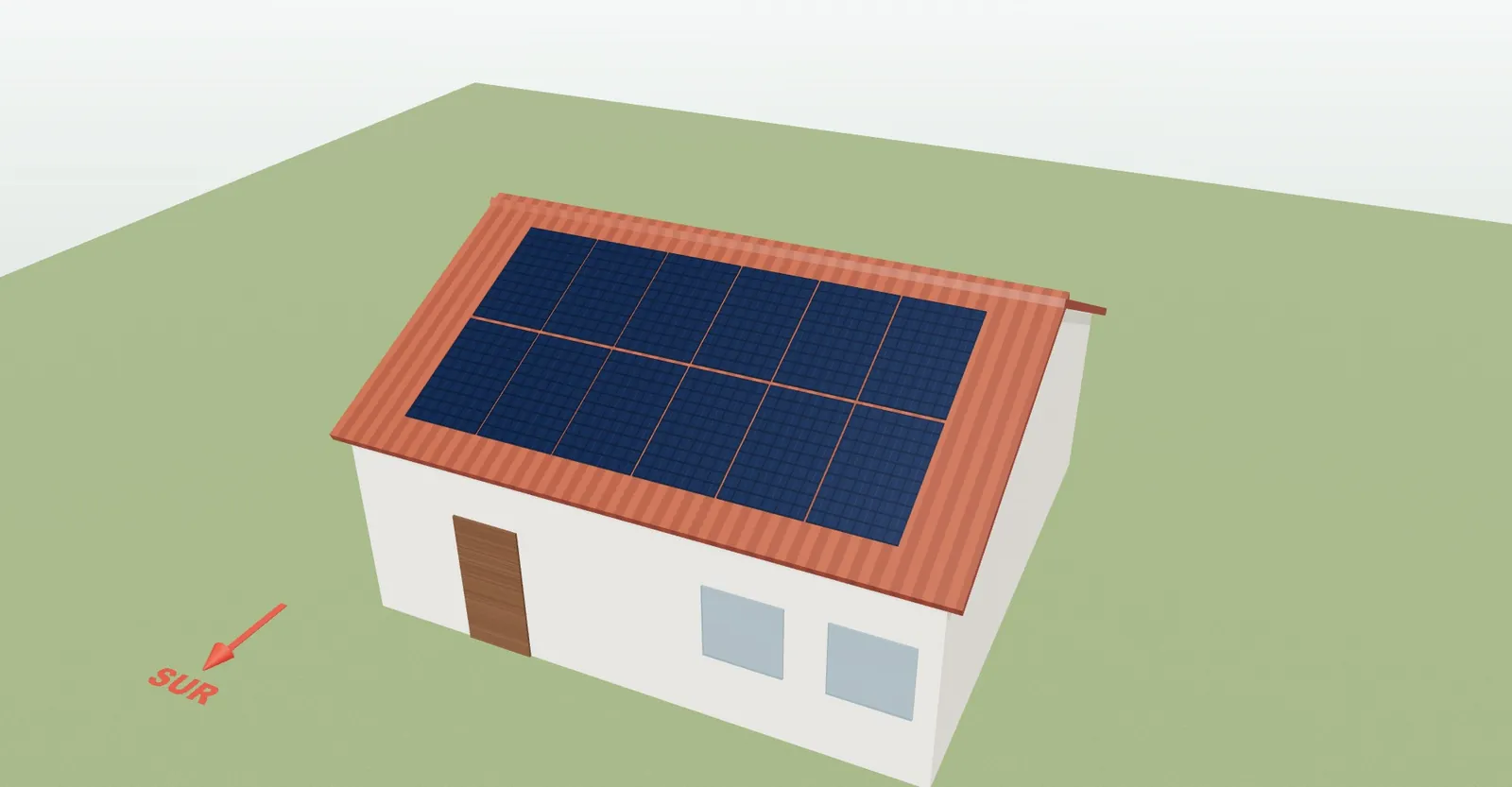
55
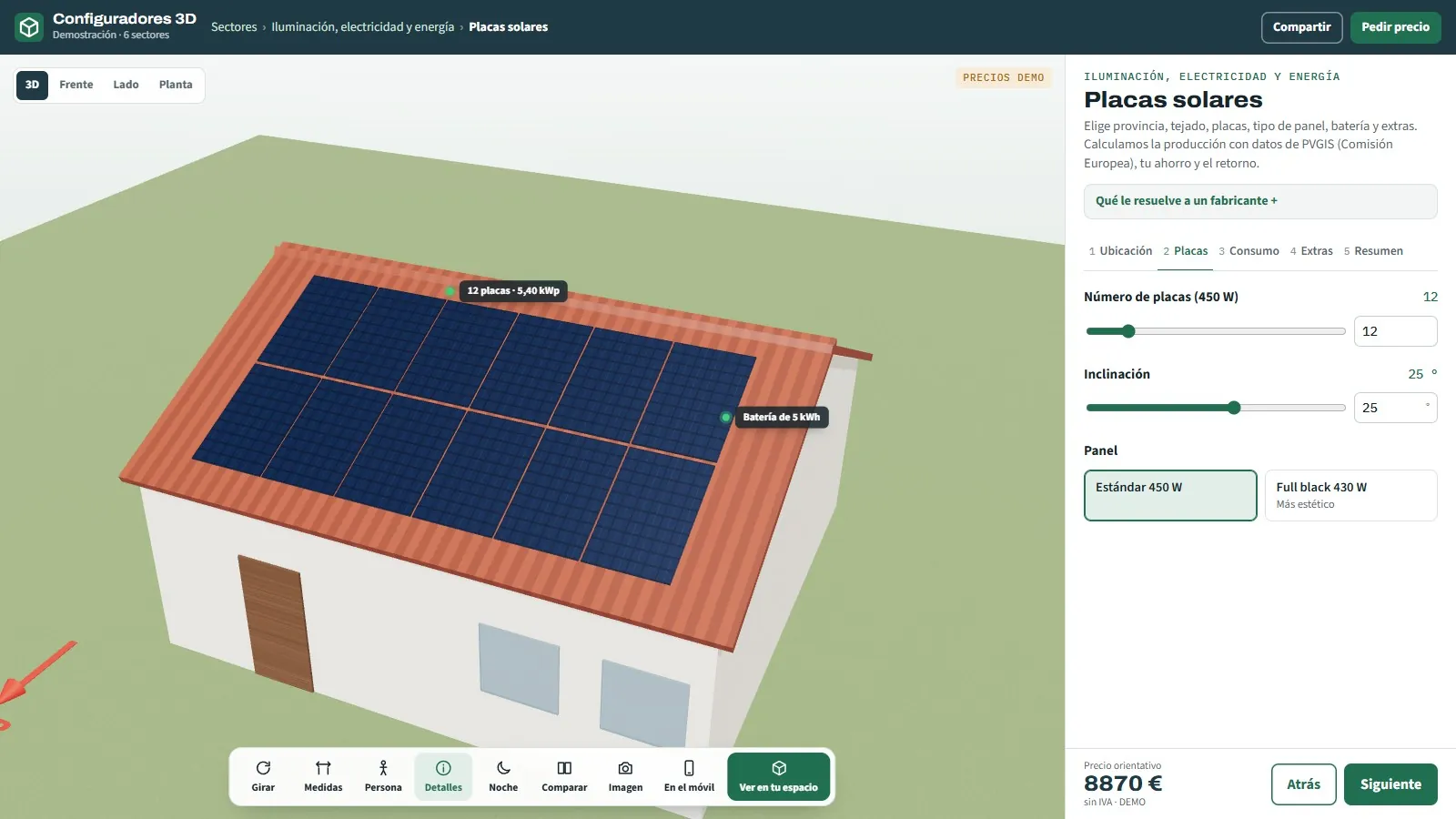
3D configurator for solar panels
Real output by province · savings and payback.
See page →
56
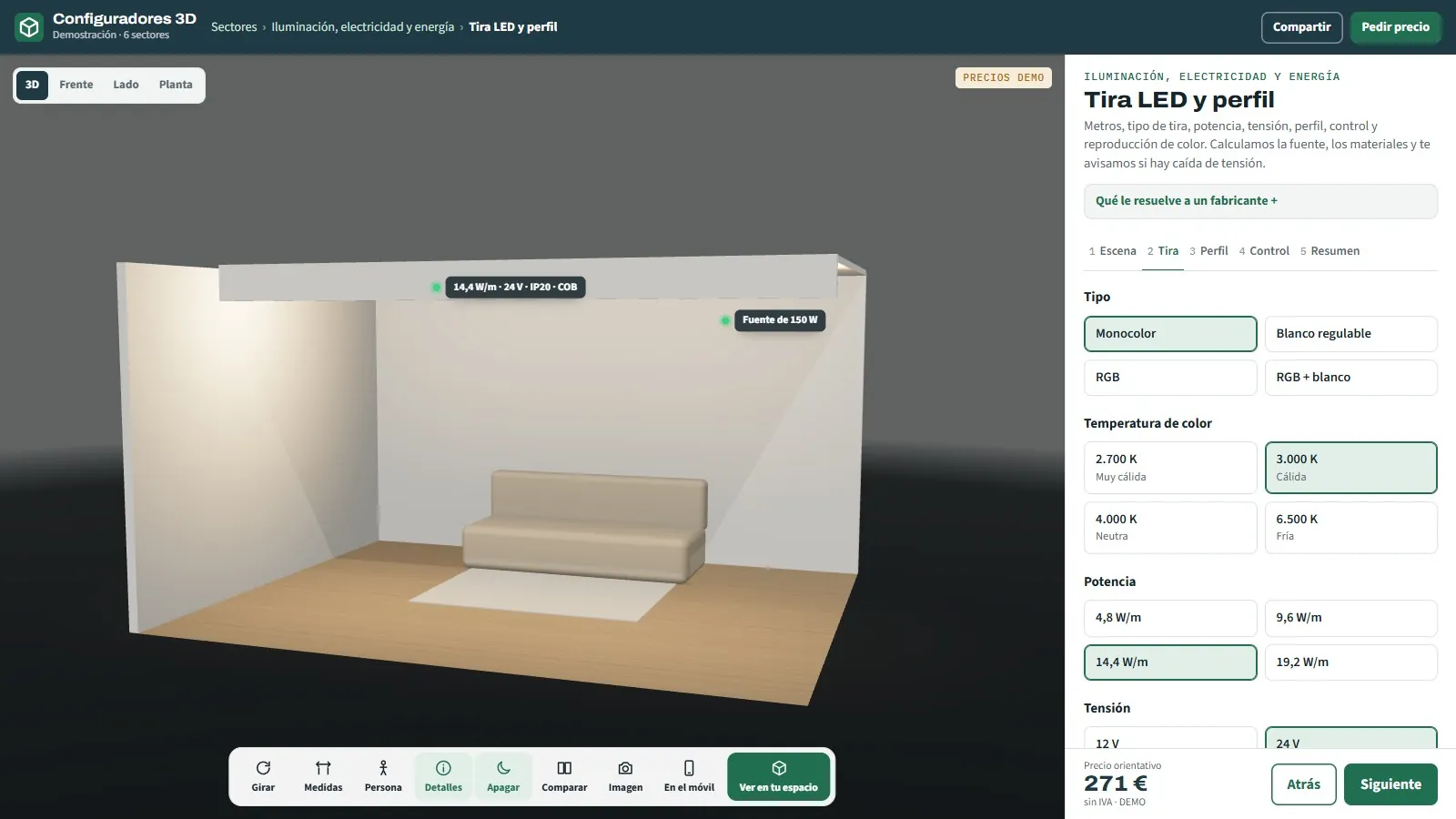
3D configurator for LED strips and profiles
Single colour, dimmable or RGB · with the power supply calculated.
See page →— CHAPTER 02 / 08
When a configurator makes sense for your product
Not every product needs a configurator, but there are cases where it makes a clear difference against a traditional catalogue:
If your product has variants and the customer's choice affects the sale, it fits.
You want to show finishes and materials in 3D without making a physical prototype for every variant.
You want the customer to try combinations at their own pace and arrive at the purchase with the decision almost made.
Your team presents the product by configuring it live at trade shows, in the showroom or on a video call.
You sell online and need to raise conversion by giving the buyer a realistic view of what they will receive.
 WHEN
WHEN— CHAPTER 03 / 08
What you get when you commission a 3D configurator
Each deliverable has a specific job. We combine them according to the scope of the project and the stage you are at.
A bespoke configurator
Variants in real time
An optimised 3D model
Embedded in your website
3D model of the product
From drawings or STEP files
Web and mobile
Fast loading
Web integration
Embeddable
Responsive
Digital catalogue
01
A 3D experience with your real colour, material, finish and option variants, ready to embed in your website or your sales environment.
02
Modelling optimised from your drawings or CAD so it loads fast and looks good on any device.
03
We set it up on your website or digital catalogue so the customer configures without leaving your site.
04
A form and, optionally, a PDF of the configuration or a connection to your CRM so no contact is lost.
GRUP3D · INDUSTRY
A 3D experience with your real colour, material, finish and option variants, ready to embed in your website or your sales environment.
— CHAPTER 04 / 08
Benefits for sales and for the catalogue
An interactive 3D configurator is not just a visual upgrade: it changes how you sell and how the order gets closed.
Fewer doubts and fewer repeated questions: the customer sees exactly what they are choosing before they ask.
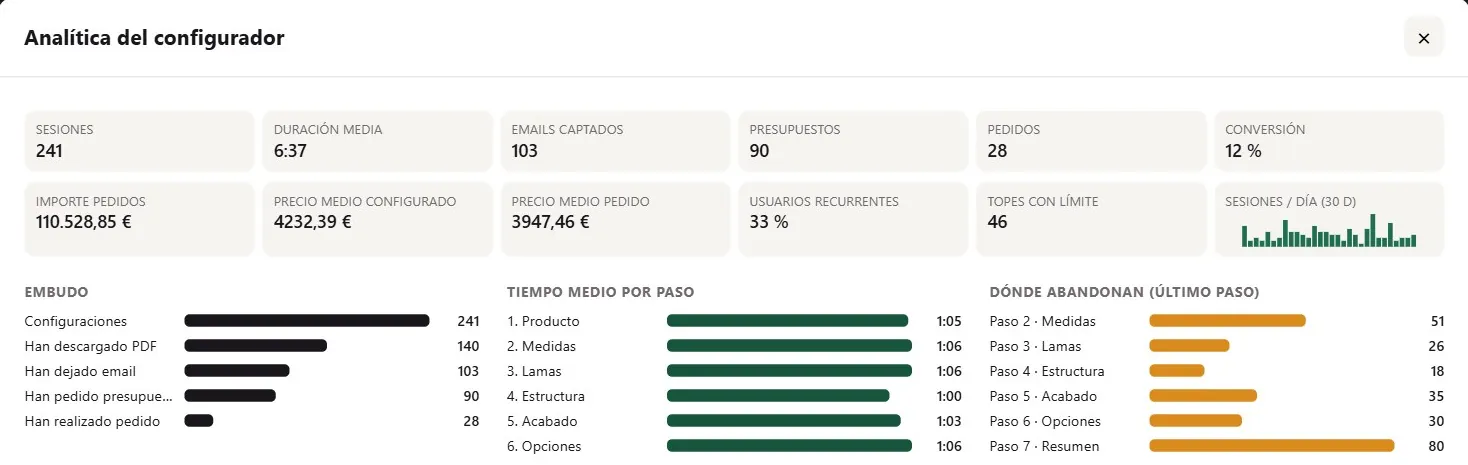
Better qualified leads: whoever configures and sends their selection arrives with the decision well advanced.
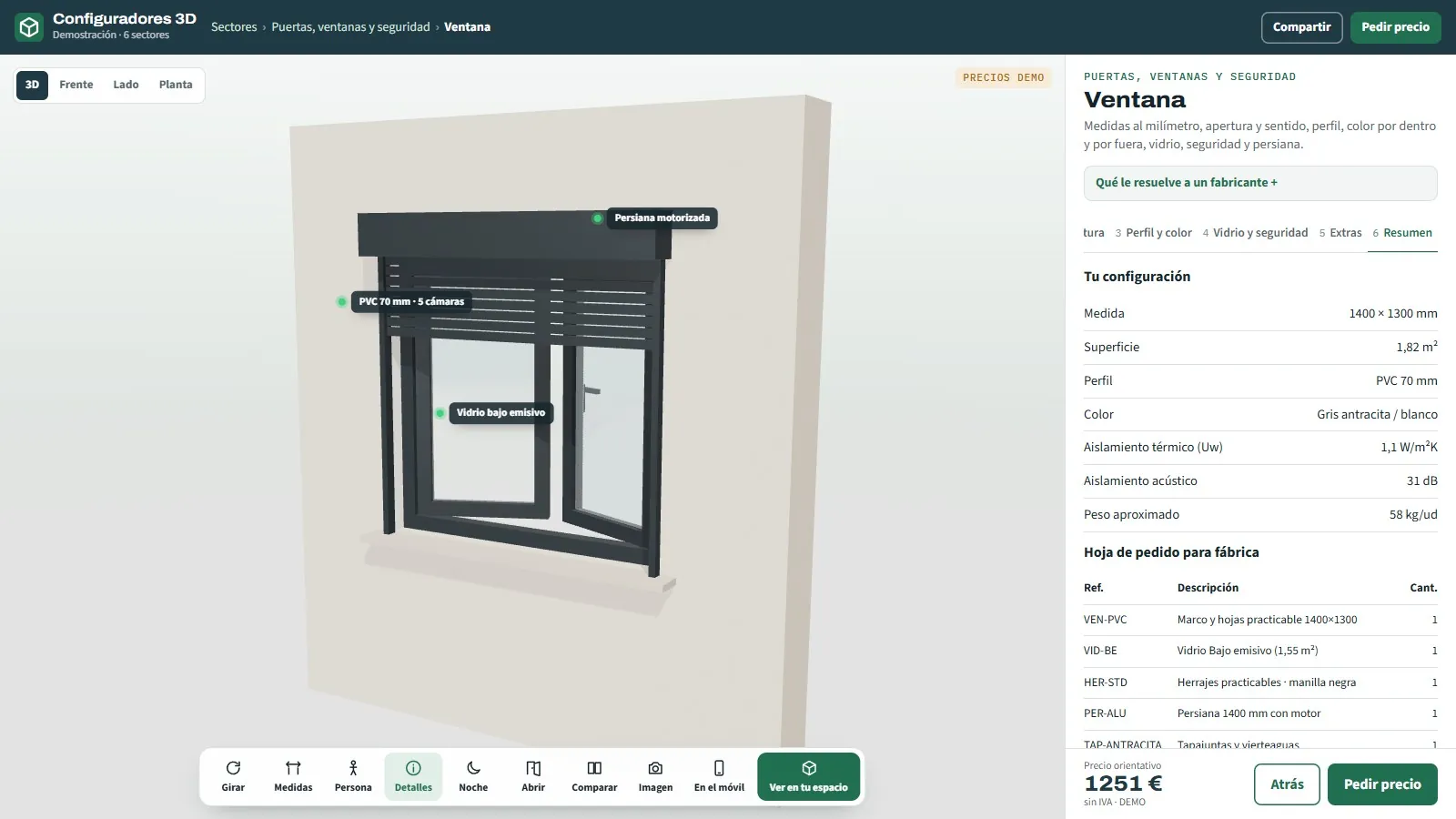
Well-defined orders: the sales rep receives the exact combination chosen, with no misunderstandings about colour or finish.
Fewer prototypes and samples: finishes are shown in 3D instead of manufacturing one piece per variant.

A catalogue that is always up to date: adding a new finish means updating the configurator, not reprinting.
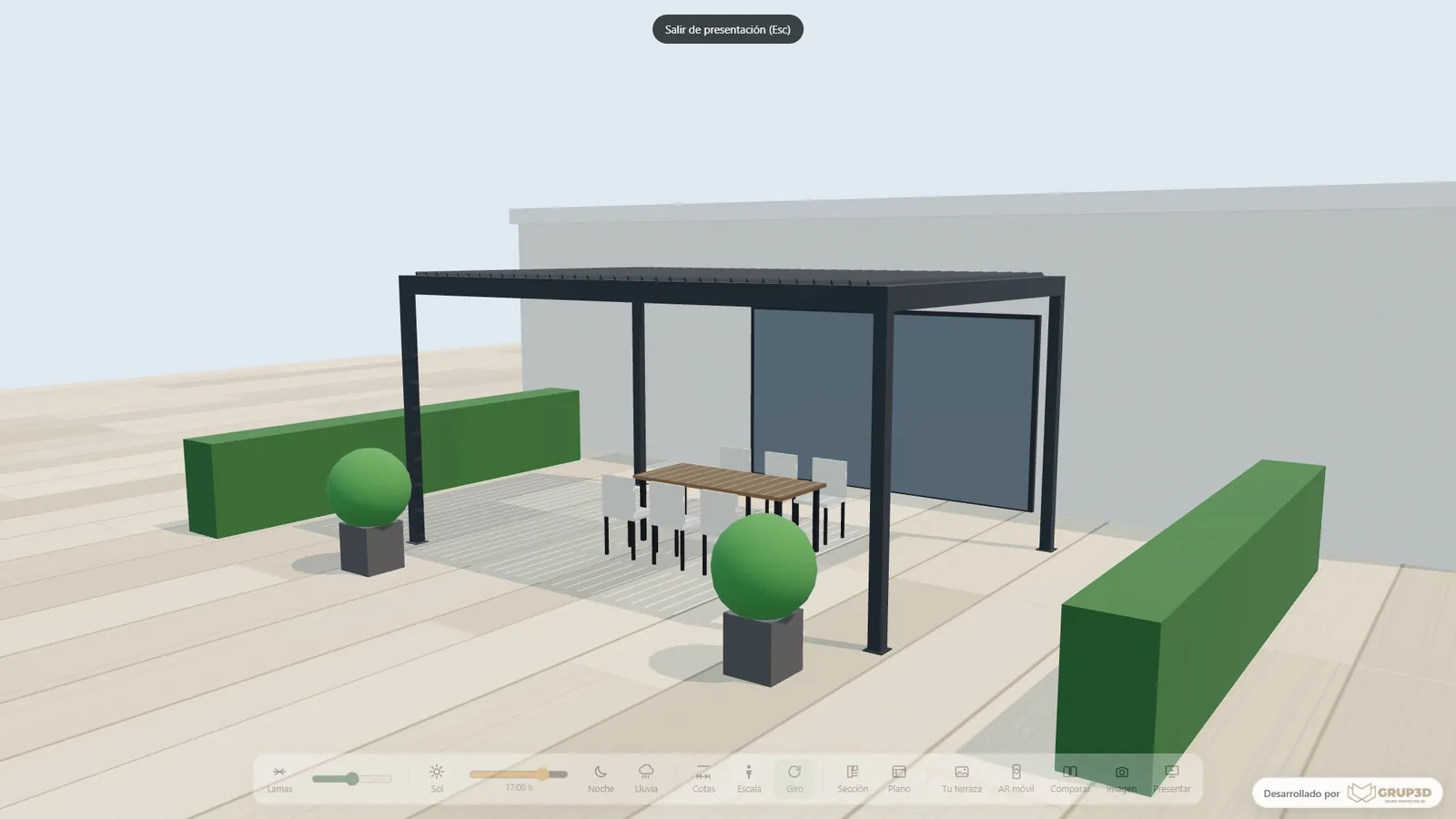
Better online conversion and a better sales tool at trade shows, in the showroom and on video calls.
— AT GRUP3D“An interactive 3D configurator is not just a visual upgrade: it changes how you sell and how the order gets closed.”
— CHAPTER 05 / 08
Sectors and products it is for
We adapt the tool to how each product is really used. It fits especially well in:
Not everyone needs the same level of finish or the same deliverables; we set that in the initial definition of the project.
Furniture and joinery with many combinations of board, edging and fittings.
Kitchens and bathrooms: fronts, worktops, handles and made-to-order compositions.
Technical and industrial products with configuration options.
Configurable machinery and mechanisms with functional variants.
Digital catalogues that want to replace a flat PDF with an interactive experience.
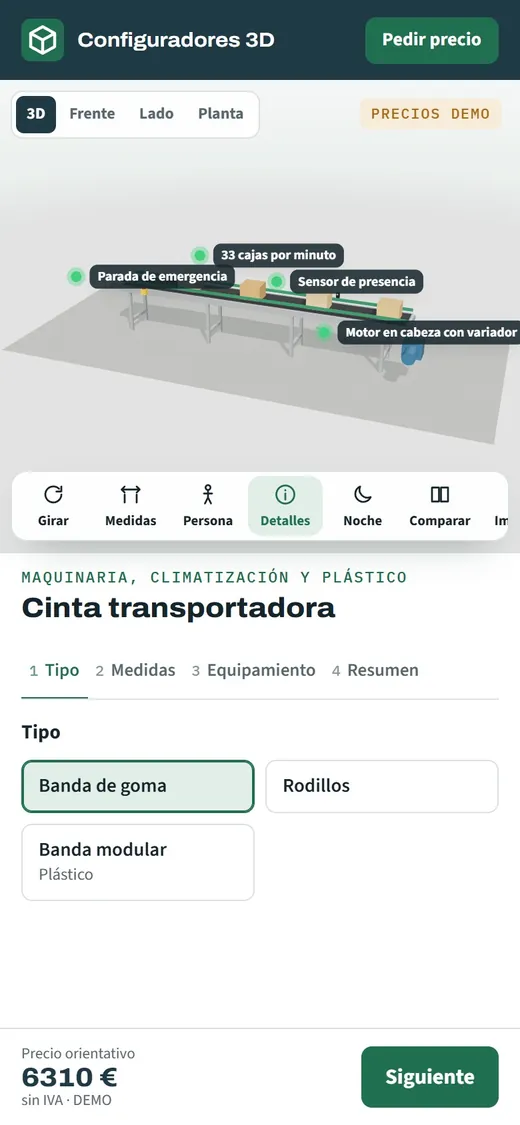 SECTORS
— CHAPTER 06 / 08
Web integration, lead capture and CRM
The configurator lives wherever you need it: embedded in your website, in your digital catalogue or as a tool for your sales team. It is responsive, so it works just as well on the rep's laptop as on the customer's phone.
So no contact is lost, we add lead capture: an integrated form and, optionally, sending the customer's configuration as a PDF or connecting it to your CRM or order system. The sales rep receives the order already defined and follow-up starts with the decision almost made.
— CHAPTER 07 / 08
How we produce it: four defined stages
We work in stages with a review at each one, so you know what you are getting and when.
Briefing
Source material
Production
Review and delivery
01
We review the goal, the sector, the final use, the deliverables and the deadline.
02
We analyse drawings, CAD/STEP files, 3D models, photographs or technical documentation.
03
Modelling, texturing, the interactive interface and web integration, according to the scope.
04
We adjust the agreed points and deliver it optimised for the website, the sales team or the catalogue.
— CHAPTER 08 / 08
What we do differently
We do not deliver loose images: we produce visual material with a clear job to do and the technical accuracy the project demands. We combine visual production, technical reading and a commercial focus, so the configurator works both to sell and to explain. We work with your catalogue finishes and options, not with generic examples, and we set the level of detail in the initial definition so you pay for what you actually need. Furniture, kitchens and bathrooms, technical products, configurable machinery or joinery: we adapt the tool to the real use.
— REAL WORK
A sample of the finish
Real screenshots of the configurators in our open demo: exactly what your customer sees when they configure.
[ 01 ] Entrance doors[ 02 ] Sofas[ 03 ] Solar panels[ 04 ] Shower screens[ 05 ] 3D letters[ 06 ] Industrial shelving[ 07 ] Awnings[ 08 ] Vans[ 09 ] Lift cabins[ 10 ] Air conditioning01 / 10
— FREQUENTLY ASKED QUESTIONSCommon questions
Common questions
before asking for a proposal
The questions we get asked most before starting. There are more short answers in frequently asked questions about 3D configurators and who we are in 3D configurator company.
— SEE ALSO
Other ways to configure.
Besides the configurators by sector, here you have the configurator for your product, for your online shop and with an AI assistant. And if you want to see finished projects, take a look at the real projects with interactive experiences →
01
3D product configurator
To sell every variant without having to make it first.
See more →023D configurator for online shops
For WooCommerce, Shopify or PrestaShop, with price and options in 3D.
See more →03Configurator with an AI assistant
The customer types a sentence and the configurator fills itself in.
See more →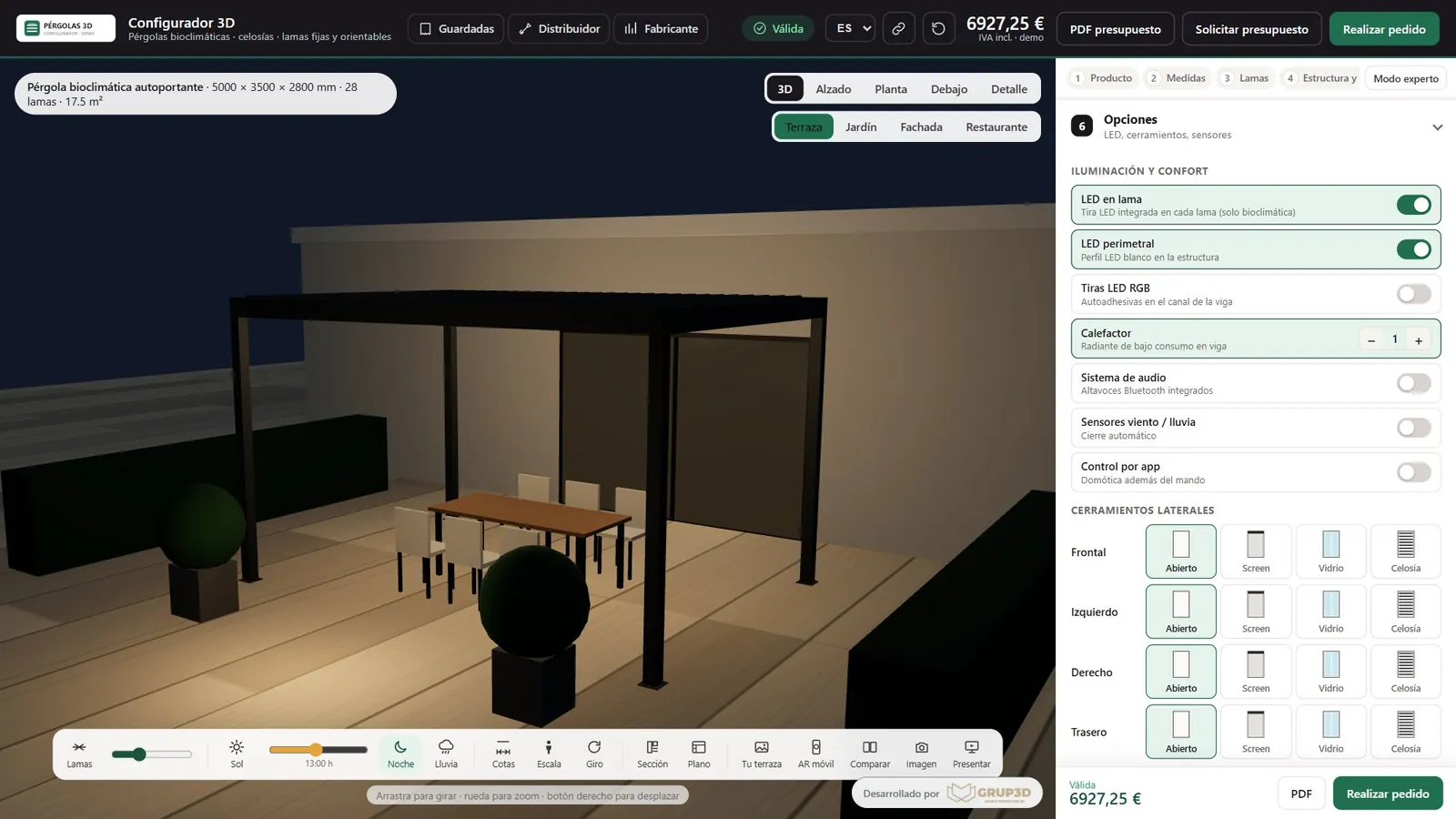
— NEXT STEP
Define your
Define your
project and
ask for a proposal.
An interactive 3D configurator lets your customer combine materials, colours, finishes and options of your product and see the result instantly in the browser, with nothing to install. Where a catalogue